> ## Documentation Index
> Fetch the complete documentation index at: https://ai-development-environment.mintlify.site/llms.txt
> Use this file to discover all available pages before exploring further.
# App details
> Manage repositories, worktrees, AI runs, and builds for one app.
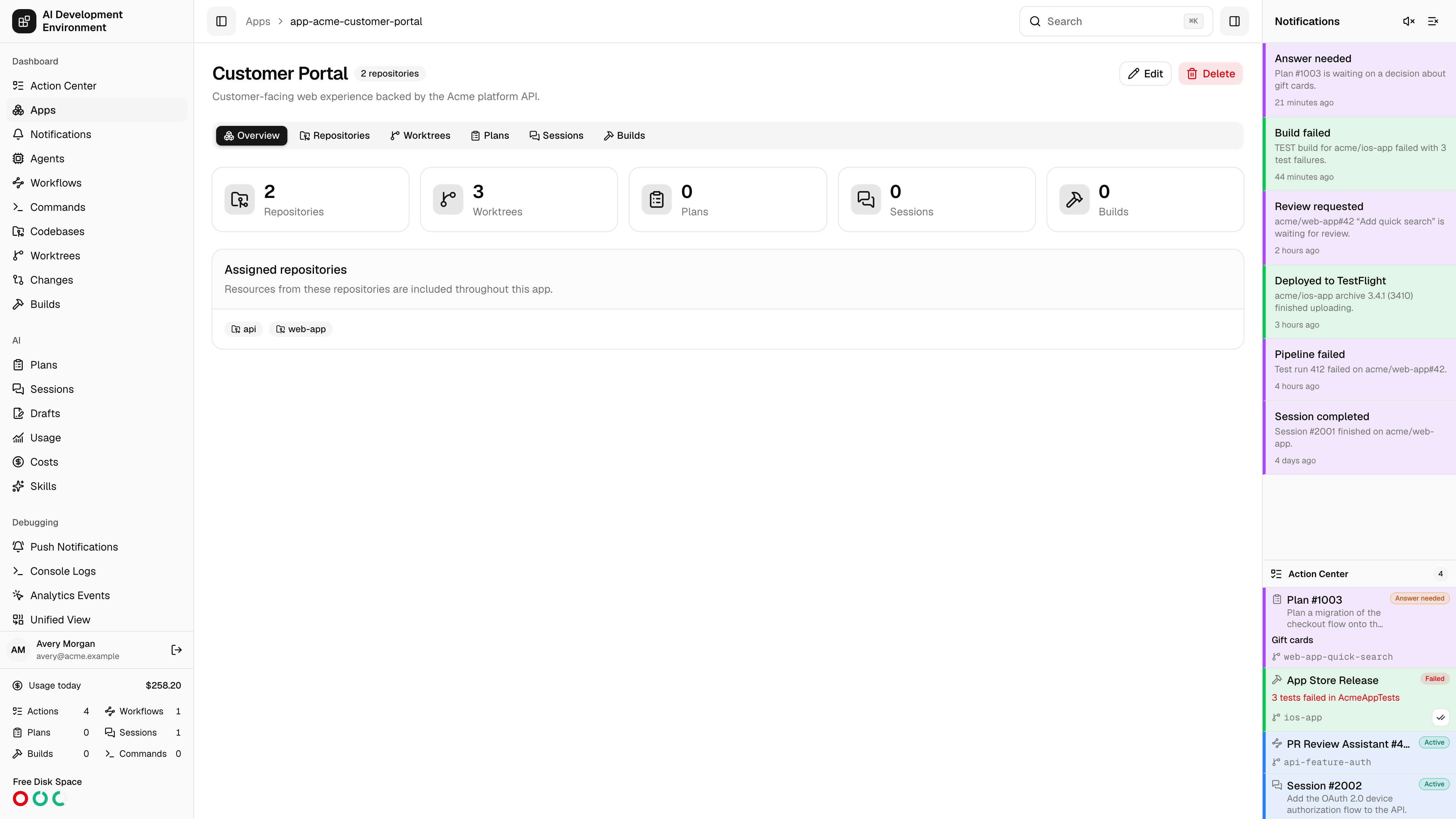
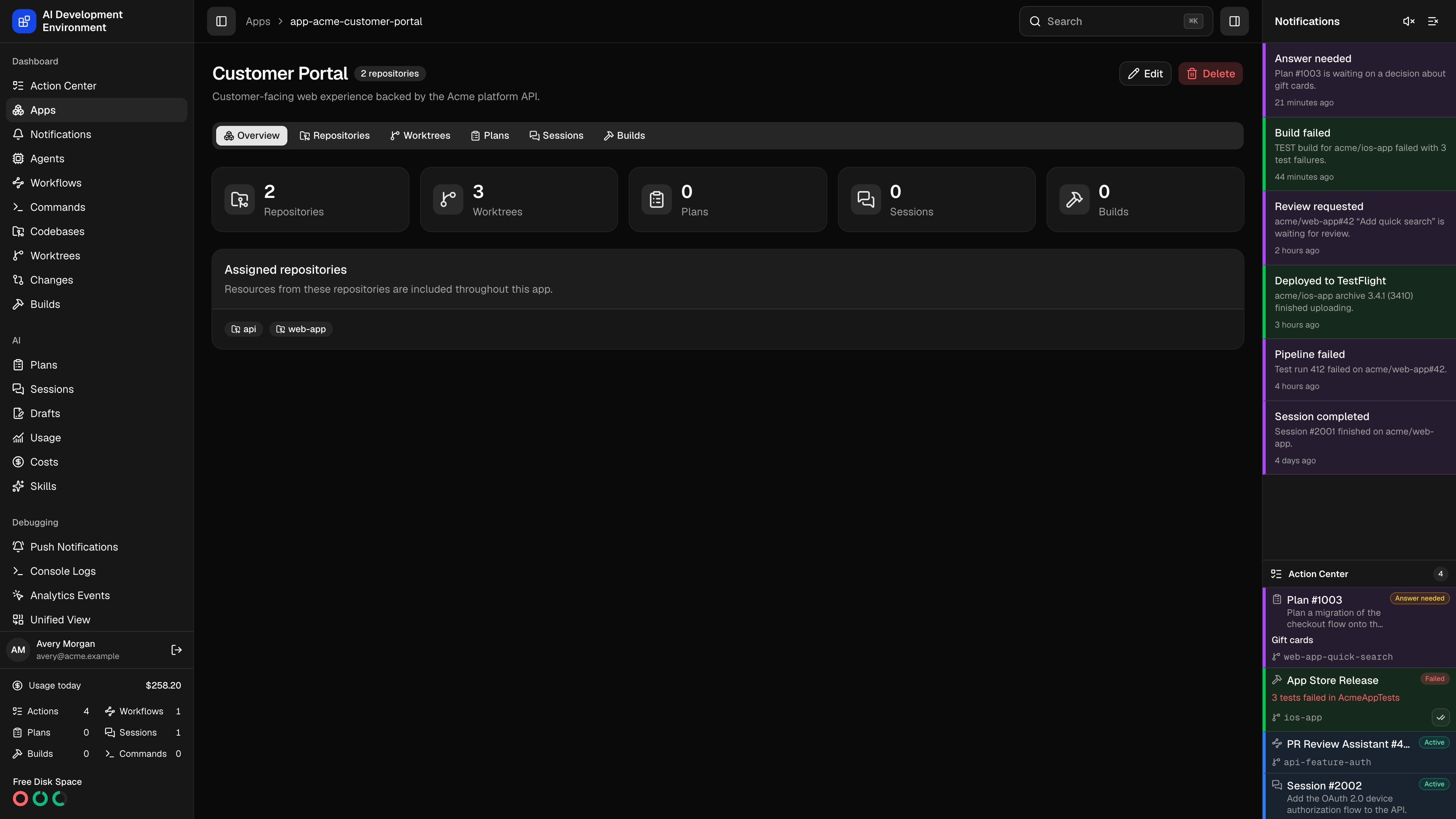 An app hub at `/apps/[appId]` brings every resource backed by the app's assigned repositories into one place. The selected view is stored in the `view` query parameter, so you can bookmark or share a direct link such as `/apps/[appId]?view=worktrees`.
## Views
| View | What you can do |
| ---------------- | ------------------------------------------------------------------------------------------------------------------------------------------------------------------------------------------------------------------------ |
| **Overview** | Review resource totals and assigned repositories. Open any scoped view from its summary card. |
| **Repositories** | Inspect assigned repositories and their checkouts. Open a repository or codebase for repository-level and checkout-level operations. |
| **Worktrees** | Search, create, inspect, and manage worktrees from the assigned repositories. Hidden worktrees remain scoped to the app, and the search and filters are saved per app, so leaving this view and returning restores them. |
| **Plans** | Search and manage Plans that use an app worktree. Start a new Plan with only eligible app worktrees offered. |
| **Sessions** | Search and manage Sessions that use an app worktree. Start a new Session without leaving the app context. |
| **Builds** | Review app build history and start a build from an app worktree. Build scripts remain repository-level configuration. |
The scoped views keep their normal actions. Opening a resource takes you to its full detail page when the action needs more space.
## Edit repository assignments
Click **Edit** to change the name, description, or assigned repositories. You must keep at least one repository assigned. Check agents under **Agents** to narrow the repository list to the repositories checked out on them. The saved filter is restored when you reopen the editor and changes only what the list shows, never what is assigned.
Removing an assignment only changes the grouping. It does not delete the repository, its checkouts, worktrees, Plans, Sessions, or builds. If you later add the repository again, its existing resources reappear in the app.
Removing the final checkout of a repository also preserves the logical repository while any app still uses it. This lets the app retain its assignment until you add another checkout or explicitly unassign the repository.
## Delete an app
Click **Delete**, then confirm the warning. Deleting an app removes the app and its repository assignments only. Every repository and development resource remains available from its global page and from any other app that includes it.
## Notes
* App scope follows repository ownership. A worktree, Plan, Session, or build appears when its underlying codebase belongs to an assigned repository.
* A resource backed by a shared repository can appear in more than one app.
* App deletion is non-destructive and cannot delete files on an agent.
## Related pages
Create apps and review their current resource totals.
Manage settings that apply to every checkout of a repository.
Open the global worktree inventory across all apps and repositories.
Open global build history and repository build scripts.
An app hub at `/apps/[appId]` brings every resource backed by the app's assigned repositories into one place. The selected view is stored in the `view` query parameter, so you can bookmark or share a direct link such as `/apps/[appId]?view=worktrees`.
## Views
| View | What you can do |
| ---------------- | ------------------------------------------------------------------------------------------------------------------------------------------------------------------------------------------------------------------------ |
| **Overview** | Review resource totals and assigned repositories. Open any scoped view from its summary card. |
| **Repositories** | Inspect assigned repositories and their checkouts. Open a repository or codebase for repository-level and checkout-level operations. |
| **Worktrees** | Search, create, inspect, and manage worktrees from the assigned repositories. Hidden worktrees remain scoped to the app, and the search and filters are saved per app, so leaving this view and returning restores them. |
| **Plans** | Search and manage Plans that use an app worktree. Start a new Plan with only eligible app worktrees offered. |
| **Sessions** | Search and manage Sessions that use an app worktree. Start a new Session without leaving the app context. |
| **Builds** | Review app build history and start a build from an app worktree. Build scripts remain repository-level configuration. |
The scoped views keep their normal actions. Opening a resource takes you to its full detail page when the action needs more space.
## Edit repository assignments
Click **Edit** to change the name, description, or assigned repositories. You must keep at least one repository assigned. Check agents under **Agents** to narrow the repository list to the repositories checked out on them. The saved filter is restored when you reopen the editor and changes only what the list shows, never what is assigned.
Removing an assignment only changes the grouping. It does not delete the repository, its checkouts, worktrees, Plans, Sessions, or builds. If you later add the repository again, its existing resources reappear in the app.
Removing the final checkout of a repository also preserves the logical repository while any app still uses it. This lets the app retain its assignment until you add another checkout or explicitly unassign the repository.
## Delete an app
Click **Delete**, then confirm the warning. Deleting an app removes the app and its repository assignments only. Every repository and development resource remains available from its global page and from any other app that includes it.
## Notes
* App scope follows repository ownership. A worktree, Plan, Session, or build appears when its underlying codebase belongs to an assigned repository.
* A resource backed by a shared repository can appear in more than one app.
* App deletion is non-destructive and cannot delete files on an agent.
## Related pages
Create apps and review their current resource totals.
Manage settings that apply to every checkout of a repository.
Open the global worktree inventory across all apps and repositories.
Open global build history and repository build scripts.