> ## Documentation Index
> Fetch the complete documentation index at: https://ai-development-environment.mintlify.site/llms.txt
> Use this file to discover all available pages before exploring further.
# Codebase details
> Manage one agent checkout's branches and stashes.
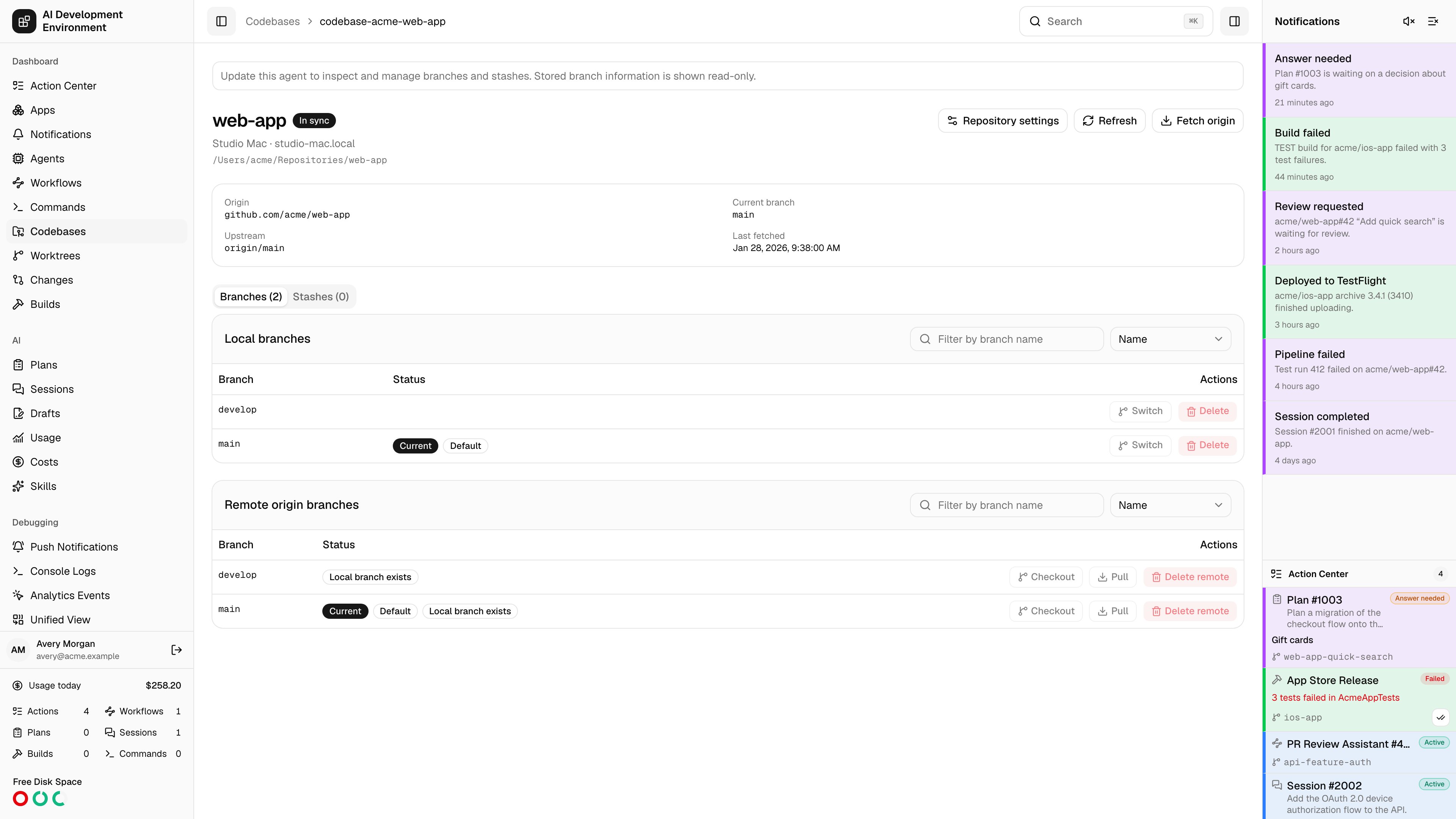
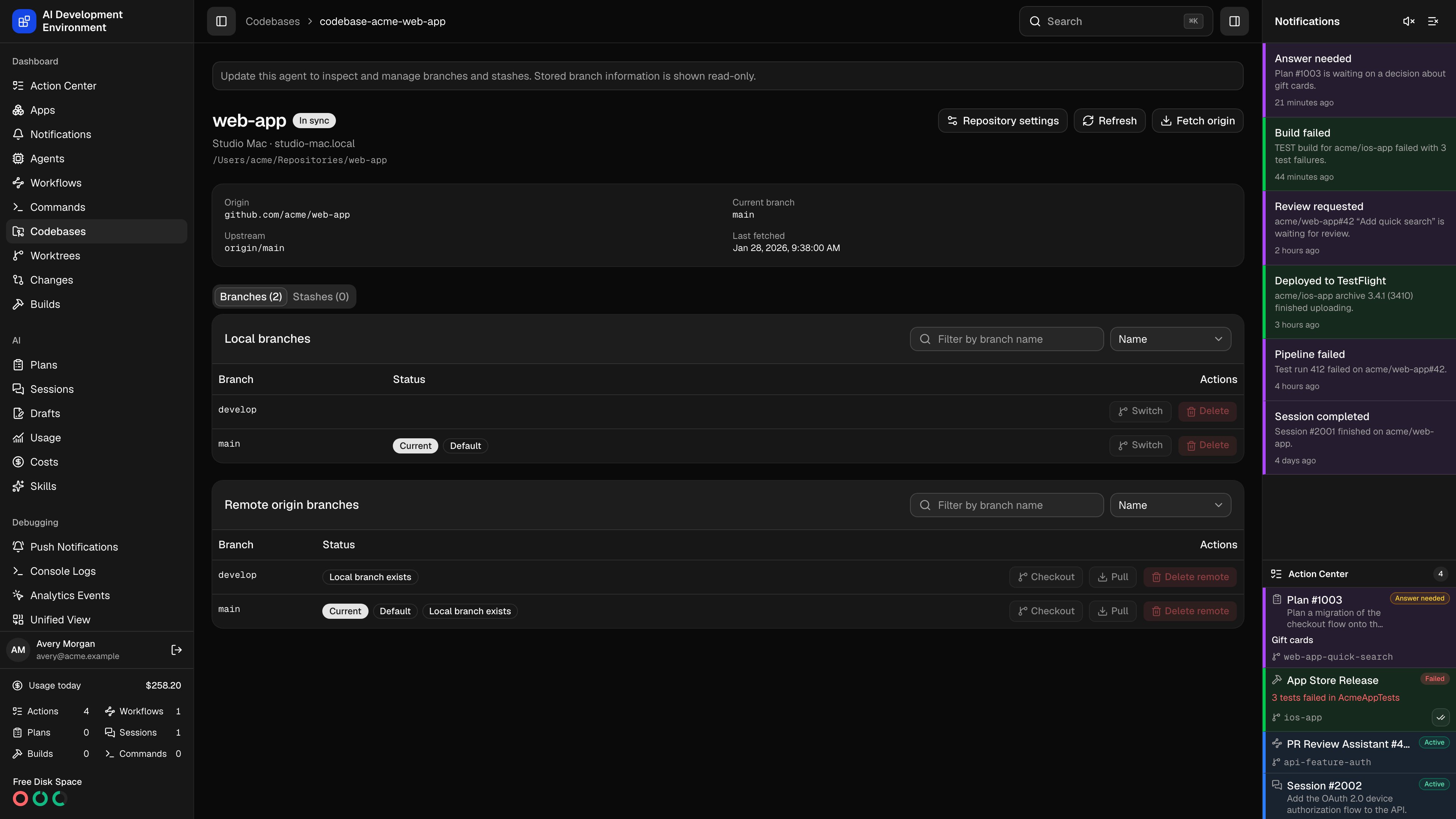 The codebase details page at `/codebases/{id}` is the Git console for one checkout on one agent. Everything here operates on that specific folder on that specific Mac.
## Header
The origin, current branch, upstream, and last fetch time, plus an **Uncommitted changes** marker when the working tree is dirty.
| Action | Effect |
| ----------------------- | ------------------------------------------------------------------------ |
| **Fetch origin** | Runs `git fetch origin` for this checkout |
| **Refresh** | Re-inspects the folder and reports status without contacting the remote |
| **Repository settings** | Opens the shared [repository details](/codebases/repository-detail) page |
While a Git operation is running, the page shows which kind is in flight and blocks conflicting actions until it completes. A command or workflow terminal step configured to block Git operations produces its own message here and holds the same actions until it finishes.
When the agent is offline, or is running a `control-agent` build too old to inspect branches, the page falls back to stored branch information in read-only mode and says so.
## Branches
Two lists — **Local branches** and **Remote origin branches** — each searchable by name and sortable by **Name** or **Newest commit**. Very large repositories are capped at the first 1,000 branches.
Branches are tagged with their role: **Current**, **Default**, **Protected**, **Other worktree** (checked out by a linked worktree, so Git will not let this checkout take it), and **Local branch exists** on a remote branch that already has a local counterpart.
### Actions
| Action | Applies to | Notes |
| ----------------- | ------------------ | -------------------------------------------------- |
| **Switch** | Local branches | Moves this checkout onto the branch |
| **Checkout** | Remote branches | Creates a local branch tracking origin |
| **Pull** | The current branch | Fast-forwards from upstream |
| **Delete** | Local branches | Git deletes only if the commits are already merged |
| **Delete remote** | Remote branches | Permanently deletes `origin/` |
### Switching with a dirty tree
When the working tree has changes, **Switch** and **Checkout** become **Stash and switch** and **Stash and checkout**. Staged, unstaged, and untracked changes are saved into a new stash before the branch changes, and the stash is preserved afterward — nothing is discarded.
**Delete remote** permanently removes the branch on origin. Any same-named local branch and any worktrees stay untouched, but the remote branch is gone.
Git cannot delete the current branch, the default branch, or a branch checked out by another worktree. The confirmation dialog states this before you commit to the action.
## Stashes
Every Git stash on this checkout, searchable by message or selector, capped at the first 200.
**Preview** loads the stash's patch inline, as one collapsible row per file with its change type and added and removed line counts. Patches are truncated at 256 KiB, and a stash with no text patch says so.
**Copy patch** puts the diff on your clipboard — handy for applying it somewhere the control plane does not reach.
**Apply** restores the changes into the working tree. **Delete** removes the stash permanently — apply it first if you need to keep its changes.
## iOS App
When the repository has an iOS project configured, this tab shows the parse status for *this* checkout. The project definitions and allowed scripts themselves are repository-wide and are edited on the [repository details](/codebases/repository-detail) page.
## Related pages
Every checkout across every agent, with sync and availability status.
Settings shared by every checkout of this repository.
The codebase details page at `/codebases/{id}` is the Git console for one checkout on one agent. Everything here operates on that specific folder on that specific Mac.
## Header
The origin, current branch, upstream, and last fetch time, plus an **Uncommitted changes** marker when the working tree is dirty.
| Action | Effect |
| ----------------------- | ------------------------------------------------------------------------ |
| **Fetch origin** | Runs `git fetch origin` for this checkout |
| **Refresh** | Re-inspects the folder and reports status without contacting the remote |
| **Repository settings** | Opens the shared [repository details](/codebases/repository-detail) page |
While a Git operation is running, the page shows which kind is in flight and blocks conflicting actions until it completes. A command or workflow terminal step configured to block Git operations produces its own message here and holds the same actions until it finishes.
When the agent is offline, or is running a `control-agent` build too old to inspect branches, the page falls back to stored branch information in read-only mode and says so.
## Branches
Two lists — **Local branches** and **Remote origin branches** — each searchable by name and sortable by **Name** or **Newest commit**. Very large repositories are capped at the first 1,000 branches.
Branches are tagged with their role: **Current**, **Default**, **Protected**, **Other worktree** (checked out by a linked worktree, so Git will not let this checkout take it), and **Local branch exists** on a remote branch that already has a local counterpart.
### Actions
| Action | Applies to | Notes |
| ----------------- | ------------------ | -------------------------------------------------- |
| **Switch** | Local branches | Moves this checkout onto the branch |
| **Checkout** | Remote branches | Creates a local branch tracking origin |
| **Pull** | The current branch | Fast-forwards from upstream |
| **Delete** | Local branches | Git deletes only if the commits are already merged |
| **Delete remote** | Remote branches | Permanently deletes `origin/` |
### Switching with a dirty tree
When the working tree has changes, **Switch** and **Checkout** become **Stash and switch** and **Stash and checkout**. Staged, unstaged, and untracked changes are saved into a new stash before the branch changes, and the stash is preserved afterward — nothing is discarded.
**Delete remote** permanently removes the branch on origin. Any same-named local branch and any worktrees stay untouched, but the remote branch is gone.
Git cannot delete the current branch, the default branch, or a branch checked out by another worktree. The confirmation dialog states this before you commit to the action.
## Stashes
Every Git stash on this checkout, searchable by message or selector, capped at the first 200.
**Preview** loads the stash's patch inline, as one collapsible row per file with its change type and added and removed line counts. Patches are truncated at 256 KiB, and a stash with no text patch says so.
**Copy patch** puts the diff on your clipboard — handy for applying it somewhere the control plane does not reach.
**Apply** restores the changes into the working tree. **Delete** removes the stash permanently — apply it first if you need to keep its changes.
## iOS App
When the repository has an iOS project configured, this tab shows the parse status for *this* checkout. The project definitions and allowed scripts themselves are repository-wide and are edited on the [repository details](/codebases/repository-detail) page.
## Related pages
Every checkout across every agent, with sync and availability status.
Settings shared by every checkout of this repository.