> ## Documentation Index
> Fetch the complete documentation index at: https://ai-development-environment.mintlify.site/llms.txt
> Use this file to discover all available pages before exploring further.
# Edit command
> Update a saved command's script, target, concurrency, restart policy, and quick action.
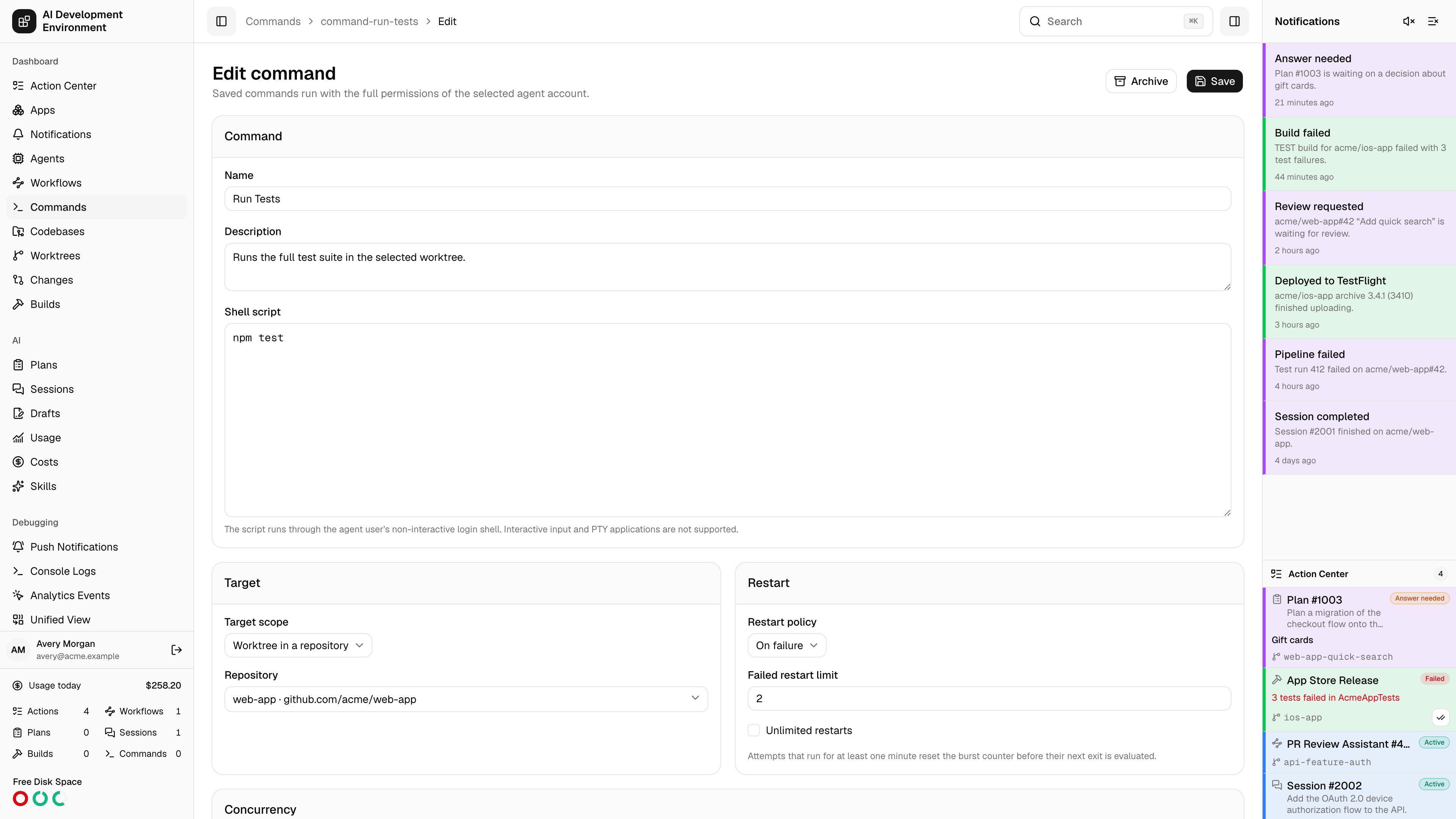
 The edit command page at `/commands/{id}/edit` updates an existing definition. It is the same editor as [New command](/commands/command-new), pre-filled with the saved values.
## What you can change
**Name**, **Description**, and the **Shell script**.
Any agent home, a specific agent home, any worktree, or a worktree in a repository.
Requires exclusive, non-exclusive, or excluded from command concurrency, plus whether a worktree command blocks Git operations while it runs.
Never, on failure, or always, plus the failed restart limit.
Completion notifications, and whether the command appears as a button with its icon and style.
## How edits interact with history
Each run stores an immutable **snapshot** of the name, description, script, target kind, concurrency mode, Git-blocking setting, restart policy, restart limit, and notification setting that were in force when it started. Editing the definition never rewrites those snapshots.
| Change | Effect |
| ----------------------- | ---------------------------------------------------------------------------------- |
| Script or name | Applies to the next run; existing runs keep their snapshot |
| Target scope | Applies to the next launch; runs already placed on an agent stay there |
| Concurrency | Applies to the next run; a queued or active run keeps the mode it started with |
| Block Git operations | Applies to the next run; an active run keeps the setting it started with |
| Restart policy or limit | Applies to the next run — a run already in flight keeps the policy it started with |
| Quick action settings | Applies immediately to the button |
Because **Rerun** replays a run's snapshot rather than the current definition, rerunning an old run executes the old script. Launch from the **Definitions** tab when you want the latest version.
Narrowing the target scope does not stop runs that are already executing on a target the new scope excludes. Terminate those runs if the change was meant to be immediate.
## Archiving instead of editing
If a command is obsolete, archive it from the [Commands](/commands/commands) page rather than repurposing it. Archiving keeps its run history intact and readable, whereas rewriting the script leaves history pointing at a name that no longer describes what ran.
## Related pages
Field-by-field reference for every setting in this editor.
Where the immutable snapshot for a given run is displayed.
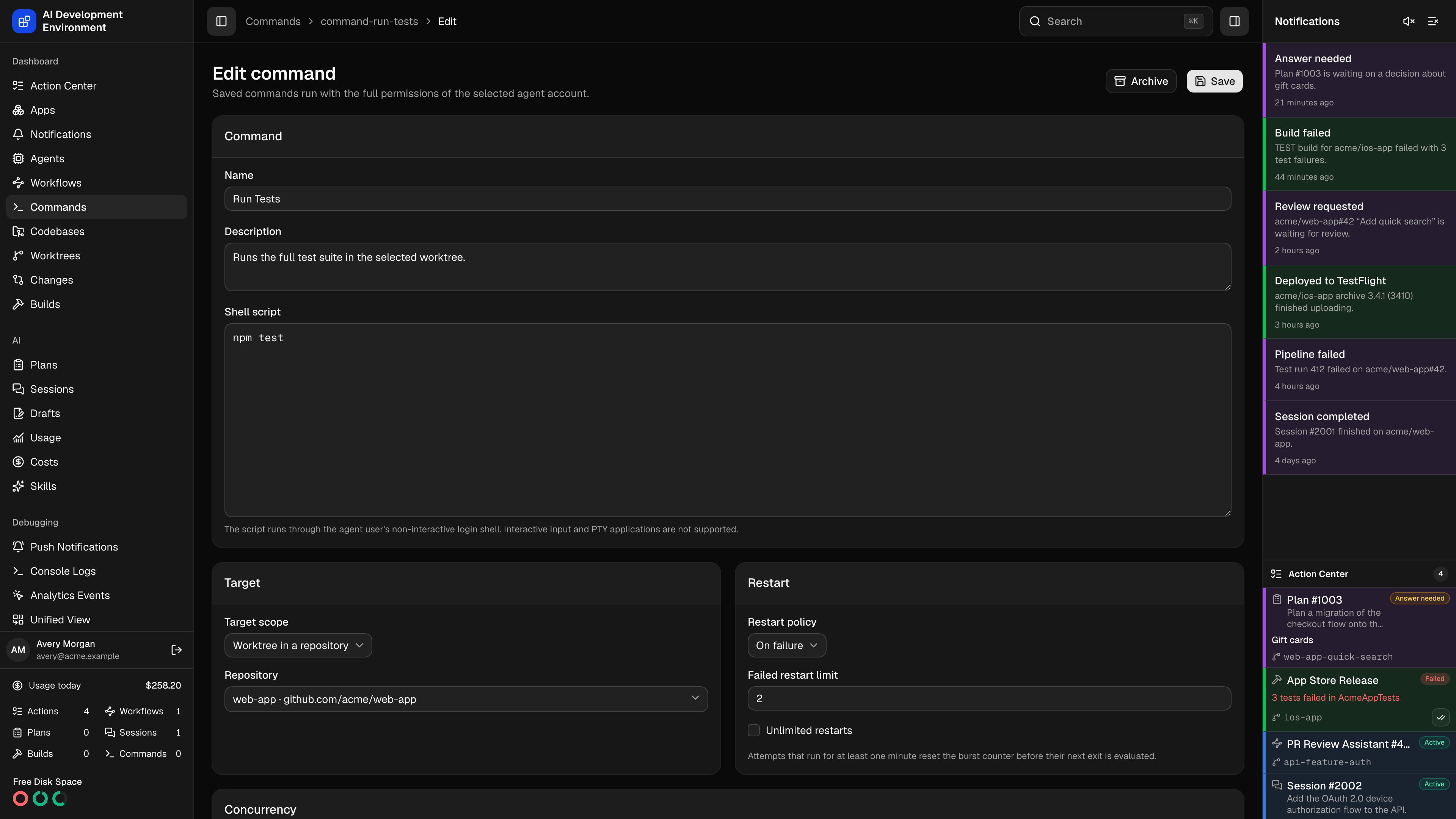
The edit command page at `/commands/{id}/edit` updates an existing definition. It is the same editor as [New command](/commands/command-new), pre-filled with the saved values.
## What you can change
**Name**, **Description**, and the **Shell script**.
Any agent home, a specific agent home, any worktree, or a worktree in a repository.
Requires exclusive, non-exclusive, or excluded from command concurrency, plus whether a worktree command blocks Git operations while it runs.
Never, on failure, or always, plus the failed restart limit.
Completion notifications, and whether the command appears as a button with its icon and style.
## How edits interact with history
Each run stores an immutable **snapshot** of the name, description, script, target kind, concurrency mode, Git-blocking setting, restart policy, restart limit, and notification setting that were in force when it started. Editing the definition never rewrites those snapshots.
| Change | Effect |
| ----------------------- | ---------------------------------------------------------------------------------- |
| Script or name | Applies to the next run; existing runs keep their snapshot |
| Target scope | Applies to the next launch; runs already placed on an agent stay there |
| Concurrency | Applies to the next run; a queued or active run keeps the mode it started with |
| Block Git operations | Applies to the next run; an active run keeps the setting it started with |
| Restart policy or limit | Applies to the next run — a run already in flight keeps the policy it started with |
| Quick action settings | Applies immediately to the button |
Because **Rerun** replays a run's snapshot rather than the current definition, rerunning an old run executes the old script. Launch from the **Definitions** tab when you want the latest version.
Narrowing the target scope does not stop runs that are already executing on a target the new scope excludes. Terminate those runs if the change was meant to be immediate.
## Archiving instead of editing
If a command is obsolete, archive it from the [Commands](/commands/commands) page rather than repurposing it. Archiving keeps its run history intact and readable, whereas rewriting the script leaves history pointing at a name that no longer describes what ran.
## Related pages
Field-by-field reference for every setting in this editor.
Where the immutable snapshot for a given run is displayed.