> ## Documentation Index
> Fetch the complete documentation index at: https://ai-development-environment.mintlify.site/llms.txt
> Use this file to discover all available pages before exploring further.
# Cached GraphQL entry
> Inspect a single cached GitHub GraphQL response.
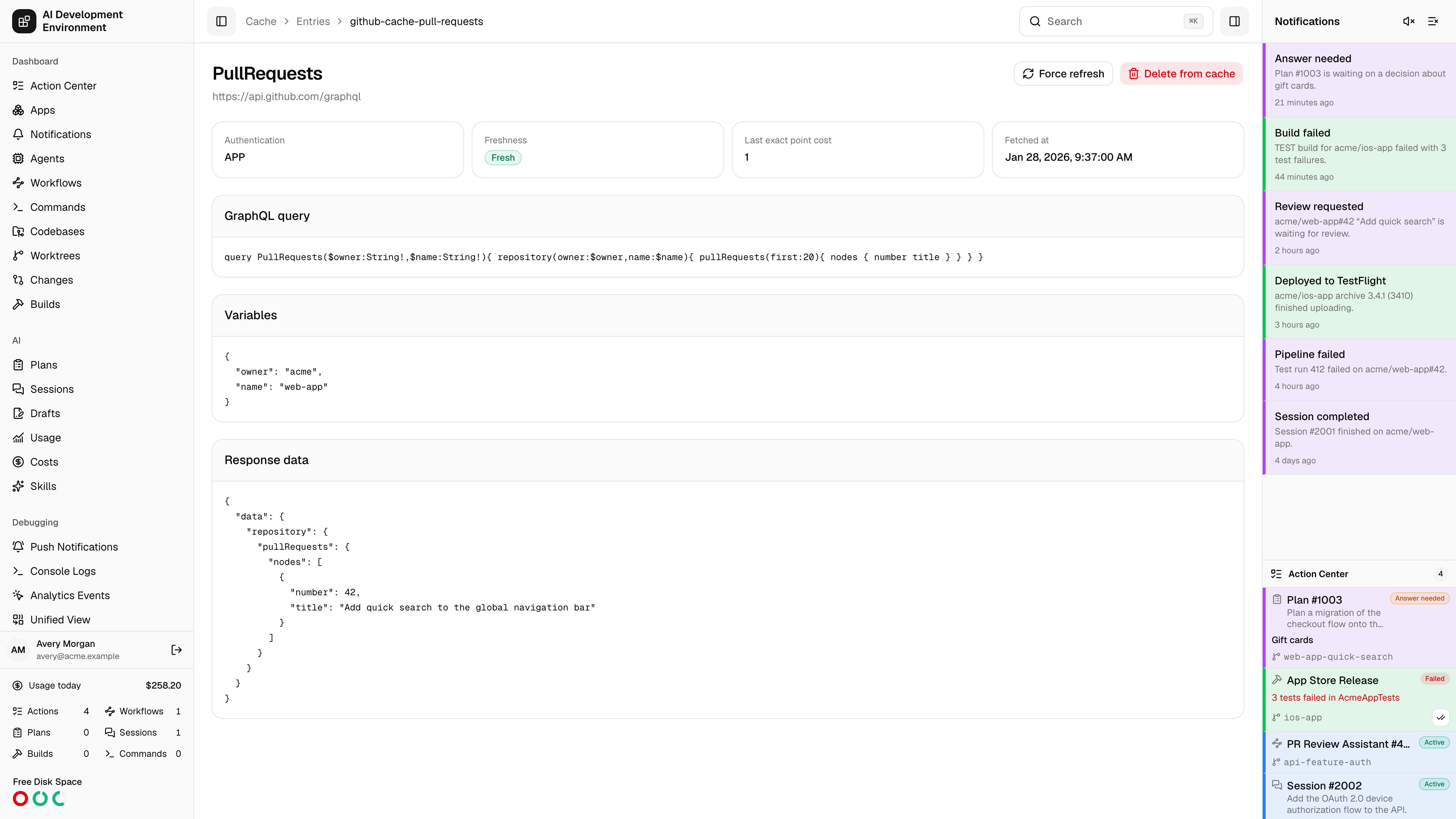
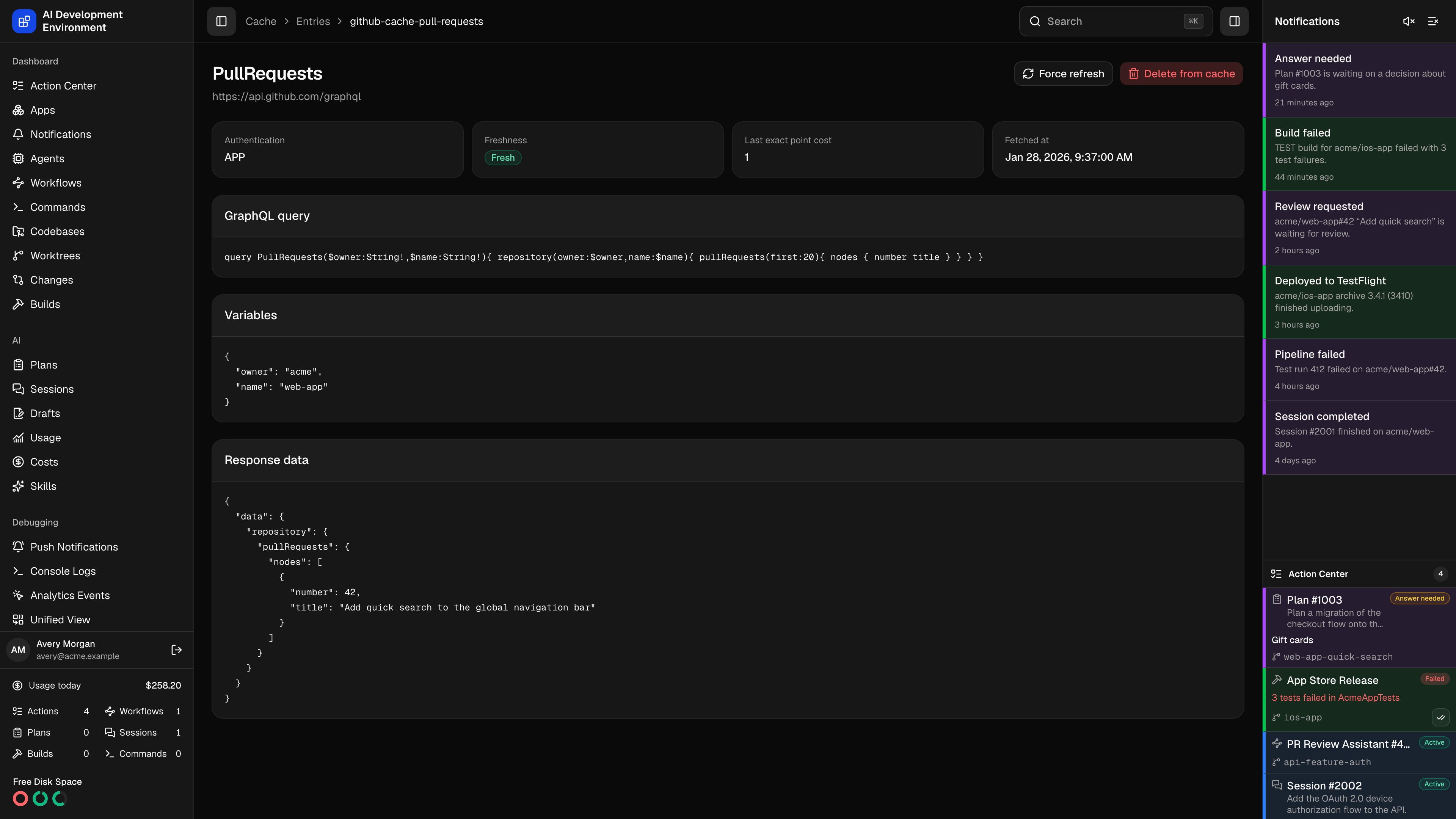 The cached GraphQL entry page at `/github-cache/entries/{id}` opens one stored response in full — the query that was sent, the variables it was sent with, and the JSON GitHub returned. It is the page to use when a GitHub-backed view shows something you did not expect and you want to see the data it was actually rendered from.
The heading is the GraphQL operation name; below it is the endpoint the call went to.
## Metadata
| Field | Meaning |
| ------------------------- | ------------------------------------------------------------------------------ |
| **Authentication** | `PAT` for the personal access token, `APP` for the GitHub App |
| **Freshness** | **Fresh** while the entry is inside its TTL, **Stale** once past it |
| **Last exact point cost** | The rate-limit points the last live fetch actually cost, as reported by GitHub |
| **Fetched at** | When that live fetch happened |
Freshness is measured against the effective TTL for this operation — the global TTL, or a per-operation override if one exists. See [GitHub Cache](/github/github-cache).
## Payload
Three panels show the stored request and response:
* **GraphQL query** — the exact query text.
* **Variables** — the canonicalized variables that, together with the operation and authentication mode, form this entry's cache key.
* **Response data** — the full JSON response.
## Actions
| Action | Effect |
| --------------------- | ----------------------------------------------------------------------------------- |
| **Force refresh** | Re-reads from GitHub now, replacing the stored response and updating the point cost |
| **Delete from cache** | Removes the entry and returns to [GitHub Cache](/github/github-cache) |
## Notes
* Entries are separated by authentication mode and variables, so the same operation can appear several times with different stored responses.
* Variable values whose names look like credentials are redacted before the entry is written.
* Deleting an entry does not prevent it from coming back — the next read of that operation re-caches it.
* An entry can also disappear on its own: any successful GraphQL mutation, or a change of GitHub credentials, clears the whole cache.
The cached GraphQL entry page at `/github-cache/entries/{id}` opens one stored response in full — the query that was sent, the variables it was sent with, and the JSON GitHub returned. It is the page to use when a GitHub-backed view shows something you did not expect and you want to see the data it was actually rendered from.
The heading is the GraphQL operation name; below it is the endpoint the call went to.
## Metadata
| Field | Meaning |
| ------------------------- | ------------------------------------------------------------------------------ |
| **Authentication** | `PAT` for the personal access token, `APP` for the GitHub App |
| **Freshness** | **Fresh** while the entry is inside its TTL, **Stale** once past it |
| **Last exact point cost** | The rate-limit points the last live fetch actually cost, as reported by GitHub |
| **Fetched at** | When that live fetch happened |
Freshness is measured against the effective TTL for this operation — the global TTL, or a per-operation override if one exists. See [GitHub Cache](/github/github-cache).
## Payload
Three panels show the stored request and response:
* **GraphQL query** — the exact query text.
* **Variables** — the canonicalized variables that, together with the operation and authentication mode, form this entry's cache key.
* **Response data** — the full JSON response.
## Actions
| Action | Effect |
| --------------------- | ----------------------------------------------------------------------------------- |
| **Force refresh** | Re-reads from GitHub now, replacing the stored response and updating the point cost |
| **Delete from cache** | Removes the entry and returns to [GitHub Cache](/github/github-cache) |
## Notes
* Entries are separated by authentication mode and variables, so the same operation can appear several times with different stored responses.
* Variable values whose names look like credentials are redacted before the entry is written.
* Deleting an entry does not prevent it from coming back — the next read of that operation re-caches it.
* An entry can also disappear on its own: any successful GraphQL mutation, or a change of GitHub credentials, clears the whole cache.