> ## Documentation Index
> Fetch the complete documentation index at: https://ai-development-environment.mintlify.site/llms.txt
> Use this file to discover all available pages before exploring further.
# Webhooks
> Configure signed GitLab project webhooks and inspect delivery history.
AIDE manages one webhook per enabled GitLab project. It subscribes to merge request, note, pipeline, job, and push events with SSL verification enabled.
 ## Automatic setup
With Maintainer or Owner permission, click **Configure hook**. AIDE creates or updates its known project hook and stores a per-project signing token through the encrypted credential service.
## Manual setup
If the token cannot administer project hooks, AIDE shows:
* Callback URL: `/api/public/gitlab/webhook` on the public AIDE origin
* Merge request, note, pipeline, job, and push event checklist
* A generated signing token that can be copied once
* A reminder to keep SSL verification enabled
Create the project webhook in GitLab and paste the token. AIDE does not store a recoverable plaintext copy for later display.
## Signature validation
GitLab 19.x Standard Webhooks sign the raw request body. AIDE validates `webhook-id`, `webhook-timestamp`, and `webhook-signature`, compares the HMAC in constant time, rejects timestamps outside a five-minute window, and deduplicates delivery IDs.
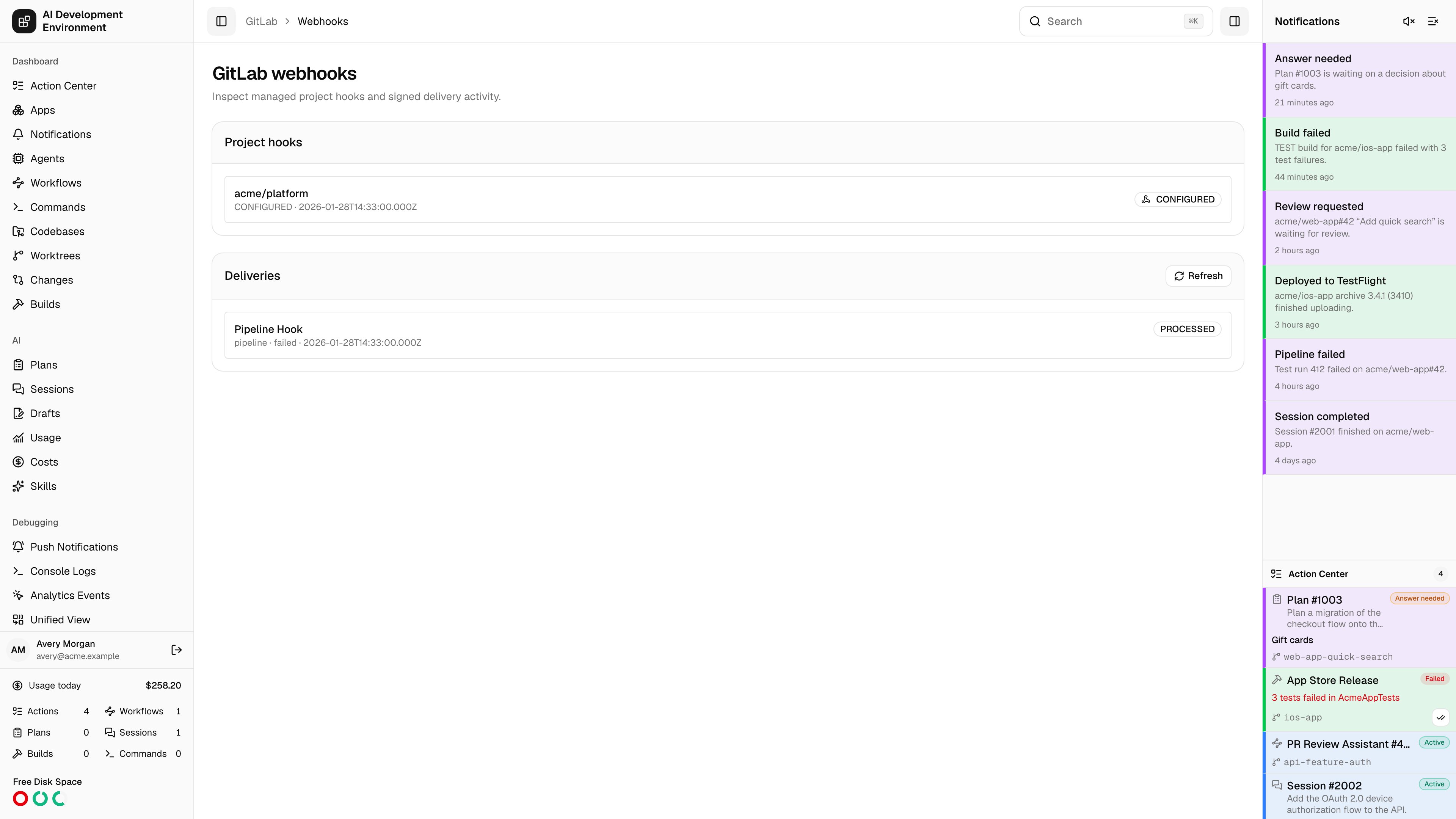
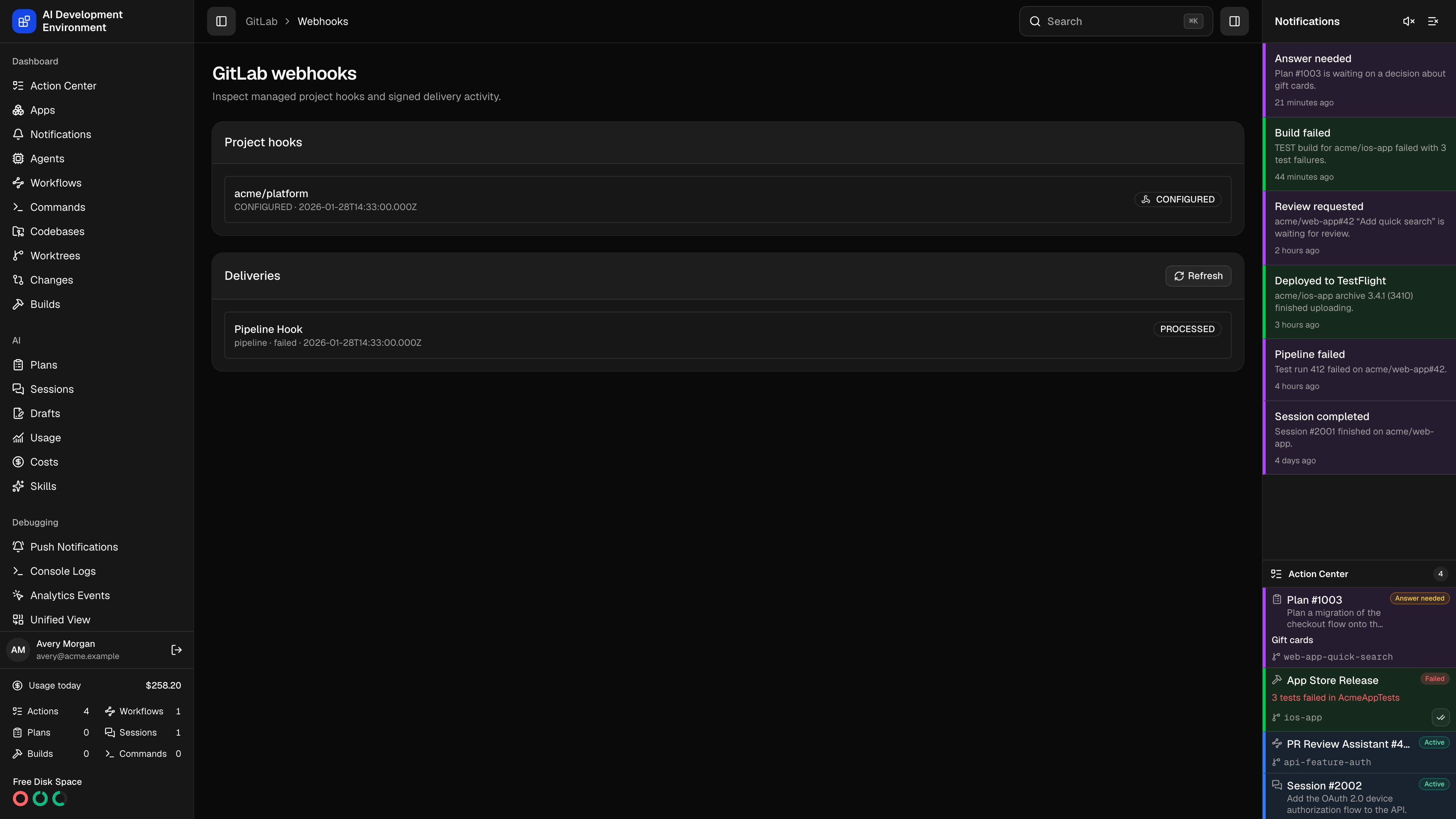
The `/gitlab/webhooks` page records the event, project, action, outcome, timestamps, and sanitized error. Invalid signatures are rejected before event processing. If downstream processing fails, GitLab can redeliver the same delivery ID and AIDE retries it. A delivery is treated as a duplicate only after it reaches a processed or intentionally ignored outcome.
The callback must be reachable from GitLab over HTTPS for live delivery. Polling remains available when it is not.
## Automatic setup
With Maintainer or Owner permission, click **Configure hook**. AIDE creates or updates its known project hook and stores a per-project signing token through the encrypted credential service.
## Manual setup
If the token cannot administer project hooks, AIDE shows:
* Callback URL: `/api/public/gitlab/webhook` on the public AIDE origin
* Merge request, note, pipeline, job, and push event checklist
* A generated signing token that can be copied once
* A reminder to keep SSL verification enabled
Create the project webhook in GitLab and paste the token. AIDE does not store a recoverable plaintext copy for later display.
## Signature validation
GitLab 19.x Standard Webhooks sign the raw request body. AIDE validates `webhook-id`, `webhook-timestamp`, and `webhook-signature`, compares the HMAC in constant time, rejects timestamps outside a five-minute window, and deduplicates delivery IDs.
The `/gitlab/webhooks` page records the event, project, action, outcome, timestamps, and sanitized error. Invalid signatures are rejected before event processing. If downstream processing fails, GitLab can redeliver the same delivery ID and AIDE retries it. A delivery is treated as a duplicate only after it reaches a processed or intentionally ignored outcome.
The callback must be reachable from GitLab over HTTPS for live delivery. Polling remains available when it is not.