> ## Documentation Index
> Fetch the complete documentation index at: https://ai-development-environment.mintlify.site/llms.txt
> Use this file to discover all available pages before exploring further.
# Authentication
> Configure password or OIDC sign-in, bootstrap the first user, and understand which routes accept each credential.
AI Development Environment uses Better Auth for user accounts, browser and mobile sessions, OAuth/OIDC identities, and API keys. Every signed-in user has the same access. Agent credentials keep their narrower run and enrollment permissions.
## Required production settings
Set a stable secret before starting a production server. Naming the origins the server is reached at is optional but recommended:
```bash theme={null}
APP_SECRET="$(openssl rand -base64 32)"
APP_ORIGINS="control.example.com"
AUTH_MODE="password"
```
Generate `APP_SECRET` once and back it up. It must be base64 or hex encoding of exactly 32 random bytes; a passphrase is rejected, because the same root also encrypts stored credentials. Changing it signs every user out, and stored credentials become unreadable unless the old value is supplied as `APP_SECRET_PREVIOUS` — see [Environment variables](/reference/environment-variables#rotating-app-secret).
`APP_ORIGINS` lists every origin users and the identity provider use to reach the server, comma-separated. It is what the CSRF check and the post-login redirect check are validated against, so an origin missing from it is rejected with `Invalid origin`.
Leaving it unset is supported: the server then trusts whatever host each request arrived on, sign-in works on any hostname, and cross-site requests are still rejected. What you give up is control over the absolute URLs the server generates — the OAuth `redirect_uri` among them — which a forged `Host` header can otherwise steer. Set it in production whenever you know the hostname. See [Environment variables](/reference/environment-variables).
When external systems reach this server at a different address than the dashboard — the iOS enrollment flow, over-the-air installs, the GitHub App webhook — set `PUBLIC_BASE_URL` to that public origin as well. It is trusted automatically without being repeated in `APP_ORIGINS`.
`AUTH_MODE` accepts:
| Value | Password | OAuth/OIDC |
| ---------- | -------- | ---------- |
| `password` | Enabled | Disabled |
| `oidc` | Disabled | Enabled |
| `both` | Enabled | Enabled |
The default is `password`. The server enforces the mode on its routes. Hiding a form in the browser does not enable a disabled sign-in method. Password accounts do not require email confirmation.
## Create the first account
On an empty database, open `/register`. The first successful account creation closes self-registration automatically. A short-lived database lease makes this atomic when two people submit the setup form at the same time.
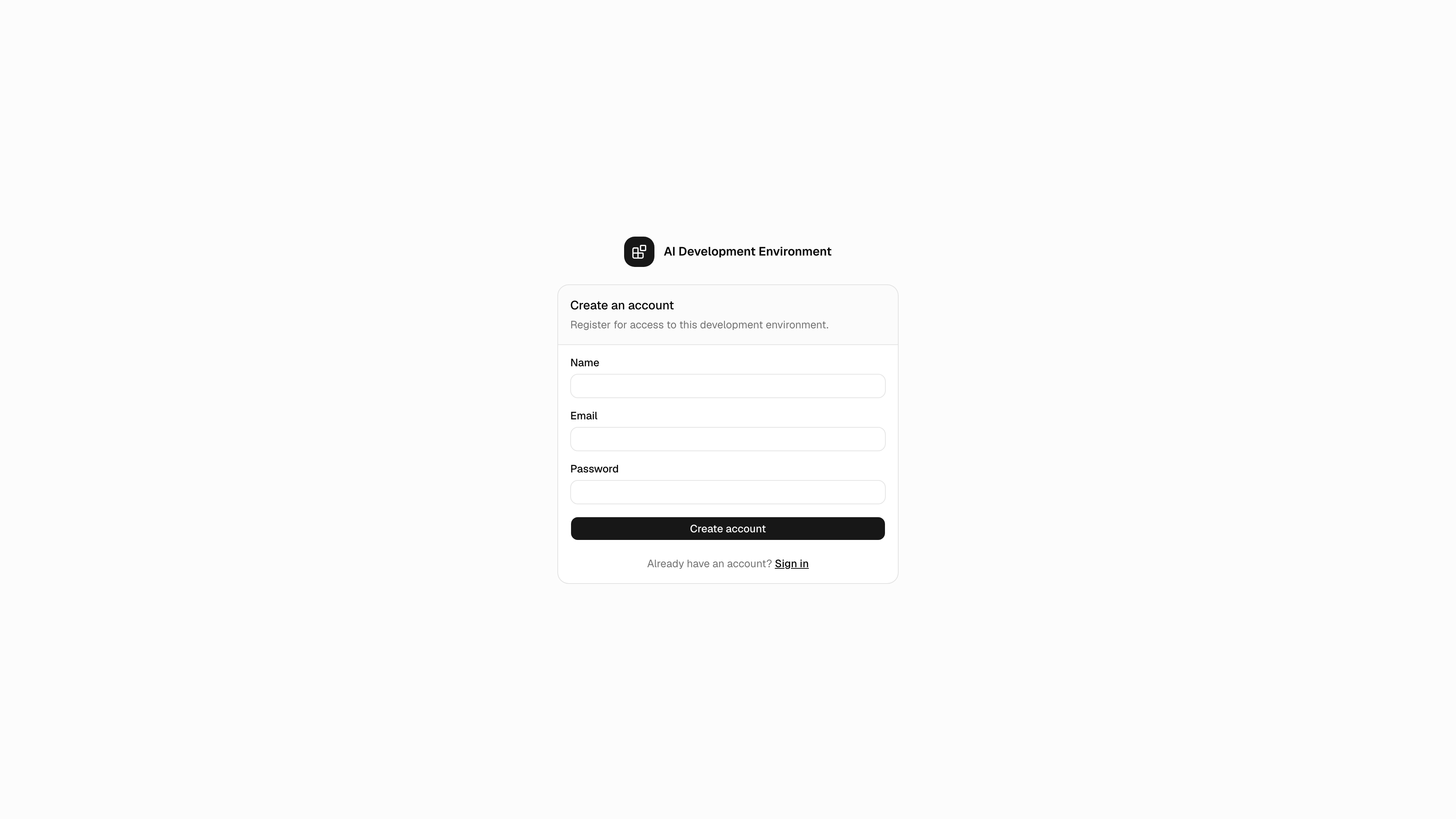
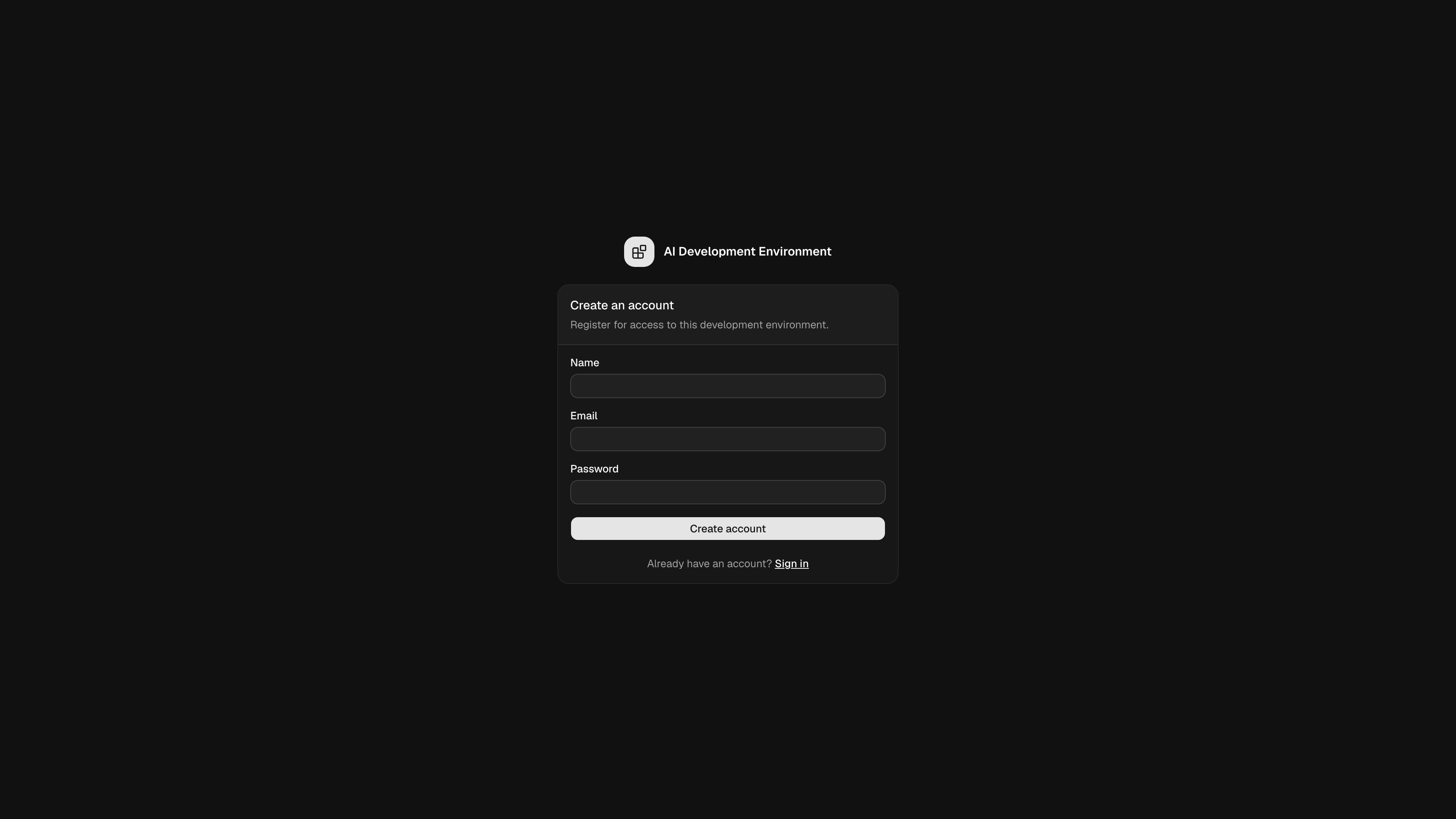 Afterwards, `/sign-in` offers whichever methods `AUTH_MODE` enables.
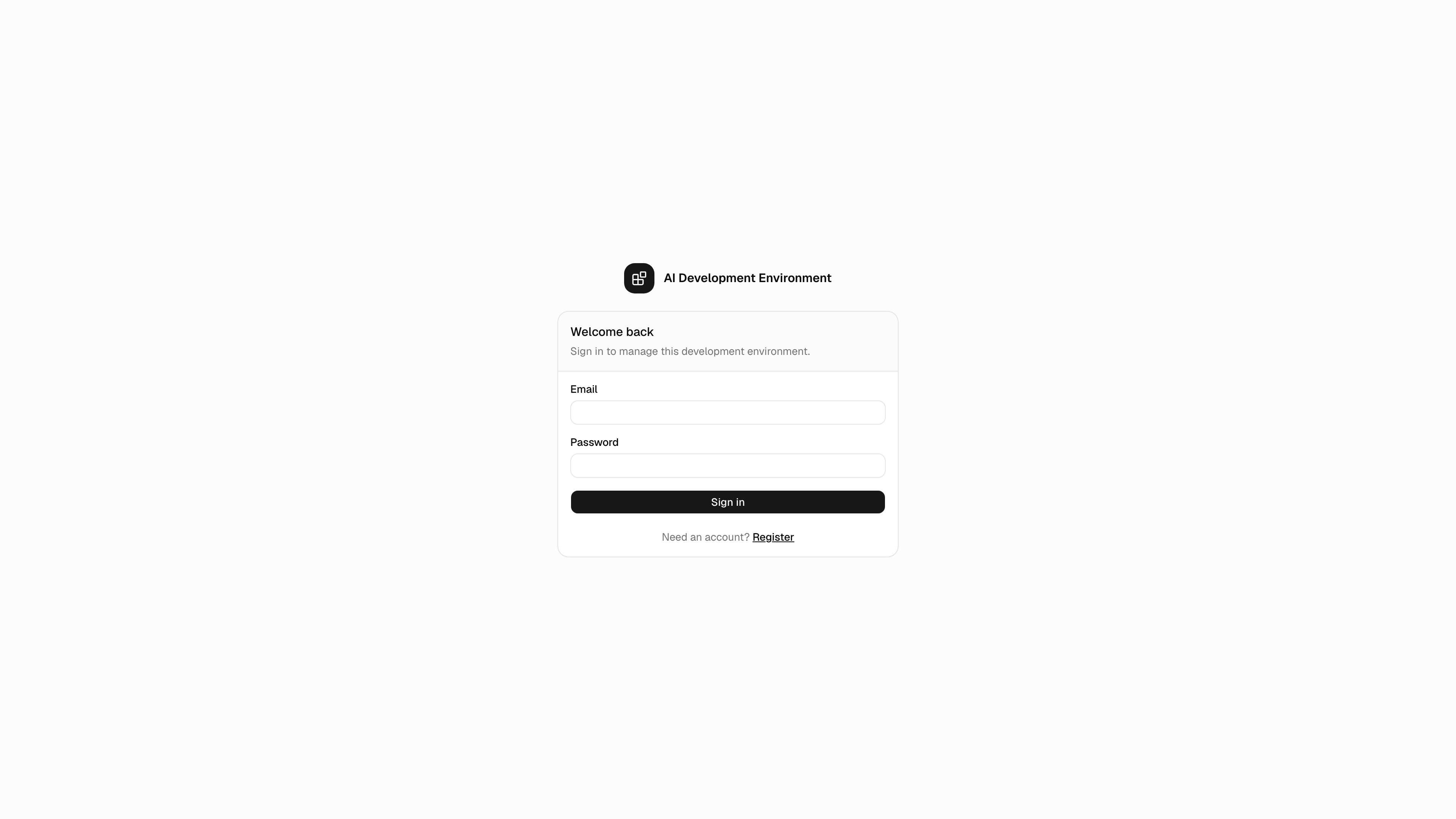
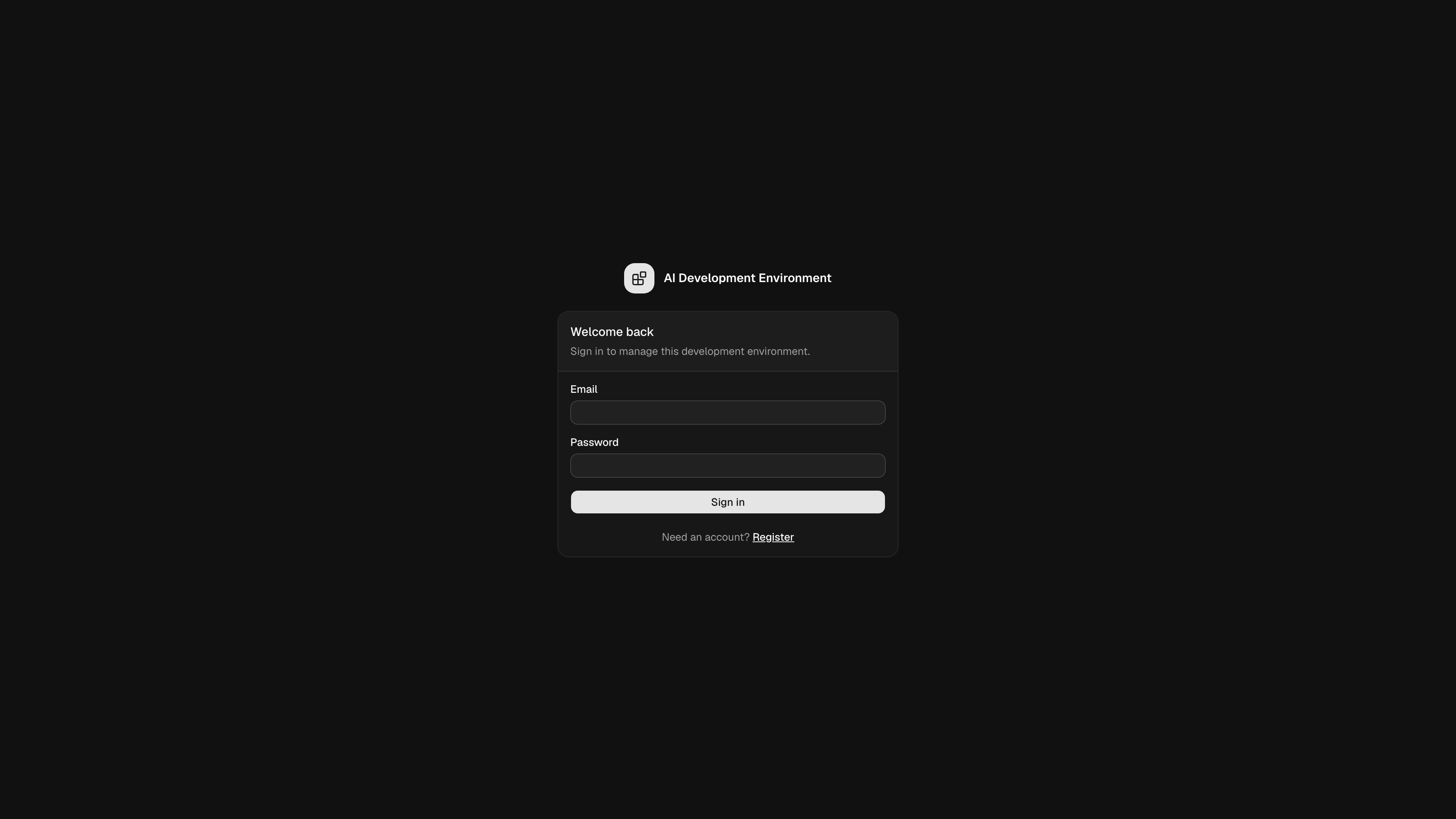 After setup, any signed-in user can open [Users](/system/users) to create accounts or turn self-registration back on. A manually enabled setting stays enabled until a user turns it off.
Existing OIDC identities can sign in while registration is disabled. A new
OIDC identity is a registration and follows the same toggle as password
signup.
## Configure OAuth/OIDC
Set the provider metadata when `AUTH_MODE` is `oidc` or `both`:
```bash theme={null}
AUTH_OAUTH_PROVIDER_ID="company"
AUTH_OAUTH_PROVIDER_NAME="Company SSO"
AUTH_OAUTH_CLIENT_ID="client-id"
AUTH_OAUTH_CLIENT_SECRET="client-secret"
AUTH_OAUTH_SCOPES="openid,profile,email"
AUTH_OAUTH_REQUIRE_ISSUER_VALIDATION="false"
AUTH_OAUTH_DISCOVERY_URL="https://identity.example.com/.well-known/openid-configuration"
AUTH_OAUTH_ISSUER="https://identity.example.com"
```
Register this redirect URL with the provider:
```text theme={null}
https://control.example.com/api/auth/oauth2/callback/company
```
You can replace `AUTH_OAUTH_DISCOVERY_URL` with all three explicit endpoints:
```bash theme={null}
AUTH_OAUTH_AUTHORIZATION_URL="https://identity.example.com/oauth2/authorize"
AUTH_OAUTH_TOKEN_URL="https://identity.example.com/oauth2/token"
AUTH_OAUTH_USER_INFO_URL="https://identity.example.com/oauth2/userinfo"
```
The server stops at startup when the provider settings are incomplete or inconsistent. Better Auth always uses PKCE for the server-to-provider authorization-code exchange. Issuer validation is controlled by `AUTH_OAUTH_REQUIRE_ISSUER_VALIDATION`, which defaults to `false`; set it to `true` only when the provider includes and validates the OAuth `iss` response parameter. The provider must return an email address.
The native iOS flow adds a separate S256 PKCE exchange between the app and this server. It does not change the provider registration or the provider redirect URL above:
1. The app creates independent 32-byte random `state` and `code_verifier` values and sends `state`, the S256 `code_challenge`, and `code_challenge_method=S256` to `GET /api/auth/mobile/oauth/start`.
2. The server keeps its own independent HttpOnly browser-flow nonce while Better Auth completes the PKCE-protected provider exchange.
3. The `aide-auth://callback` deep link returns only an opaque `code` and the app's `state`. An unsuccessful authorization returns a sanitized OAuth `error`, optional `error_description`, and the same `state`. The callback never contains a Better Auth session or one-time token.
4. After validating the callback scheme, host, and state, the app sends `{"code":"…","code_verifier":"…"}` to `POST /api/auth/mobile/redeem`.
5. The server validates the S256 binding and returns the Better Auth bearer session. The authorization code expires after one minute and can be consumed only once; an expired, replayed, or mismatched exchange returns `INVALID_AUTHORIZATION_CODE`.
The verifier remains only in memory for the active `ASWebAuthenticationSession`. No additional environment variables are required for either PKCE exchange.
Upgrade the server and iOS app together. PKCE is required immediately, so an
older iOS build cannot start or redeem native OIDC sign-in against an updated
server.
The server does not link a new OIDC identity to a password account solely because their email addresses match. It rejects the ambiguous signup instead. This avoids assigning an external identity to an existing account without a dedicated linking flow.
## Credential behavior
| Surface | Browser/mobile session | `X-API-Key` | `agent_` token | Anonymous |
| -------------------------------- | ---------------------- | ------------ | --------------------- | ------------------------------------------ |
| Dashboard and control-plane REST | Full | No | Agent routes only | No |
| GraphQL HTTP and WebSocket | Full | Full | Agent operations only | Only `enrollAgent` with an `enroll_` token |
| MCP unscoped or preset | Full | Full | No | No |
| Run-scoped MCP | No | No | Matching run only | No |
| Integration endpoints | Not required | Not required | Not required | Yes |
Browser sessions use the Better Auth cookie. Native clients send the Better Auth session in `Authorization: Bearer `. Existing agents use that same header with their `agent_` token. API keys use only `X-API-Key` and begin with `aide_`.
Invalid or conflicting credentials fail with `401`. The server never falls back to anonymous access after receiving a bad credential.
## Public routes
Only these application routes should bypass a reverse proxy's sign-in layer:
* Localized `/sign-in` and `/register` pages, plus `/api/auth/*` callbacks and mobile completion routes
* `/api/public/*`, whose webhook signatures and short-lived artifact tokens remain enforced
* `/api/openapi.json`
* `/api/telemetry/analytics-events` and `/api/telemetry/console-logs`
* Third-party app registration at `/api/ios/apns-devices`
Keep `/api/graphql`, `/api/mcp`, first-party `/api/ios/notification-devices`, enrollment start and export routes, Tools REST, and every other control-plane route protected. GraphQL performs its own credential checks before parsing or resolving operations, so aliases, batches, introspection, and mixed operations cannot bypass the enrollment exception.
## iOS sessions
The iOS app fetches `/api/auth/config` for the selected server before it initializes the dashboard. It stores a bearer session in Keychain, scoped to that server origin. Password sign-in stays native. OIDC opens an `ASWebAuthenticationSession`, returns through the `aide-auth` URL scheme with an opaque authorization code, and redeems that code with the in-memory PKCE verifier. The one-minute code is single-use and is not itself a Better Auth session or token.
Signing out invalidates the server session, removes the Keychain item, clears Apollo's cache, closes subscriptions, and defers first-party push registration until the next sign-in.
## Upgrade from the MCP environment token
`TOOLS_API_TOKEN` is no longer supported. Unscoped and preset MCP endpoints no longer permit anonymous access or an environment-token fallback.
1. Sign in and open [API keys](/system/api-keys).
2. Create a key and copy it from the one-time result.
3. Remove `TOOLS_API_TOKEN` from the server environment.
4. Replace `Authorization: Bearer ` in MCP clients with `X-API-Key: aide_...`.
Run-scoped MCP calls continue to use an enrolled agent's `Authorization: Bearer agent_...` credential.
After setup, any signed-in user can open [Users](/system/users) to create accounts or turn self-registration back on. A manually enabled setting stays enabled until a user turns it off.
Existing OIDC identities can sign in while registration is disabled. A new
OIDC identity is a registration and follows the same toggle as password
signup.
## Configure OAuth/OIDC
Set the provider metadata when `AUTH_MODE` is `oidc` or `both`:
```bash theme={null}
AUTH_OAUTH_PROVIDER_ID="company"
AUTH_OAUTH_PROVIDER_NAME="Company SSO"
AUTH_OAUTH_CLIENT_ID="client-id"
AUTH_OAUTH_CLIENT_SECRET="client-secret"
AUTH_OAUTH_SCOPES="openid,profile,email"
AUTH_OAUTH_REQUIRE_ISSUER_VALIDATION="false"
AUTH_OAUTH_DISCOVERY_URL="https://identity.example.com/.well-known/openid-configuration"
AUTH_OAUTH_ISSUER="https://identity.example.com"
```
Register this redirect URL with the provider:
```text theme={null}
https://control.example.com/api/auth/oauth2/callback/company
```
You can replace `AUTH_OAUTH_DISCOVERY_URL` with all three explicit endpoints:
```bash theme={null}
AUTH_OAUTH_AUTHORIZATION_URL="https://identity.example.com/oauth2/authorize"
AUTH_OAUTH_TOKEN_URL="https://identity.example.com/oauth2/token"
AUTH_OAUTH_USER_INFO_URL="https://identity.example.com/oauth2/userinfo"
```
The server stops at startup when the provider settings are incomplete or inconsistent. Better Auth always uses PKCE for the server-to-provider authorization-code exchange. Issuer validation is controlled by `AUTH_OAUTH_REQUIRE_ISSUER_VALIDATION`, which defaults to `false`; set it to `true` only when the provider includes and validates the OAuth `iss` response parameter. The provider must return an email address.
The native iOS flow adds a separate S256 PKCE exchange between the app and this server. It does not change the provider registration or the provider redirect URL above:
1. The app creates independent 32-byte random `state` and `code_verifier` values and sends `state`, the S256 `code_challenge`, and `code_challenge_method=S256` to `GET /api/auth/mobile/oauth/start`.
2. The server keeps its own independent HttpOnly browser-flow nonce while Better Auth completes the PKCE-protected provider exchange.
3. The `aide-auth://callback` deep link returns only an opaque `code` and the app's `state`. An unsuccessful authorization returns a sanitized OAuth `error`, optional `error_description`, and the same `state`. The callback never contains a Better Auth session or one-time token.
4. After validating the callback scheme, host, and state, the app sends `{"code":"…","code_verifier":"…"}` to `POST /api/auth/mobile/redeem`.
5. The server validates the S256 binding and returns the Better Auth bearer session. The authorization code expires after one minute and can be consumed only once; an expired, replayed, or mismatched exchange returns `INVALID_AUTHORIZATION_CODE`.
The verifier remains only in memory for the active `ASWebAuthenticationSession`. No additional environment variables are required for either PKCE exchange.
Upgrade the server and iOS app together. PKCE is required immediately, so an
older iOS build cannot start or redeem native OIDC sign-in against an updated
server.
The server does not link a new OIDC identity to a password account solely because their email addresses match. It rejects the ambiguous signup instead. This avoids assigning an external identity to an existing account without a dedicated linking flow.
## Credential behavior
| Surface | Browser/mobile session | `X-API-Key` | `agent_` token | Anonymous |
| -------------------------------- | ---------------------- | ------------ | --------------------- | ------------------------------------------ |
| Dashboard and control-plane REST | Full | No | Agent routes only | No |
| GraphQL HTTP and WebSocket | Full | Full | Agent operations only | Only `enrollAgent` with an `enroll_` token |
| MCP unscoped or preset | Full | Full | No | No |
| Run-scoped MCP | No | No | Matching run only | No |
| Integration endpoints | Not required | Not required | Not required | Yes |
Browser sessions use the Better Auth cookie. Native clients send the Better Auth session in `Authorization: Bearer `. Existing agents use that same header with their `agent_` token. API keys use only `X-API-Key` and begin with `aide_`.
Invalid or conflicting credentials fail with `401`. The server never falls back to anonymous access after receiving a bad credential.
## Public routes
Only these application routes should bypass a reverse proxy's sign-in layer:
* Localized `/sign-in` and `/register` pages, plus `/api/auth/*` callbacks and mobile completion routes
* `/api/public/*`, whose webhook signatures and short-lived artifact tokens remain enforced
* `/api/openapi.json`
* `/api/telemetry/analytics-events` and `/api/telemetry/console-logs`
* Third-party app registration at `/api/ios/apns-devices`
Keep `/api/graphql`, `/api/mcp`, first-party `/api/ios/notification-devices`, enrollment start and export routes, Tools REST, and every other control-plane route protected. GraphQL performs its own credential checks before parsing or resolving operations, so aliases, batches, introspection, and mixed operations cannot bypass the enrollment exception.
## iOS sessions
The iOS app fetches `/api/auth/config` for the selected server before it initializes the dashboard. It stores a bearer session in Keychain, scoped to that server origin. Password sign-in stays native. OIDC opens an `ASWebAuthenticationSession`, returns through the `aide-auth` URL scheme with an opaque authorization code, and redeems that code with the in-memory PKCE verifier. The one-minute code is single-use and is not itself a Better Auth session or token.
Signing out invalidates the server session, removes the Keychain item, clears Apollo's cache, closes subscriptions, and defers first-party push registration until the next sign-in.
## Upgrade from the MCP environment token
`TOOLS_API_TOKEN` is no longer supported. Unscoped and preset MCP endpoints no longer permit anonymous access or an environment-token fallback.
1. Sign in and open [API keys](/system/api-keys).
2. Create a key and copy it from the one-time result.
3. Remove `TOOLS_API_TOKEN` from the server environment.
4. Replace `Authorization: Bearer ` in MCP clients with `X-API-Key: aide_...`.
Run-scoped MCP calls continue to use an enrolled agent's `Authorization: Bearer agent_...` credential.