> ## Documentation Index
> Fetch the complete documentation index at: https://ai-development-environment.mintlify.site/llms.txt
> Use this file to discover all available pages before exploring further.
# Skill groups
> Bundle project-only skills and assign them to repositories.
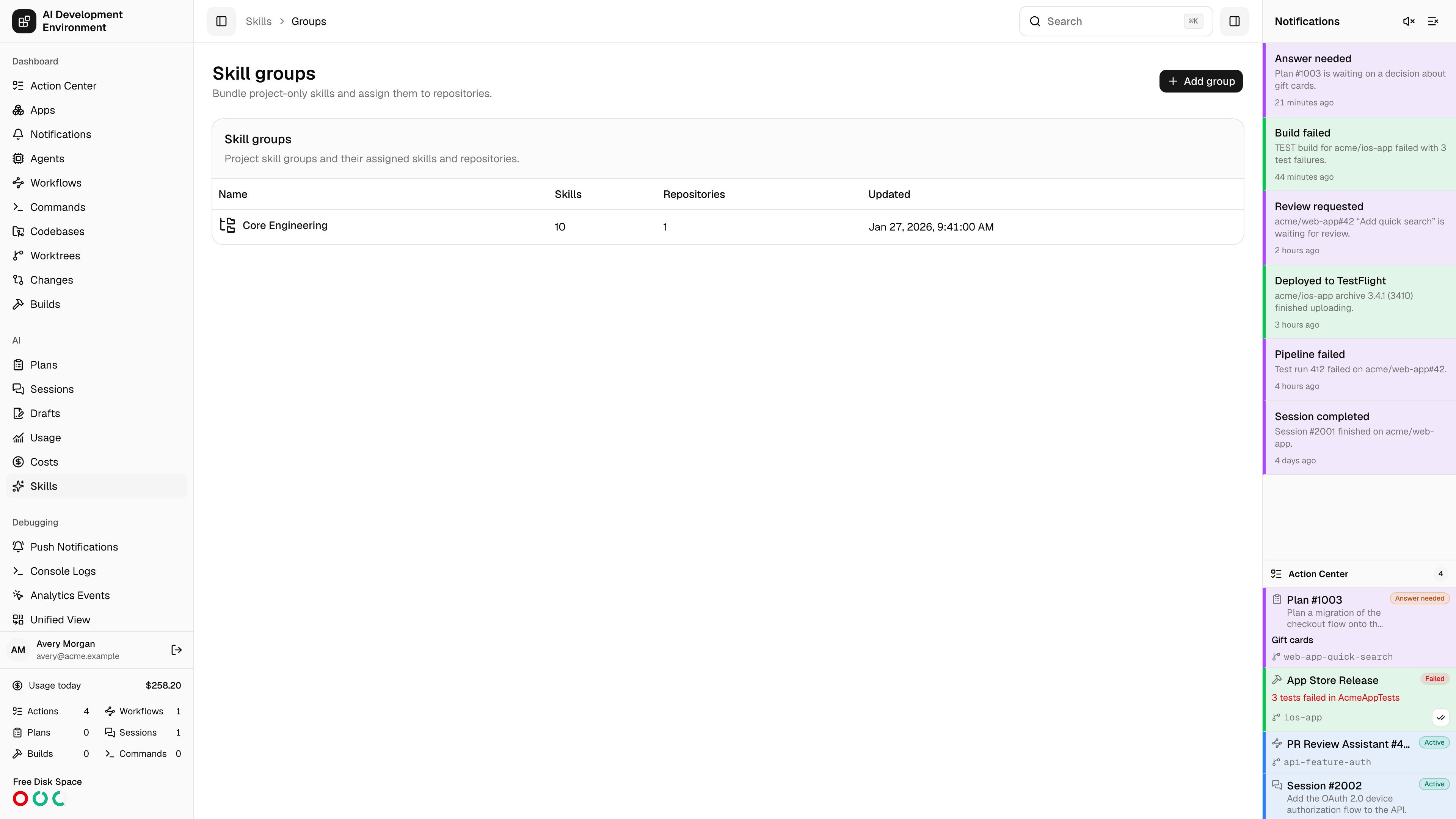
 The **Skill groups** page at `/skills/groups` is where project-scoped skills get their destinations. A skill marked **Sync globally** reaches every agent's personal skill directory on its own; a skill that is not needs a group, and a group needs repositories. The group is the join between the two.
## Why groups exist
Deployed to each agent's personal skill directory for every enabled AI client. No group needed.
Deployed into the checkouts and worktrees of specific repositories. Reached only through a group assigned to those repositories.
A skill can be both: global sync and group membership are independent settings on the [skill editor](/skills/skill-detail).
## The group list
| Column | What it shows |
| ---------------- | ---------------------------------------------- |
| **Name** | The group's name. The whole row opens it |
| **Skills** | How many database skills are in the group |
| **Repositories** | How many repositories the group is assigned to |
| **Updated** | When the group last changed |
**Add group** asks only for a name — you pick its skills and repositories on the [group's own page](/skills/skill-group-detail) immediately afterwards.
## Notes
* A group with skills but no repositories deploys nothing, and a group with repositories but no skills has nothing to deploy. Both are valid intermediate states while you set one up.
* With **Auto-sync project skill groups** enabled in **Settings** on the [Skills](/skills/skills) page, assigned groups reconcile into every registered checkout and worktree on their own; otherwise use **Sync group** or **Sync all**.
* A project skill discovered on a client with no matching group cannot be imported until you tell the sync which group it belongs to. That choice is offered inline on the [sync run](/skills/skill-sync-run) page.
## Related pages
Membership, repository assignment, and deployment for one group.
The catalog and client-by-client view.
Review and apply what a group sync proposes.
The repositories a group is assigned to.
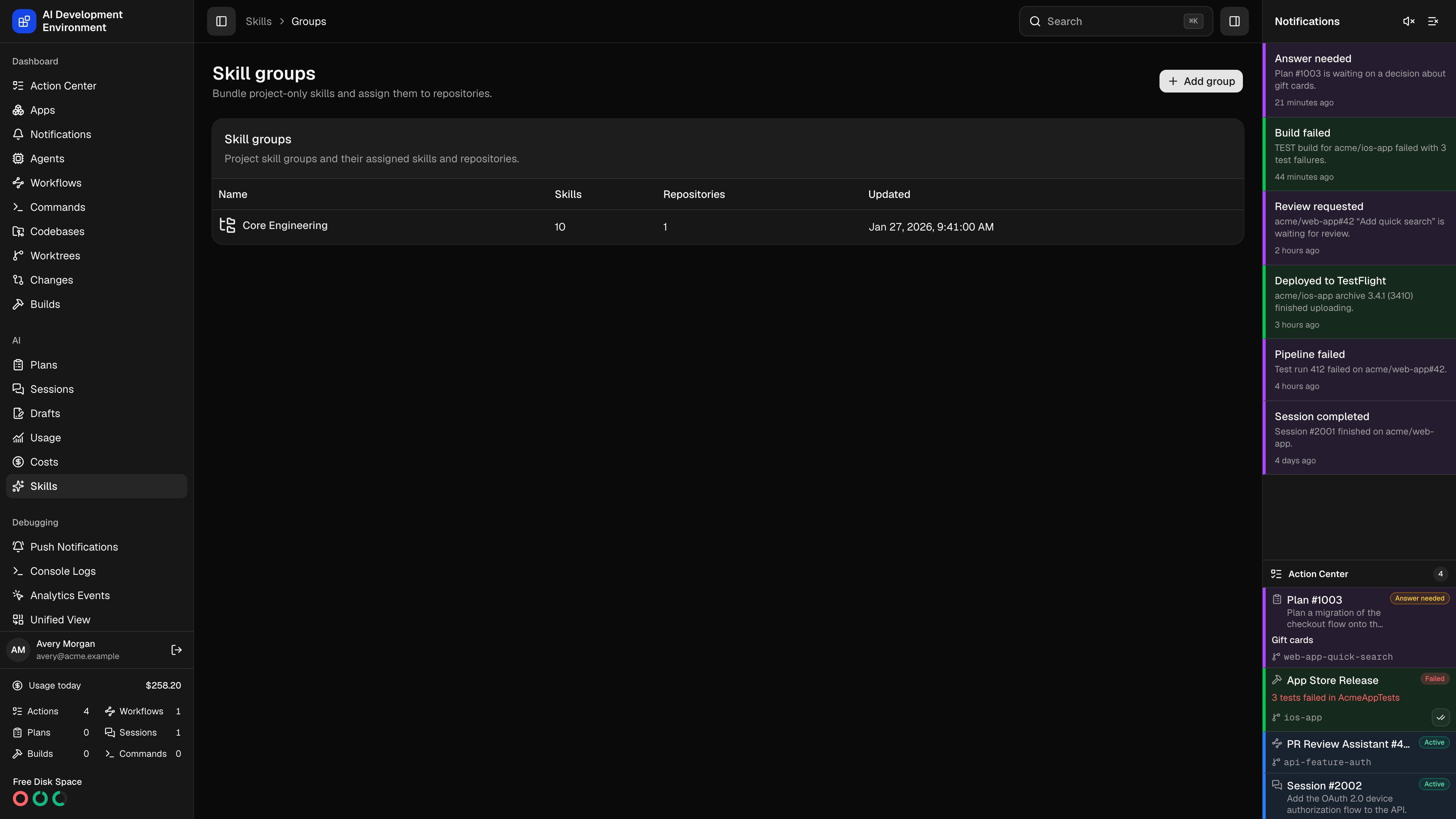
The **Skill groups** page at `/skills/groups` is where project-scoped skills get their destinations. A skill marked **Sync globally** reaches every agent's personal skill directory on its own; a skill that is not needs a group, and a group needs repositories. The group is the join between the two.
## Why groups exist
Deployed to each agent's personal skill directory for every enabled AI client. No group needed.
Deployed into the checkouts and worktrees of specific repositories. Reached only through a group assigned to those repositories.
A skill can be both: global sync and group membership are independent settings on the [skill editor](/skills/skill-detail).
## The group list
| Column | What it shows |
| ---------------- | ---------------------------------------------- |
| **Name** | The group's name. The whole row opens it |
| **Skills** | How many database skills are in the group |
| **Repositories** | How many repositories the group is assigned to |
| **Updated** | When the group last changed |
**Add group** asks only for a name — you pick its skills and repositories on the [group's own page](/skills/skill-group-detail) immediately afterwards.
## Notes
* A group with skills but no repositories deploys nothing, and a group with repositories but no skills has nothing to deploy. Both are valid intermediate states while you set one up.
* With **Auto-sync project skill groups** enabled in **Settings** on the [Skills](/skills/skills) page, assigned groups reconcile into every registered checkout and worktree on their own; otherwise use **Sync group** or **Sync all**.
* A project skill discovered on a client with no matching group cannot be imported until you tell the sync which group it belongs to. That choice is offered inline on the [sync run](/skills/skill-sync-run) page.
## Related pages
Membership, repository assignment, and deployment for one group.
The catalog and client-by-client view.
Review and apply what a group sync proposes.
The repositories a group is assigned to.