> ## Documentation Index
> Fetch the complete documentation index at: https://ai-development-environment.mintlify.site/llms.txt
> Use this file to discover all available pages before exploring further.
# API keys
> Create, rotate, disable, and revoke keys for GraphQL and MCP clients.
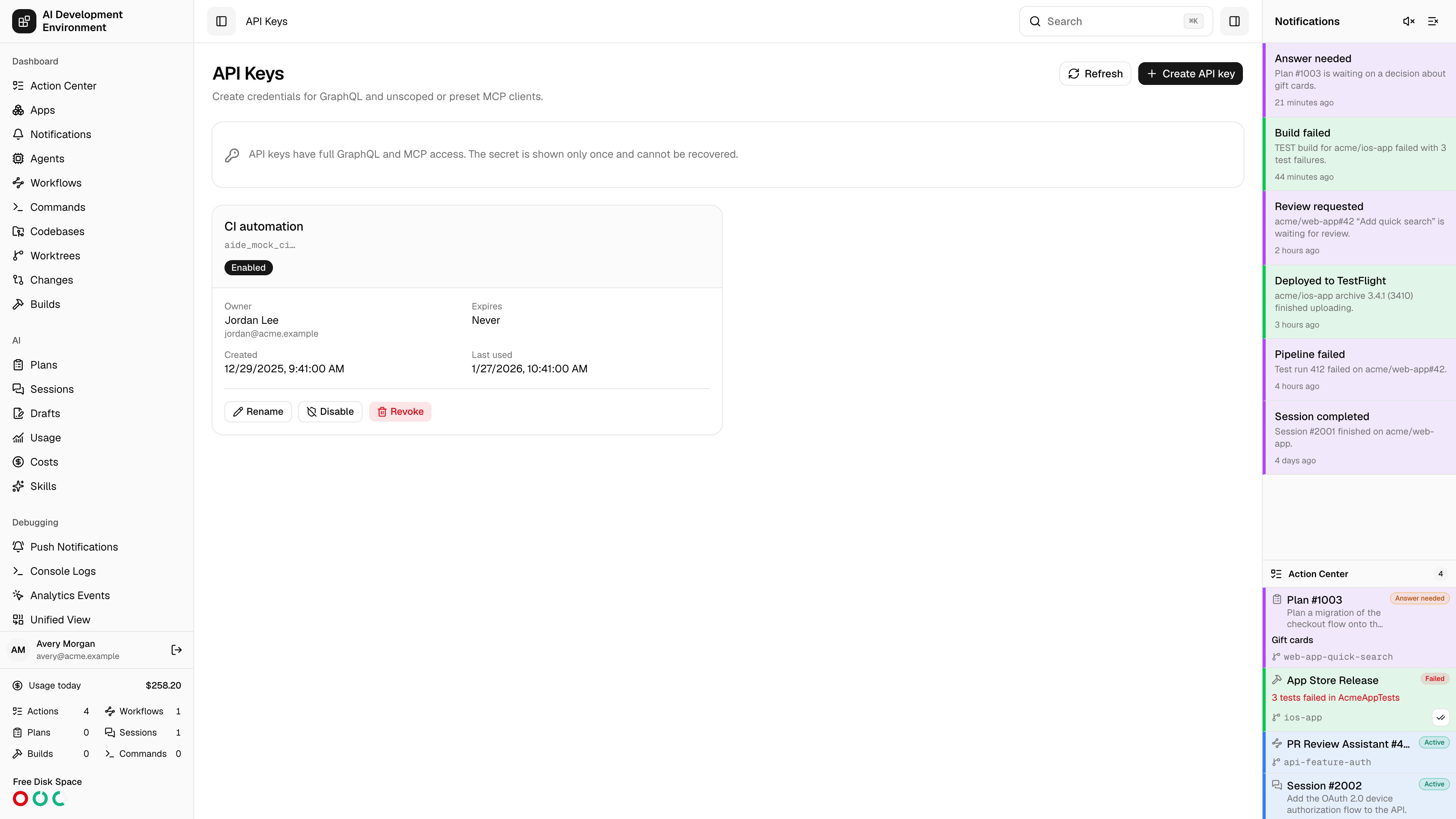
 Open **System → API Keys** to manage programmatic credentials across all users. An API key grants the same GraphQL and unscoped or preset MCP capabilities as a signed-in user. It cannot sign into the dashboard or call user and authentication-management endpoints.
## Create a key
Choose an owner, give the key a name, and optionally set an expiration. Keys do not expire by default. Every key begins with `aide_`.
The complete key appears once after creation. Copy it before closing the dialog. The server stores only a hash and the non-secret prefix metadata, and the iOS app never saves the revealed value.
```bash theme={null}
curl https://control.example.com/api/graphql \
-H "X-API-Key: aide_replace-with-created-key" \
-H "Content-Type: application/json" \
--data '{"query":"query { health }"}'
```
## Maintain keys
The list shows the owner, name, starting characters, creation time, expiration, enabled state, and last use. You can:
* Rename a key without rotating it.
* Disable and re-enable a key.
* Revoke a key permanently.
* Create a replacement before revoking an expiring key.
Expired, disabled, and revoked keys fail authentication. Key material is never returned again after creation.
## Use a key with MCP
Send the key in `X-API-Key`:
```bash theme={null}
curl https://control.example.com/api/mcp \
-H "X-API-Key: aide_replace-with-created-key" \
-H 'Content-Type: application/json' \
-H 'Accept: application/json, text/event-stream' \
--data '{"jsonrpc":"2.0","id":1,"method":"tools/list"}'
```
Do not put API keys in `Authorization`. That header is reserved for Better Auth mobile sessions and existing `agent_` credentials.
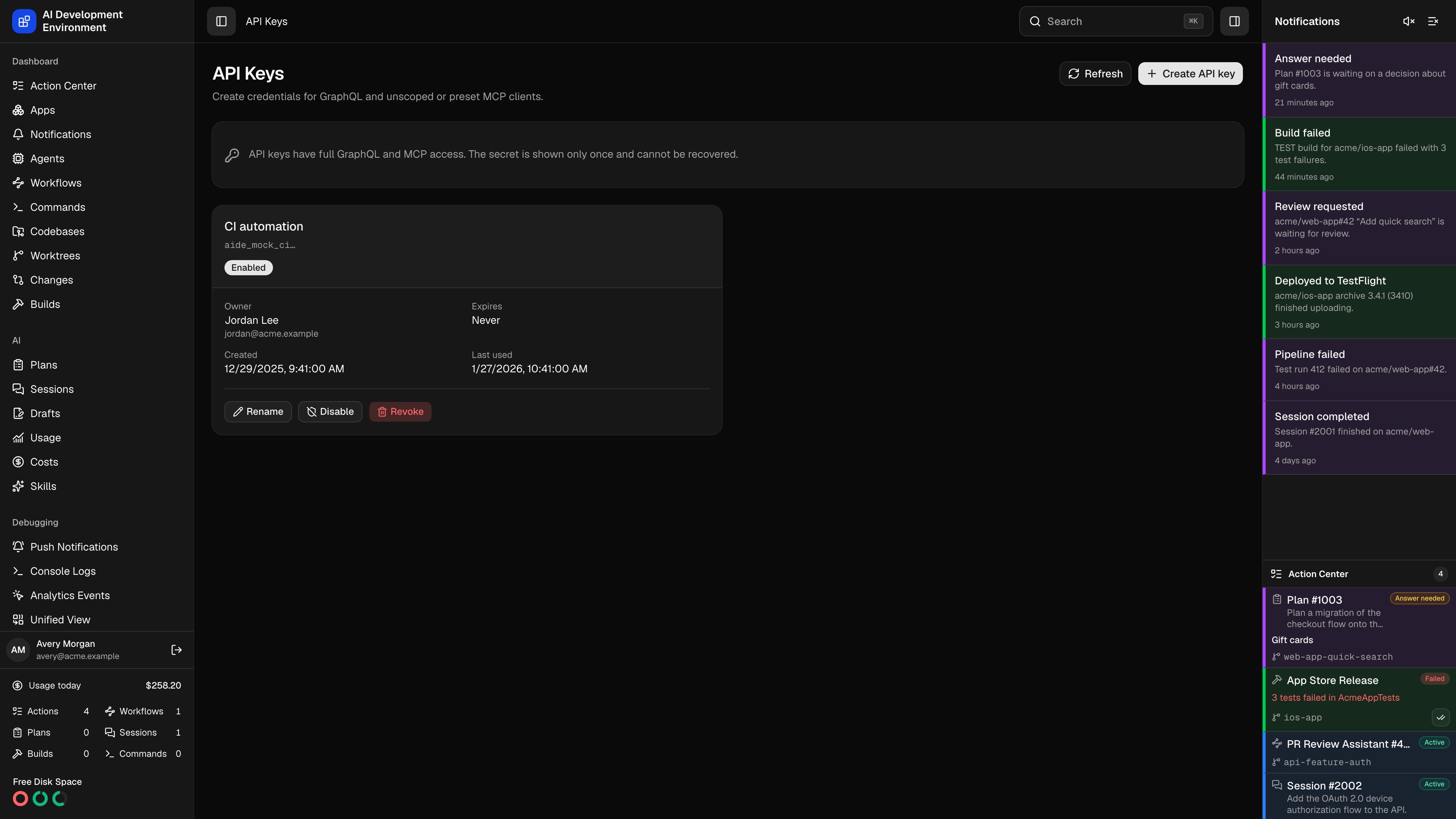
Open **System → API Keys** to manage programmatic credentials across all users. An API key grants the same GraphQL and unscoped or preset MCP capabilities as a signed-in user. It cannot sign into the dashboard or call user and authentication-management endpoints.
## Create a key
Choose an owner, give the key a name, and optionally set an expiration. Keys do not expire by default. Every key begins with `aide_`.
The complete key appears once after creation. Copy it before closing the dialog. The server stores only a hash and the non-secret prefix metadata, and the iOS app never saves the revealed value.
```bash theme={null}
curl https://control.example.com/api/graphql \
-H "X-API-Key: aide_replace-with-created-key" \
-H "Content-Type: application/json" \
--data '{"query":"query { health }"}'
```
## Maintain keys
The list shows the owner, name, starting characters, creation time, expiration, enabled state, and last use. You can:
* Rename a key without rotating it.
* Disable and re-enable a key.
* Revoke a key permanently.
* Create a replacement before revoking an expiring key.
Expired, disabled, and revoked keys fail authentication. Key material is never returned again after creation.
## Use a key with MCP
Send the key in `X-API-Key`:
```bash theme={null}
curl https://control.example.com/api/mcp \
-H "X-API-Key: aide_replace-with-created-key" \
-H 'Content-Type: application/json' \
-H 'Accept: application/json, text/event-stream' \
--data '{"jsonrpc":"2.0","id":1,"method":"tools/list"}'
```
Do not put API keys in `Authorization`. That header is reserved for Better Auth mobile sessions and existing `agent_` credentials.