

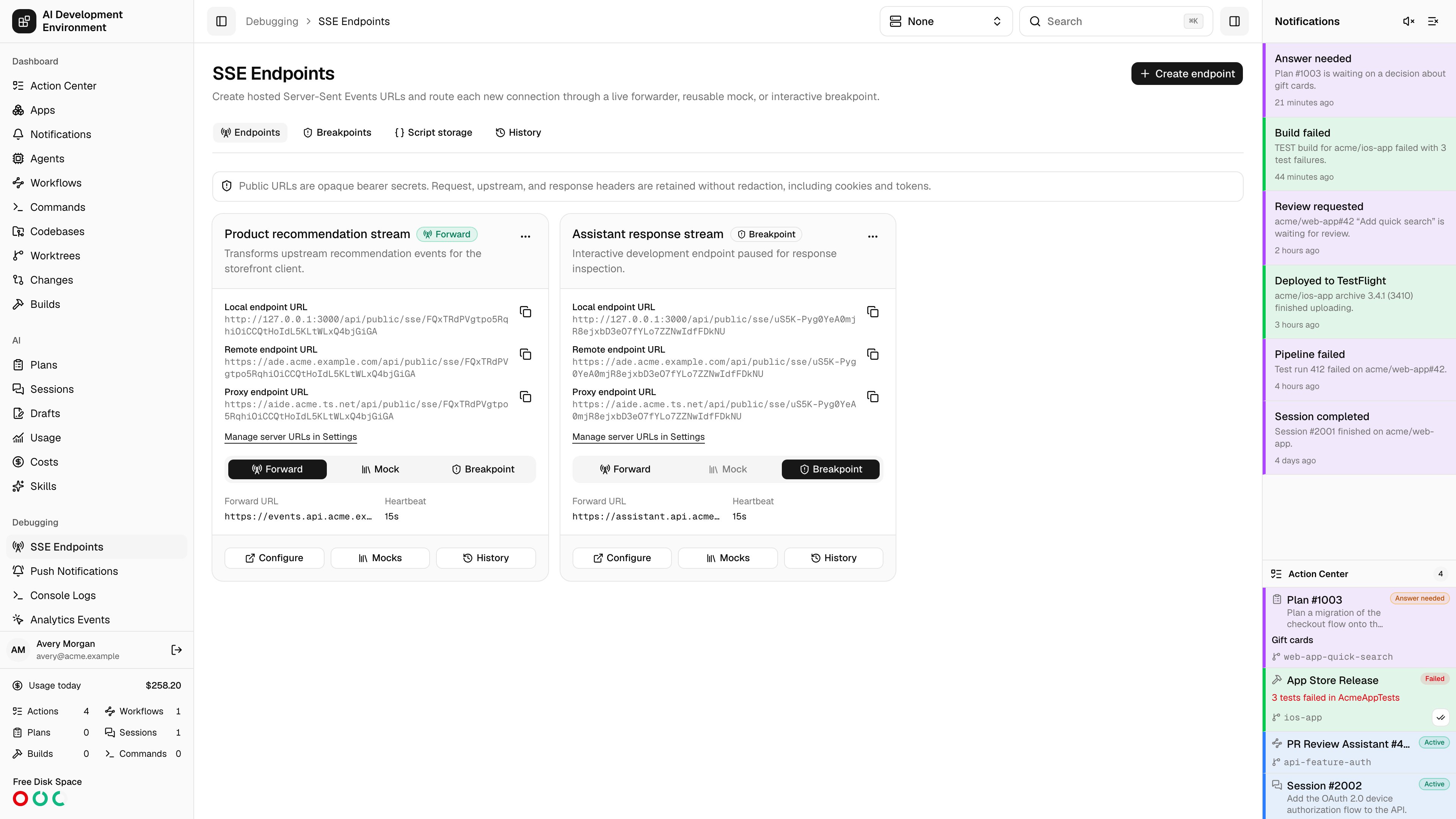
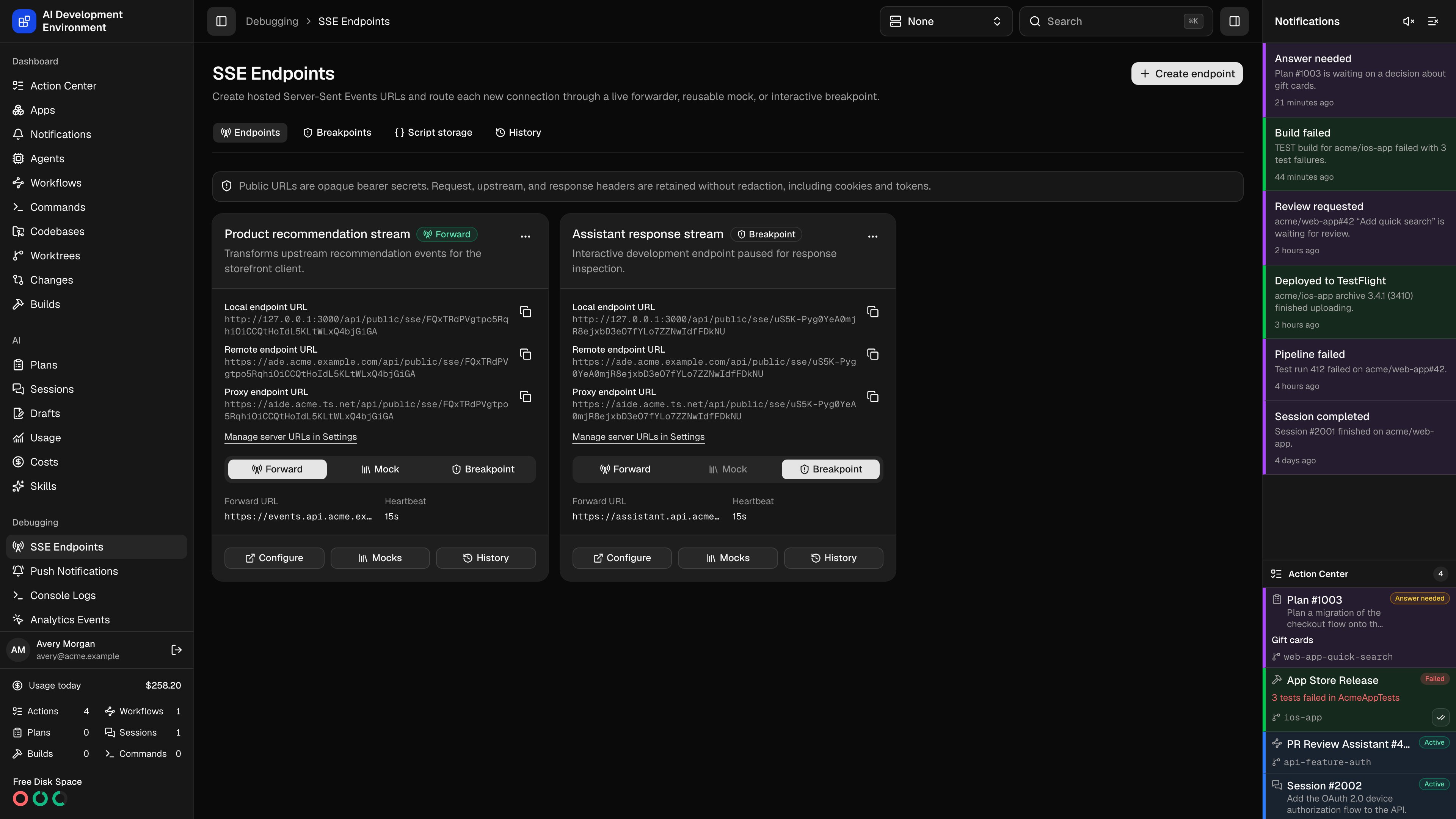
/debugging/sse creates hosted Server-Sent Events routes that can proxy an upstream server, return a composed mock, or wait for an operator at a breakpoint. The web control plane runs every stream. The iOS app provides the same endpoint, script, mock, breakpoint, shared-storage, and history controls through native screens.
Create and call an endpoint
Click Create endpoint, enter a name and an HTTP(S) forwarding URL, then save. New endpoints start in Forward mode. Copy the Local, Remote, or configured Proxy endpoint URL from a card or the endpoint detail page. The web and native screens show all configured variants with copy/share actions. Edit the base addresses in Settings → Server URLs. Every variant uses the same opaque endpoint path and token. GraphQL exposesendpointPath, localUrl, remoteUrl, and nullable proxyUrl; deprecated publicUrl remains available for older clients. SSE addresses are not included in build script endpoint paths.
Cards follow the available content width: one column below 45rem, two from 45rem, and three from 68rem. Long URLs wrap inside cards, including narrow desktop panels.
The public route accepts GET, POST, and CORS preflight OPTIONS requests:
Content-Type: text/event-stream, Cache-Control: no-cache, no-transform, X-Accel-Buffering: no, and Access-Control-Allow-Origin: *. Credentialed cross-origin requests are not enabled. The default 15-second heartbeat is an SSE comment, so it keeps intermediaries active without appearing in event history or firing event workflows.
The server buffers an inbound request body once and rejects bodies larger than 2 MiB with 413. A connection snapshots its endpoint mode, scripts, limits, buffering, and active mock composition when it starts. Later edits apply only to new connections. Deleting an endpoint rejects future connections while streams that already hold a snapshot can finish.
Choose a mode
Use the segmented mode switch on the endpoint list or detail page. Switching takes effect immediately for new connections.
Mode changes never move an existing connection onto another execution path.
Forward an upstream stream
Forward mode can change the target URL, method, body, and headers before the connection opens. Header mutations support set, append, delete, and complete replacement. The control plane always owns hop-by-hop headers plus the computedHost and Content-Length values.
The proxy follows at most five redirects. It returns a bounded non-2xx upstream status and body to the caller and records the failure. A successful response whose media type is not text/event-stream fails with 502.
The default response uses standard SSE delivery framing. It dispatches on a blank line and joins multiple data: lines with \n. You can independently select Standard, Concatenate, or Preserve frames for delivered data and retained history.
Build reusable mocks
Open Mocks from an endpoint detail page. The full-width composition builder appears first, followed by a card library of reusable templates. Each template card shows its event name, data, ID, and retry value; select Add to Mock to append it to the active builder. Select New Template to create a template in a dialog without leaving the composition. Reusable templates can declare ordered, typed fields. Give each field a placeholder key, label, optional help text, type, required state, and optional default. The web and iOS builders render those fields in template order whenever you select the template in an event block. Every occurrence keeps its own overrides, so the same template can appear more than once with different values. Select Reset beside a value to use its default again, or leave an optional field without a default empty. Use either placeholder form in the event name, data, ID, or templated retry value:
For example, this template declares required text field
customerName, optional number field sequence with default 1, and JSON field details:
true or false, and JSON values must parse successfully. A resolved retry must be an integer from 0 through 86400000 milliseconds. You can configure a fixed retry or a templated retry, but not both. Saving fails for missing required values, invalid typed values, unknown or duplicate fields, undeclared placeholders, or definitions the template does not use.
Field IDs remain stable when you rename a placeholder key or label, so saved block values follow the field. Editing a referenced template validates every saved block in one transaction. Removing a field prunes its saved values; incompatible required or type changes are rejected. Delete every referencing block before deleting its template. Connections render from the endpoint snapshot captured when they opened, so template and value edits affect only new streams.
A saved composition adds response status and headers, then orders these block types:
Select Custom Event when an event belongs only to the current mock and should not become a reusable template. Reorder blocks, then save, duplicate, restore, select, or delete compositions. Activate one composition before entering Mock mode. A mock can Close after its final block, Hold the stream open, or Loop from the first block; Close is the default.
The native iOS composition editor preserves the same template or custom-event choice, shows the tokenized template payload, and provides the same typed field and reset controls before you save.
A mock script can fetch an event from another API, including one that uses a caller token:
Pause on a breakpoint
Requests to a Breakpoint endpoint appear under/debugging/sse/breakpoints and in the iOS breakpoint list. Open a row to inspect its method, URL, headers, and body, then choose Forward, Saved mock, or Ad hoc response. The ad hoc editor uses the same composition builder as saved mocks.
Each pending breakpoint has a version. The first matching resolution wins; a concurrent second decision receives a version conflict instead of replacing it. An unresolved breakpoint returns 504 when its timeout expires before response headers are sent. Client disconnects and server-orphaned waits are retained as cancelled or failed history.
Transform requests and response events
Scripts are asynchronous JavaScript executed by QuickJS. They have no imports, Node.js APIs, DOM, or filesystem. They receive read-only original request data, mutable forwarding data, endpoint metadata, response and event context, console capture, HTTP(S)fetch, buffer state, and shared global storage.
The request script runs once before Forward, Mock, or Breakpoint routing. In Forward mode it can override the URL, method, body, and headers. In Mock mode its request and header changes remain visible to mock scripts, but its URL override is ignored.
headers phase. Only that phase can change response status or headers. It then runs in the event phase for every source event. Returning undefined passes the source event through. Returning null or [] drops it. Return one event or an array to replace, split, or fan out the source.
Script and payload limits
An oversized event fails the stream. After a stream reaches its persisted-data limit, delivery continues but additional payloads are not retained and history is marked truncated. A script failure returns
500 if headers are still unsent; otherwise the server records the error and closes the stream.
Use global script storage
Open/debugging/sse/storage to inspect and manage the JSON values shared by every SSE endpoint and every script location. Each entry has a monotonically increasing version. Storage supports get, set, delete, compareAndSet, increment, and transactional update; update retries version conflicts a bounded number of times.
Understand framing, buffering, and IDs
The parser accepts fragmented chunks, CRLF or LF endings, comments, multilinedata, event, id, and retry fields. Delivery defaults to Standard. History defaults to Concatenate, which combines consecutive unnamed data frames until a named event arrives or the stream ends. An empty data: line becomes a newline in this mode.
This source stream:
Preserve frames keeps each unnamed frame separate. Standard records each blank-line-delimited SSE event with multiline data joined by
\n.
A non-empty id: becomes the inherited stream ID. It also backfills every earlier ID-less history item in that stream. Later events inherit it until another ID replaces it. An empty id: clears forward inheritance but does not erase IDs already assigned to historical items.
Search and export history
Endpoint detail shows history scoped to that endpoint./debugging/sse/history combines all endpoints and adds a prominent endpoint filter and endpoint-name column. History opens in Events with the Source stage selected. Both table views group records under local-date separators and support 12-hour or 24-hour times. Switch between Streams and Events, then use text, glob, or regular-expression search; quick and advanced filters; saved filters; pagination; live updates; and export.
Select Columns to show, hide, and reorder columns or manage reusable presets. You can also remove a column directly from its table heading. Select Edit to reveal row and date-group checkboxes, then delete selected history. Load More appends the next history page without replacing the records already displayed.
Select an event row to expand that event in the table without leaving the history page. The expanded details include Create Template, which pre-fills a reusable endpoint template from the retained event and lets you edit it before saving.
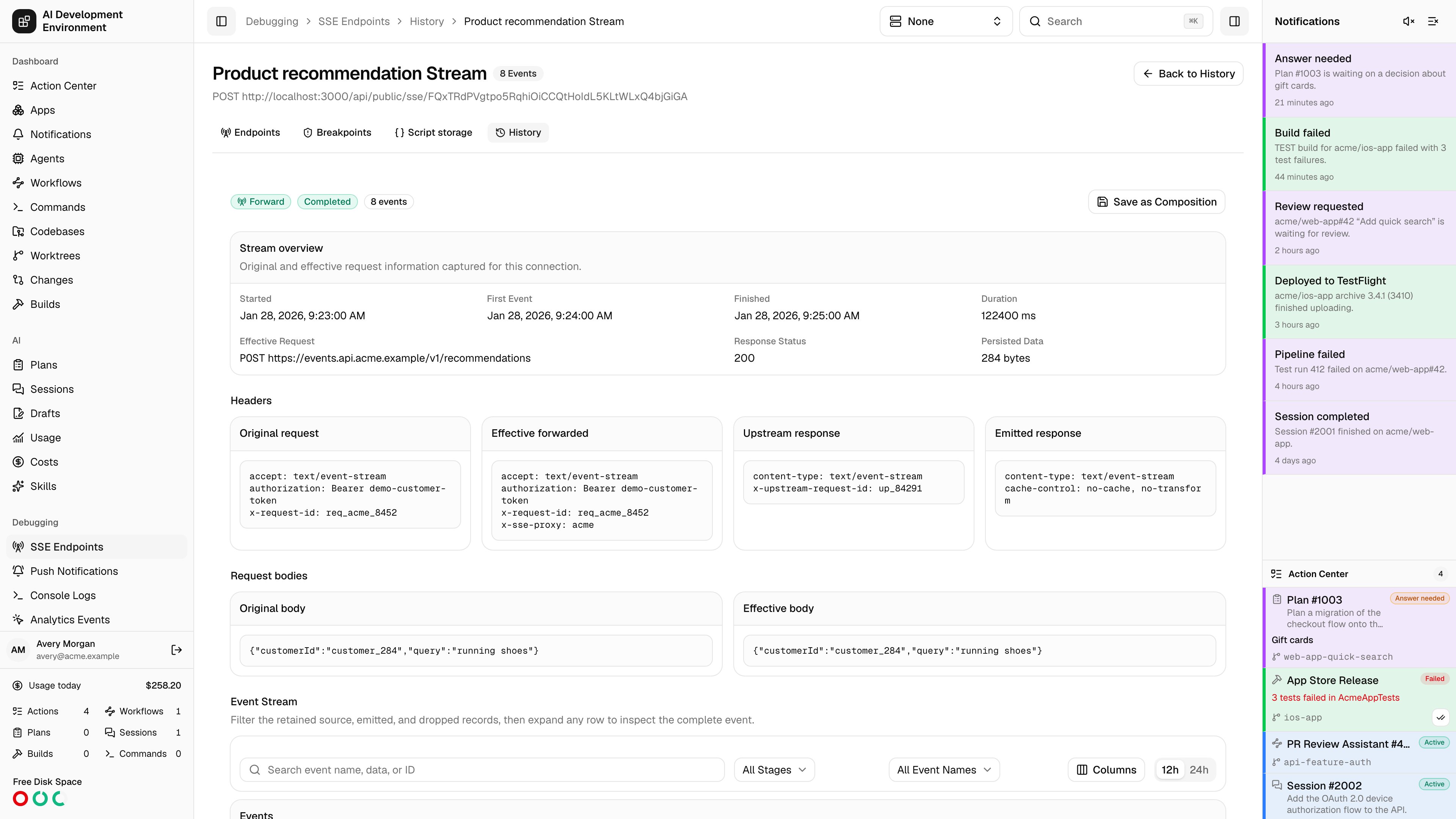
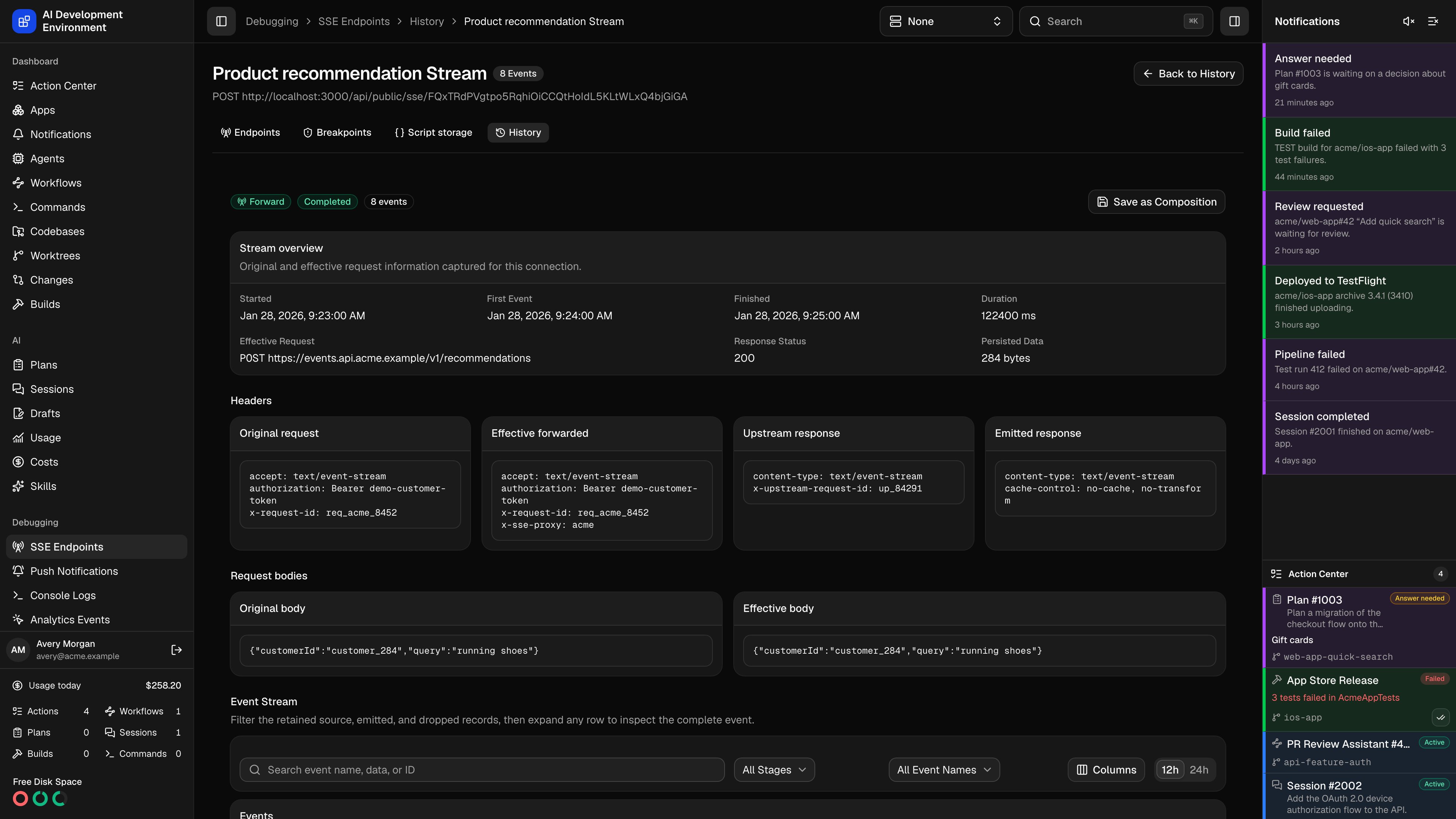
Select a stream row to open its dedicated stream-history page. That page retains the original and effective request, duplicate header values, the mode/configuration snapshot, upstream and emitted response headers, source and emitted events, IDs, timings, truncation, and errors. Its event table supports text, stage, and event-name filters, and each event expands inline. Select Save as Composition to turn the emitted events into custom event blocks for that endpoint; you can optionally preserve their recorded timing with delay blocks.
Export opens a dialog where you can choose CSV, Markdown, or a formatted PDF and select the fields to include. When rows are selected, the export contains only those rows; otherwise, it contains every matching record. The iOS app provides the same stream/event toggle, filtering, details, and native share sheet.
Automate SSE endpoints
The built-in SSE Endpoints MCP group exposes endpoint CRUD and URL rotation, mode switching, event templates, mock compositions, script tests, global storage atomic operations, breakpoint listing and resolution, and history query/clear operations. Tool names use thesse_ prefix:
sse_endpoint_*manages endpoints, modes, tokens, and deletion.sse_mock_template_*andsse_mock_composition_*manage mocks, including template field definitions and per-block values.sse_script_testtests QuickJS without committing storage writes.sse_storage_*exposes list, get, set, compare-and-set, increment, and delete.sse_breakpoint_listandsse_breakpoint_resolvemanage waiting requests.sse_history_query,sse_history_export, andsse_history_clearread, export, and delete retained data. MCP exports support JSON, CSV, and Markdown.
SSE_ENDPOINT_ACTION, SSE_MOCK_ACTION, SSE_STORAGE_ACTION, SSE_BREAKPOINT_RESOLVE, SSE_HISTORY_CLEAR, and SSE_SCRIPT_TEST. SSE_MOCK_ACTION accepts the same field definitions, templated retry, and per-block values as the builders. Use the existing tool-execution action for MCP reads.
GraphQL provides cursor pages for endpoints, endpoint-scoped templates and compositions, shared storage, breakpoints, history, facets, saved filters, and column presets. Live clients can subscribe independently to endpoint, storage, breakpoint, request-history, and event-history changes; the combined sseHistoryChanged subscription remains available for clients that prefer one history invalidation stream.
SSE workflows can start from SSE_REQUEST_OPENED, SSE_EVENT_EMITTED, SSE_BREAKPOINT_WAITING, SSE_BREAKPOINT_RESOLVED, SSE_STREAM_COMPLETED, and SSE_STREAM_FAILED. Filter them by endpoint, mode, event name, breakpoint resolution, or outcome. Records are persisted before trigger dispatch, and request/event IDs deduplicate deliveries. A workflow failure is retained but never interrupts the SSE connection.
Configure production proxies
Disable proxy buffering for this route at every layer. The application sendsX-Accel-Buffering: no, but your ingress, CDN, or load balancer can still delay chunks, enforce idle timeouts, or transform compression unless you configure it for streaming.
Cache-Control: no-cache, no-transform and Content-Type: text/event-stream headers. The 15-second heartbeat default is suitable for many proxies; shorten it only when an intermediary has a lower idle timeout.
Related pages
Workflows
React to SSE request, event, breakpoint, completion, and failure triggers.
Tools & MCP
Browse and invoke the built-in SSE tool group.
GraphQL API
Query, mutate, and subscribe to the SSE control plane with generated types.
Hosting
Configure the production control-plane process and reverse proxy.