

Inspect linked work
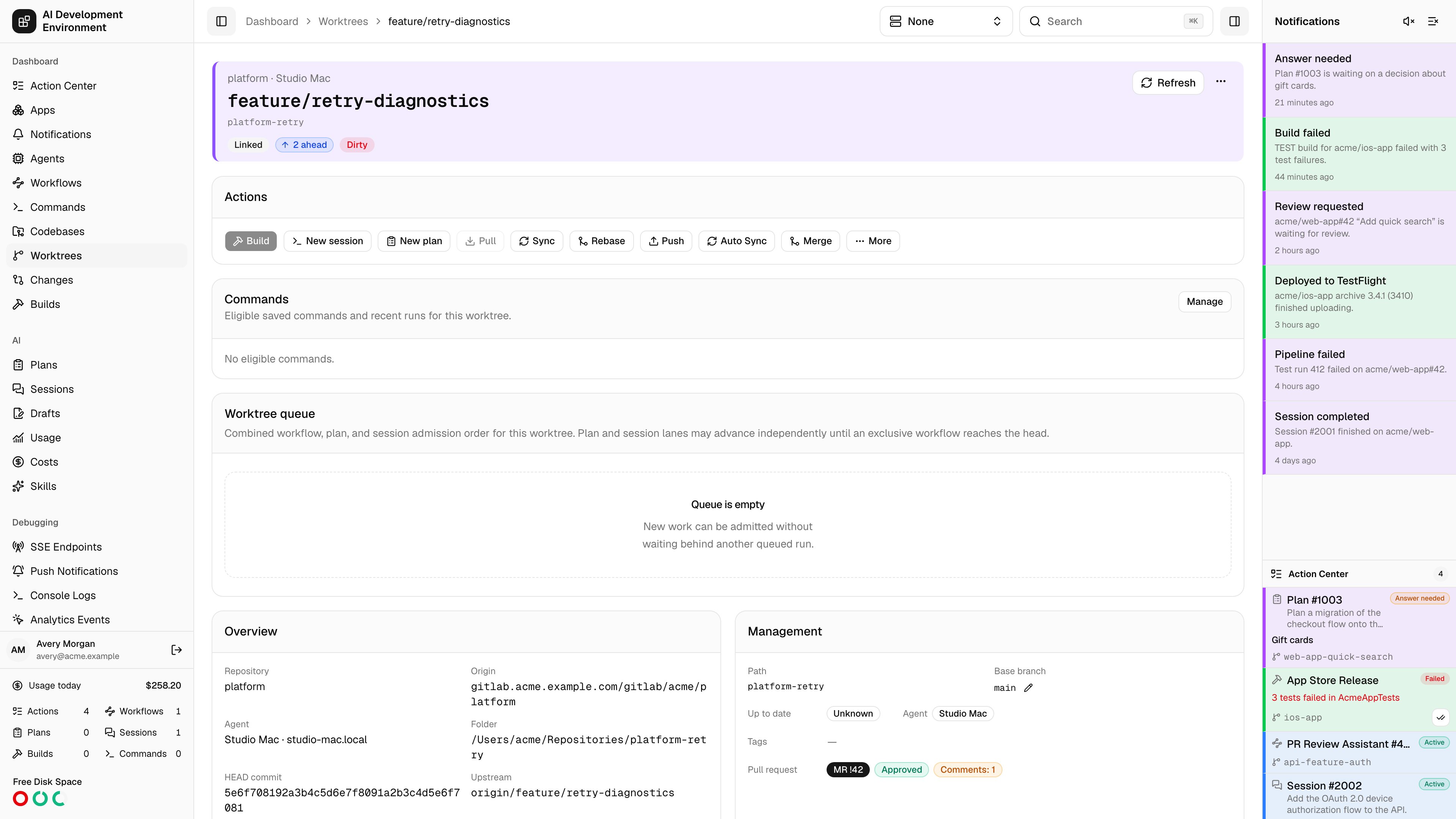
A GitLab worktree can discover the branch’s merge request, create a request for the branch, and open merge request details. Its request and pipeline badges use the same readable states as the standalone pages. Expand a pipeline in the worktree’s pipeline card to inspect jobs grouped by stage, timing, allowed failures, and retry history. Use the pipeline menu to retry or cancel when available, or retry a completed current job. All pipelines opens the Pipelines page with the project selected.Merge and clean up
The worktree’s merge action opens the same project-aware merge controls as the merge request page. You can merge immediately or enable auto-merge, honor the project’s squash and source-branch settings, supply optional commit messages, and choose available follow-ups. Select Delete linked worktree only when you want the control plane to remove the local worktree after GitLab confirms the merge. The control plane verifies that the non-primary worktree still belongs to the same source repository, branch, and commit, then requires a clean working tree before deletion. GitLab source-branch removal and local worktree cleanup are separate options. If Jira completion or cleanup fails after merging, open the merge follow-up status and retry the unfinished work. An enabled auto-merge does not itself trigger cleanup. The web and iOS clients use the same merge lifecycle and follow-up checks.Provider linkage
Numeric GitLab project IDs remain the canonical linkage even after a namespace or project rename. Project paths are used for display and links. Matching worktree colors and links appear on merge request and pipeline rows. The provider-neutralsourceControlRequest GraphQL field identifies the linked request. The legacy GitHub-only pullRequest field remains available for existing integrations.