

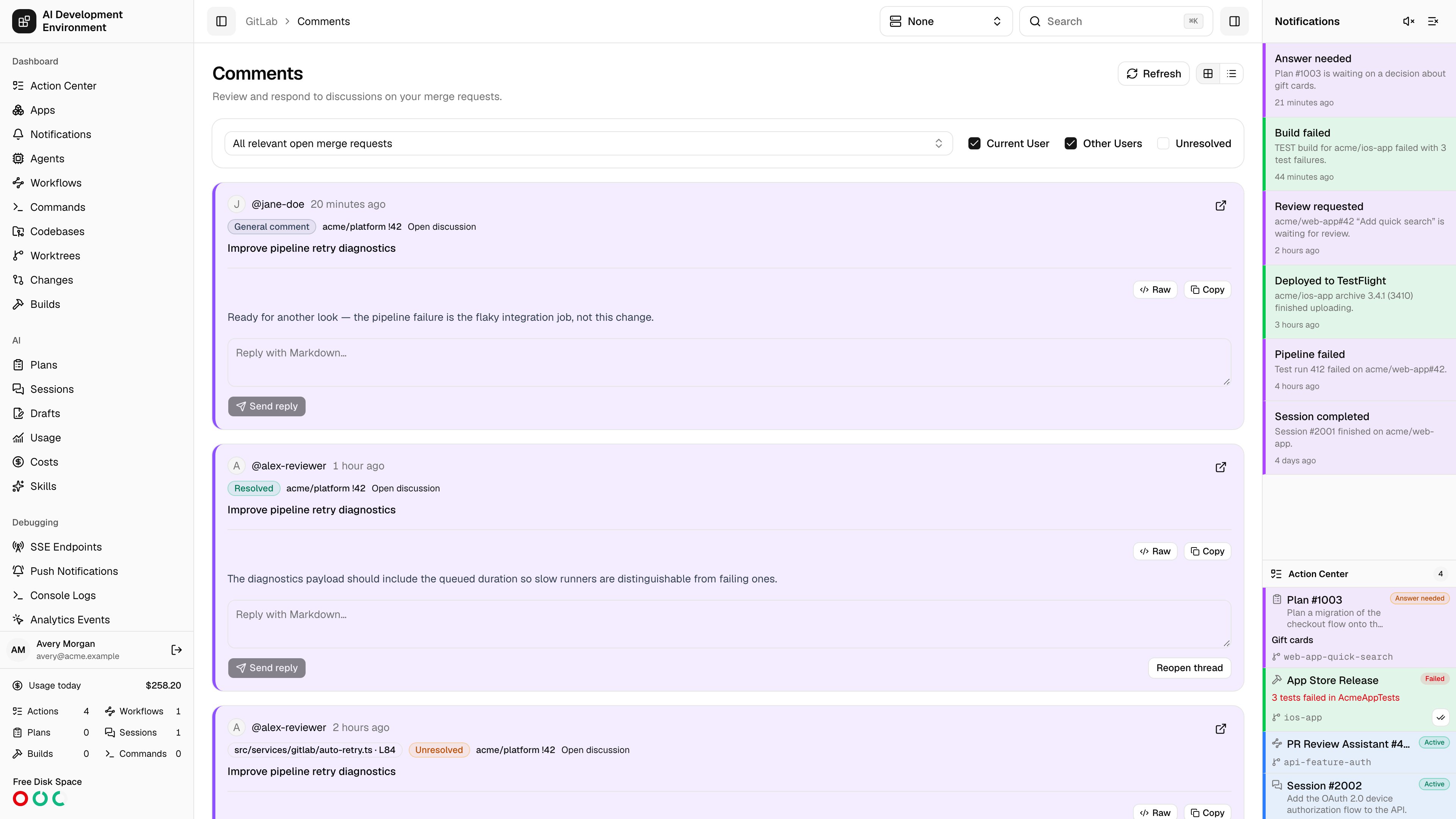
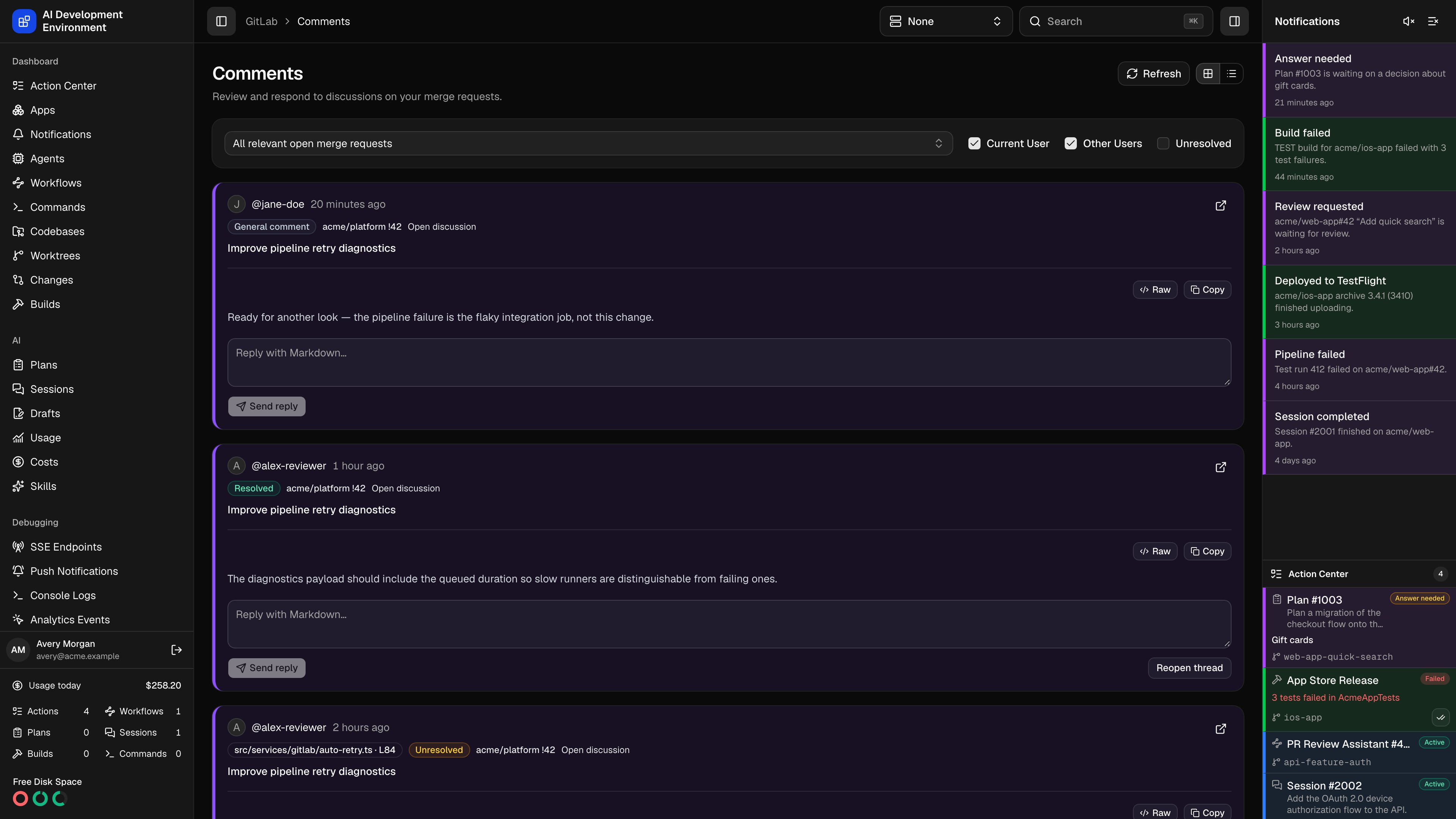
/gitlab/comments brings merge request discussions into one place. Read general comments and inline review threads, reply in Markdown, and resolve or reopen resolvable threads.
What it loads
The feed discovers open merge requests you authored, requests assigned to you, requests awaiting your review, and open requests in managed GitLab projects. A request found in more than one scope appears once. System activity notes are omitted. The page loads discussions in bounded batches. Choose Load more to continue; the count and filters apply to the discussions already loaded. Ordinary loads can use cached GitLab responses. Choose Refresh to fetch current data from GitLab, including comments posted since the last load. Refresh starts the feed again; its continuation pages also fetch current provider data while keeping the same batch limits. A partial-load warning remains visible when some data could not be read. Use Refresh to retry. A continuation can expire after inactivity or a control-plane restart; Refresh starts discovery again. A selected request loads directly, so a discussion-count link can open a request outside the current feed. A link to a specific discussion opens its full conversation in card layout, even if you saved table layout. Show all discussions for this merge request returns to the request’s discussions and restores your saved layout.Filter and choose a web layout
- Search the merge request selector by number, title, or project. Choose one request or All relevant open merge requests. The selected request is kept in the URL.
- Current User and Other Users filter by the author who opened the discussion. Both are enabled by default; clearing both hides all discussions.
- Unresolved shows only threads with unresolved resolvable notes. Leave it off to include resolved threads and general comments.
- Card layout shows each discussion and its replies. Table layout shows author, request, comment, date, reply count, and a GitLab link. Your browser remembers the layout.
Reply and resolve
In the web app, comments render Markdown. Use Raw to inspect the source and Copy to copy it. Enter Markdown in the discussion’s Reply field, then choose Send reply. Replies remain attached to their original discussion. Use Resolve thread or Reopen thread on a resolvable discussion. GitLab permissions determine whether the operation succeeds. A pending action prevents duplicate submission, and a failed action keeps its error and reply text available for correction and retry.Use Comments on iPhone and iPad
Open GitLab → Comments in the app navigation. The native dashboard shows unresolved and resolved discussion counts and the number of merge requests represented in the loaded feed. These totals cover loaded discussions; general comments appear in All. Tap Merge Request to open a searchable sheet. Search loaded requests by number, title, or project, choose one, or return to All Relevant Merge Requests. Load More Merge Requests expands the loaded search results. Authors offers All Authors, Mine, and Others. Discussions offers All, Unresolved, and Resolved. Both author and discussion filters start at All. The controls adapt to larger text sizes with selection sheets. Discussion cards show a preview, author avatar, readable date, and reply count. Previews and conversation notes display inline Markdown formatting. On iPhone, tap a card to open the conversation. Wider iPad layouts keep the discussion list beside the selected conversation. The conversation includes selectable notes, the file location when available, and links to the merge request and GitLab. Enter a reply and choose Send Reply. Resolvable threads offer Resolve or Reopen. Controls are disabled while an action runs. Unsent drafts survive switching discussions and filters while the inbox remains open, and a failed submission keeps the reply text available for correction and retry. Successful updates retain the current filters and loaded feed pages. If a conversation refresh partially fails, the app keeps the previously loaded conversation visible with a warning. Choose Refresh Discussion to retry. Pull to refresh to fetch current GitLab data, use Load More Discussions to continue the feed in bounded batches, or choose Retry Loading Discussions after a partial load. Refresh Discussion also fetches current data for the selected conversation. The open-discussion badge in merge request details opens Comments for that request, including a merged or closed request. A discussion link for the connected control plane opens that specific discussion when handled by the app.API and access
The web and native clients use the paginatedgitlabComments query. It accepts an optional project and merge request number, an optional discussion ID, and a continuation cursor. Set refresh: true to bypass cached provider responses for a fresh feed and its continuation pages; the default is false. Existing merge request detail queries and discussion mutations remain available to other clients.
Deploy the control-plane version that exposes gitlabComments and gitlabAccessibleProjects before distributing the updated iOS client. These additive Comments and project-filter APIs require no new database migration.
GitLab API responses, including comment bodies and author data, can be stored in the control plane’s API cache. Apply your repository access and retention policies to the control plane and its backups.