

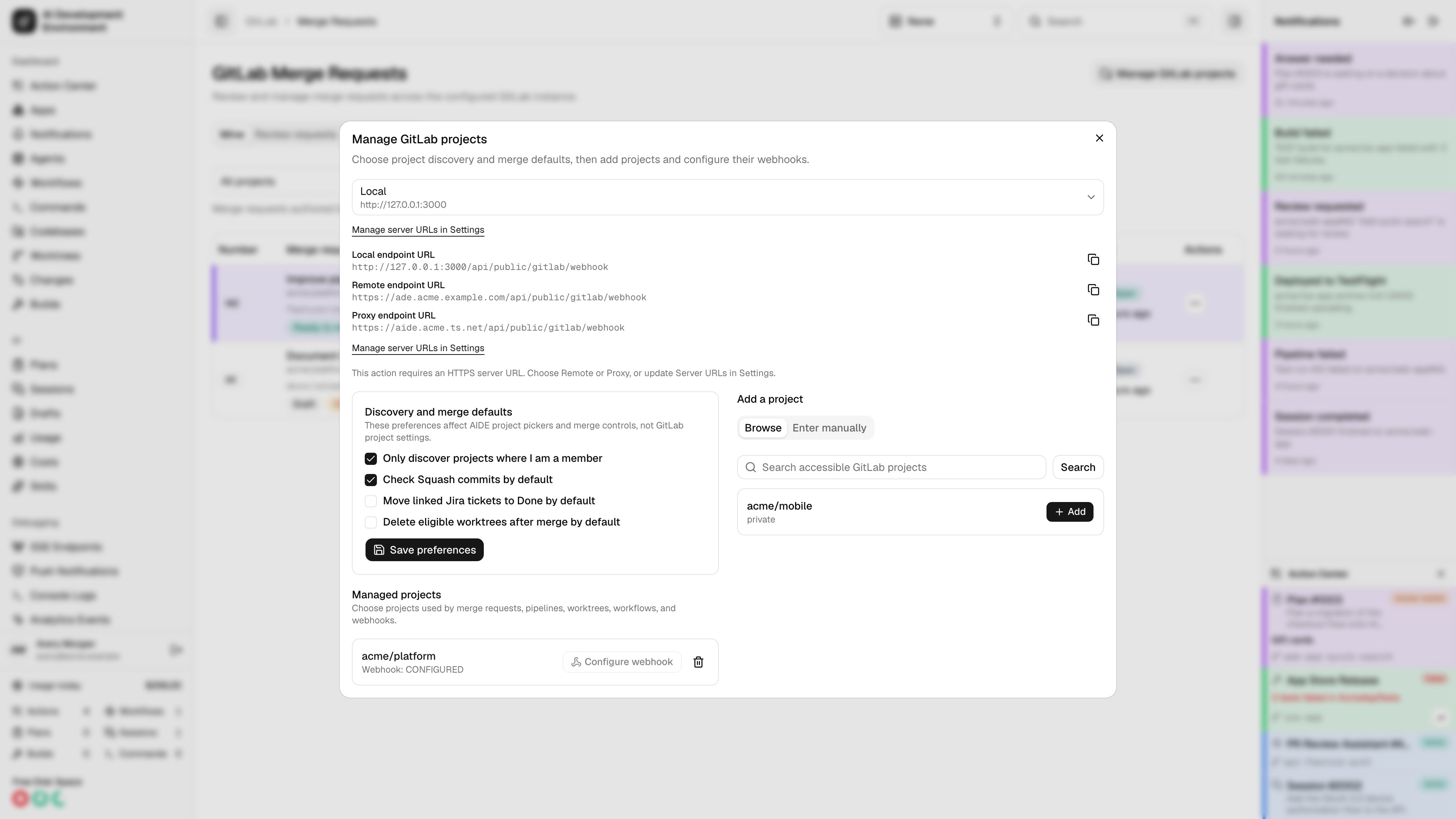
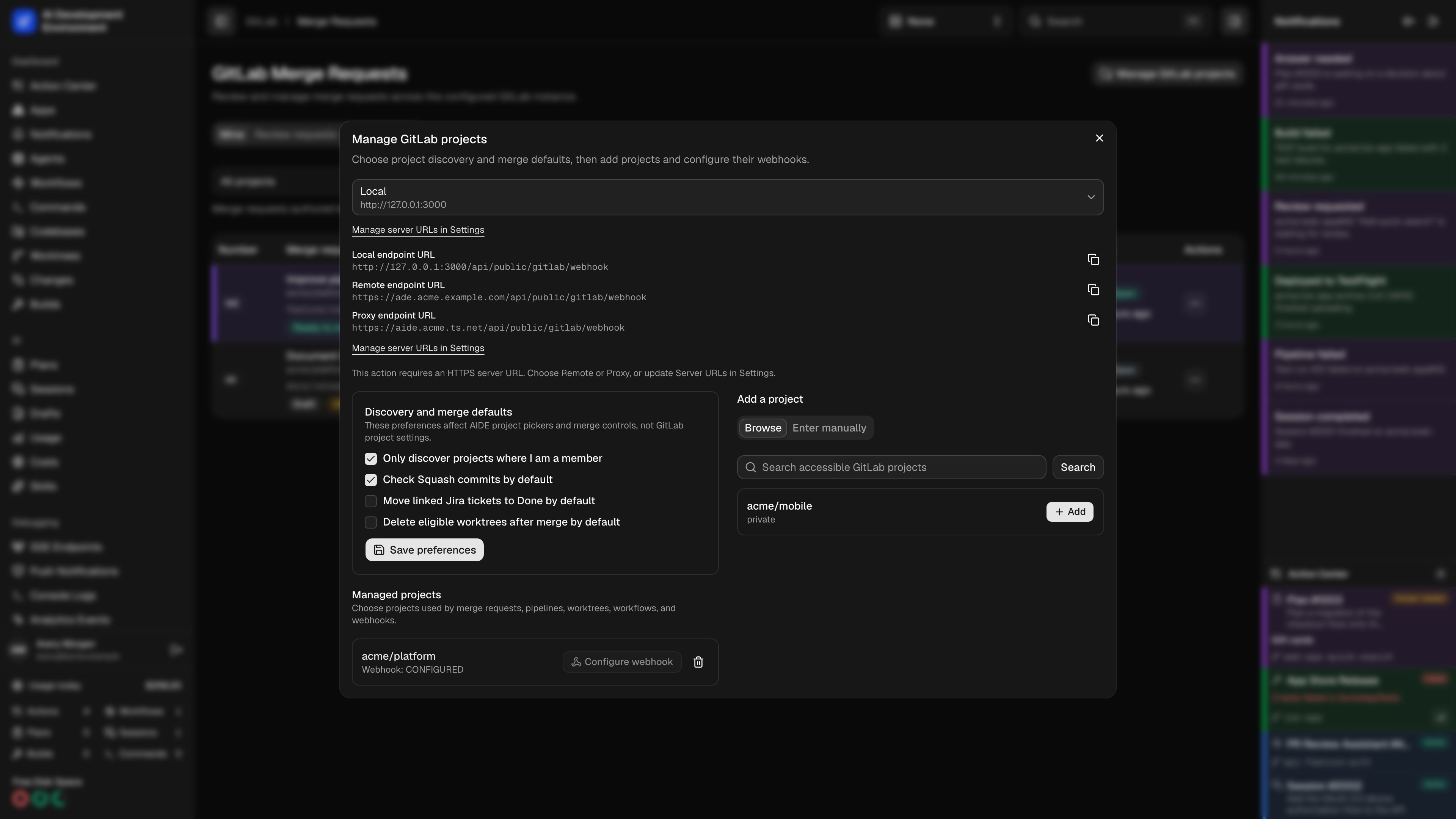
Control project discovery
Only discover projects where I am a member is enabled by default. AIDE addsmembership=true to the GitLab project queries used by both the manager’s Browse tab and Merge Requests project pickers. This keeps GitLab.com from returning every public project.
Turn the preference off when you intentionally need every project visible to the token. This can be useful on a self-hosted instance or when public projects outside the token user’s memberships belong in the picker. The broader result can be large on GitLab.com, so use search and pagination.
Preference changes are local to AIDE. Saving them does not reverify or replace the GitLab token.
Add a project
Use Browse to search the paginated discovery results, then select Add. Personal, project, and group tokens can all be used. The candidate list reflects the configured token’s access and the current member-only preference. Use Enter manually when discovery does not show the project. Enter either its numeric GitLab project ID, such as12345, or its full namespace path, such as platform/mobile/app. Manual entry bypasses the member-only discovery filter, but GitLab still rejects the addition unless the configured token can access that project.
For each project, AIDE shows:
- Namespace path and default branch
- Visibility and enabled state
- Webhook state and last delivery
- Any permission or cleanup error
Permissions
AIDE can automatically create or update the project hook when the token has Maintainer or Owner access. With a lower role, the project remains usable and its hook state becomes Manual required. Follow the one-time instructions on the Webhooks page. Removing a project deletes only a hook whose ID AIDE recorded as its own. Existing hooks created by people or other applications are never removed.Set merge defaults
The manager also stores three defaults for AIDE’s merge controls:
These settings only preselect controls when you open an AIDE merge dialog or sheet. They do not change a GitLab project’s squash policy and do not affect the squash option when creating a merge request. Required or forbidden GitLab squash policy still wins, saved choices for an existing merge operation remain explicit, and unavailable Jira or worktree follow-ups remain disabled.