

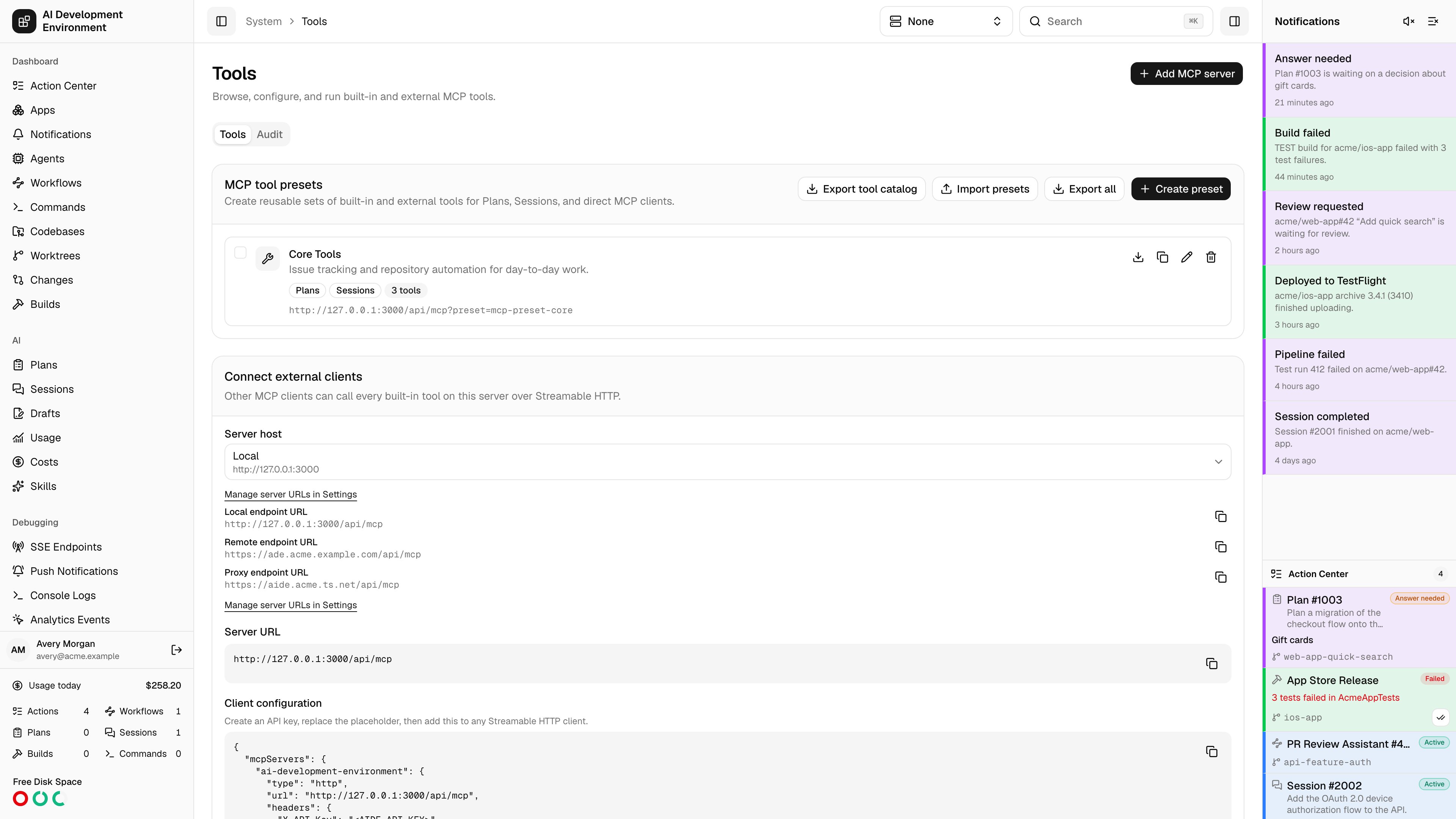
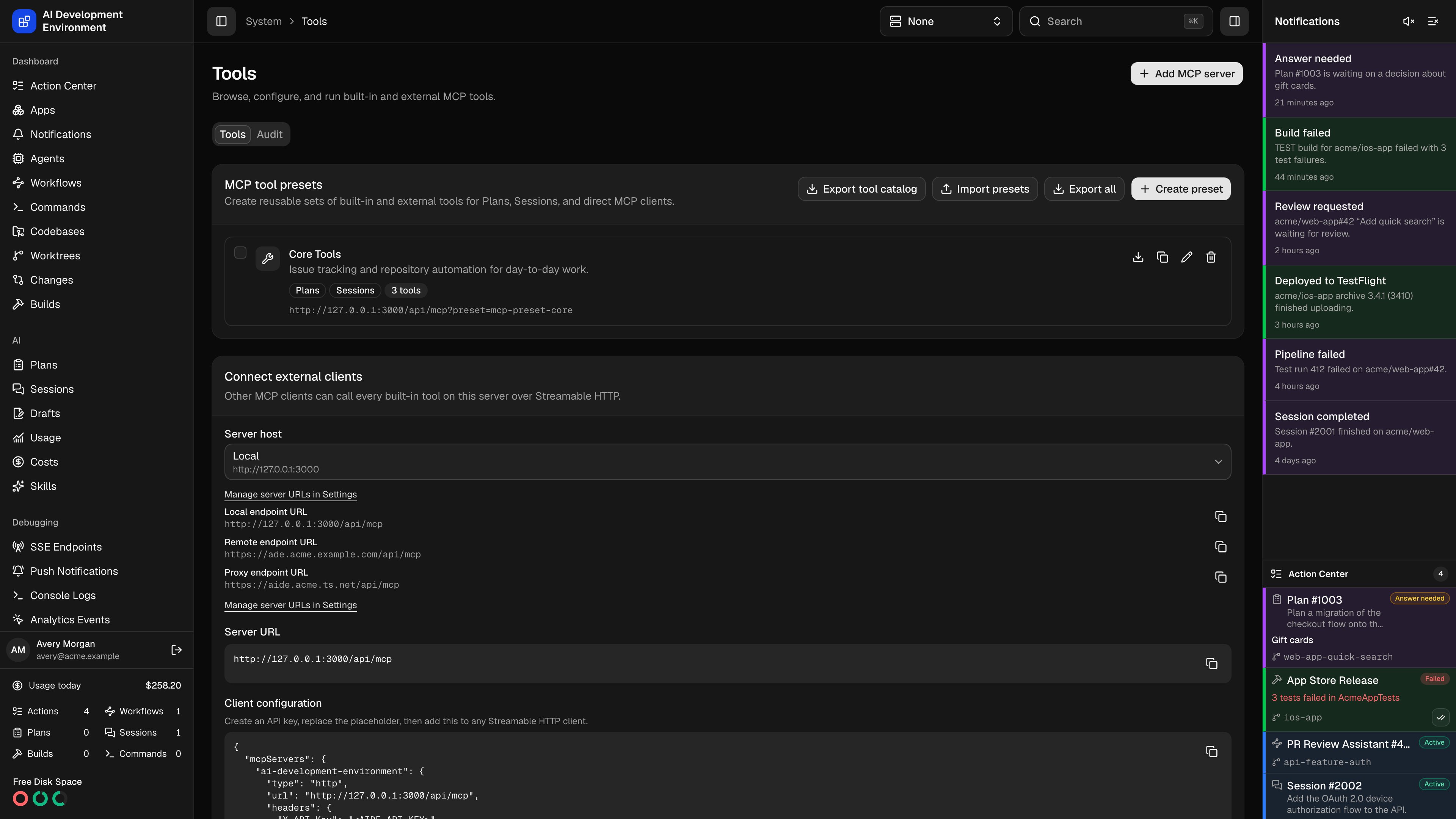
/system/tools lets you browse built-in and external MCP tools, run them with explicit arguments, select tools for presets, and inspect tool-call history. You can also export the catalog for an AI to design a preset, then review and import the returned JSON.
Client addresses
Choose Local, Remote, or configured Proxy when copying an MCP client configuration or preset URL. The selector starts with the global default; every configured/api/mcp variant is copyable. Base addresses are edited in Settings → Server URLs, shared with the native iOS endpoint display.
MCP get_server_url_settings reads these settings, and update_server_url_settings saves overrides, Proxy, and defaults with the same origin validation as Settings. Build tools accept optional serverUrlKind; omitted simulator choices inherit the simulator or global default.
Tool catalog
Tools are grouped by source. Built-in tools ship with the server and cover agents, builds, codebases, commands, worktrees, GitHub, GitLab, Jira, skills, runs, workflows, notifications, signing assets, devices, disk space, usage, and debugging. Each external MCP server you add contributes its own group. Read tools also cover cross-product search (global_search), the Action Center (get_action_center), apps (get_apps, get_app), cached CLI health (get_installation_status, get_agent_cli_health), and crash investigation (get_crash_reports, get_crash_report, get_dsyms, get_dsym). These tools let an AI find the relevant resource before invoking a more specific tool.
Expand a tool to see its description and a form generated from its input schema. Fill in the parameters and Run tool to execute it; the complete response — not a summary — appears underneath and can be copied.
Parameters render as typed controls where the schema allows it, and fall back to a JSON editor for objects and arrays. The editor validates before it will let you run.
Search filters across tool names, descriptions, and server names at once. Refresh tools re-queries every group, which is what you want after changing an external server’s configuration.
The built-in Builds group includes import_coverage_report. It records an LCOV or Istanbul file already written inside a worktree as a host-only build and coverage report. See Importing coverage from other test runners for its inputs, limits, and workflow equivalent.
The built-in Tailscale group reads the fleet Serve overview, inspects agents, upserts typed templates, toggles individual assignments, and deletes templates. Its write tools operate through durable agent jobs and expose operation progress rather than raw CLI output. See Tailscale Serve for the complete catalog and safety constraints.
Tool badges
Each tool carries MCP annotations that drive both its badge and whether running it needs confirmation.A tool with no annotations at all is treated as unknown rather than safe: it
is assumed to reach external systems and is not given the read-only shortcut.
External MCP servers that omit annotations therefore always prompt.
External MCP servers
The External MCP servers card registers third-party tool providers. Their tools appear in the catalog and can be selected for presets, run from this page, or called by workflows.
Header values are saved server-side and never returned to the browser. When editing a server, leaving a header value blank keeps the stored value rather than clearing it. Remove a server’s tools from presets before deleting the server. Deleting an unreferenced server also deletes its saved headers.
If a server cannot be reached, its group appears in the catalog carrying the connection error instead of a tool list — the rest of the catalog keeps working.
Connecting external clients
The Connect external clients card gives you what any Streamable HTTP MCP client needs to call this server: Claude Code, Cursor, or anything else that speaks MCP. The endpoint is/api/mcp on this server’s origin. The bare endpoint exposes built-in tools. A preset URL (/api/mcp?preset=<id>) exposes that preset’s selected built-in and external tools. Pick the Server host from the detected options, or enter a custom host when clients reach the server through a different address than your browser does. The card renders both the server URL and a ready-to-paste client configuration block.
Authentication
Unscoped and preset MCP connections require one of these Better Auth credentials:
Run-scoped MCP uses an enrolled agent’s bearer credential instead. User sessions and API keys cannot enter a run scope.
MCP tool presets
Presets are reusable sets of explicitly selected built-in and external tools. Define which tools a client receives, then share the preset-scoped URL:/api/mcp?preset=<id>.
Each preset carries a name, an optional description, an icon, and flags for whether it is offered for Plans and Sessions. A preset marked for neither is Direct URL only — usable by clients that have the link, invisible in the run pickers.
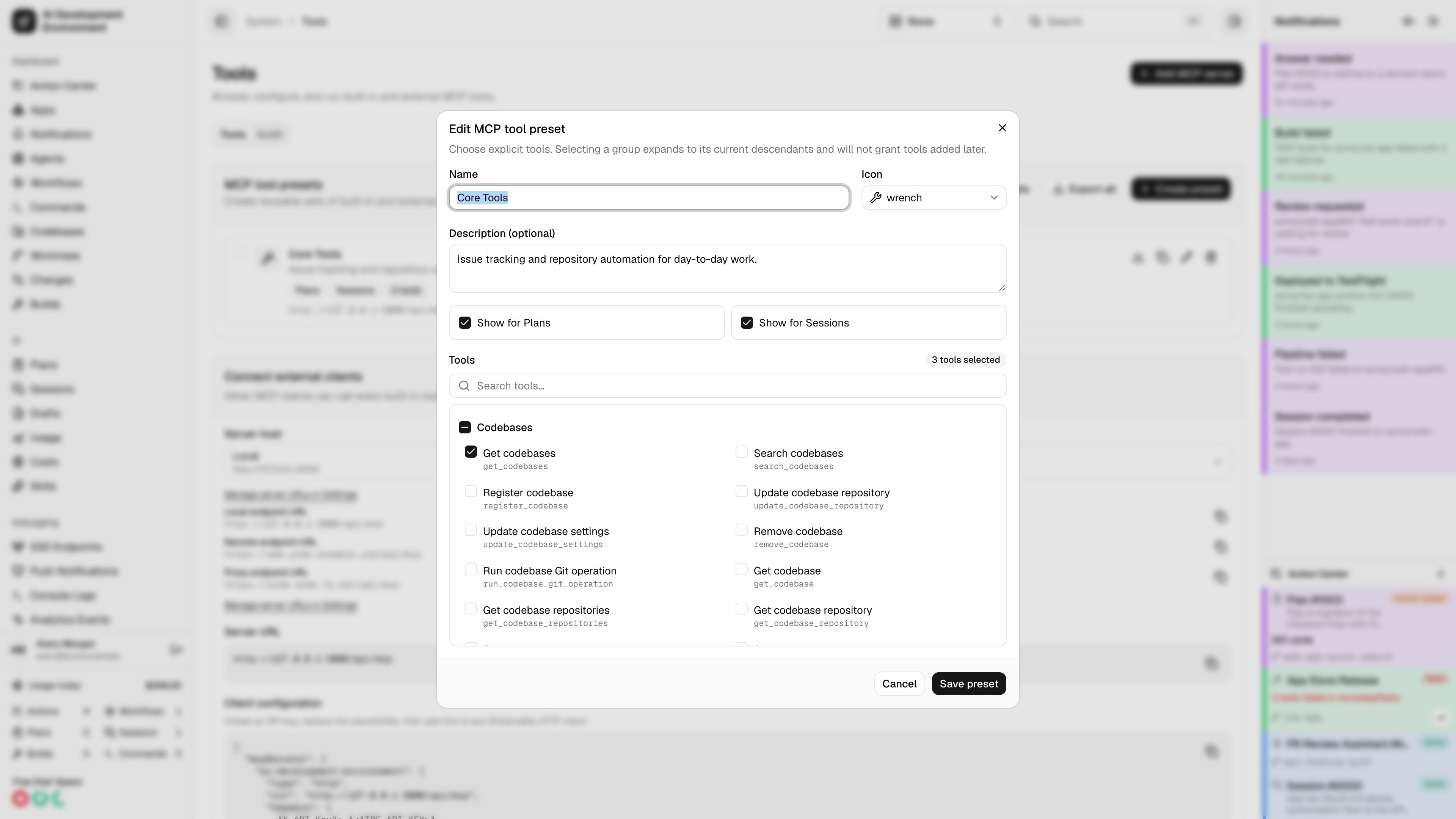
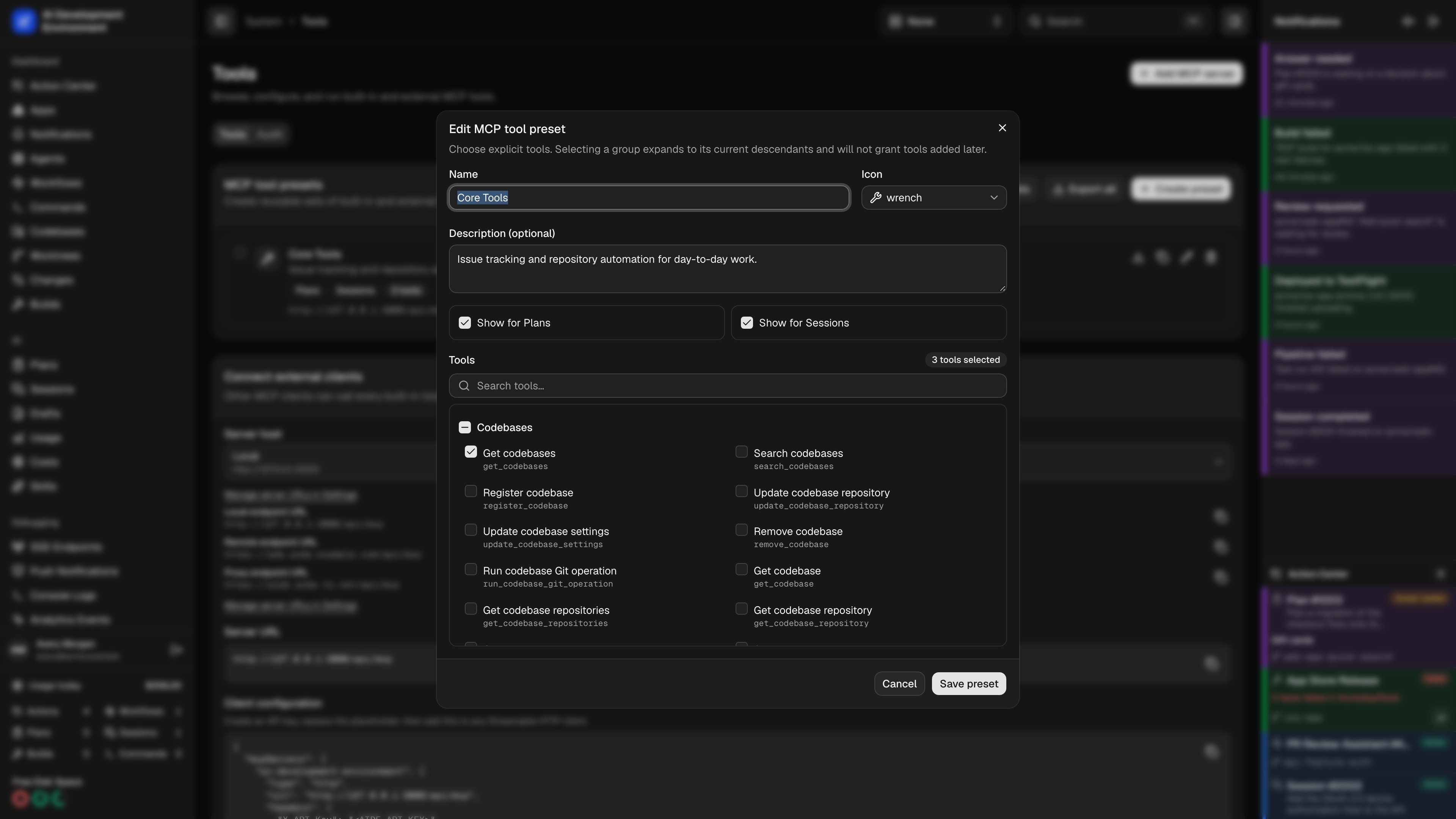
Selecting a group when building a preset expands to that group’s tools at
that moment. It is a snapshot, not a subscription: tools added to the group
later are not granted automatically. That is deliberate — a preset should not
quietly widen.
Export a catalog for an AI
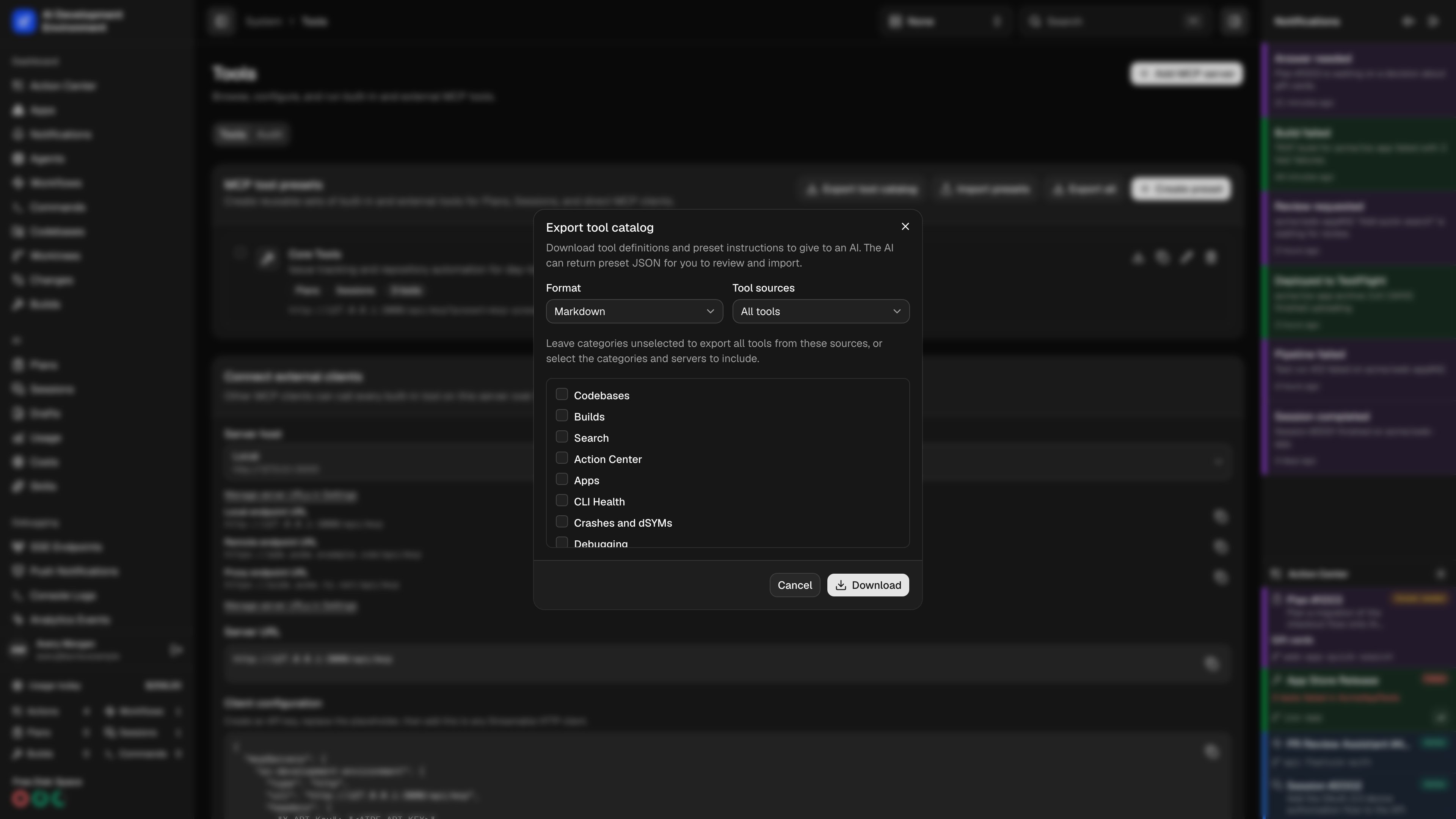
Select Export tool catalog, then choose Markdown or JSON and the sources to include: All tools, Built-in tools, or External tools. Leave categories unselected to include every group from those sources, or choose particular categories and servers. Select Download.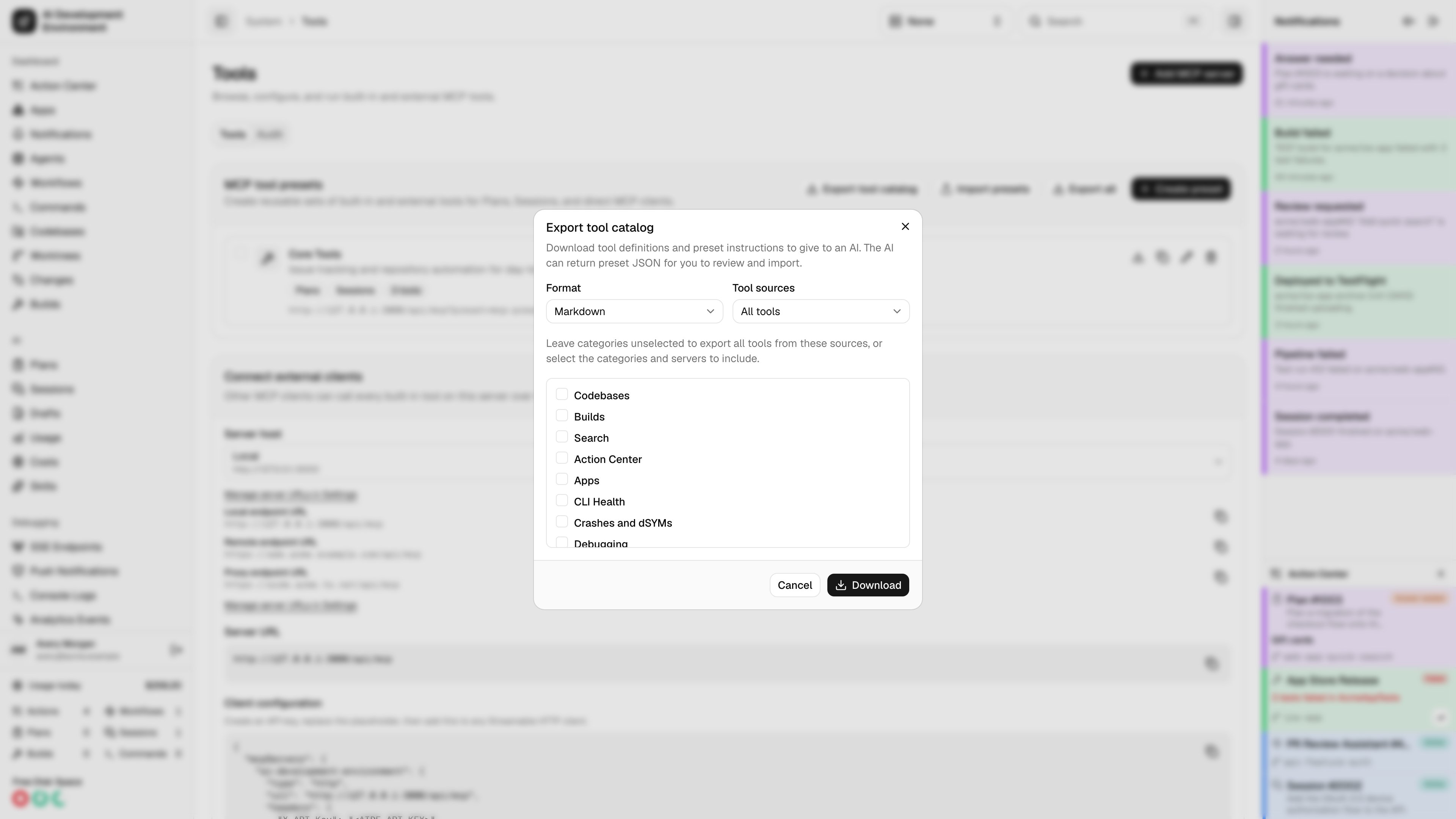
1
Export the relevant tools
Keep the sources and categories relevant to the work. The catalog omits saved connection URLs, custom headers, credentials, and local external-server IDs.
2
Ask for a preset
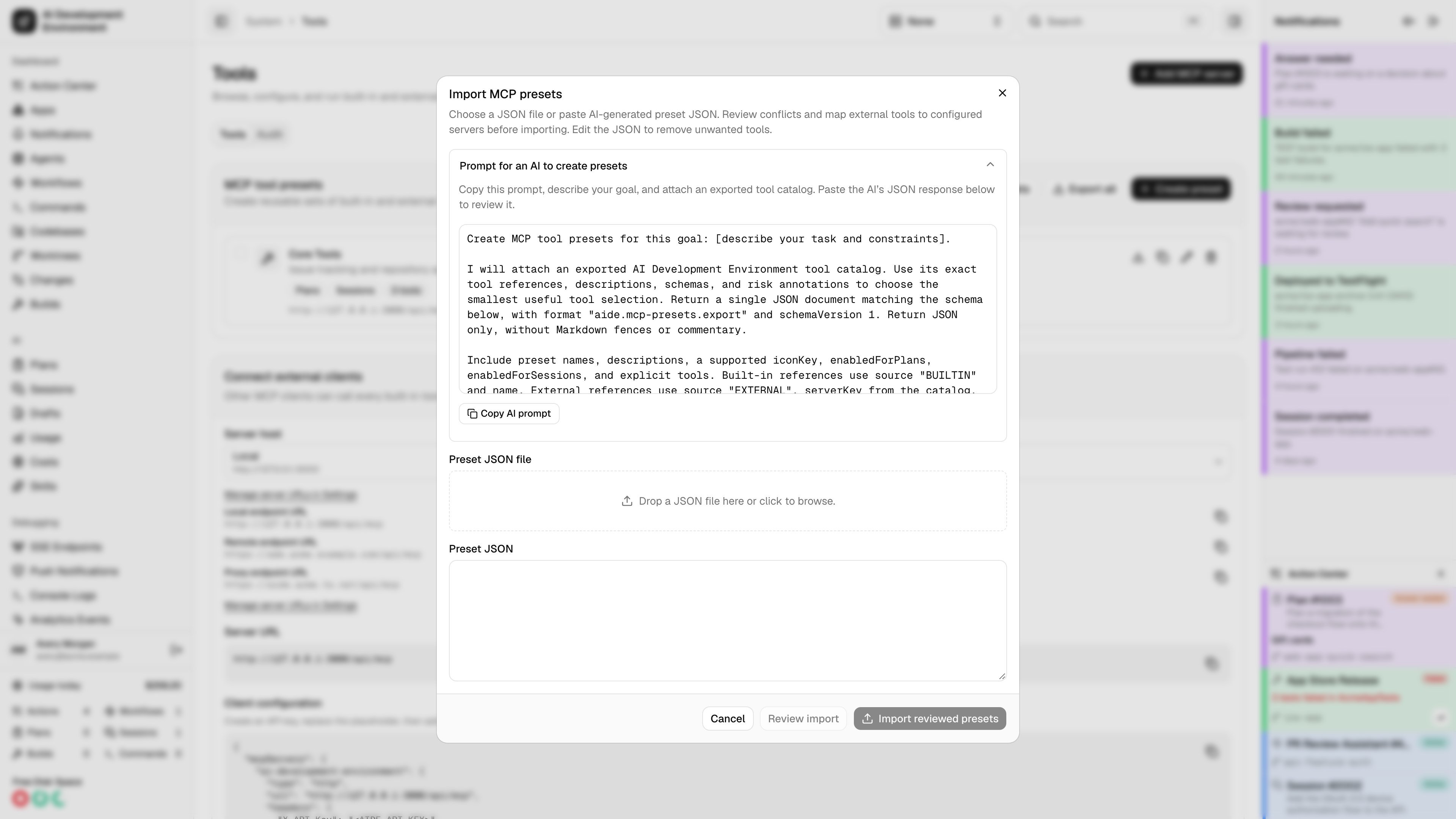
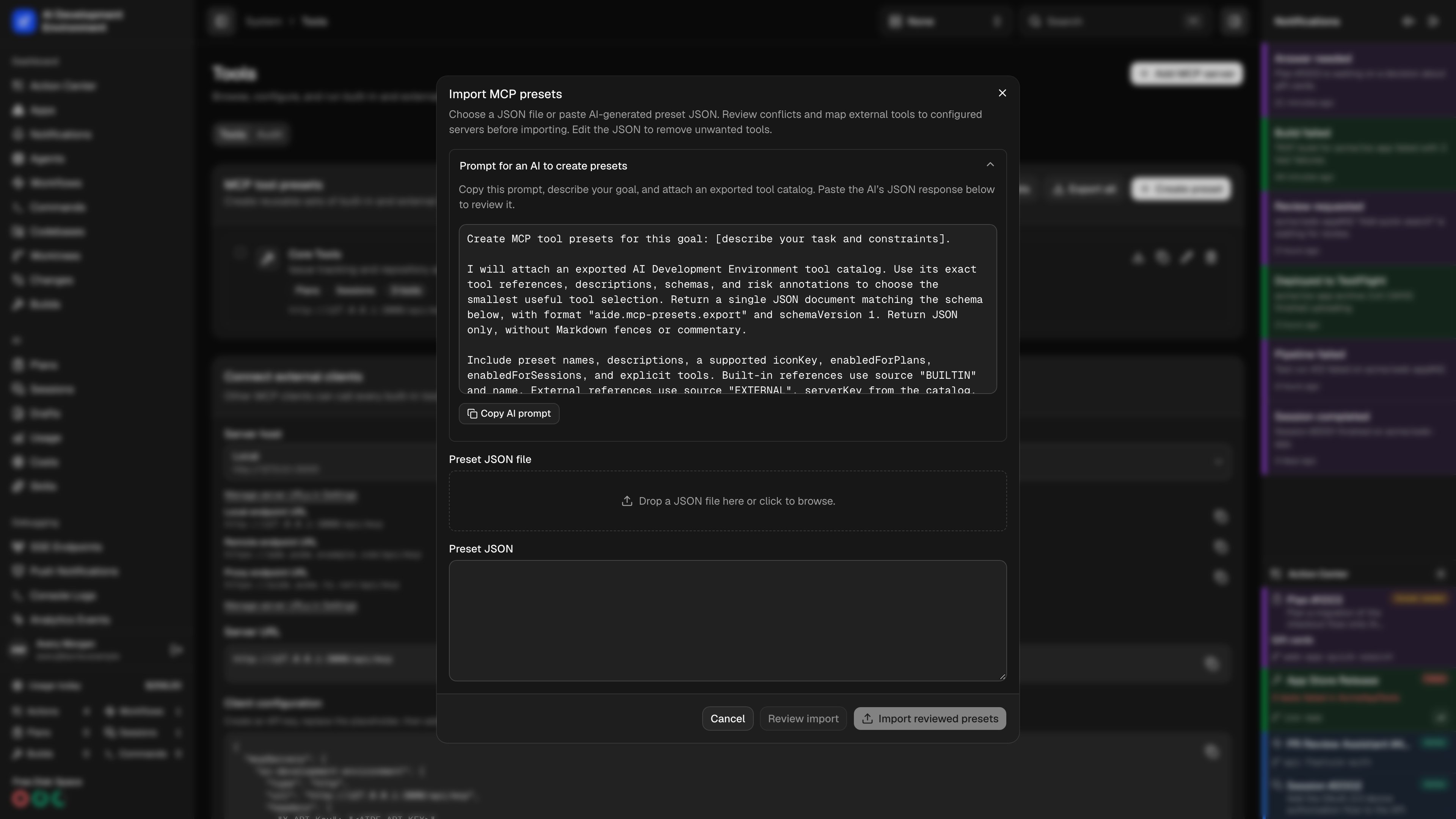
Give the file to an AI with a task such as: “Create a read-only crash-investigation preset. Use only references in this catalog and return JSON matching its preset schema.” The AI should return the JSON document without Markdown fences.In the web import dialog, expand Prompt for an AI to create presets and select Copy AI prompt. Replace the goal placeholder and attach the exported catalog. The prompt includes a valid example and the current import JSON Schema.
3
Review and import the JSON
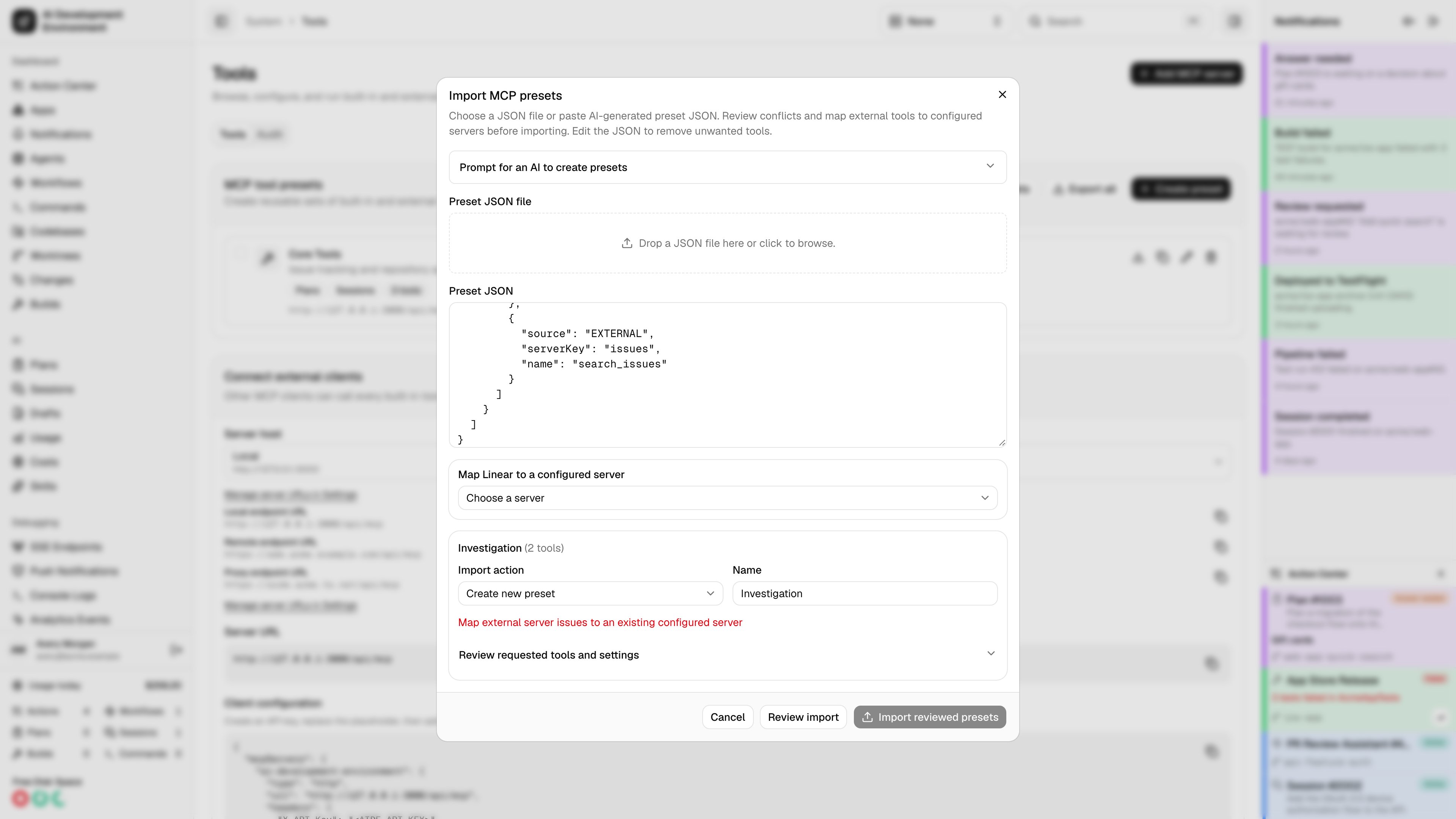
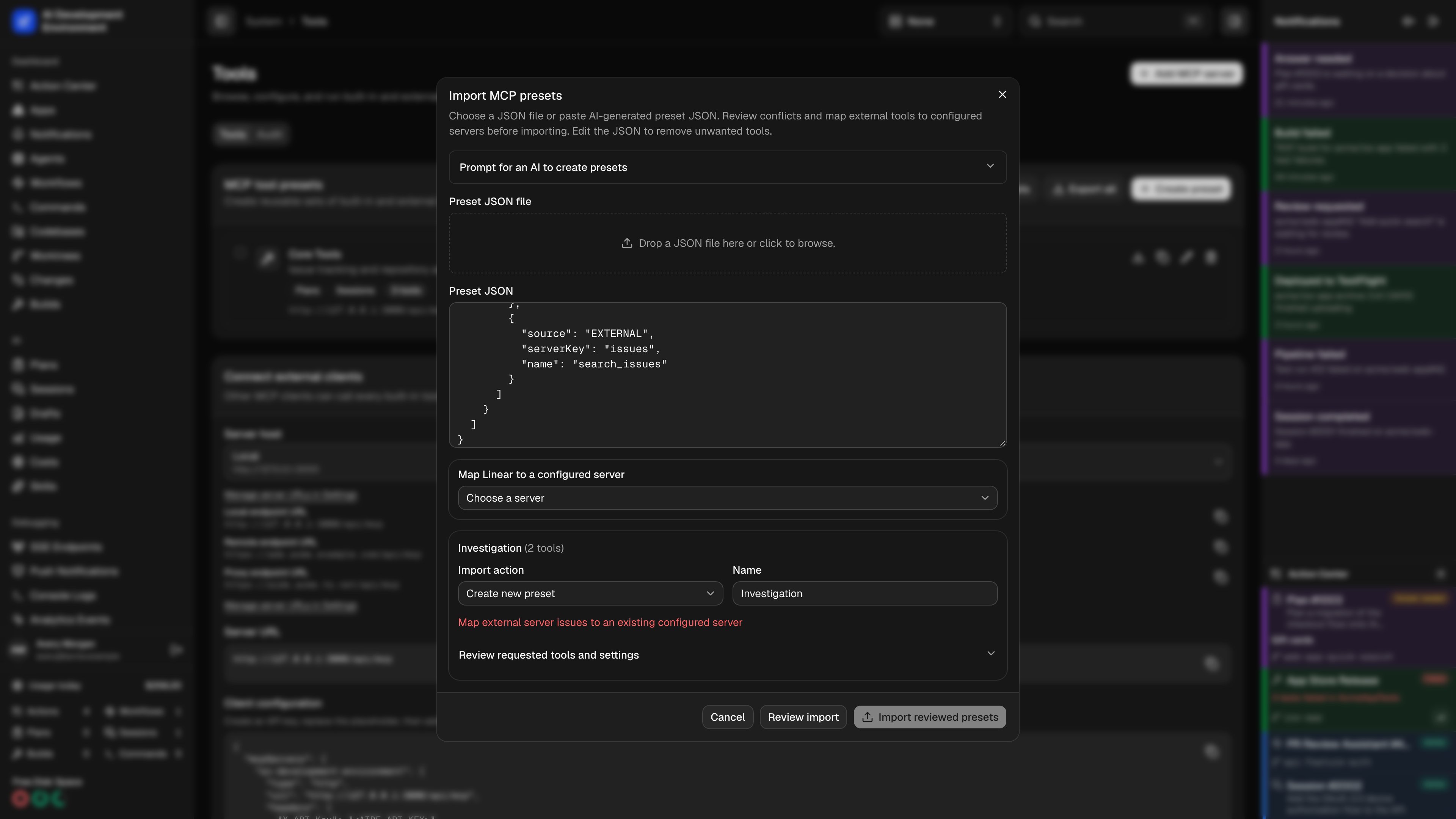
Open Import MCP presets. Drop the returned JSON file into the web upload area, click it to browse, or paste the file’s contents. Select Review import and review the exact tool selections before saving.
Share and import presets
Export an individual preset from its export action, or select several presets and export them together. Preset exports contain explicit selections and metadata. They do not include database IDs, timestamps, credentials, headers, or connection URLs. The web and native iOS preset management flows use the same portable JSON format and server validation. Files can contain up to 100 presets and must be 2 MiB or smaller. Each preset must have at least one tool. Import opens a review before changing saved presets:- Choose a JSON file or paste the document, then select Review import.
- Map each external server used by the presets you will import to an already configured server. A matching name and transport can be suggested; confirm the actual destination. Import does not create external servers or install credentials.
- Choose Create new preset, Replace existing preset, or Skip preset for each entry. Creation is the default. Rename a conflicting entry or explicitly choose its replacement target.
- Review tools, settings, errors, and warnings. Unknown tools, missing servers, unavailable discovery, invalid fields, and unresolved name conflicts block the affected import.
- Review again after changing the document, names, actions, targets, or mappings. Select Import reviewed presets once the preview is valid.
Portable JSON example
This example selects a built-in crash reader and an external server’s rawsearch tool. Replace the external server/tool reference with one from your exported catalog, then map server-1 to an existing server during import.
externalServers: [] for a document containing only built-in tools. Do not substitute a prefixed catalog name or an aide_ext_... MCP alias for the raw external name.
Run snapshots and external names
When a plan or session is created, the control plane resolves the selected presets and saves the exact tool membership, advertised names, and schemas for that run. Changing or deleting a preset later does not add, remove, or rename the tools already granted to that run. Older runs created before mixed presets retain their built-in selections. Selected external tools must be available when the run starts. A missing tool or unreachable server blocks creation; reconnect the server or remove the selection and try again. If a server becomes unavailable during the run, its calls fail explicitly. External input and output schemas are validated using JSON Schema draft 7, 2019-09, or 2020-12; a schema without a declared dialect uses 2020-12. Unsupported dialects, unresolved references, unknown schema keywords, asynchronous validation, or mixed dialects block selection. Tools that require MCP task execution are also unavailable in a preset scope. Built-in MCP names stay unchanged. Scoped external tools receive anaide_ext_... alias derived from the local server identity and raw tool name, so equal upstream names from different servers remain distinct. The alias stays stable across server renames and prefix edits. Calls use the server’s current credentials, allowing credential rotation, but changing its endpoint URL or transport causes existing run calls to fail rather than silently sending them to the new destination.
For automation, call get_mcp_tool_presets with an optional kind of PLAN or SESSION, then pass the returned local preset IDs as mcpPresetIds to create_agent_run, create_run_follow_up, or play_plan.
Audit
The Audit tab lists tool calls in the order they were made, with enough detail to reconstruct what happened and nothing that would leak what was passed.
Search matches tool names, callers, sources, IDs, and hashes. Clear audit deletes completed records while preserving calls still in flight.
Notes
- The audit log records stable database identifiers, never raw session or API-key material.
- Client addresses are resolved from
CF-Connecting-IPandX-Forwarded-For, falling back tounknownbehind a proxy that forwards neither. - Confirmation dialogs apply to runs started from this page. Calls arriving over
/api/mcpexecute directly.
Related pages
Workflows
Automations that call these same tools, and show up in the audit.
Sessions
Where tool presets are selected for a run.