

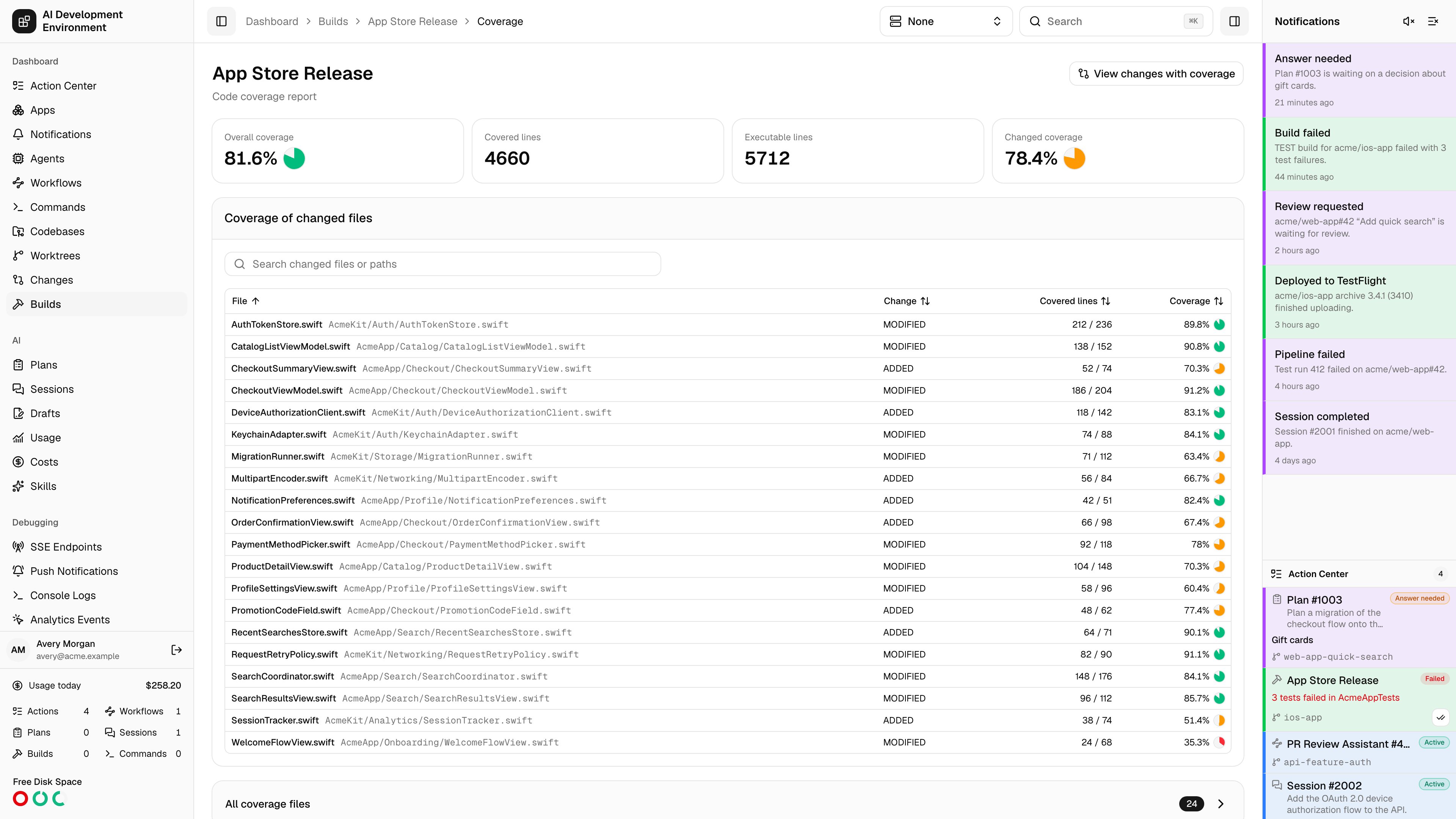
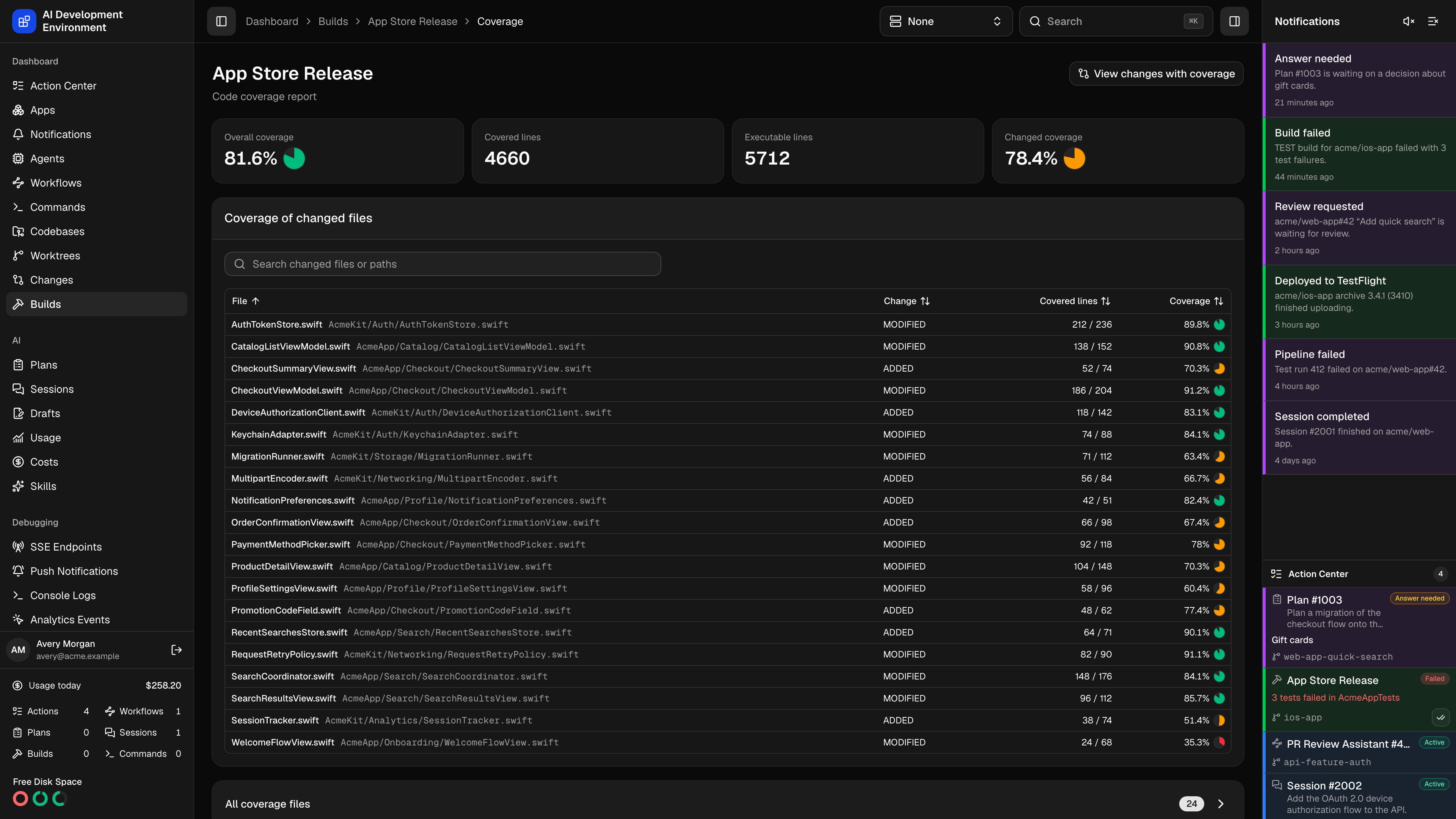
/dashboard/builds/{id}/coverage shows the code coverage report generated or imported for one build record.
An Xcode build has no coverage page until you generate the report. Open the build details page and choose Generate coverage report first — until then this page tells you the report was not found. An imported report gets its own build record and opens here as soon as the import succeeds.
Headline numbers
Coverage of changed files
Files this branch touched, with their coverage and a Change marker describing how the file was modified. Search by changed file or path. This table is empty when the branch has no changed source files — which is the expected state for a build made straight off the base branch.All coverage files
Every file in the report, grouped by target. Search across targets, files, and paths, sort by any column, and Expand all or Collapse all to move through targets quickly.Importing coverage from other test runners
You can import line coverage without running an Xcode build. The control agent accepts LCOV files such ascoverage/lcov.info and Istanbul JSON such as coverage/coverage-final.json.
In a workflow, run the test suite with a Terminal run step, then add Import coverage report from the Builds group. Configure these fields:
The import waits for the agent and creates a
HOST build record because no simulator or device build ran. It writes build.id and build.coverageSummary to workflow session data. Add Read code coverage afterward when later steps need the per-file and changed-file lists.
The built-in import_coverage_report MCP tool provides the same operation with worktreeId, reportPath, format, and a caller-supplied requestId. You can run it from the Tools page or an MCP client.
The coverage file must stay inside the worktree, must describe at least one file, and cannot exceed 64 MiB. Import requires an online agent that supports coverage imports.
Changed-line coverage is measured against the worktree’s base branch. If the branch or its remote reference cannot be resolved, the import still keeps whole-file coverage, but the changed-file breakdown and line overlay are unavailable.
Related pages
Build details
Where an Xcode coverage report is generated, alongside logs, artifacts, and test results.
Changes
The same report, overlaid line by line on the branch’s diff.
Worktree details
Worktree coverage reports, which measure the lines changed in a branch and its working tree.