

Built-in checks
Built-in checks are always enabled and cannot be edited or deleted.
GitHub and GitLab configuration controls whether their checks are included. The command still validates the CLI authentication installed on each individual agent.
Custom checks
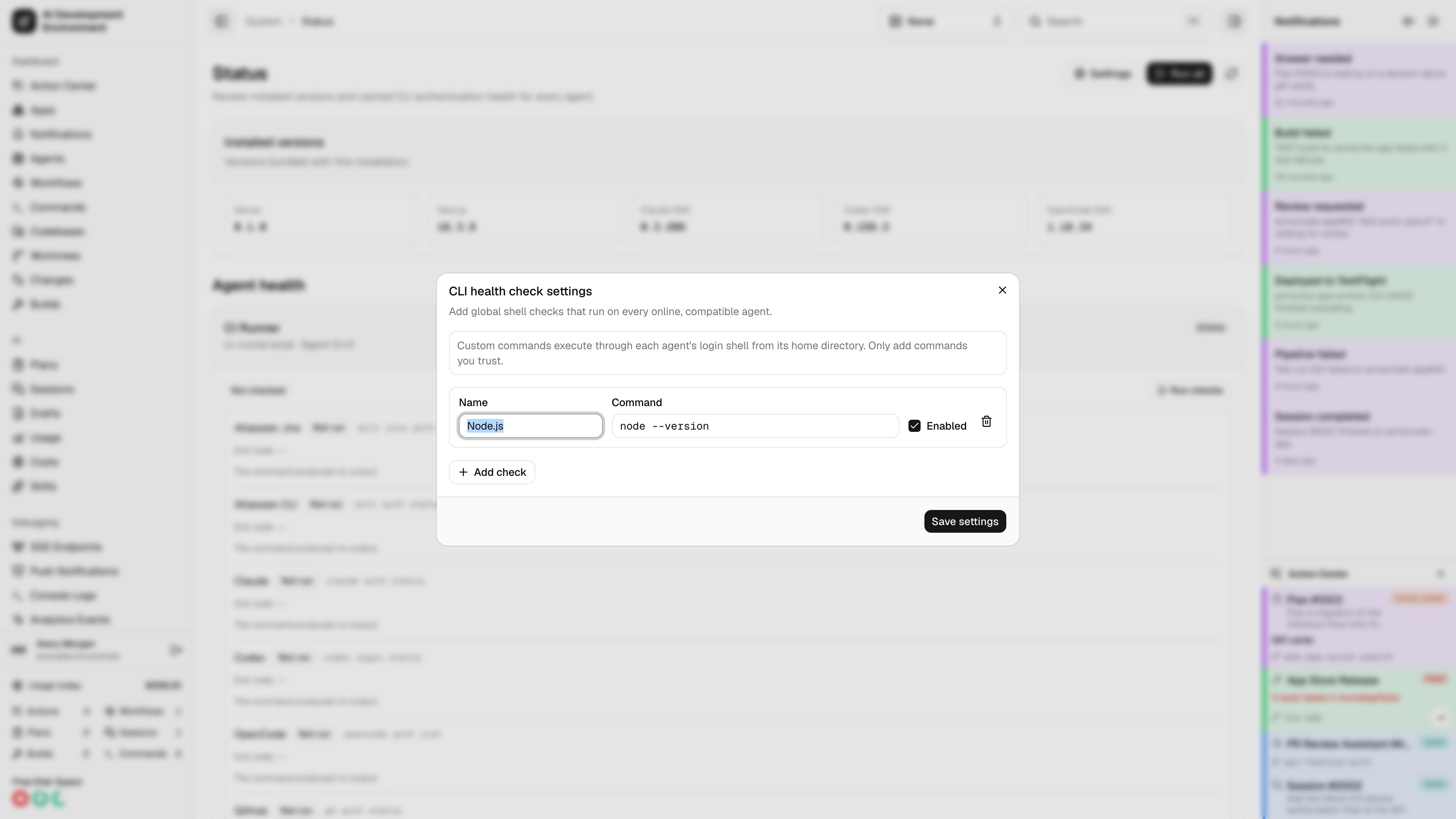
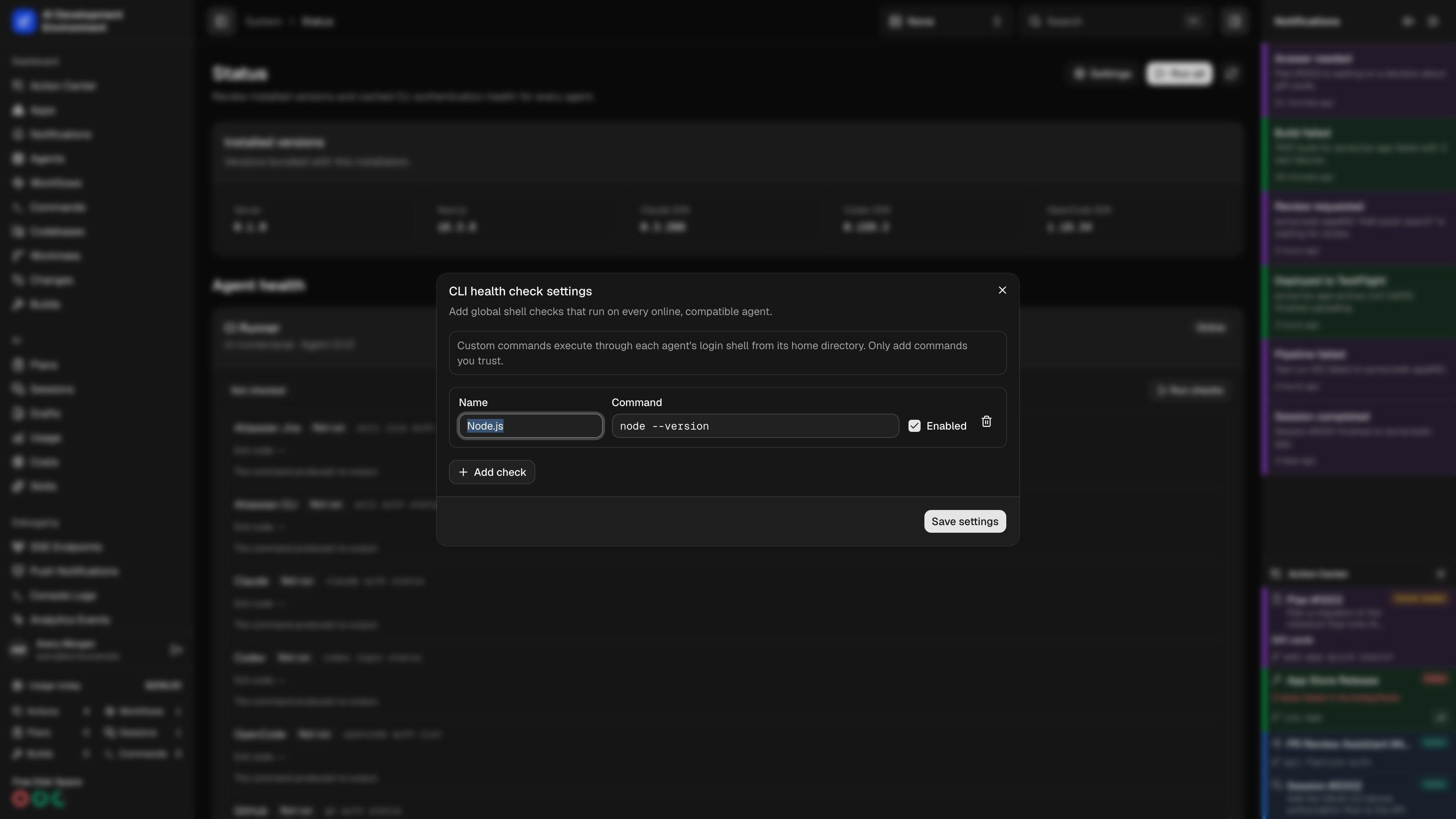
Select Settings on the Status page, then use Add check to create a check with a name, shell command, and enabled state. Custom checks are global: every enabled command runs on every online agent that advertises the health capability. You can add, edit, enable, disable, or delete a check. Select Save settings to replace the global list. A disabled or deleted check no longer appears in current health results, while its older system-job history remains intact. The server validates these limits:- At most 20 custom checks
- A unique name, compared case-insensitively, from 1 to 100 characters
- A command from 1 to 4,096 characters
- No NUL characters
Execution and output
The agent runs each command through its login shell from the agent user’s home directory. A sweep runs up to four checks concurrently while preserving the configured definition order in the result.
The two output streams remain separate. Terminal color and unsafe control characters are removed before output is stored. When output crosses the limit, the page retains the prefix and shows Output truncated.
A zero exit code produces a green Passed badge. A nonzero exit, timeout, or launch failure produces a red Failed badge. One failed command does not fail the containing system job, so the remaining checks still complete and retain their output.
Shell security
Prefer commands that only inspect authentication or tool state. Avoid inline secrets: command text is sent to each eligible agent and retained with the health result. If a check needs a credential, let the target CLI read its existing secure configuration.Related pages
Status
Run checks and inspect current or cached results across all agents.
Credentials
Review the control plane’s credential backend and protection state.