

Create a key
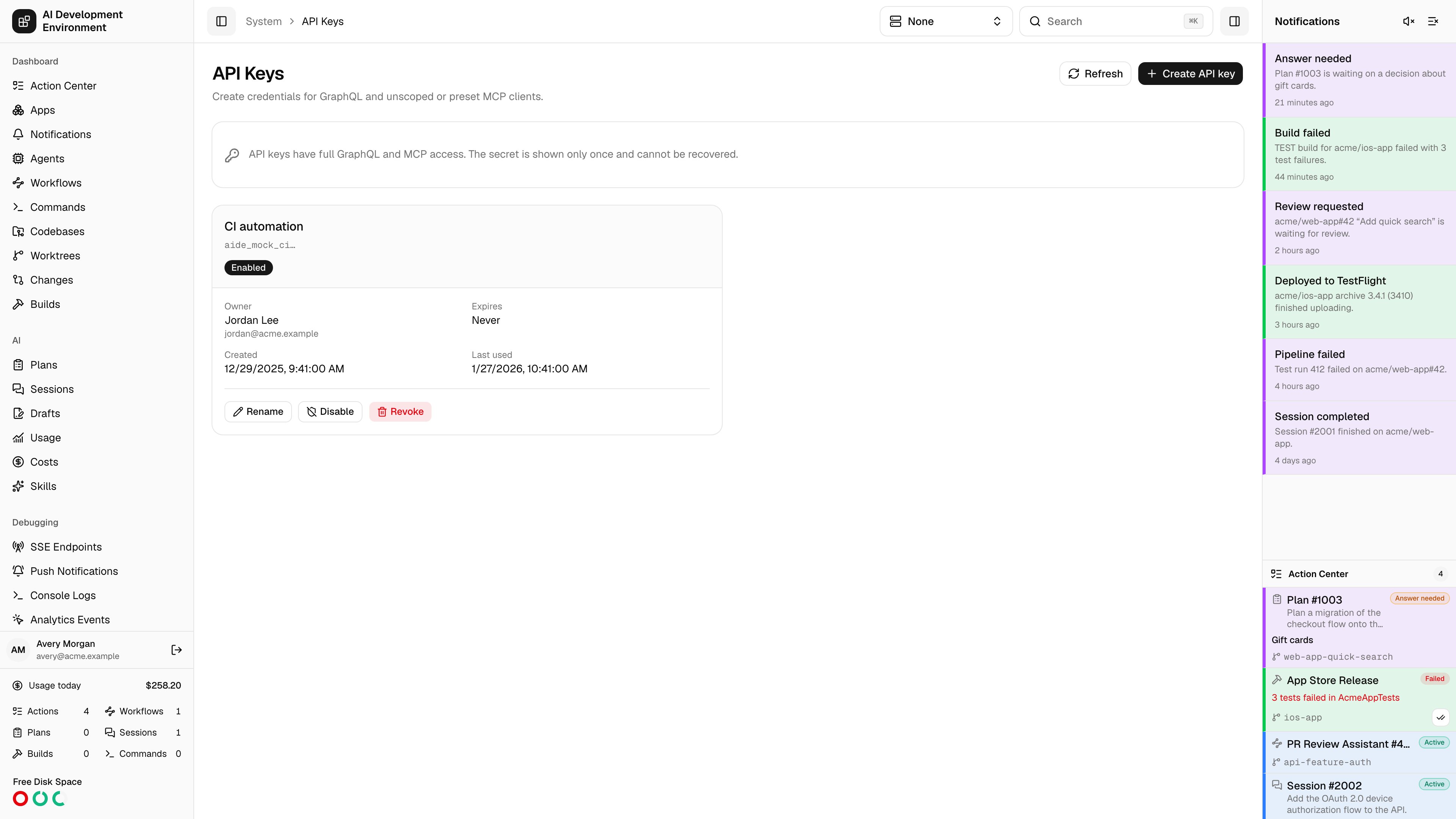
Choose an owner, give the key a name, and optionally set an expiration. Keys do not expire by default. Every key begins withaide_.
The complete key appears once after creation. Copy it before closing the dialog. The server stores only a hash and the non-secret prefix metadata, and the iOS app never saves the revealed value.
Maintain keys
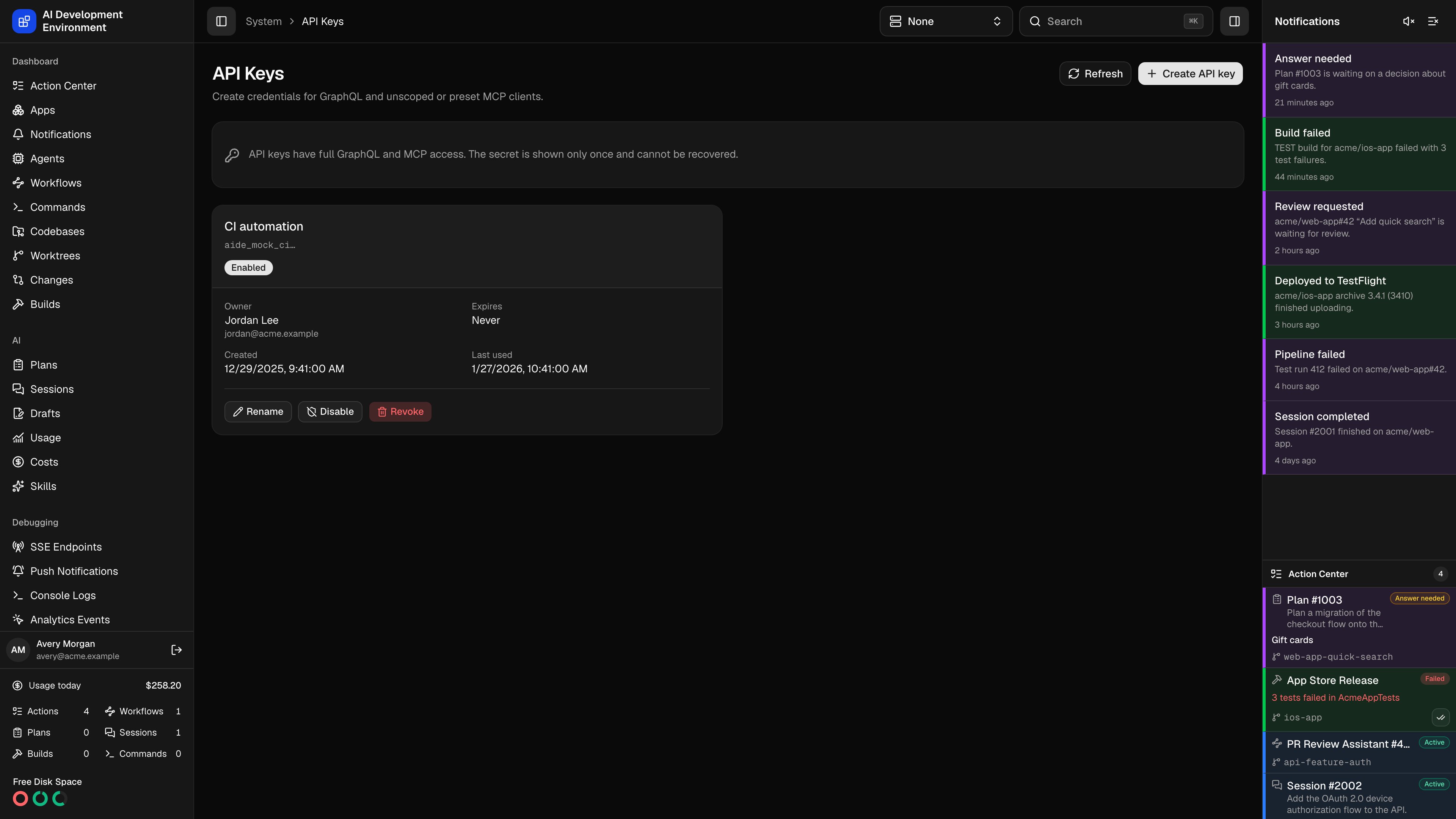
The list shows the owner, name, starting characters, creation time, expiration, enabled state, and last use. You can:- Rename a key without rotating it.
- Disable and re-enable a key.
- Revoke a key permanently.
- Create a replacement before revoking an expiring key.
Use a key with MCP
Send the key inX-API-Key:
Authorization. That header is reserved for Better Auth mobile sessions and existing agent_ credentials.