

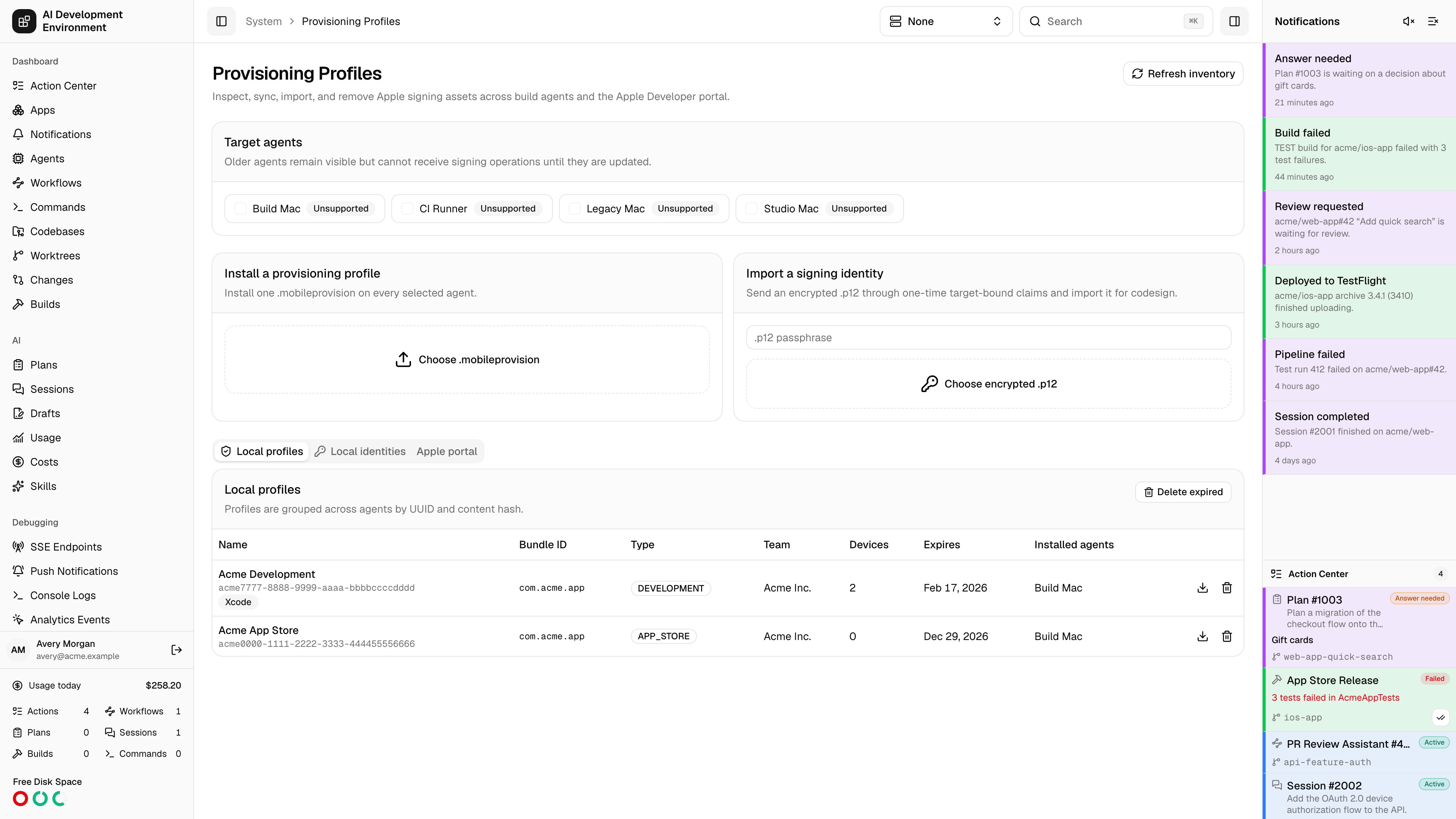
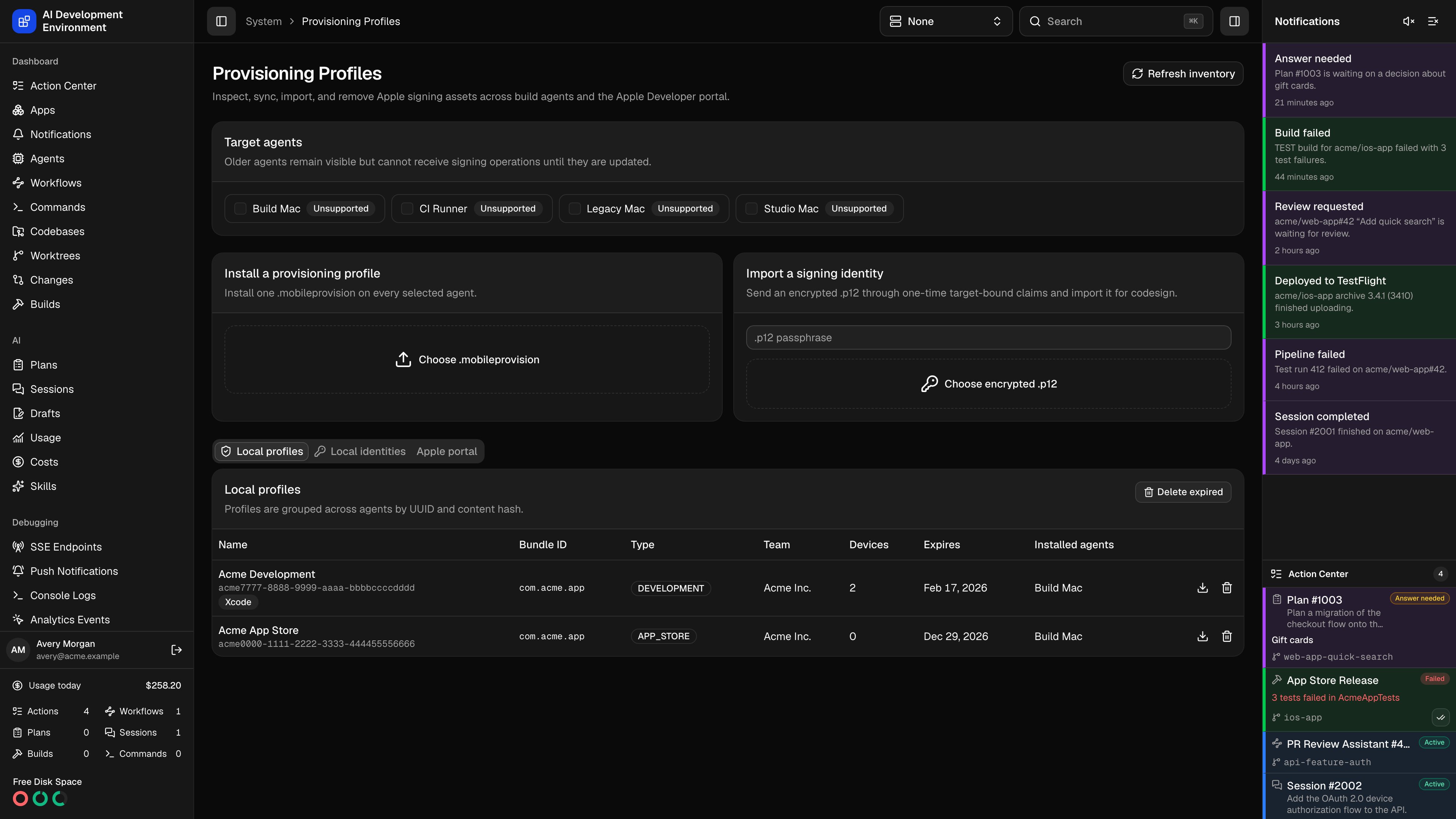
/system/provisioning-profiles answers the question that breaks iOS builds more than any other: which of my Macs can actually sign this app?
It inventories the provisioning profiles and code-signing identities installed on every build agent, groups them so you see one row per profile rather than one row per machine, and lets you install, copy, and remove them across agents. A separate tab reaches into the Apple Developer portal for the same assets at the source.
Target agents
Every action on this page runs against the agents selected in Target agents at the top. The selection is deliberate — installing a signing identity on a machine that does not need it widens your exposure for no benefit. Agents whose control agent predates signing support stay visible but are marked Unsupported and cannot be selected. Update the agent to bring it back into the fleet.Refreshing the inventory
Refresh inventory dispatches a scan job to each signing-capable agent, which reads the profiles from disk and the identities from the login keychain and reports them back. Progress is per agent — Refreshing inventory: N of M agents finished — with each agent showing Queued, Scanning, Complete, Failed, Cancelled, or Timed out.The inventory is a cached snapshot, not a live read. Anything changed directly on a Mac — a profile Xcode downloaded, a certificate someone deleted — is invisible until the next refresh.
Local profiles
Profiles are grouped across agents by UUID and content hash. Two agents holding byte-identical profiles produce one row; if one agent’s copy has drifted, it splits into two rows, which is exactly the signal you want.
Available actions:
Xcode-managed profiles can be deleted here, but Xcode will download them again on the next build that needs them.
Local identities
The Local identities tab lists code-signing certificates grouped by fingerprint across agents.Importing an identity
Import a signing identity sends an encrypted.p12 and its passphrase to the selected agents, which import it into the login keychain for codesign.
Select online, supported agents
Unlike profile installs, identity import requires every target agent to be online and to advertise import support. The action fails up front and names the agents that do not qualify rather than half-completing.
Choose the .p12 and enter its passphrase
The file must be non-empty and no larger than 20 MiB.
The secret moves by one-time claim
Each agent gets its own target-bound, single-use transfer for the archive and passphrase. If job creation fails, the transfer is revoked immediately rather than left claimable.
Apple portal
The Apple portal tab talks to the Apple Developer account directly, using the App Store Connect credentials configured in Settings. It lists Portal profiles and Portal certificates alongside the bundle IDs and registered devices Apple knows about. Create portal profile builds a profile from resources that already exist in the account: a name, a profile type, an existing bundle ID, an existing certificate, and the applicable registered devices. No private key is ever generated.Recent operations
Every install, sync, delete, and import is recorded as an operation with one item per agent, each carrying its own status, error, and finish time. This is the durable audit surface for the page. The underlying agent jobs are deliberately short-lived: because their payloads and results carry profile bytes and.p12 material, they are deleted once the operation record has captured the outcome.
Notes
- Profile bytes and
.p12passphrases are treated as transfer material, never as stored records — the operation log keeps the outcome, not the secret. - Deleting a profile from agents does not touch the Apple Developer portal, and deleting one from the portal does not remove copies already installed on agents.
- Adding a device to Apple does not update an existing profile. Create a new profile that includes it and sync it out.
Related pages
Devices
The devices a development profile has to include.
Builds
Where these profiles and identities are actually consumed.