

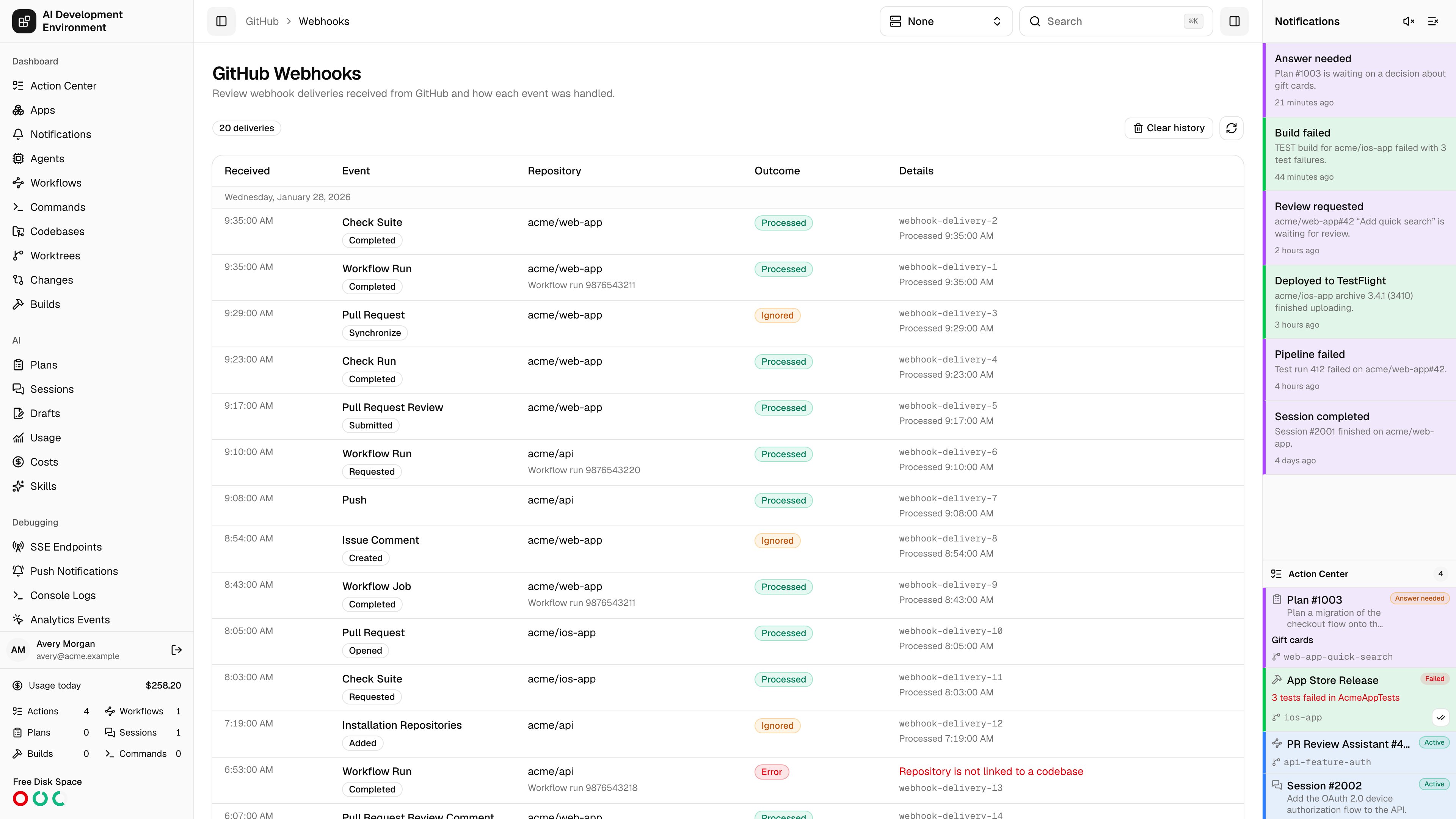
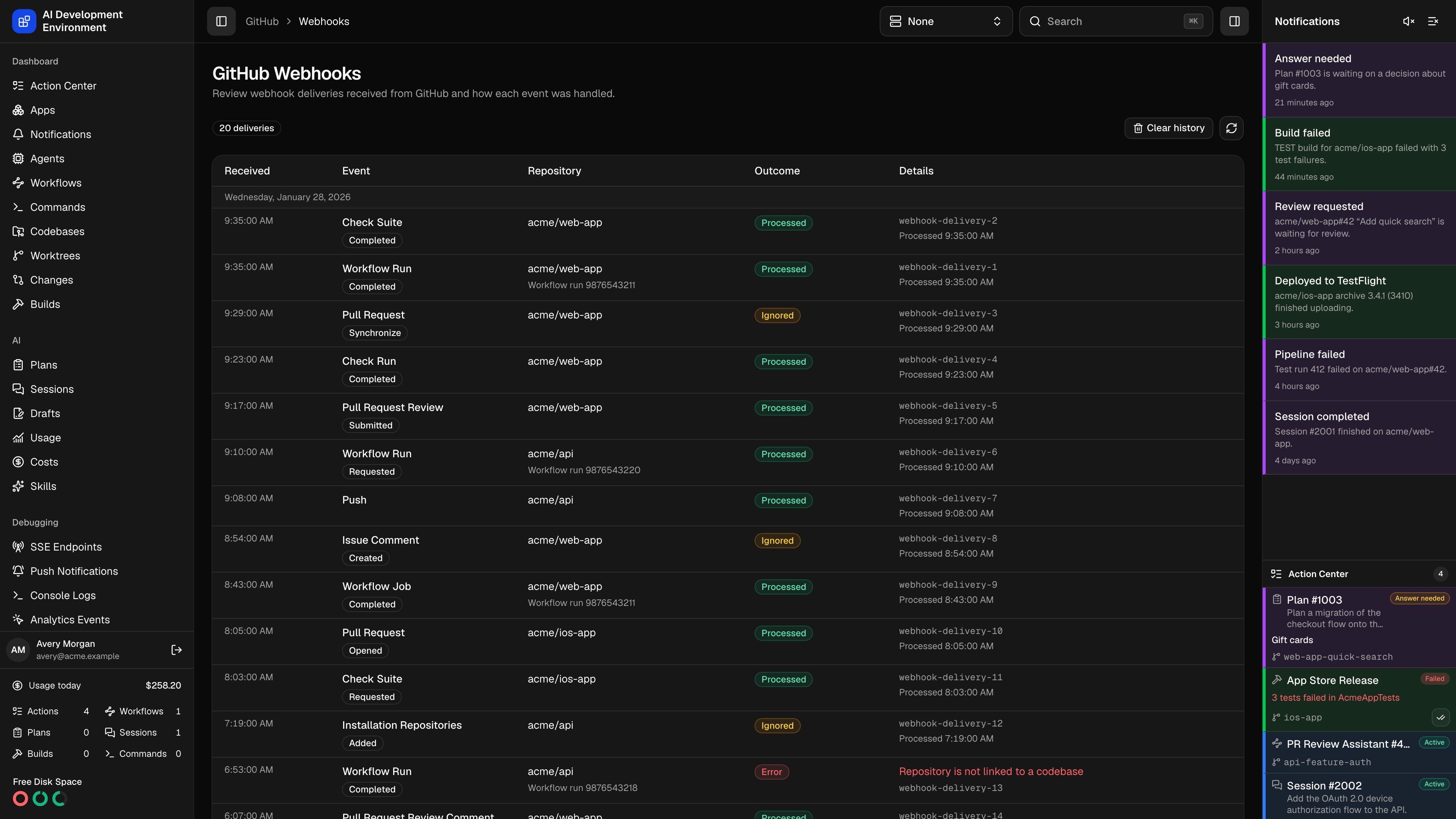
/github/webhooks reviews the deliveries GitHub sent to this deployment and what each one did.
The webhook is optional but changes how the product behaves. Without it, GitHub state is only as fresh as the last poll or page load. With it, workflow results arrive as they finish, pipeline badges update live, and GitHub events can start workflows on their own.
Using the page
Deliveries are listed newest first, grouped by day, 50 per page.
Clear history empties the list; new deliveries keep arriving afterwards.
Outcomes
A delivery is ignored when its
installation.id does not match the configured GitHub App, when the repository is not registered here, or when the event is one nothing subscribes to. None of these are failures — they are the normal result of an App that is installed more widely than this deployment’s codebases.
Setting up the webhook
The GitHub App pipeline retries card in Settings configures the App that signs these deliveries. The same App also enables workflow and job retries. Select a Local, Remote, or configured Proxy address for the webhook and Homepage URL. Edit those addresses in Settings → Server URLs, then Save and verify to update the registered webhook. Changing shared settings alone does not update registrations.Register a GitHub App
Create a uniquely named App from New GitHub App. Use this deployment’s
address as the Homepage URL and leave the callback URL empty.
Grant permissions
Set Repository permissions → Actions to Read and write. For live
pipeline updates, also grant Checks and Commit statuses read access.
Enable webhooks
Enable webhooks, subscribe to Workflow run, and use the webhook URL
shown on the card. Saving generates the signing secret and configures the
URL through GitHub for you.
Install and collect credentials
Create the App, generate a private key, and install it on only the
repositories this deployment should control. The installation ID is the
final number in the App’s Configure page URL.
Save and verify
Paste the App ID, the installation ID, and the downloaded PEM, then Save
and verify. The card then reports the connected App and account, the
Actions permission, the repository selection, and the time and outcome of
the most recent delivery.
The private key is sent only to the server and is never returned to the
browser. Rotating it means pasting a replacement PEM and verifying again;
leaving the field blank keeps the stored key.
Enhanced pipeline webhooks
Enhanced pipeline webhooks subscribes to more than completed runs, so check, job, and commit-status changes stream in as GitHub reports them.
These deliveries drive the live pipeline badges, job lists, and step statuses on Pull Requests, pull request details, and the worktree pages. Enable the matching permissions and events in GitHub, approve the installation change, then save and verify here.
Workflow triggers
Deliveries also start workflows. When a verified delivery matches one of these, the corresponding trigger fires with the pull request, branch, ticket key, and worktree already resolved:
The branch on the delivery is matched against the repository’s Jira branch regex and against the worktrees registered here, so a triggered workflow starts with its ticket and worktree context rather than just a payload.
Notes
- This page appears only when a GitHub App webhook is configured. Removing the App hides it.
- Deliveries arrive at
/api/public/github/webhookand are rejected unless signed with the stored secret: a missing or invalidX-Hub-Signature-256is answered401, an unconfigured webhook503, and a payload over 1 MB413. - GitHub identifies each delivery with
X-GitHub-Delivery, which stays the same across retries. Retrying a delivery that already finished does no work; retrying one that failed processes it again. - A verified
workflow_runcompletion switches Actions notifications from polling to webhook mode — see Polling. - Deliveries older than 30 days are pruned automatically, along with the workflow run observations recorded alongside them.
Related pages
GitHub Actions
Workflow runs, retries, and Auto Retry rules.
Jira Webhooks
The same delivery log for Jira events.