

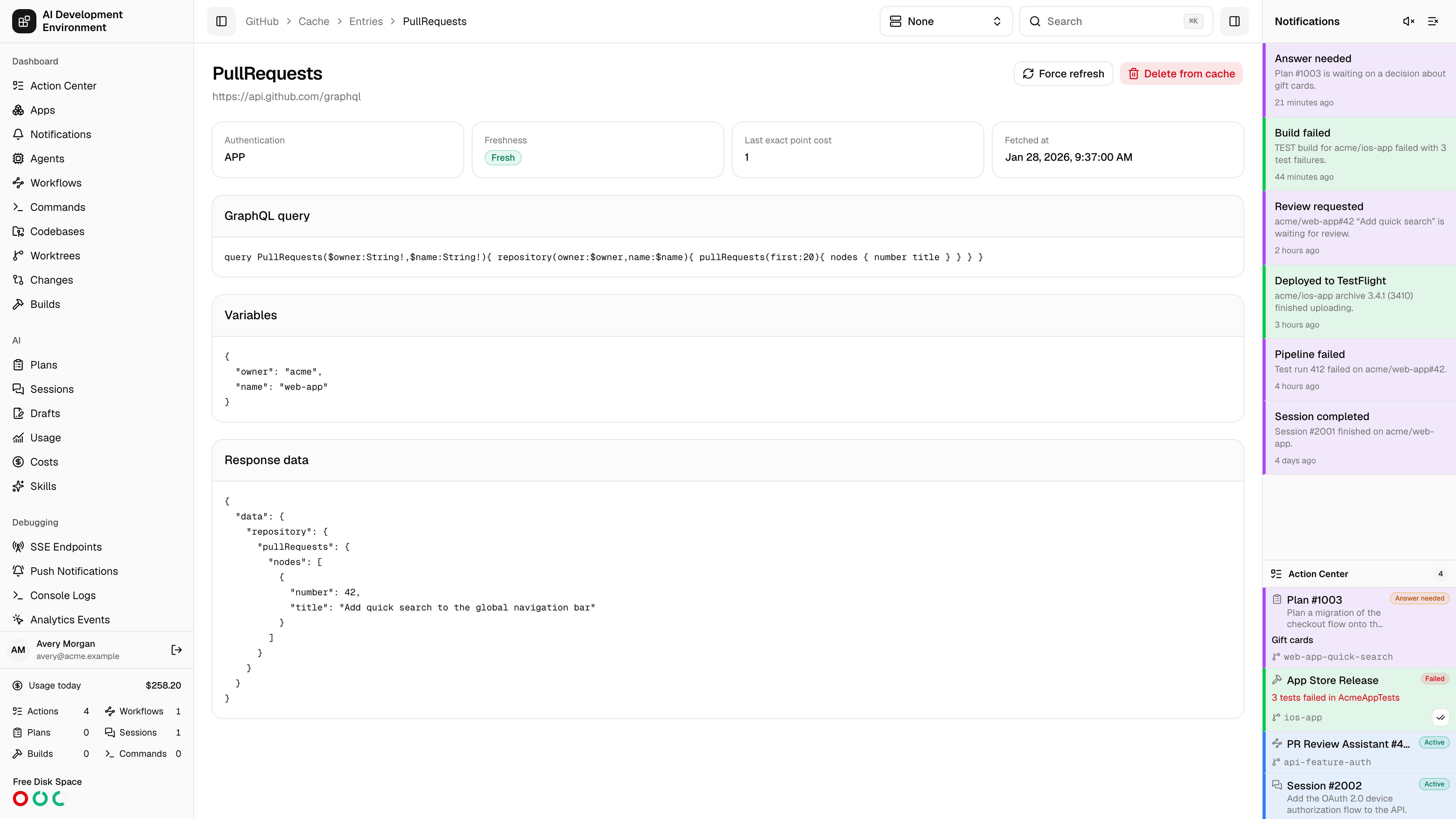
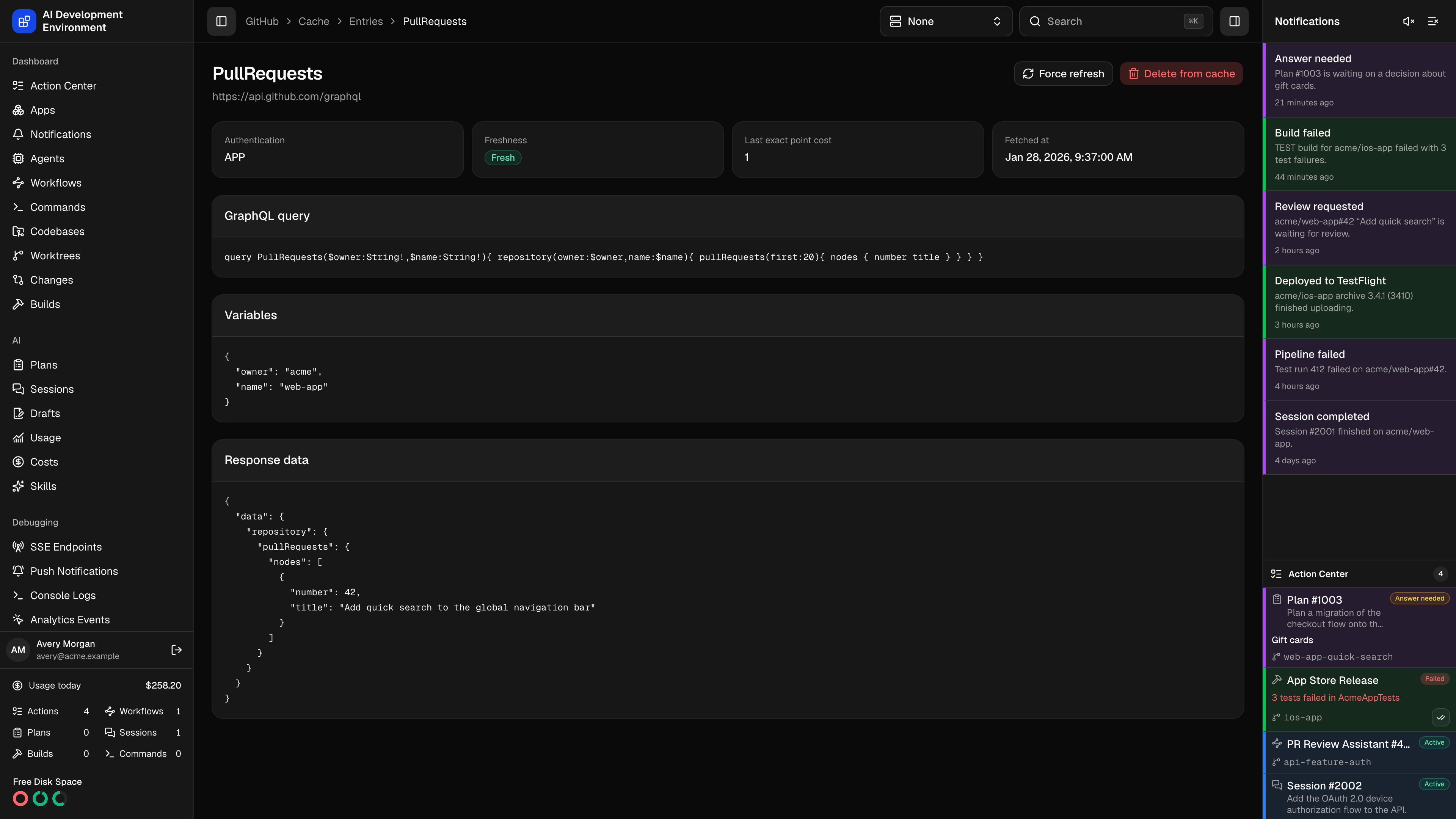
/github/cache/entries/{id} opens one stored response in full — the query that was sent, the variables it was sent with, and the JSON GitHub returned. It is the page to use when a GitHub-backed view shows something you did not expect and you want to see the data it was actually rendered from.
The heading is the GraphQL operation name; below it is the endpoint the call went to.
Metadata
Freshness is measured against the effective TTL for this operation — the global TTL, or a per-operation override if one exists. See GitHub Cache.
Payload
Three panels show the stored request and response:- GraphQL query — the exact query text.
- Variables — the canonicalized variables that, together with the operation and authentication mode, form this entry’s cache key.
- Response data — the full JSON response.
Actions
Notes
- Entries are separated by authentication mode and variables, so the same operation can appear several times with different stored responses.
- Variable values whose names look like credentials are redacted before the entry is written.
- Deleting an entry does not prevent it from coming back — the next read of that operation re-caches it.
- An entry can also disappear on its own: any successful GraphQL mutation, or a change of GitHub credentials, clears the whole cache.