

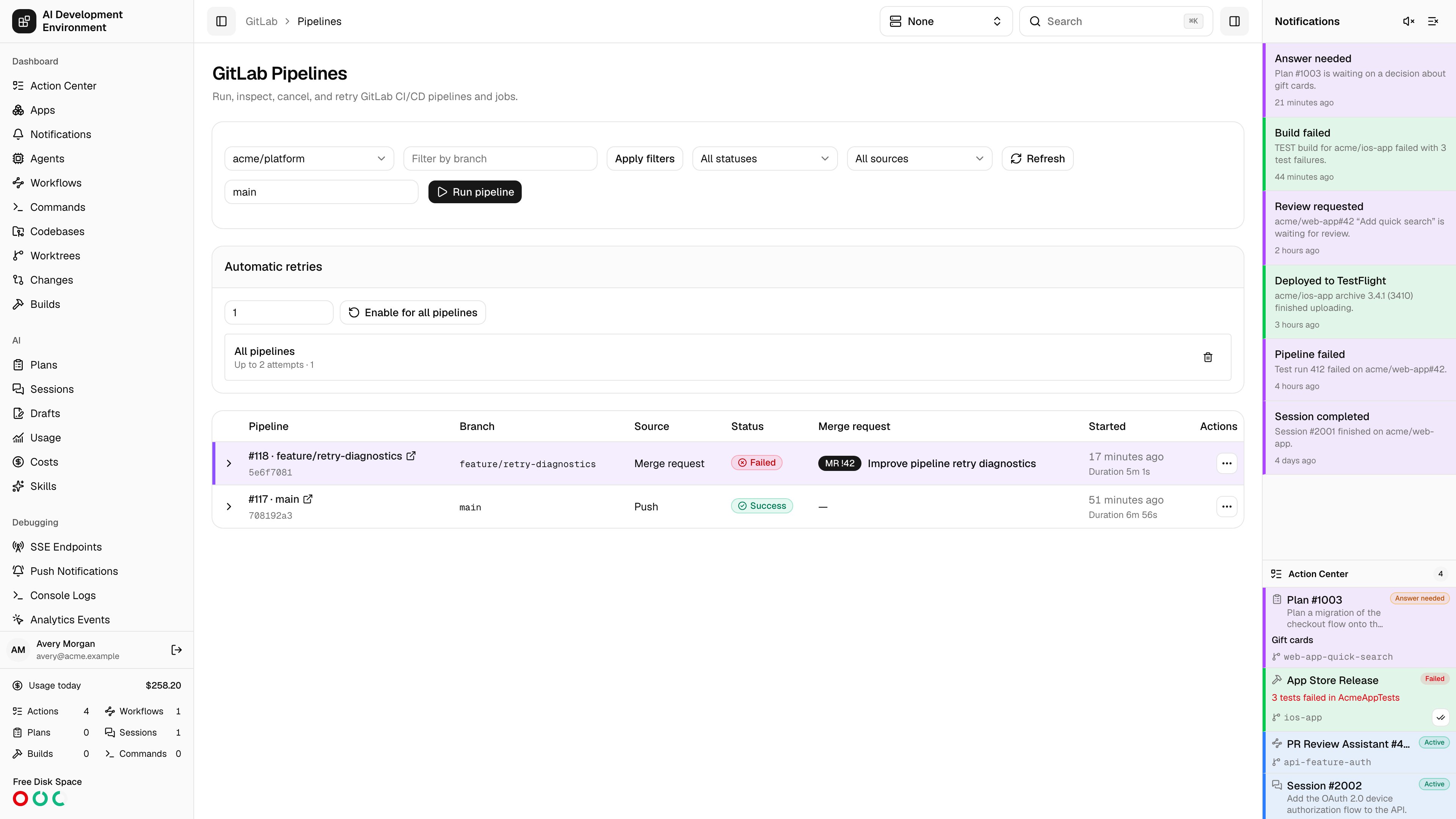
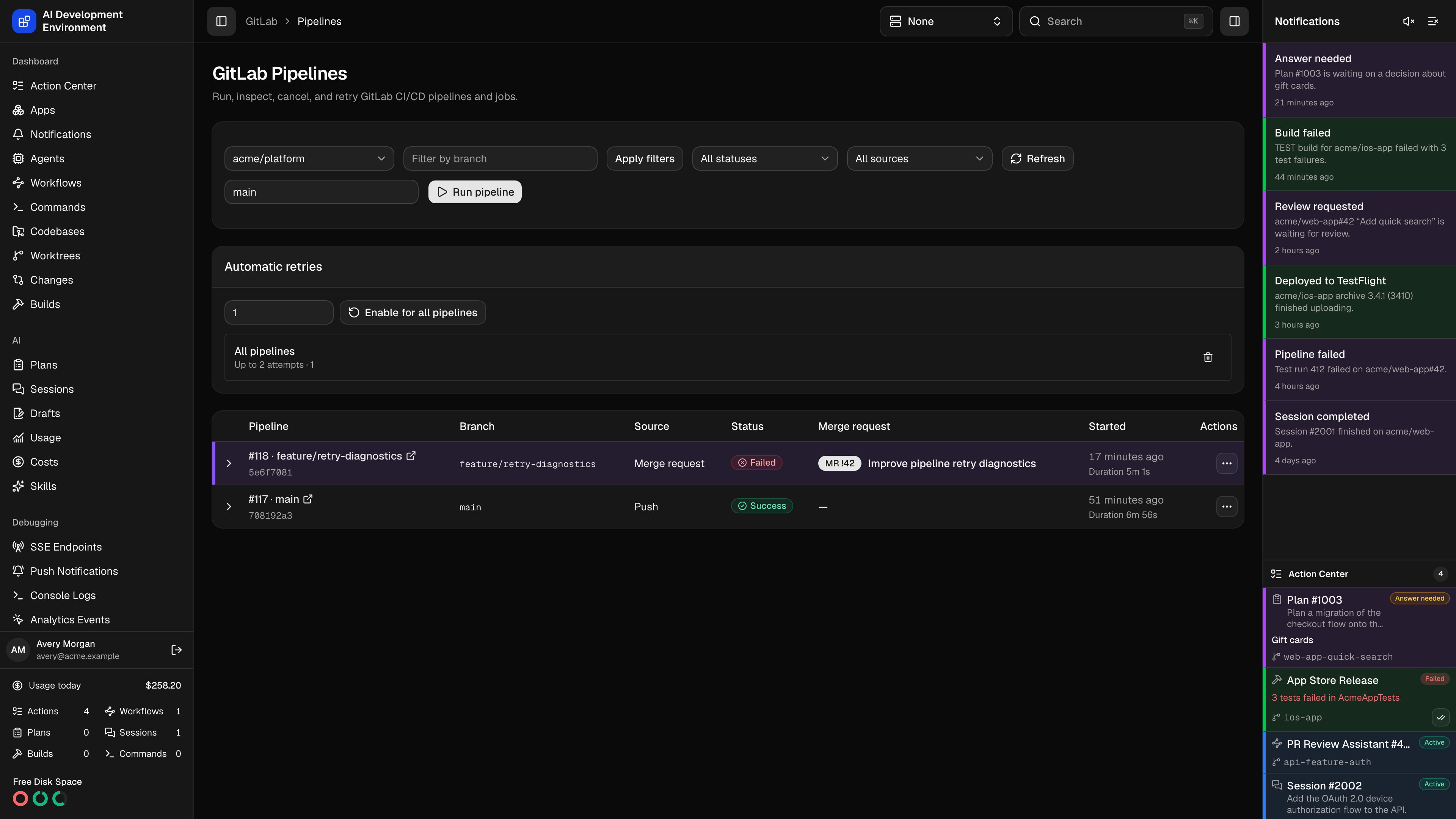
/gitlab/pipelines shows pipelines for a managed GitLab project. Select a project, filter by branch, status, or source, and use pagination to inspect older pipelines. The URL retains these filters so you can reopen or share the same view.
Inspect a pipeline
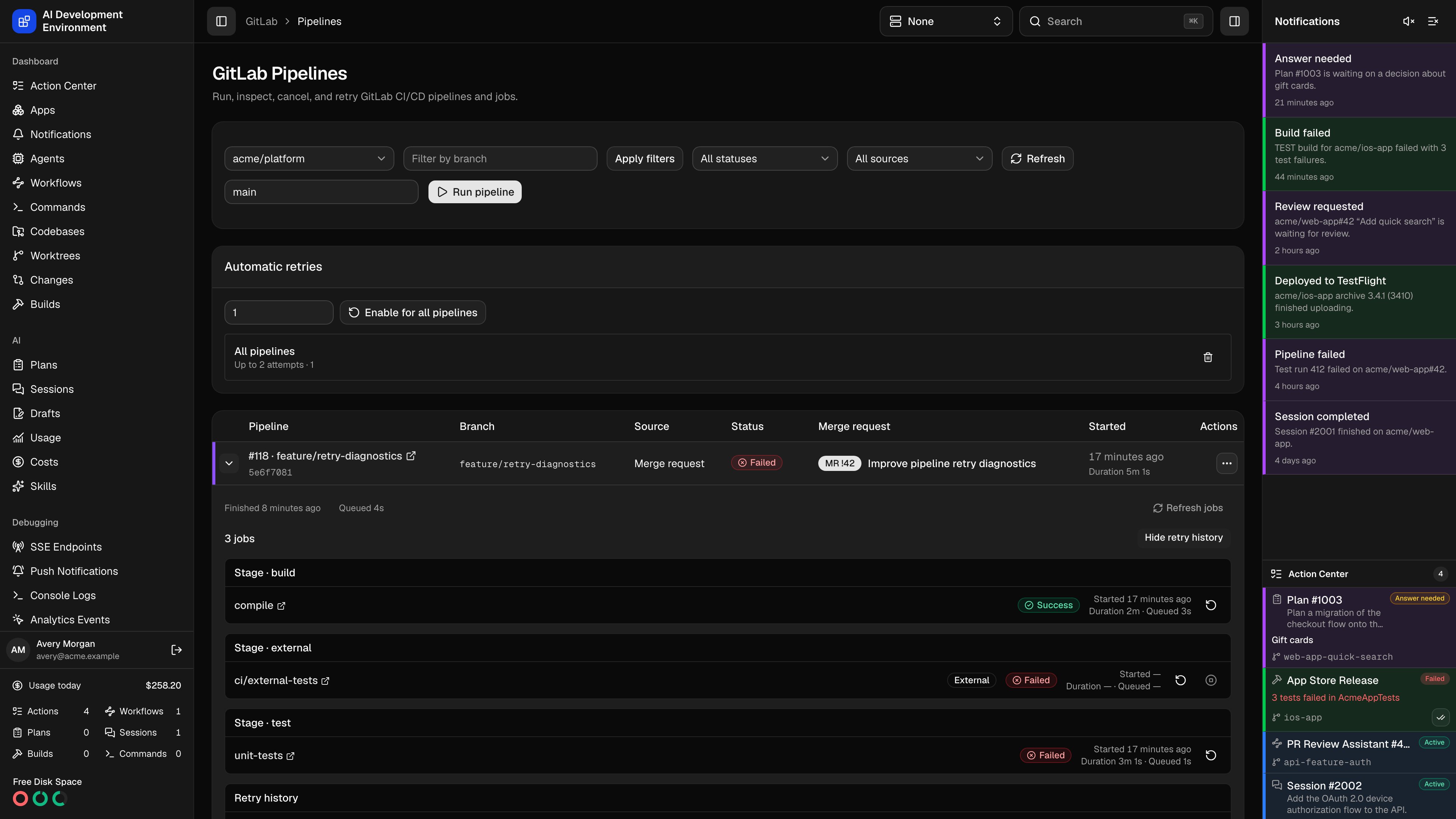
Each row includes the project-scoped pipeline number, branch, commit SHA, source, status, linked merge requests, start time, and duration. Branch links open a matching worktree; its highlight color also appears on the row. Expand the row to load complete pipeline timing and jobs. Jobs are grouped by stage and show their status, start time, execution duration, and queue time. Allowed to fail identifies jobs whose failures GitLab permits. Show retry history reveals superseded jobs separately from the current jobs.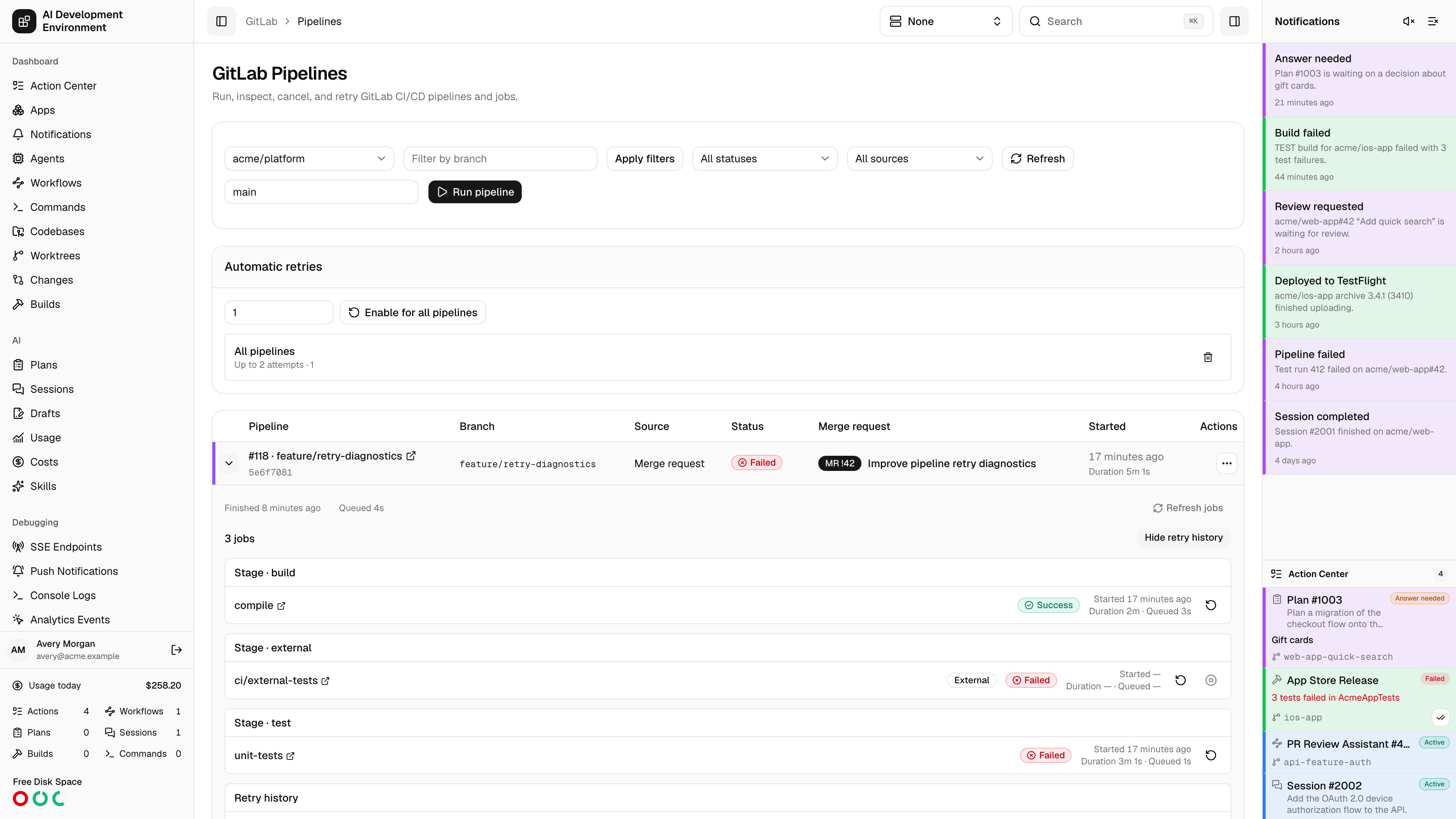
Run, retry, or cancel
Enter a branch or tag in the run field and select Run pipeline. The server computes action availability for both clients. Retry requests failed/canceled native jobs and eligible external work. Current external statuses can be retried after success, failure, cancellation, or skipping; successful native jobs are not rerun by a pipeline retry. Cancel requests active or queued work, excluding already-canceling statuses. Individual external jobs offer retry and cancel controls. Unknown and superseded statuses cannot be acted on. External statuses appear in the external stage with an External badge and their provider target URL. The control plane combines commit statuses with native jobs and bridges, filters to the selected pipeline, deduplicates IDs, and preserves retry history. Configure External pipeline actions before dispatching external work. A combined action with a missing script fails before sending either request. External action results shows accepted, failed, uncertain, and partial requests on web and iOS. Actions stay disabled while their request is running. After an action succeeds, the pipeline and job details refresh. Use Refresh jobs to retry a failed detail request. Pipeline variables are supported bycreateGitLabPipeline in the API; the web run field accepts a ref.
Follow live progress
Pipeline events and reconnects refresh visible data. Active pipeline lists and expanded details also refresh at the configured GitLab pipeline polling interval, with a minimum of 30 seconds. Hidden browser tabs stop these reads and refresh when visible again. Completed detail panels stop polling. The pipeline cards in merge request details and worktrees use the same statuses, job grouping, retry history, and controls. Worktree cards use a 60-second fallback when no interval is supplied.Configure auto retry
Auto-retry rules are scoped to a GitLab project, optionally to one pipeline. Choose a maximum of 1 to 100 attempts and enable the rule; delete it to stop future automatic retries. The page shows attempts and the most recent error. External auto retry applies to failed/canceled current statuses using the repository retry script. Attempts are tracked by rule, canonical repository, project, commit, resolved branch, and external status name/author, across replacement IDs and GitLab pipeline IDs. Accepted requests and uncertain timeouts do not repeat the same observed failure while awaiting callbacks. Definitive failures consume attempts and stay bounded by the rule’s limit. Manual cancellation suppresses auto retry of the canceled run. An accepted or uncertain manual retry permits automatic retry of subsequent failures. Pipeline-specific rules follow known external run identities into replacement GitLab pipelines; native retries keep the original pipeline scope. Signed webhook events trigger retry processing. Server polling also reconciles enabled rules using the configured interval, and its activity appears on Polling. GitHub and GitLab retry rules keep separate counters and pipeline records.Data and API
gitlabPipelines accepts project, pagination, ref, status, and source filters. gitlabPipeline loads full timing; gitlabPipelineJobs follows provider pagination and includes retry history. These provider details are cached and logged by the control plane. The pipeline views do not download job logs or artifacts.
See API cache and Troubleshooting GitLab for stale data, rate limits, and connection failures.