

A pass through the Action Center, Worktrees, a worktree's detail page, and Sessions.
What you can do
Manage each app in one place
Group one or more repositories into an app. Open its hub to work with only that app’s repositories, worktrees, Plans, Sessions, and builds.
Run AI Plans and Sessions
Survey a codebase read-only with a Plan, then start a Session from it against a worktree. Steer live transcripts, answer questions, and review the resulting changes and cost.
Manage worktrees and codebases
Track repositories and checkouts across agents, manage branches and stashes, and share settings between every checkout of a repository.
Review changes with coverage
Read any worktree’s diff in a full-window reviewer — staged, unstaged, branch, or per commit — with a build’s code coverage painted onto the lines.
Build, sign, and ship iOS apps
Configure and run iOS builds, inspect logs, artifacts, tests, and coverage, then export or install over the air. Manage provisioning profiles and enroll devices with Apple.
Automate with workflows and commands
Draw durable automations on a typed canvas, publish them, and watch runs live. Save reusable shell commands that run through an enrolled agent’s login shell.
Stay on top of GitHub and Jira
Review pull requests and review threads, monitor Actions runs and webhook deliveries, and browse Jira projects, boards, and saved JQL queries.
Debug what is running
Search console output from builds and devices, watch analytics events arrive, symbolicate crash reports with your dSYMs, compose and send Apple push notifications, and read everything on one live timeline.
Focus on an agent
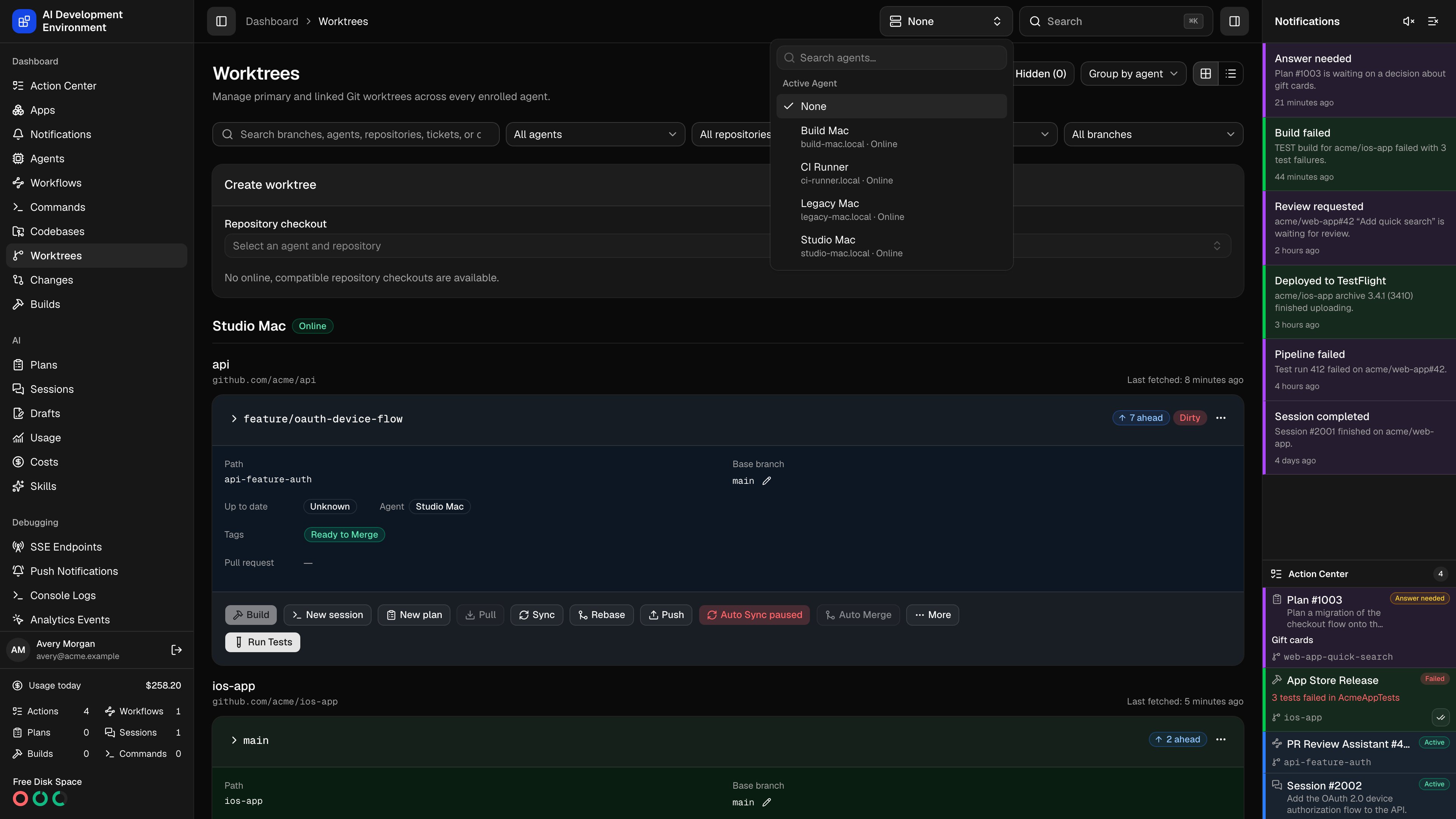
On the web, use Active Agent, immediately to the left of Search, to focus the agent filters on Worktrees, Usage, Commands, Workflows, Plans, and Sessions. The selector starts at None. Search by agent name or hostname, then choose any enrolled agent, including an offline one. The iOS app supports agent focus on Worktrees and Usage.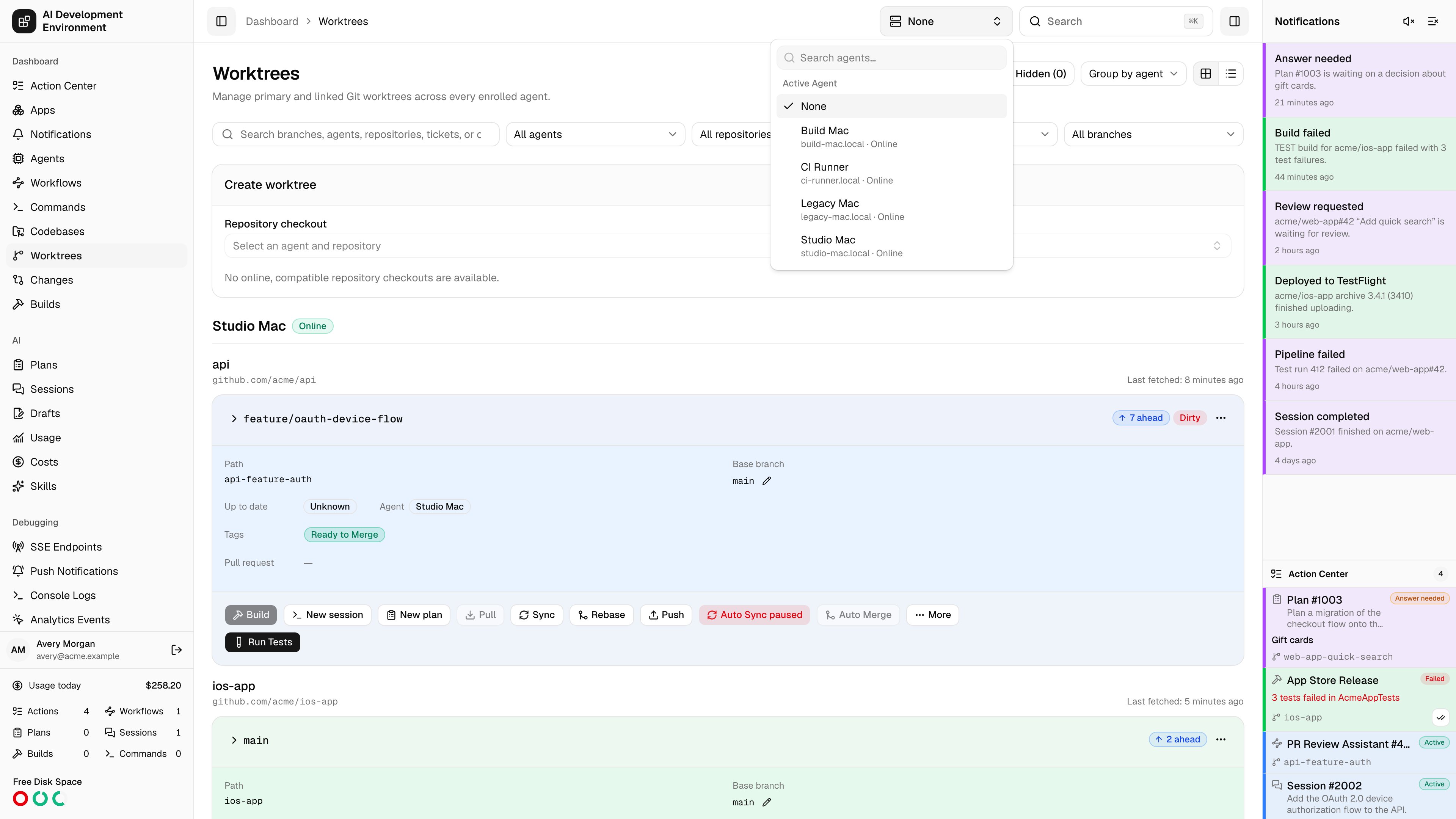
How it fits together
- The control plane is a Next.js app with a GraphQL API and a SQLite database that you run on your own machine or server.
- Each managed machine runs a control agent that makes outbound HTTP and GraphQL WebSocket connections to the control plane. Managed machines and agent containers never expose a listening port.
- Agent identity and job history are durable, so jobs, builds, and Sessions survive restarts while subscriptions deliver live output.
- Long-lived Jira, GitHub, signing, and APNs credentials and their connection settings go through a server-only credential service backed by the database, HashiCorp Vault, or the macOS Keychain.
Quickstart
Install the control plane, enroll your first agent, and open the dashboard.