

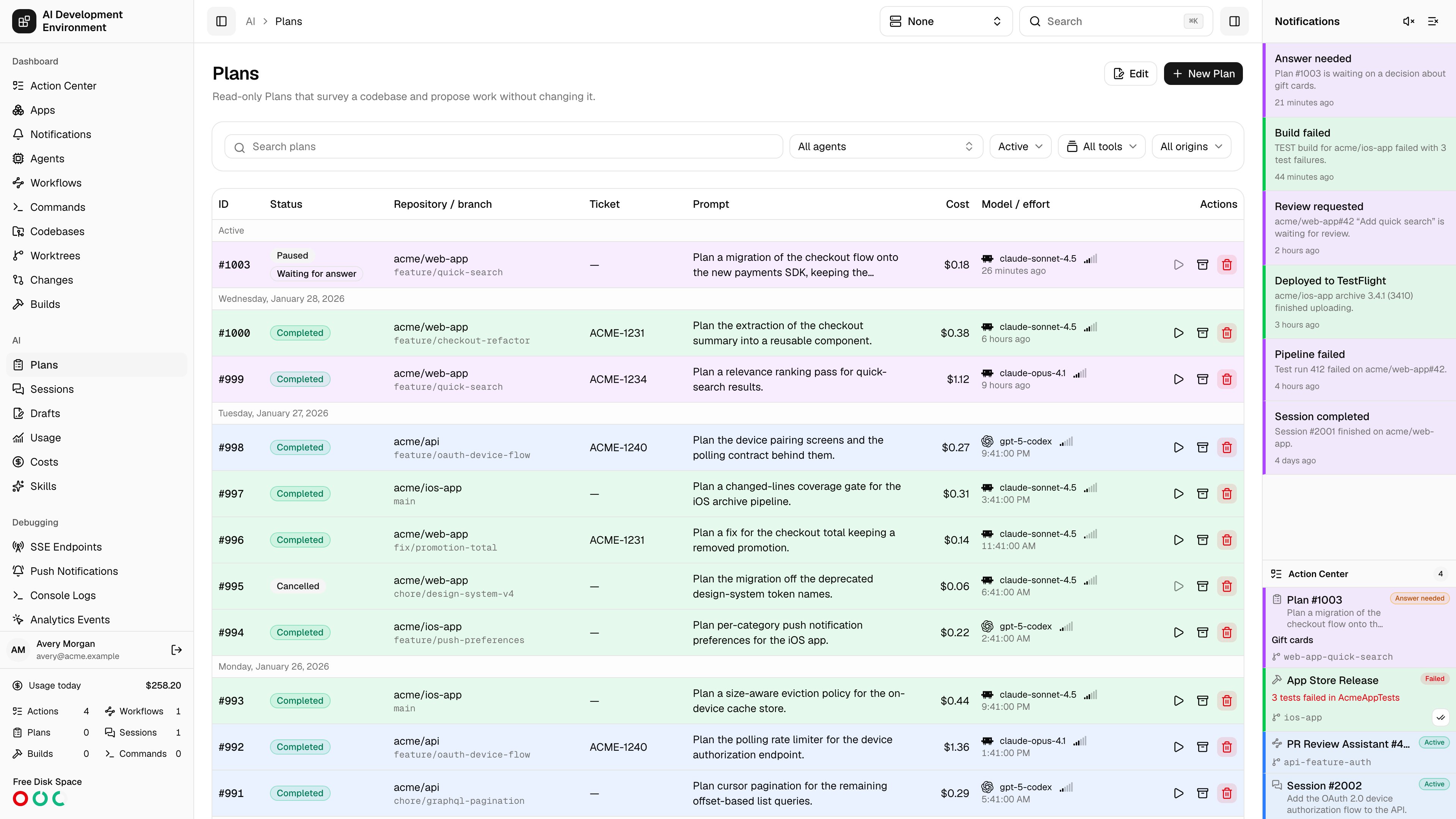
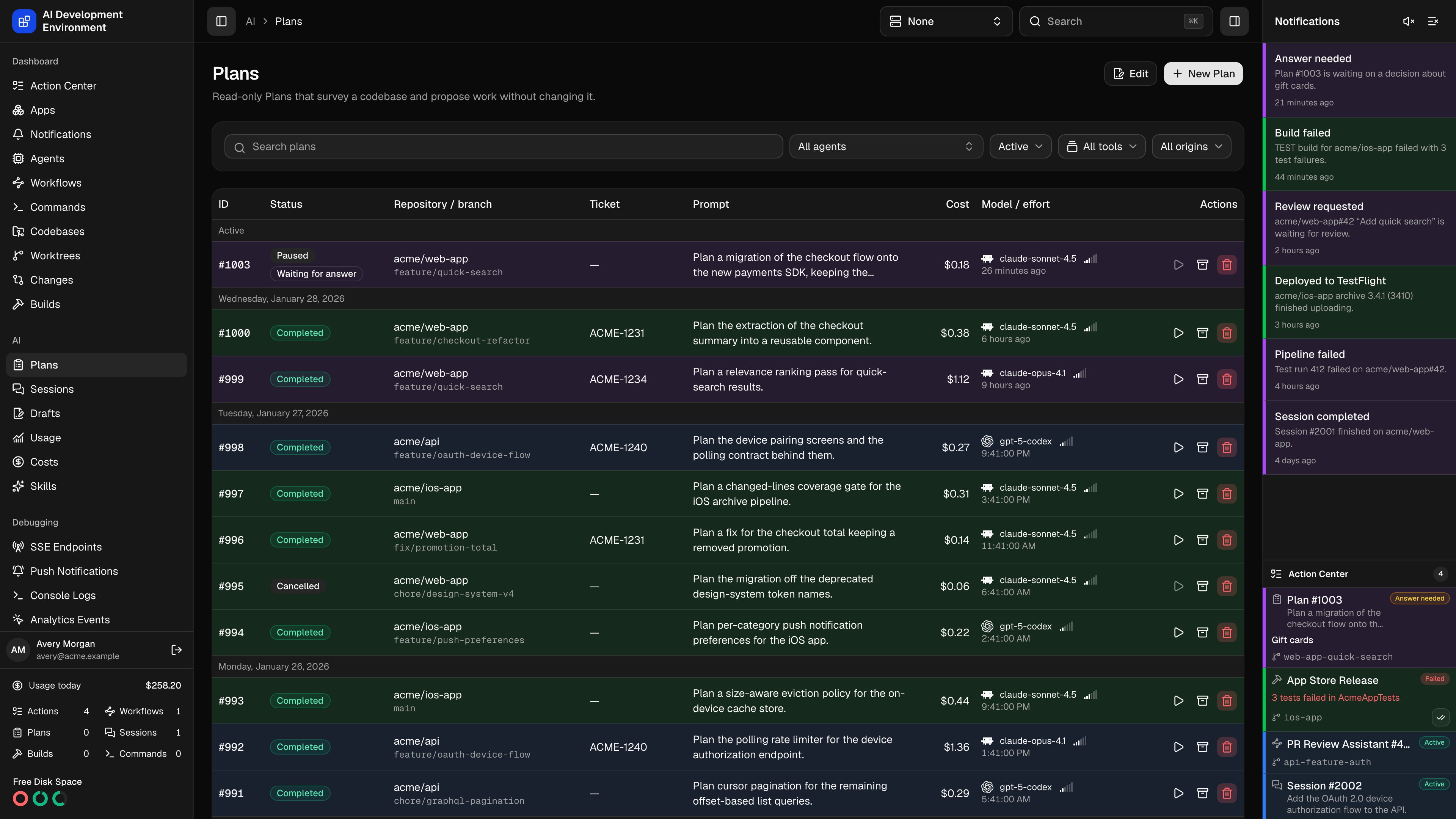
/ai/plans lists read-only AI Plans. A Plan runs an AI tool against one worktree with a survey-and-propose brief: it reads the codebase, asks questions if it needs to, and writes a proposal as its final output — it does not implement the work. When you are happy with the proposal, Run Plan turns it into an implementation Session against the same worktree.
A Plan and a Session are the same underlying run with different intent and permissions. They share the list, detail, follow-up, and export machinery described here and on Sessions.
The run list
Rows are grouped by the day the run was created, with queued and active work pulled into a leading Active group so unfinished runs stay at the top.
Extra badges appear on the status cell: Imported for a run this app discovered rather than started, and Run once a Plan has been played into a Session.
Filtering
Search and four filters sit above the table.
Archive, Tool, and Origin choices persist in a cookie scoped to Plans. The web browser saves your Agent choice separately for your account, independently of Sessions and other pages. The Active Agent selector overrides it and disables the page filter with Controlled by Active Agent. Select None globally to restore your saved Plans agent choice.
Managed runs were started from this control plane and can be paused, steered, and cancelled. Imported runs were found on an agent’s disk and are read-only records — the app can display and archive them, but not drive them.
agentRunsChanged subscription refreshes the list in place as runs progress, so status, cost, and token counts update without a reload.
Running a Plan
Open the Run Plan action
The action is enabled only once the Plan is Completed, has a final output, and has not already been run. A Plan can be played exactly once.
Choose MCP tool presets
The dialog lists the presets marked Session-enabled. Nothing is selected by default. Grant the new Session the built-in and external tools the work needs.
Confirm
A new Session is created against the same worktree with the Plan’s proposal as its context, linked back to the Plan as its source. The Plan is stamped with the Session’s number and the Run badge appears.
get_mcp_tool_presets({"kind":"SESSION"}) to find local IDs, then call play_plan with planId and mcpPresetIds. See portable presets and snapshots.
Bulk edits
Edit turns the list into a selection surface: a checkbox on every row, a select-all in the header, and a select-all per day group. With a selection made you can archive, restore, or delete in one action. Done leaves edit mode.Notes
- Plans are read-only by intent, not by sandbox. If a Plan does change the worktree, the detail page flags it and shows the resulting patch.
- Plans use a FIFO lane separate from Sessions. The default worktree concurrency limit is
0, which allows any number of Plans to survey the same worktree. Workflow steps and API clients can set a finite limit from1through32. - A Plan can still wait with the phase Waiting for worktree when its lane reaches a finite limit or an exclusive workflow is ahead of it.
- The
Plancolumn that Sessions carry — the Plan a Session was played from — is absent here, since a Plan has no source Plan of its own.
Related pages
Plan details
Activity, cost, proposed work, and follow-ups for one Plan.
New run
Pick a worktree, model, effort, and tools, then start.
Sessions
The implementation half of the same machinery.
Drafts
Prompts saved for later, ready to start as either kind.