

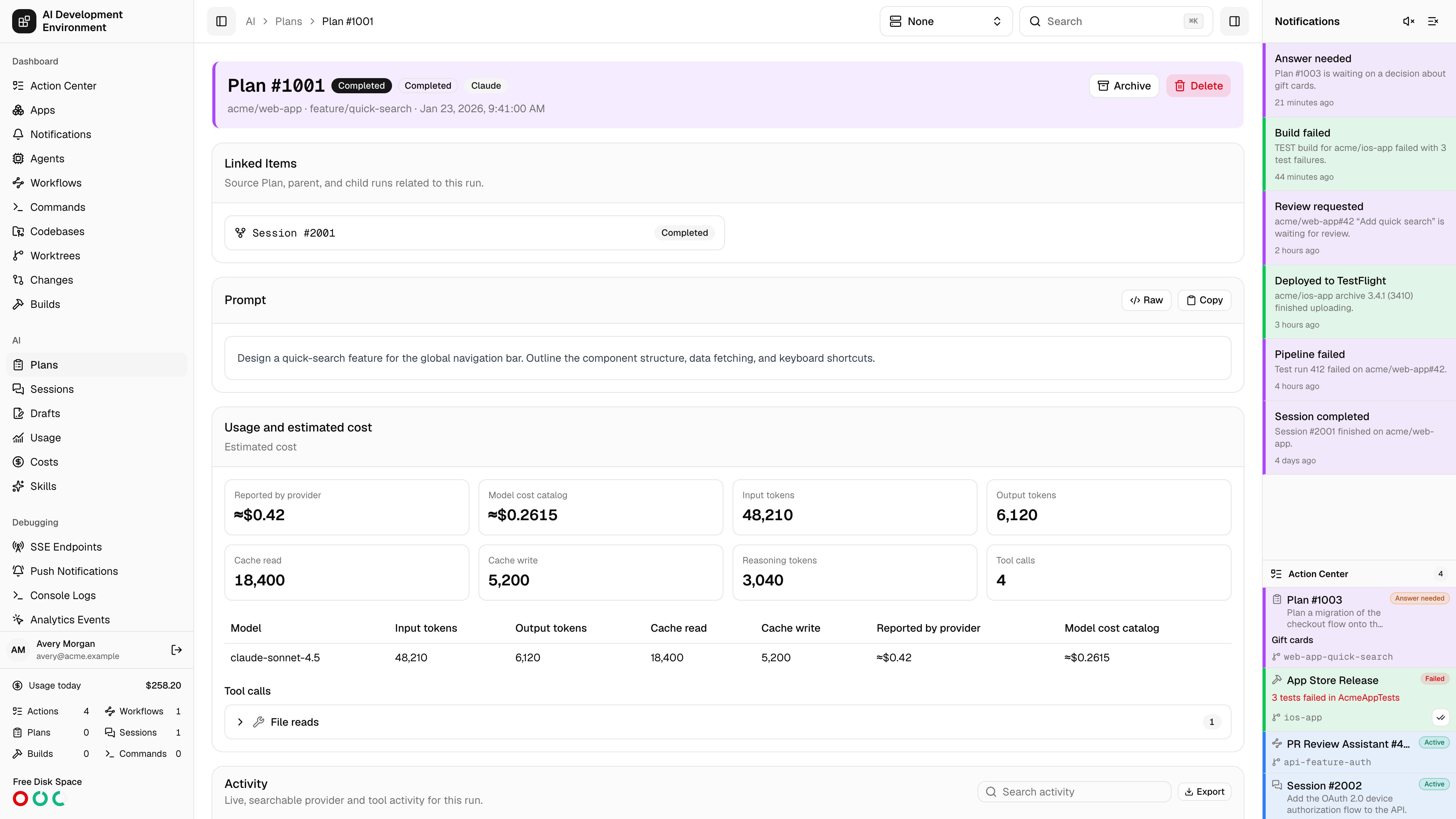
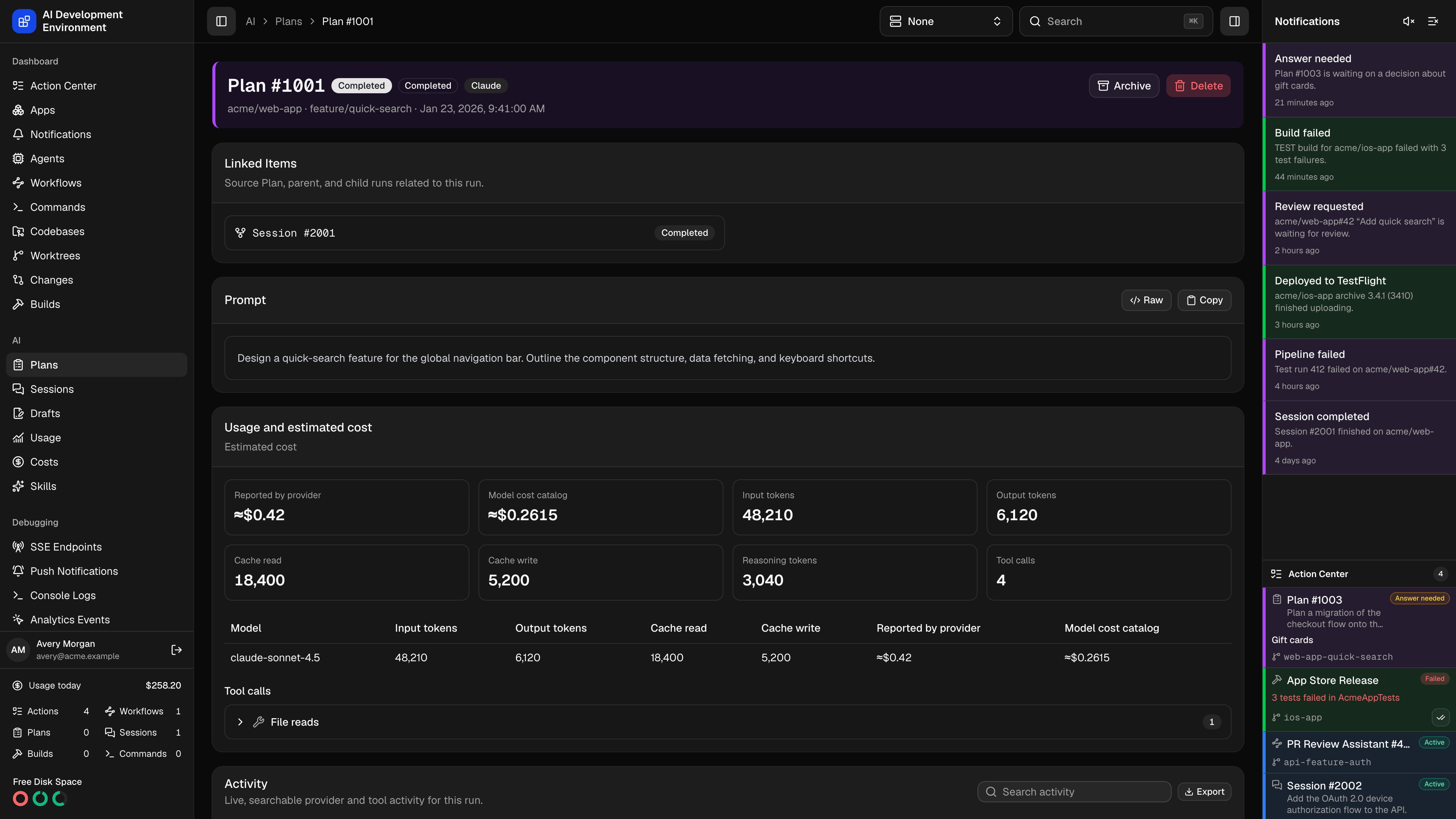
/ai/plans/{id} is the full record of one read-only run: its prompt, its live transcript, every tool call and token it spent, the questions it asked, the proposal it produced, and the Session it was played into. Plans and Sessions share this page — the differences are called out below.
Header and lifecycle
The header carries the Plan number, its status, its phase, the AI tool that ran it, and an Imported badge when the run was discovered rather than started here. Underneath sit the repository, branch, and creation time. When the worktree has a highlight color, the whole header is tinted to match it. Which actions appear depends on the run’s state and on what the AI tool supports:Status is the coarse state — Queued, In progress, Paused, Completed, Cancelled, Failed. Phase is the fine-grained one, shown separately whenever it differs: Waiting for worktree, Waiting for answer, Cancel requested, Preparing revision, Superseded by follow-up, Start failed, and so on. A phase ending in “failed” is where to look when a run stops without an obvious reason.
Page sections
Linked items
Linked items
The source Plan, the parent run, the Session this Plan was played into, and any follow-ups — each as a card with its kind, number, follow-up mode, and current status. A relation whose run has since been deleted still appears, drawn dashed and marked Deleted, so the chain never silently loses a link.
Prompt
Prompt
The initial prompt, rendered as Markdown with a raw toggle and a copy button, followed by any files attached when the run was started.
Usage and estimated cost
Usage and estimated cost
Eight tiles: Reported by provider, Model cost catalog, input tokens, output tokens, cache read, cache write, reasoning tokens, and tool calls.Both cost figures are shown rather than one being chosen: the provider’s number is what will appear on a bill, and the catalog’s number prices every run the same way regardless of which tool ran it. The gap between them is itself worth seeing. The catalog is the one you manage on the Costs page.Below the tiles, a per-model table breaks the same figures down by model, and a second table splits Active attempts from Superseded usage whenever an answer revision has retired earlier work. Tool calls are listed individually and expand to the untouched input, output, and error JSON.
Activity
Activity
The live transcript, in a scrolling pane that stays pinned to the newest event unless you scroll up. Events stream in over a subscription; searching re-queries the server rather than filtering what is already loaded, and history is paged 500 events at a time.Related events are grouped into one expandable node — a tool call with its result, a streamed message with its parts — and expanding a row shows the parsed detail with the raw payload behind a toggle.Codex rows distinguish Commentary from Final Answer, summarize completed commands and file changes, and collapse repeated token updates and identical diff snapshots.
Plan
Plan
The final output, shown once the run reaches a terminal status. On a Plan this is the proposal itself and the card is titled Plan; on a Session the same card is titled Summary. Markdown rendering, raw toggle, and copy, as with the prompt.
Changes
Changes
Git checkpoints captured during the run — Start, Question, Answer rollback, Before answer revision, Continue, and Final — each with its HEAD SHA, branch, and either a full patch or a diff summary. The most recent patch is also surfaced at the top of the card.Patches list one collapsible row per file, with its change type and added and removed line counts; expand a row for the diff itself.A Plan that changed its worktree is flagged here with This read-only Plan unexpectedly changed the selected worktree.
Questions and answer revisions
When a run needs a decision it posts a question batch, which appears inline as an Answer needed card: each question with its options, optional multi-select, and a free-text field where the run allows a custom answer. Submitting the answers resumes the run. Answered batches stay on the page as history, and a managed run whose batch still has its checkpoint can be revised:Edit answer
Preparing a revision computes the rollback patch against the checkpoint taken immediately before the question. The dialog waits while that work runs on the agent.
Review what will be undone
Undo worktree changes made after this question is on by default and shows the exact diff that will be reverted. Turn it off to keep the current worktree contents and change only the answer. If commits have already been pushed, the dialog warns before you continue.
Optionally stash first
Stash current tracked and untracked changes before restoring keeps a recoverable copy of the working tree before the rollback.
Start revised Session
A new linked Session continues from the revised answer. The previous run is kept as audit history with its usage marked superseded.
prepare_run_answer_revision with batchId, read get_run_questions until the batch has revisionPreparedAt, inspect the prepared rollback information, then call revise_run_answer. Preparation queues work on the agent and reserves worktree capacity. Revision defaults to rollback: true and stash: false, so explicitly set the desired behavior before calling it.
Steering
While a managed run is in progress and its tool supports it, a Steer card sends extra guidance into the active turn, with attachments if needed. Guidance queues behind any pending question rather than jumping ahead of it.Follow-ups
The Follow Up card starts a related run from this one. Pick a mode, a tool, a model, and an effort:
Choosing a different tool for a resumed follow-up asks how to carry the context across, because hidden provider state cannot transfer between tools:
- Visible transcript — the normalized conversation as this app recorded it.
- Final summary only — just the run’s output.
Worktree controls
The cards immediately after Follow Up let you act on the Plan’s worktree while keeping its proposal in view:
These are supplementary to the Plan. A failed worktree or build refresh shows a non-blocking warning, while an imported Plan with no resolvable worktree simply omits the cards. Run controls default to the build agent and can switch to another eligible Mac; selection and search stay scoped to that agent, and remote runs use the authenticated artifact relay. The iOS app provides the same cards and native Build, Plan, Session, quick-action, pagination, rebuild, and agent-aware run controls.
Exporting
The Export menu in the activity header always offers JSON and Markdown of the complete, unfiltered history — including superseded events. For Claude, Codex, and OpenCode runs it adds an export of the tool’s own JSONL transcript, and for Claude and Codex runs still attached to an agent it can fetch the original session file from disk and download it verbatim.Notes
- The panel directly under the header lists workflows that can act on this run, and any workflow runs already attached to it.
- Deleting asks the AI tool to delete its native history first, then removes the local record. Archiving is the reversible alternative.
Related pages
Plans
The list this page opens from.
Session details
The same page for an implementation run.
Costs
The price catalog behind the catalog-cost figure.
Usage
Token spend across every enrolled machine.