

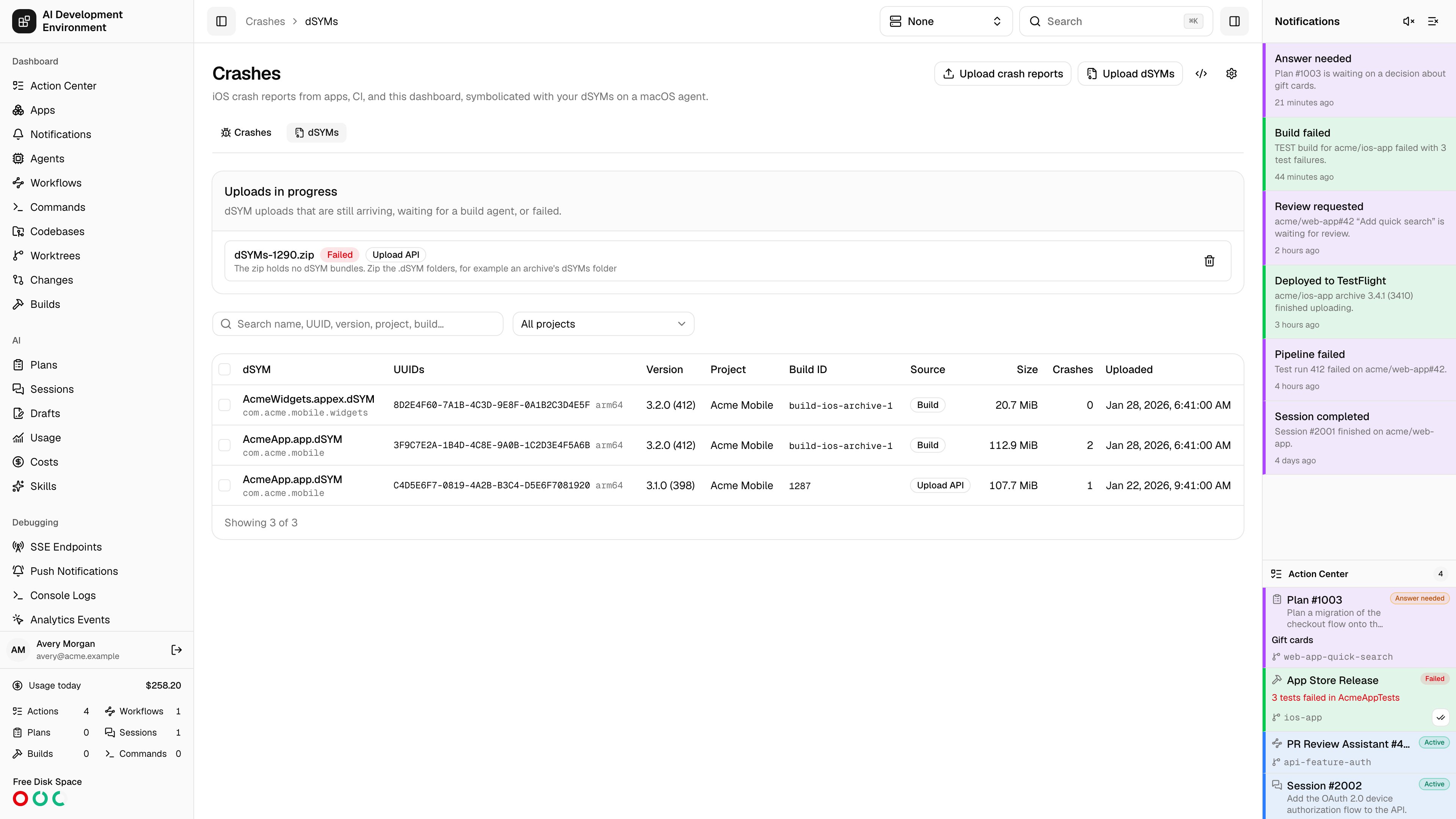
/crashes/dsyms lists the debug symbols crash reports are symbolicated with. A dSYM is the .dSYM bundle Xcode writes next to a build; its DWARF file maps every address in the app binary back to a function, file, and line. Each dSYM is identified by the UUID of the binary it belongs to, which is also the UUID a crash report cites.
dSYMs arrive three ways: uploaded in the dashboard, collected from builds this server runs, and posted by CI through the upload API or the Upload dSYMs action. Each upload can carry a Project, Build ID, and Link. The iOS app lists dSYMs and their details, and shows which crashes each one symbolicated.
The dSYMs table
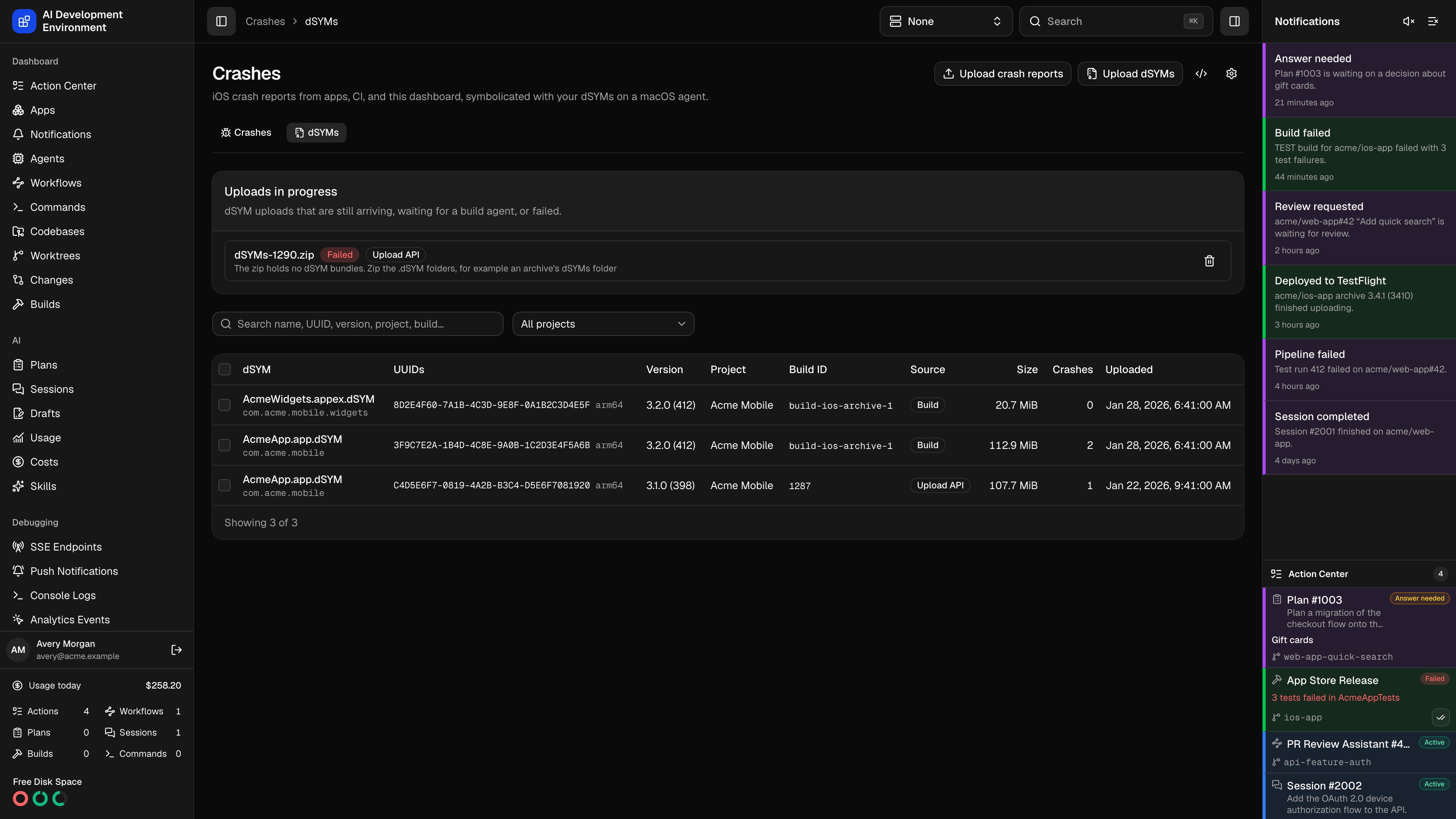
Each row is one.dSYM bundle: its name and bundle ID, the UUID and architecture of every slice, the version and build number from its Info.plist, the project, build ID, and source of its upload, its size, and how many crashes it symbolicated. A build ID that matches a build on this server links to it.
Search matches names, bundle IDs, versions, UUIDs with or without dashes, projects, and build IDs. The Project filter lists the projects dSYMs were uploaded with. Open /crashes/dsyms?buildId=<build> — or View dSYMs on a build — to list only one build’s dSYMs.
Uploads in progress above the table lists uploads that are still arriving, build dSYMs waiting to be copied from their agent, and uploads that failed, with the reason. A failed build import has Retry.
dSYM details
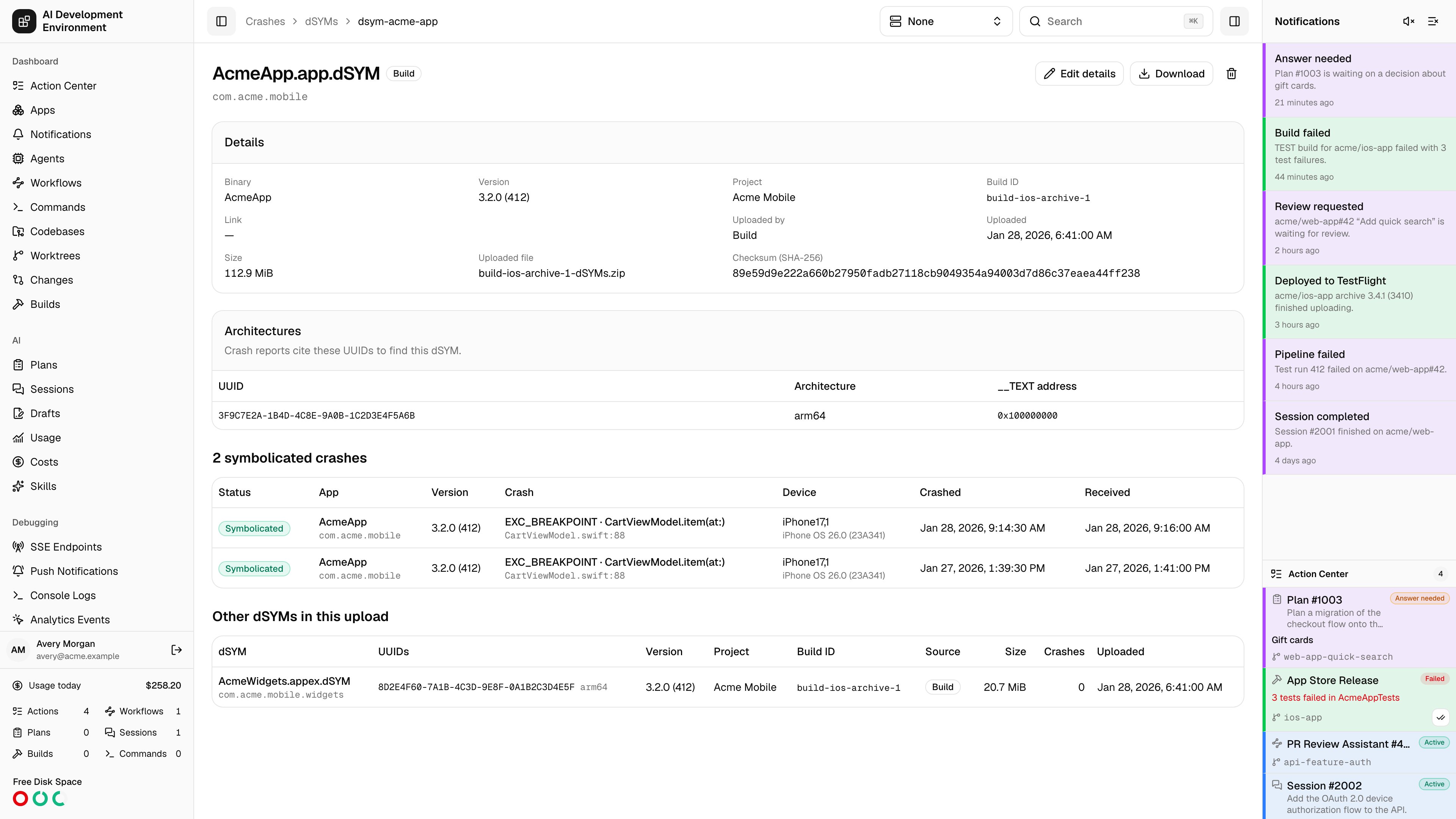
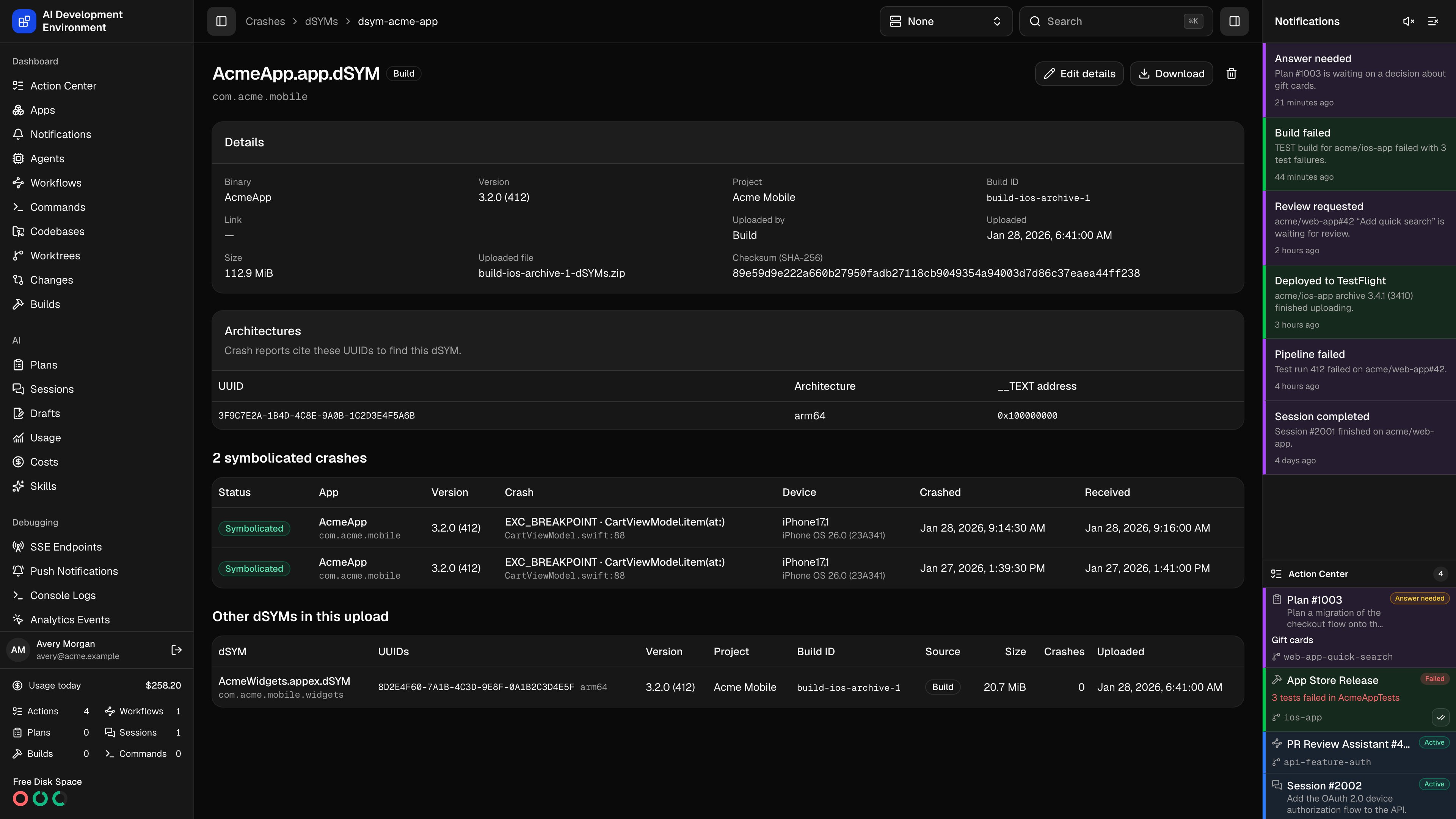
/crashes/dsyms/{id} shows the bundle’s binary, version, project, build ID, link, uploader, size, and the SHA-256 of its DWARF file; the UUID, architecture, and __TEXT address of each slice; the crashes it symbolicated; and the other dSYMs from the same upload.
Upload dSYMs in the dashboard
Click Upload dSYMs, optionally fill in Project, Build ID, and Link, then drop any of:- one or more
.dSYMbundles from Finder - an
.xcarchive— only itsdSYMsfolder is uploaded - a
.zipof dSYMs, such as fastlane’sMyApp.app.dSYM.zip
Collect dSYMs from builds
Builds keep their dSYMs according to Collect dSYMs, under Advanced settings in Start build and in a build configuration.
When dSYMs are collected, the build passes
DEBUG_INFORMATION_FORMAT=dwarf-with-dsym to xcodebuild unless you set DEBUG_INFORMATION_FORMAT yourself in Build setting overrides. An archive keeps everything in archive.xcarchive/dSYMs. Other builds keep only the dSYMs whose UUIDs match a binary the build just produced, so older dSYMs left in DerivedData are not picked up.
The agent zips them as a dSYMs artifact on the build. After the build succeeds, the control plane copies that zip from the build agent and indexes it as a Build upload linked to the build, with the repository or app as its project. If the agent is offline, the import waits and retries.
Upload from CI
Create an API key on the API Keys page and store it as a CI secret. dSYM uploads need anX-API-Key or a signed-in session. GitHub Actions workflows can use the Upload dSYMs action; other CI systems call the endpoints below.
One request
POST /api/dsyms takes a zip of one or more .dSYM bundles as the file part of a multipart/form-data body. projectName, buildId, and url are optional form fields.
application/zip body with the same fields as query parameters also works. One request is limited to DSYM_UPLOAD_MAX_BYTES, 2 GiB by default.
The response lists every dSYM and its UUIDs, which match xcrun dwarfdump --uuid:
Large zips
Proxies such as Cloudflare cap a request at 100 MB. Larger zips use the resumable protocol:POST /api/dsyms/uploadswith JSON{ "filename", "sizeBytes", "sha256", "projectName", "buildId", "url" }.sha256is optional and checked at the end. The response has the upload’sidandchunkBytes(16 MiB).PATCH /api/dsyms/uploads/{id}with each chunk of at most 16 MiB as the body and its byte position inUpload-Offset. A409means the offset is not where the server is;HEADon the same path returns the rightUpload-Offsetto resume from.POST /api/dsyms/uploads/{id}/completeverifies the checksum, indexes the zip, and returns the same body as the one-request upload.
curl and jq:
upload-dsyms.sh
GitHub Actions
The Upload dSYMs action runs the resumable protocol for you: it finds and zips the dSYMs, retries through proxies such as Cloudflare, and can send Cloudflare Access service-token headers. AddAIDE_API_KEY as a repository secret and AIDE_URL as a variable, then upload after archiving:
Bitcode is gone since Xcode 14, so the dSYMs in your archive are the ones that match App Store and TestFlight builds. You do not need to download dSYMs from App Store Connect.
What an upload keeps
The control plane reads each zip without Xcode, so a Linux or Docker control plane can index dSYMs. It keeps only each bundle’s DWARF file andInfo.plist, stored under CRASH_DATA_DIRECTORY, and discards the zip. Resource forks, __MACOSX folders, and anything outside a .dSYM bundle are skipped. A zip whose entries are symbolic links or point outside the zip is refused.
Uploading the same zip twice keeps one copy. When several uploads contain the same UUID, the newest is used.
dSYMs are kept until you delete them, unless Keep dSYMs is set in the Crashes settings. Downloads under /api/crash-files/dsyms/* need a signed-in session or an API key. The symbolicating agent downloads DWARF files over /api/agent/dsyms/{id}/dwarf only while it has a job that needs them, and caches them in ~/Library/Caches/control-agent/dsym-cache, up to 10 GiB, or in CONTROL_AGENT_DSYM_CACHE.
Related pages
Crashes
Crash reports, how they are symbolicated, and the crash upload API.
Build details
A build’s dSYMs artifact and its link to the dSYMs table.
API Keys
Create the key CI uploads with.
APIs
Every REST endpoint and the OpenAPI contract.