

/system/connected-applications.
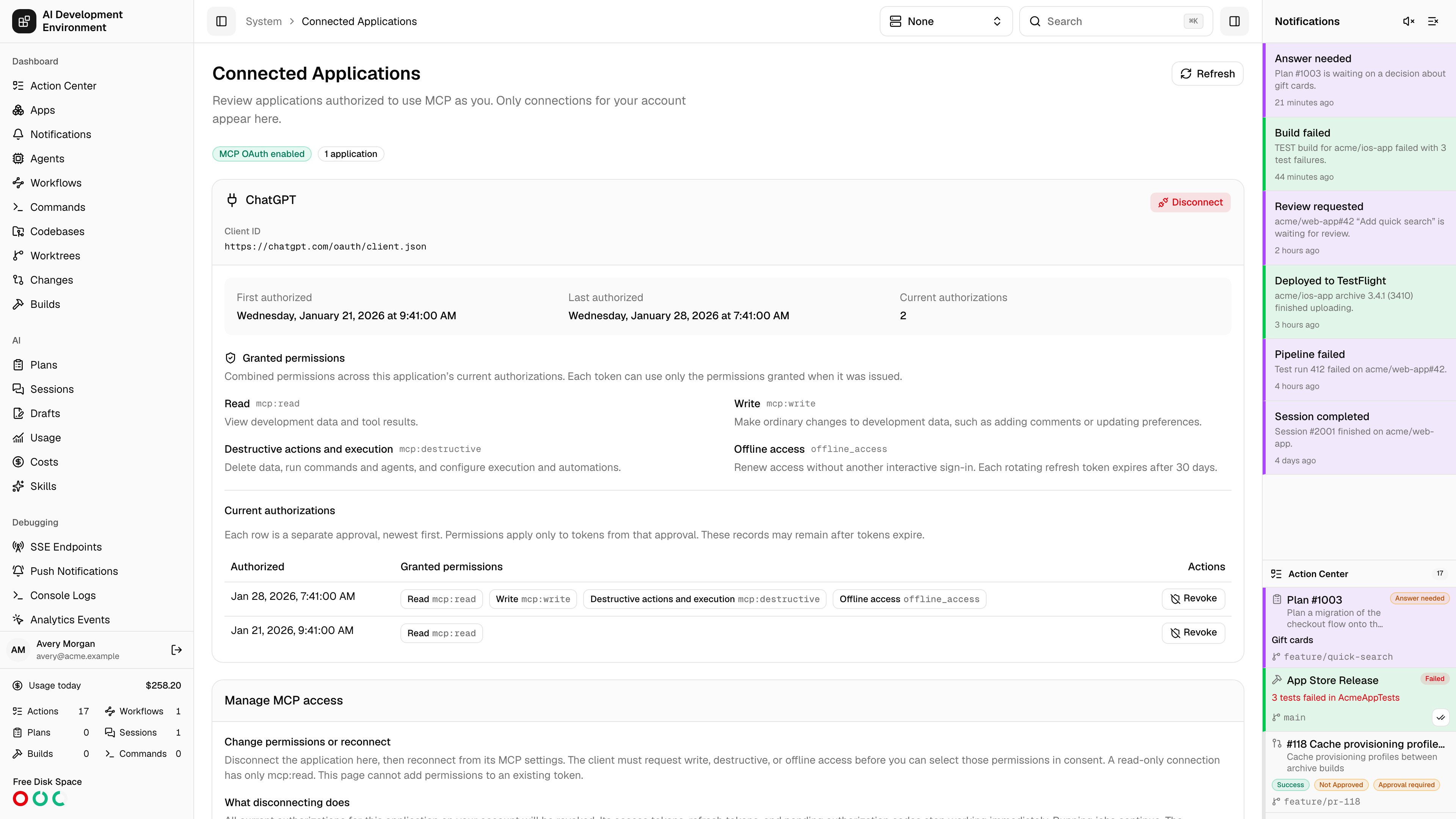
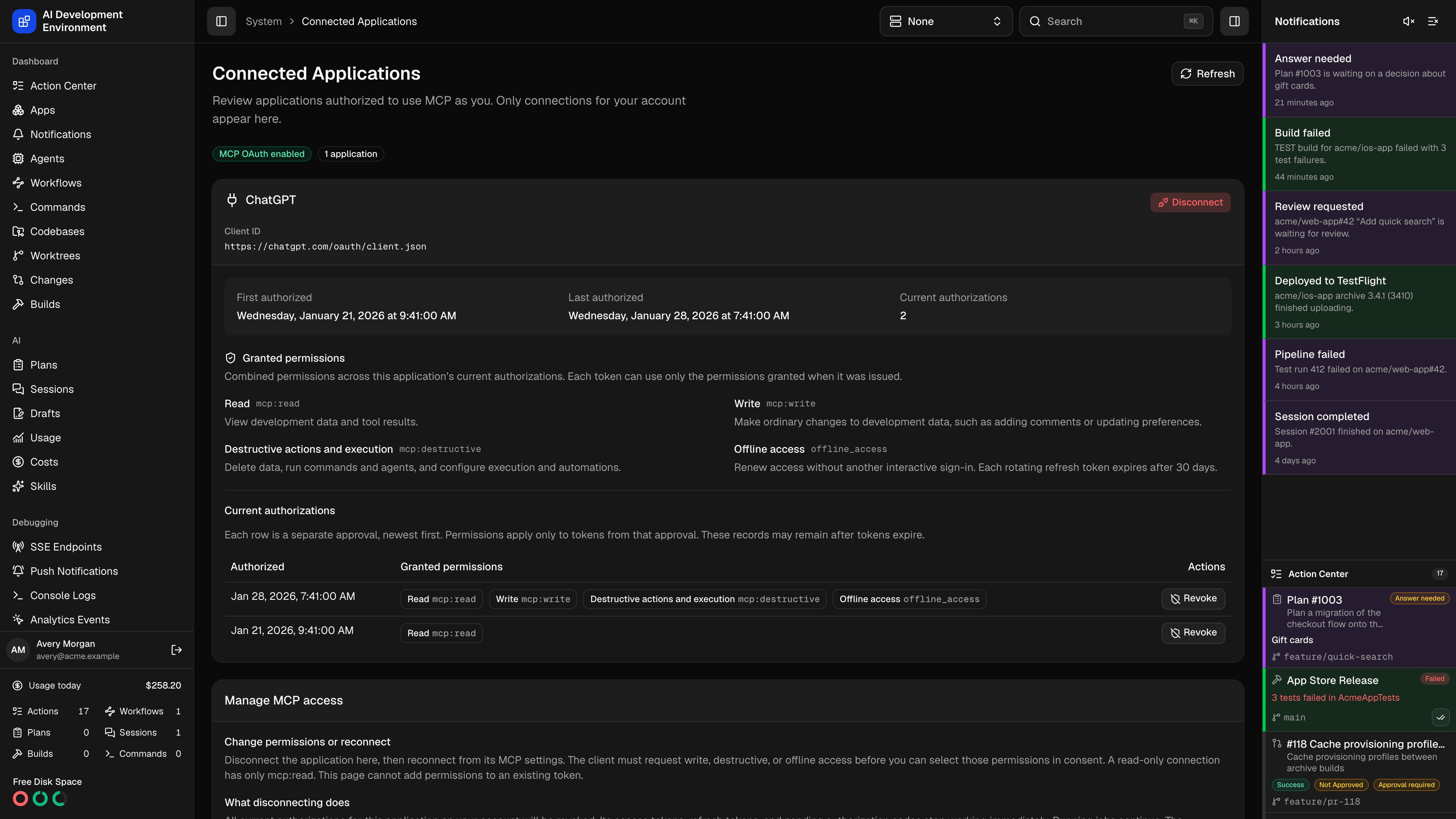
This page manages incoming MCP OAuth approvals for your signed-in account. It shows the server’s OAuth enabled state, connected application count, and each application’s name and client ID. Other users manage their own approvals. API keys have separate controls on API keys.
Review permissions and approvals
Each application shows First authorized, Last authorized, and Current authorizations. These dates and counts cover approvals that have not been revoked, including repeated approvals. They do not indicate last activity or whether a token has expired. Granted permissions combines the permissions across the application’s current approvals. The Current authorizations table lists each approval separately, newest first. Each token retains only the scopes granted to its own approval.
Access tokens last five minutes. Each rotating refresh token lasts 30 days. Without offline access, the client may ask you to sign in again when its access token expires. The page displays authorization metadata and never reveals token values.
Choose Refresh after authorizing a new client. Saved approvals remain manageable when MCP OAuth is disabled, although their tokens cannot access MCP while it is disabled.
Revoke one authorization
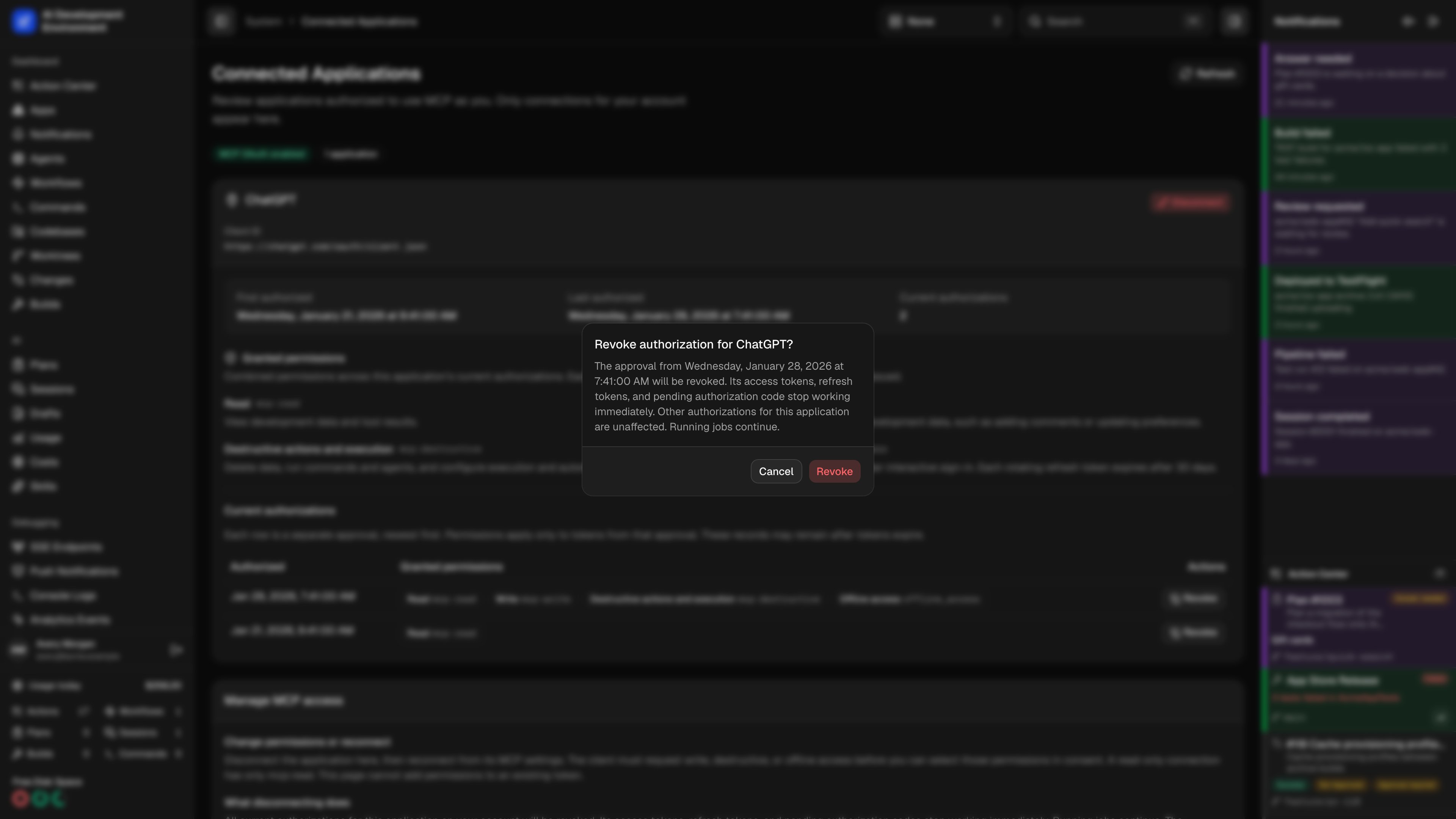
Choose Revoke beside an approval. Review the application name and approval date, then confirm.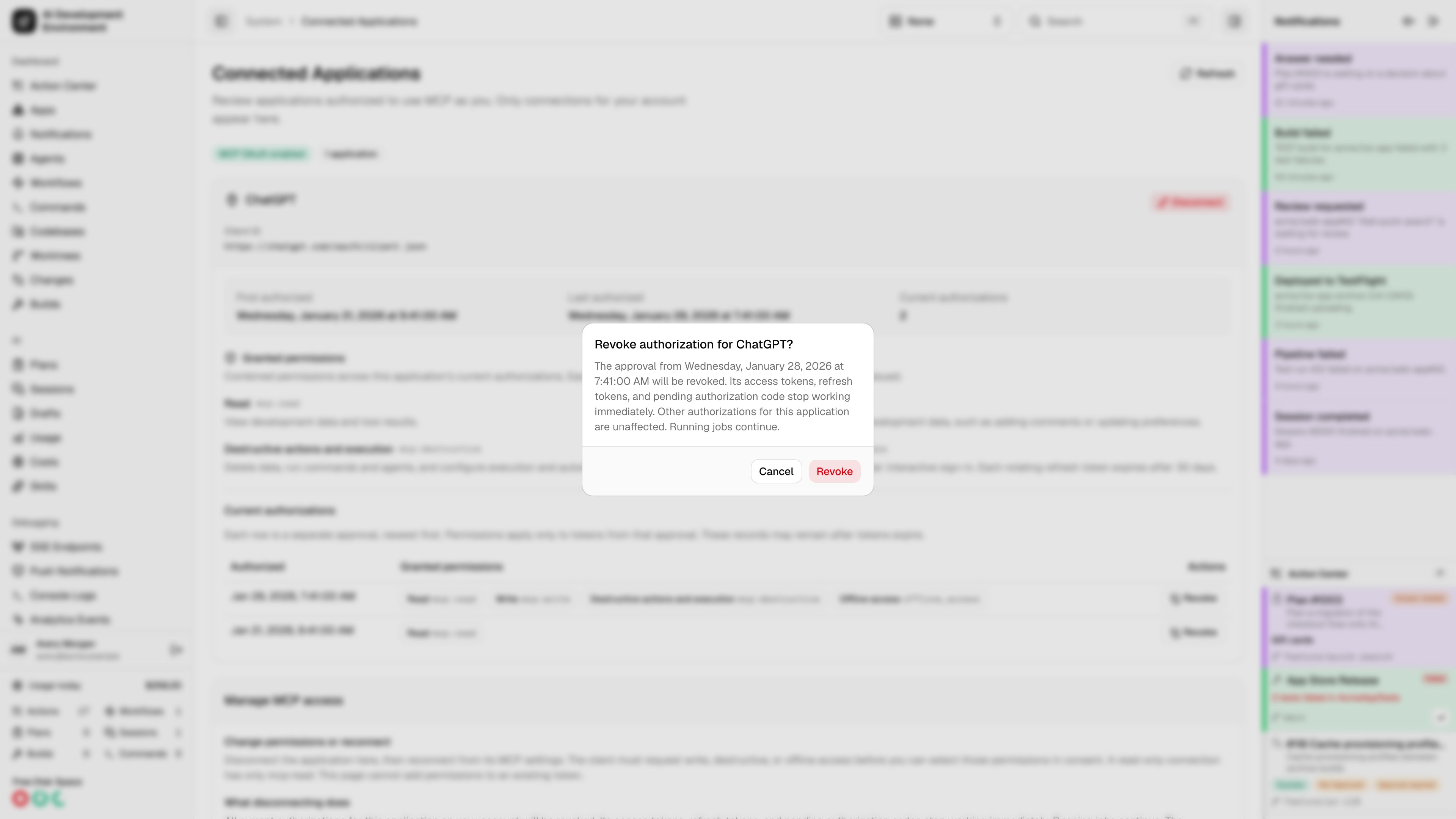
Disconnect an application
Choose Disconnect on the application and confirm its name. This revokes every current approval for that application on your account, invalidates its tokens and pending codes, and clears saved consent. Other users’ connections and API keys are unaffected. Running jobs continue under their existing lifecycle. Reconnecting creates a new approval. It never restores revoked tokens.Change permissions
Disconnect the application, then reconnect from its MCP settings. The client must request write, destructive, or offline access before you can select those permissions on the consent page. New consent starts with read access selected. This page cannot add permissions to an existing token. If ChatGPT requests only read access, the resulting approval has onlymcp:read. Reconnecting without a request for additional scopes produces another read-only approval. See MCP OAuth for scope selection and client setup.
Manage connections on iOS
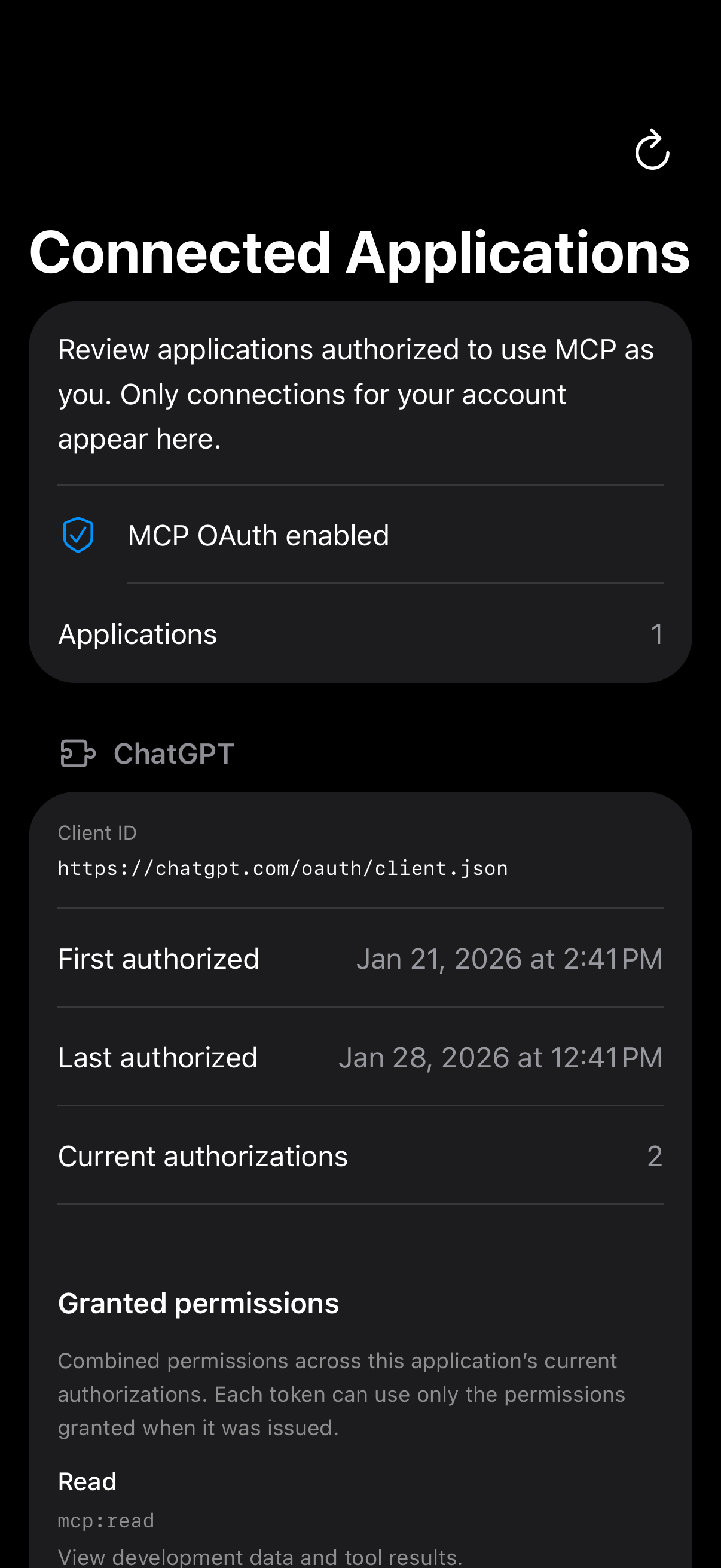
Open System → Connected Applications in the native navigation, or open it from Settings. The app uses the same account-scoped management endpoint as the web app with your existing server session. The native screen shows the same client identity, dates, counts, permission explanations, and individual approvals. Choose Revoke for one approval or Disconnect for the whole application, then confirm. Pull to refresh or use Refresh in the toolbar. The page also explains disabled OAuth, offline access, and reconnection. Request failures keep existing approvals visible and allow retry.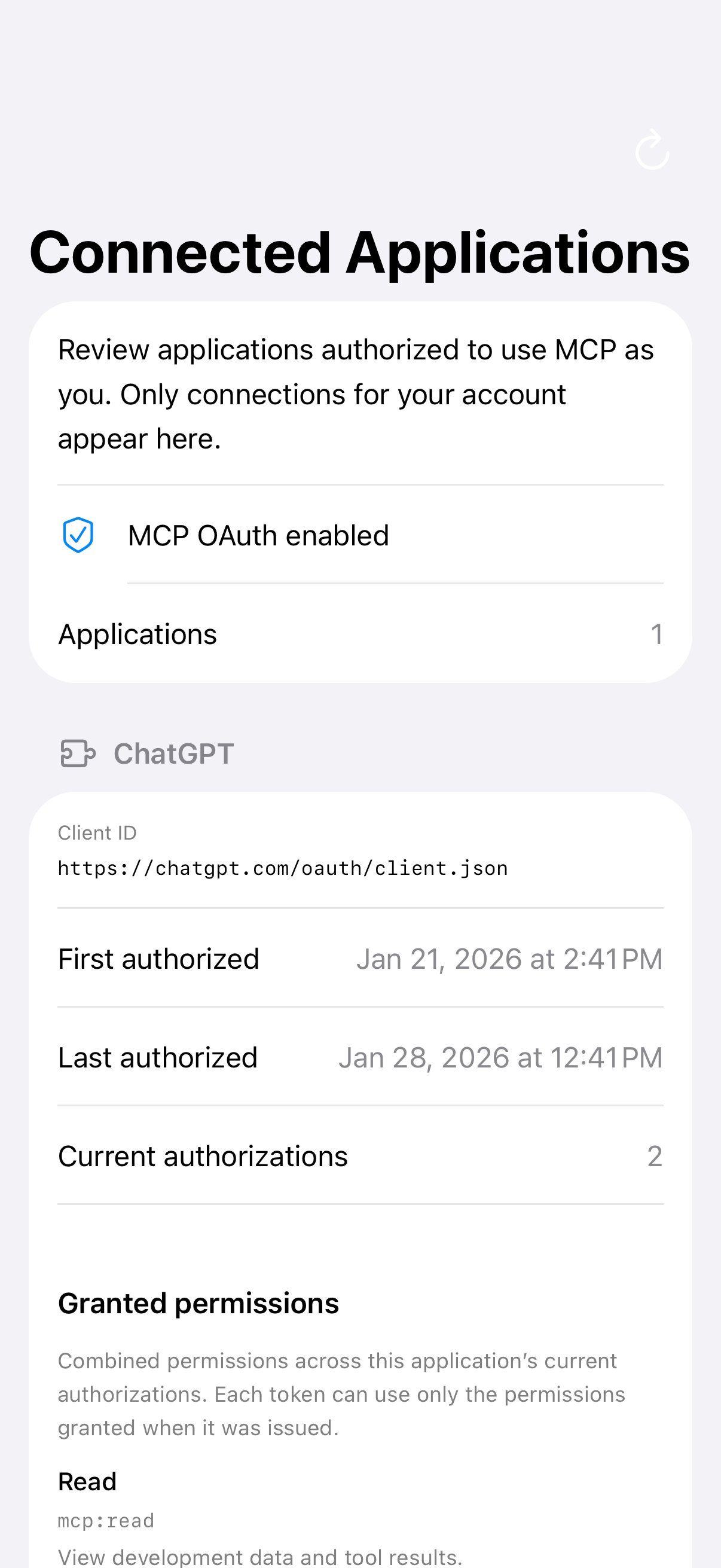
Management API
The web and native apps useGET /api/auth/mcp-connections to read the OAuth enabled state and the current user’s applications and approvals. Authorization IDs identify approvals; they are not tokens.
Send DELETE to the same endpoint with clientId and authorizationId to revoke one approval. Send only clientId to disconnect all of that application’s approvals for your account. Repeating a revocation for your own saved approval succeeds without restoring it.
These operations require a browser or native user session. MCP OAuth tokens and API keys cannot manage connections. The server checks both account and client ownership, rejects malformed requests, and never exposes token values.