

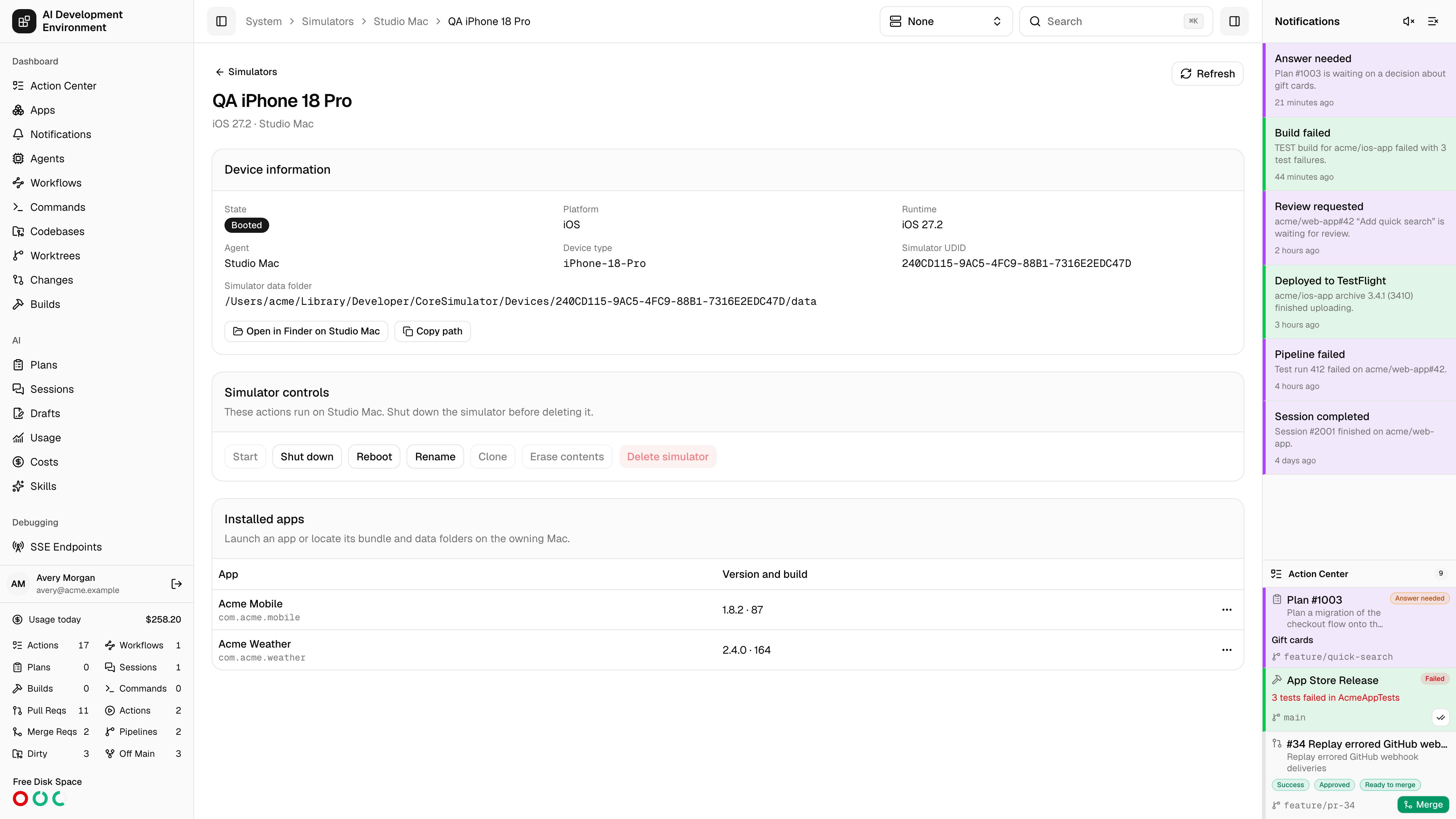
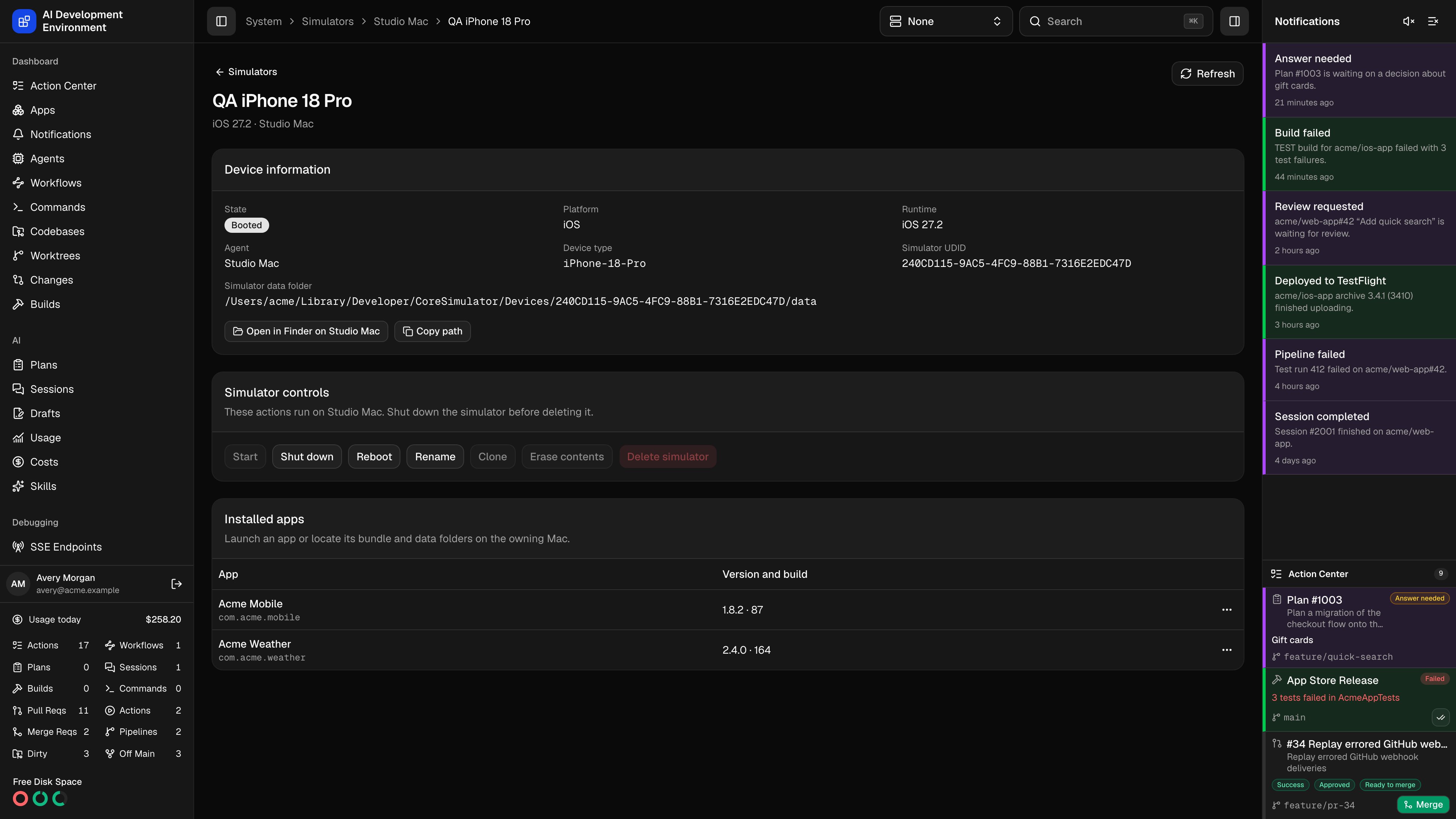
Manage the device
- Start, Shut Down, and Restart follow the current state of the simulator.
- Rename updates the device’s name.
- Shut down the simulator before duplicating or erasing it. Duplicate creates a separate device. Erase Contents and Settings clears the simulator’s apps and settings and keeps its UUID.
- Delete removes a shut-down simulator and its data. You can also delete an unavailable simulator that Xcode lists as stuck in Creating.
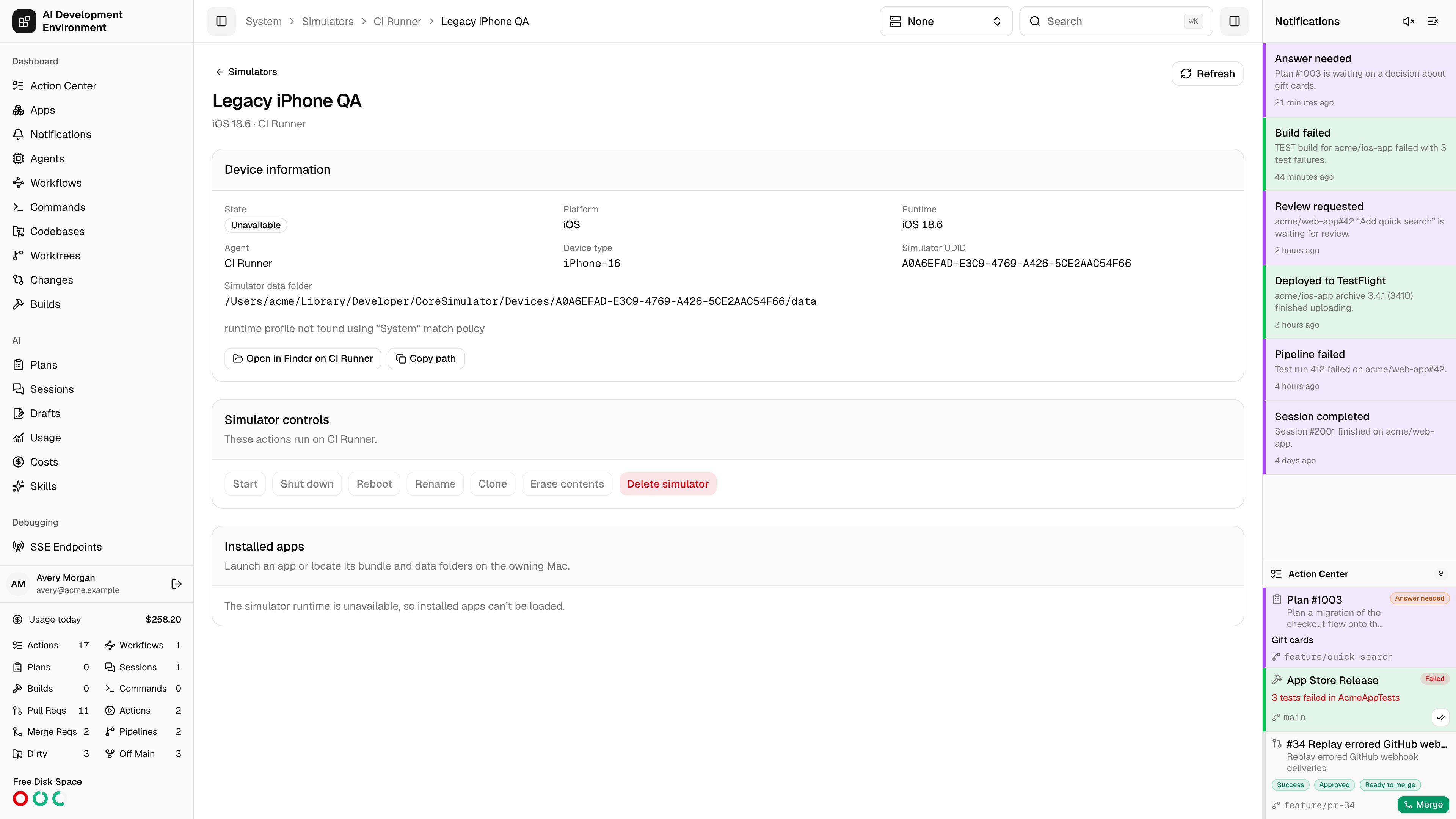
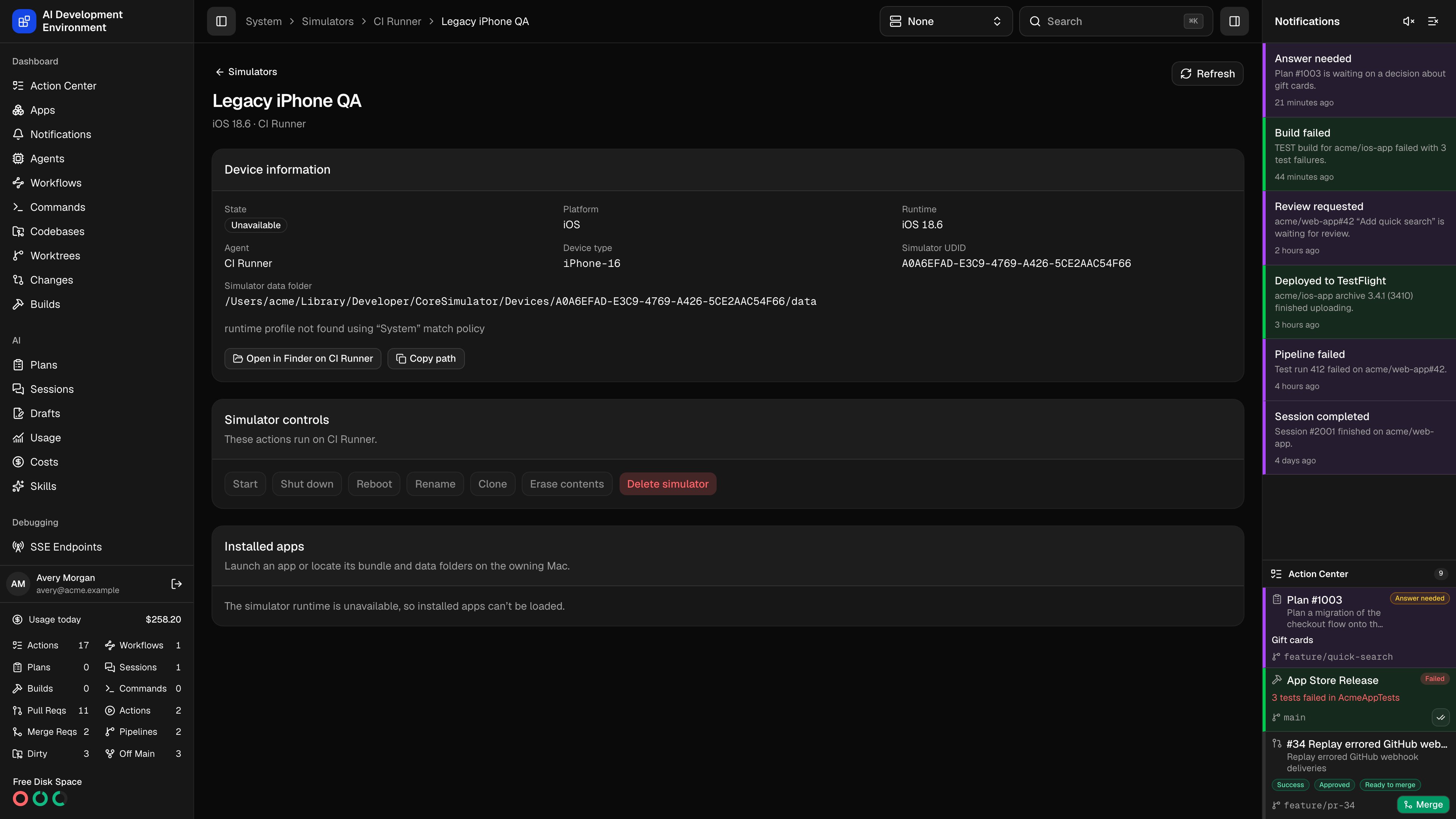
runtime profile not found, the selected Xcode cannot load that simulator’s runtime. The simulator may still appear in the inventory after the runtime becomes unavailable.