

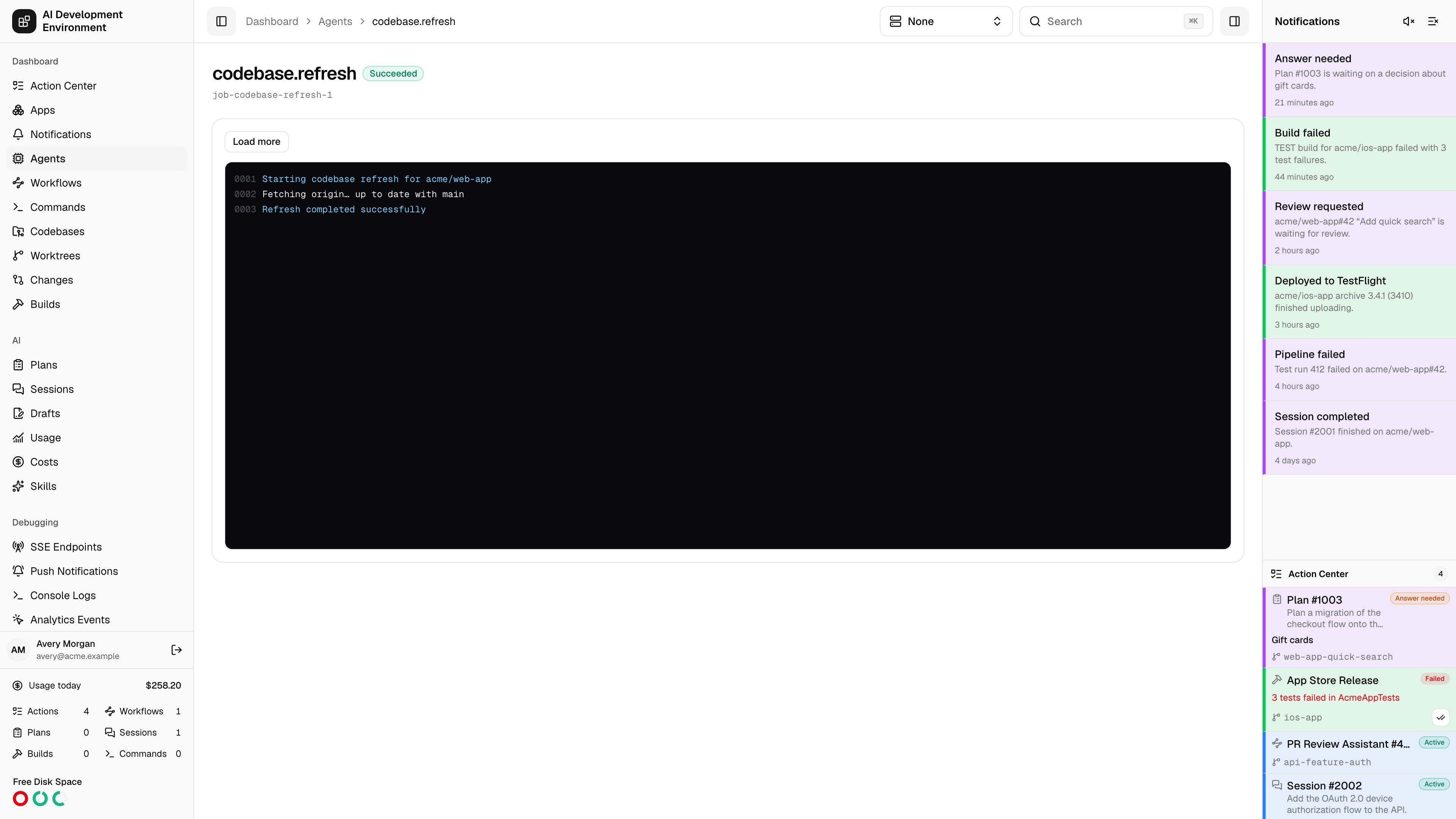
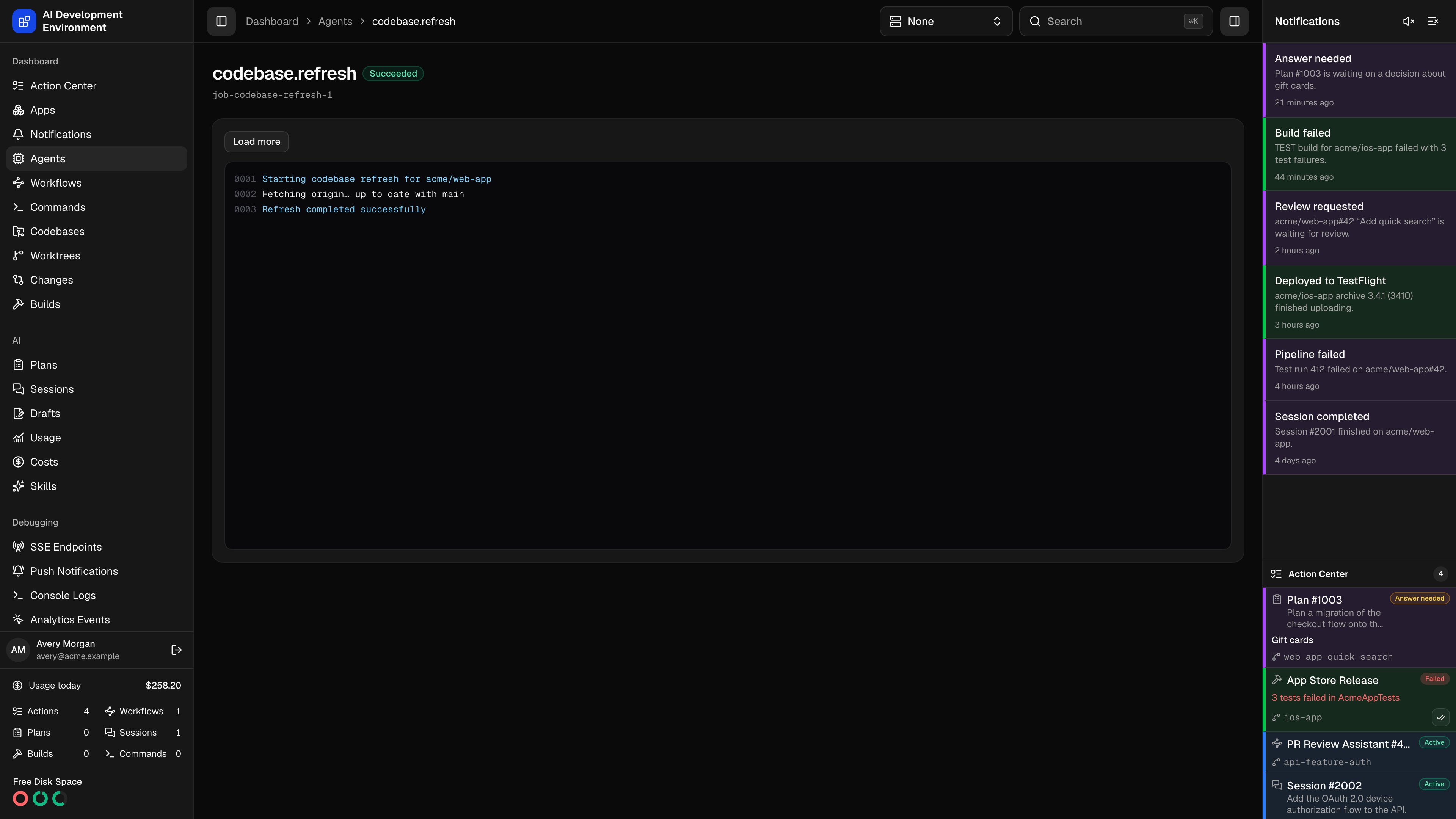
/dashboard/jobs/{id} shows one durable job on an agent: its kind, its status, its error if it has one, and its full log stream as it arrives.
Jobs are the unit of work the control plane hands to an agent. Nearly every Git operation, codebase scan, worktree move, and build step in the product runs as a job, so this page is where you go when you need to see exactly what a Mac did.
Tailscale fleet management uses three typed kinds: tailscale.serve.inspect.v1, tailscale.serve.upsert.v1, and tailscale.serve.remove.v1. Their payloads contain validated listener and loopback destination fields, never shell source. Completion handlers project their normalized result into the Tailscale Serve overview, while this page remains the place to diagnose the underlying job and timeout.
What the page shows
- The job kind and its id.
- A status badge — Queued, Running, Cancelling, Succeeded, Failed, Cancelled, or Timed out.
- The job’s error message, when it failed.
- A terminal-style log pane with sequence-numbered lines.
Reading the log
Log lines arrive over anagentJobLogAdded subscription and are ordered by sequence number, so a reconnect cannot interleave them out of order or duplicate them. Each line is color-coded by stream:
The pane follows output automatically while you are scrolled to the bottom. Scroll up and it stops following, so you can read earlier output without fighting the stream.
Cancelling
Cancel is offered while the job is Queued or Running. It moves the job to Cancelling; the agent stops the work and reports the final Cancelled state.Durability
How a job survives a restart
How a job survives a restart
Job records live in the control plane’s database, not in agent memory. On its job reconciliation interval, the agent asks the control plane for anything queued, running, or cancelled and picks up where it left off — so a dropped WebSocket, an agent restart, or a missed event does not lose the work.Tune that interval under Agent cadence on the agent detail page.
Timeouts
Timeouts
Every job carries a timeout in seconds. A job that exceeds it is marked Timed out rather than being left running indefinitely.
Related pages
Agent details
Job history, capabilities, and the reconciliation cadence for one Mac.
Command run
Shell command runs, which have their own richer terminal view.