

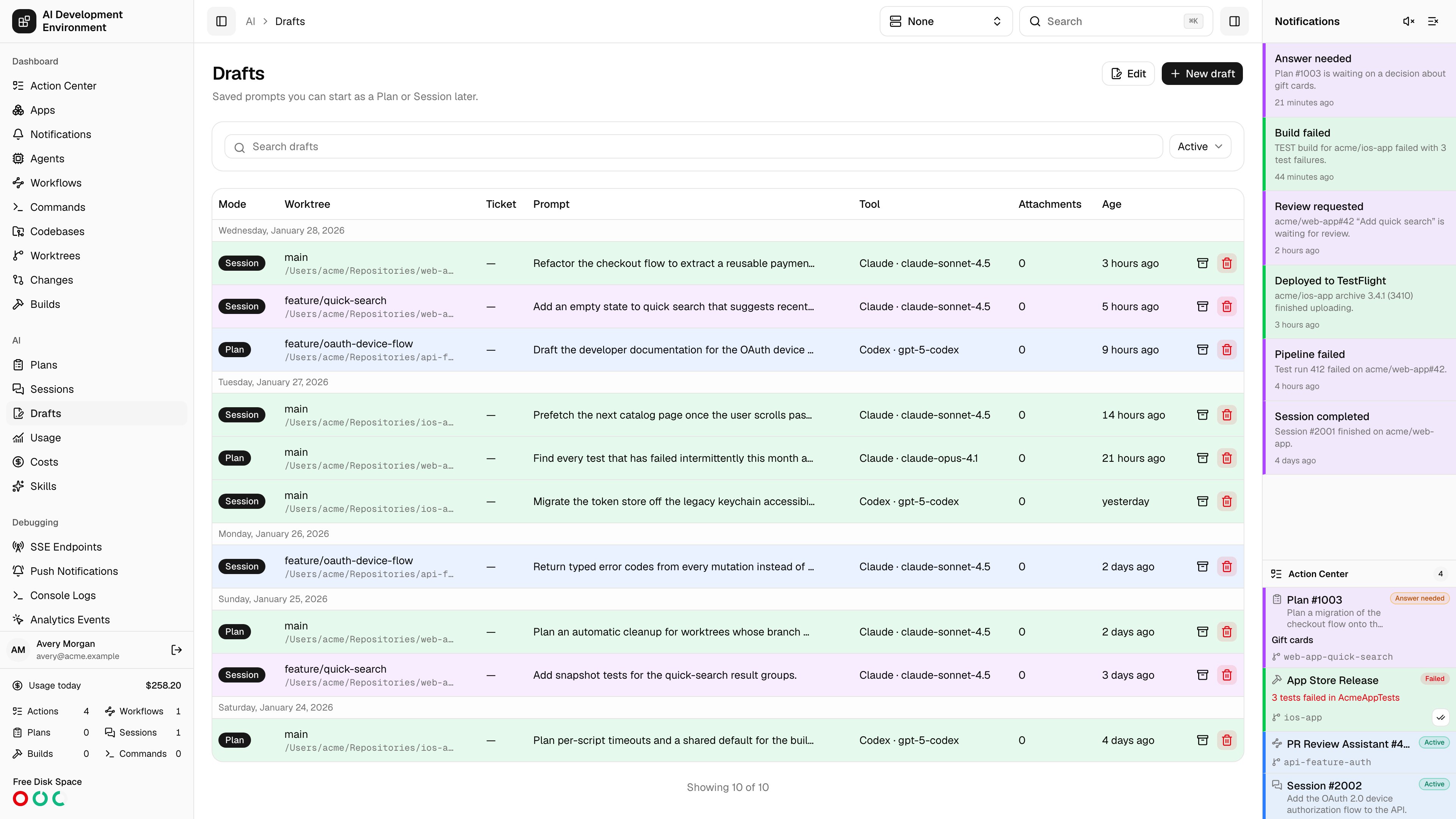
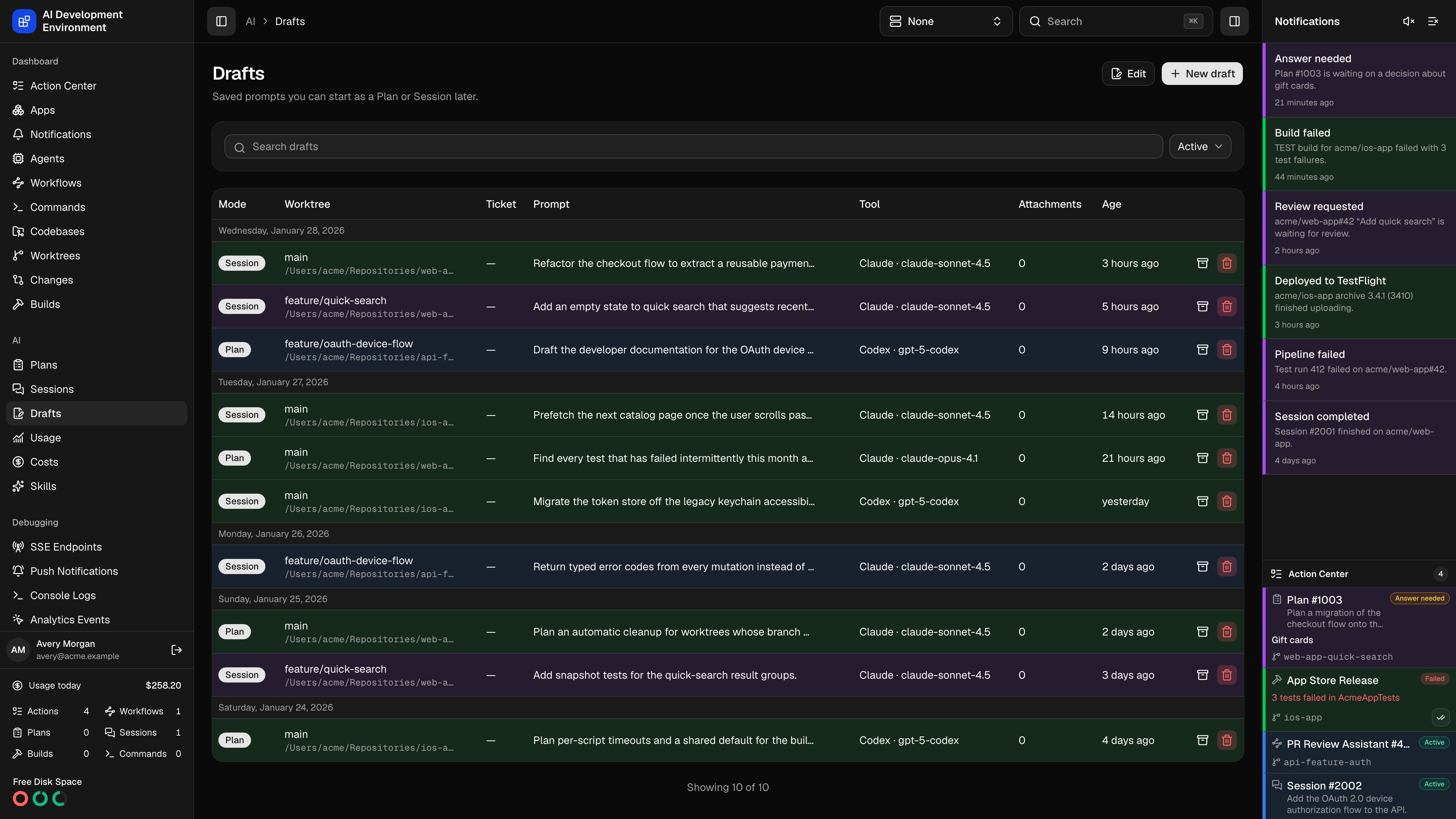
/ai/drafts holds run configurations you have written but not started. A draft is not just a prompt — it stores the whole form from the new run page: the mode, the worktree, the Jira ticket, the tool, model and effort, the web-search and MCP tool choices, and any attachments. Opening one reopens that form exactly as you left it.
The draft list
Rows are grouped by the day they were last updated, newest first.
Clicking a row opens
/ai/drafts/new?draft={id}, which is the same editor prefilled from the draft. New draft opens the editor empty.
Filtering and bulk edits
Search matches across drafts, and the archive selector switches between Active, Archived, and All. The list loads 100 drafts at a time and extends as you scroll, with a Showing n of N count underneath. Edit turns on checkboxes, a header select-all, and a per-day select-all so you can archive, restore, or delete a batch at once. Each row also carries its own archive and delete buttons.Notes
- Starting a run from a draft consumes it: the draft is removed once the run is created, so it will not linger as a stale copy of work already underway.
- Attachments belong to the draft until it is started, at which point they transfer to the run’s first input.
- A draft only references a worktree. If that worktree is gone when you start, the new run page reports the problem. If its run lane is busy, the new run is created in Queued state instead.
Related pages
New run
The editor a draft opens into.
Plans
Where a draft started in Plan mode ends up.
Sessions
Where a draft started in Session mode ends up.
Worktrees
The checkouts a draft points at.