

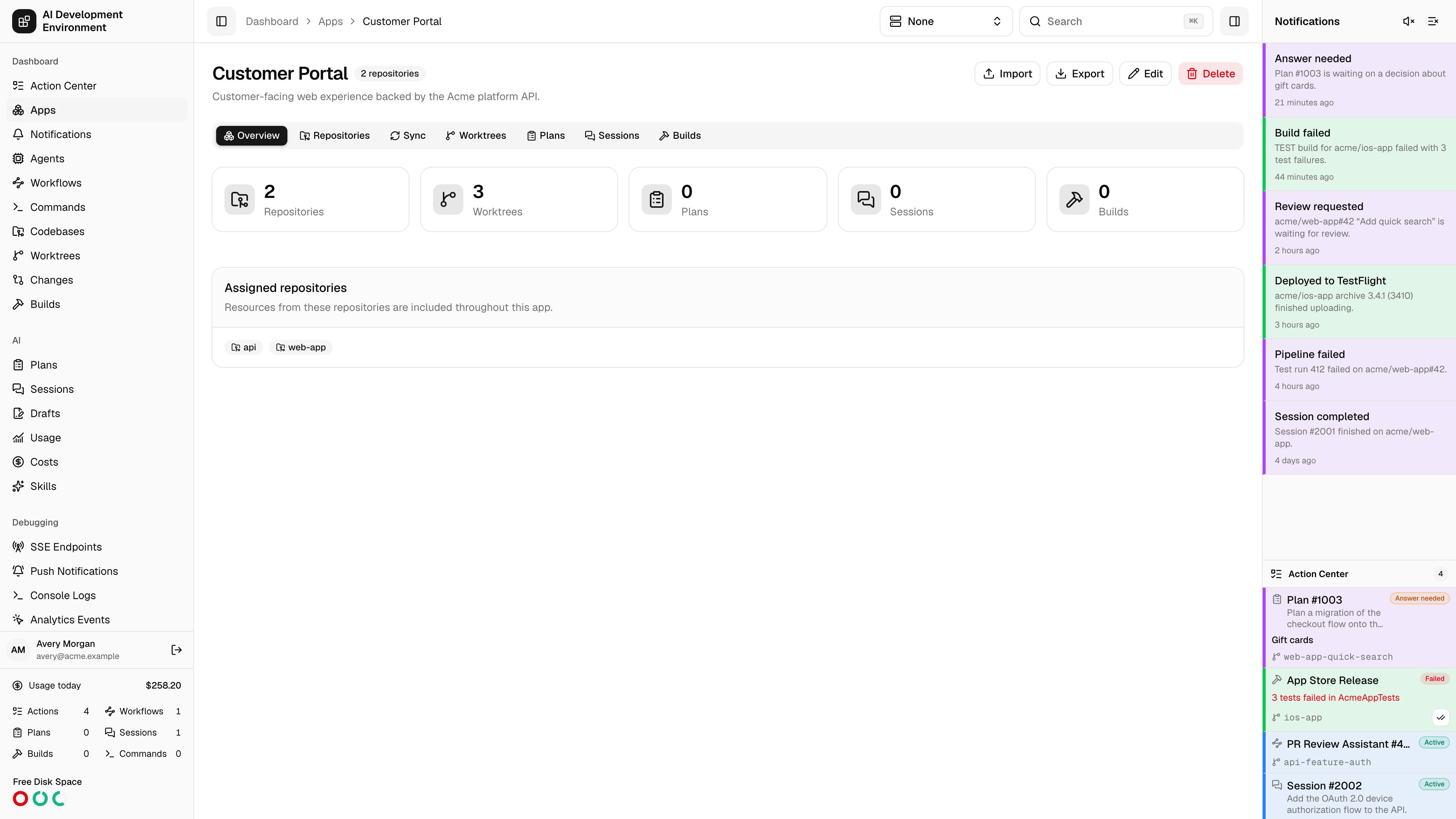
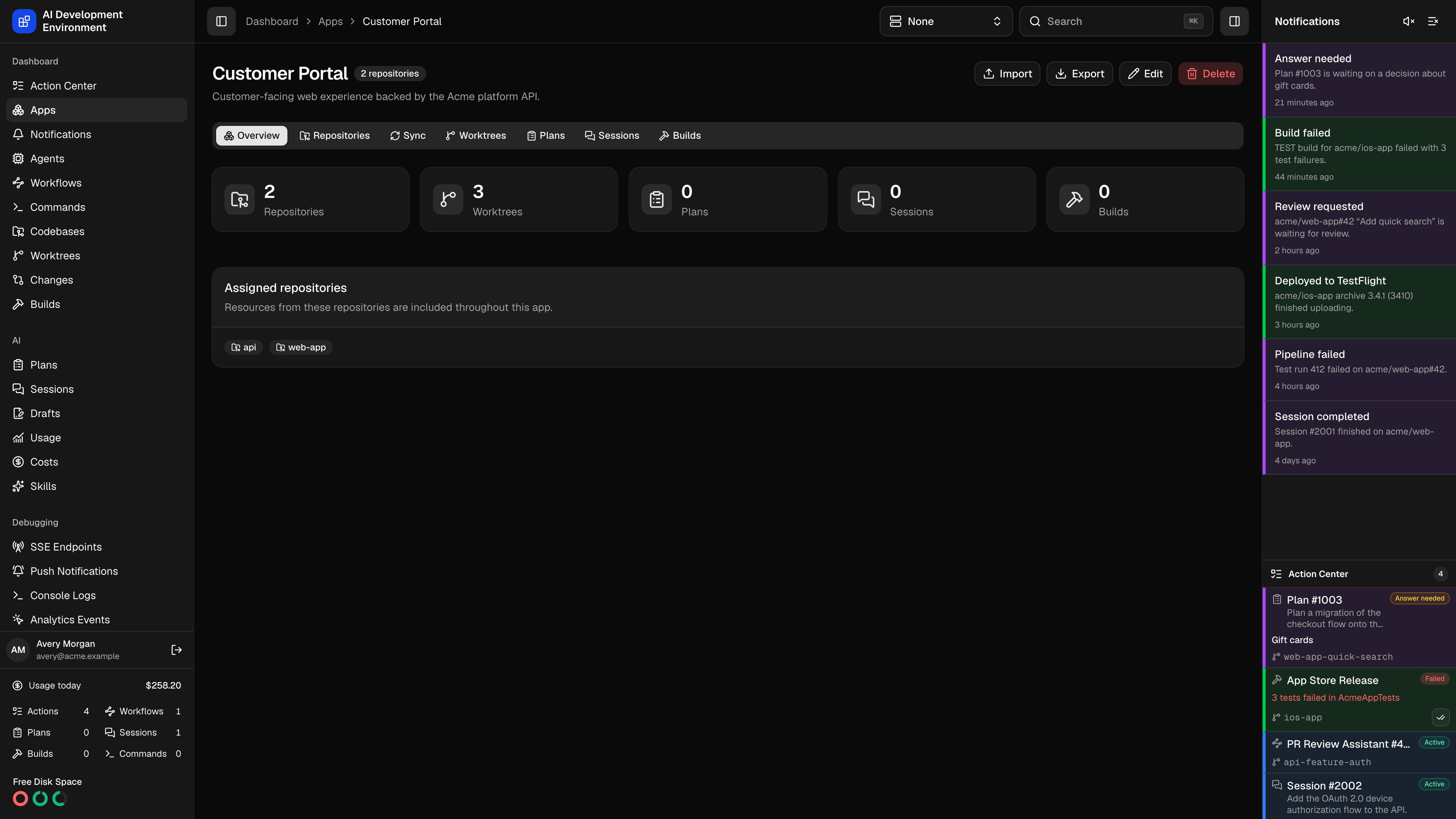
/dashboard/apps/[appId] brings every resource backed by the app’s assigned repositories into one place. The selected view is stored in the view query parameter, so you can bookmark or share a direct link such as /dashboard/apps/[appId]?view=worktrees.
Views
The scoped views keep their normal actions. Opening a resource takes you to its full detail page when the action needs more space.
Sync repositories to other agents
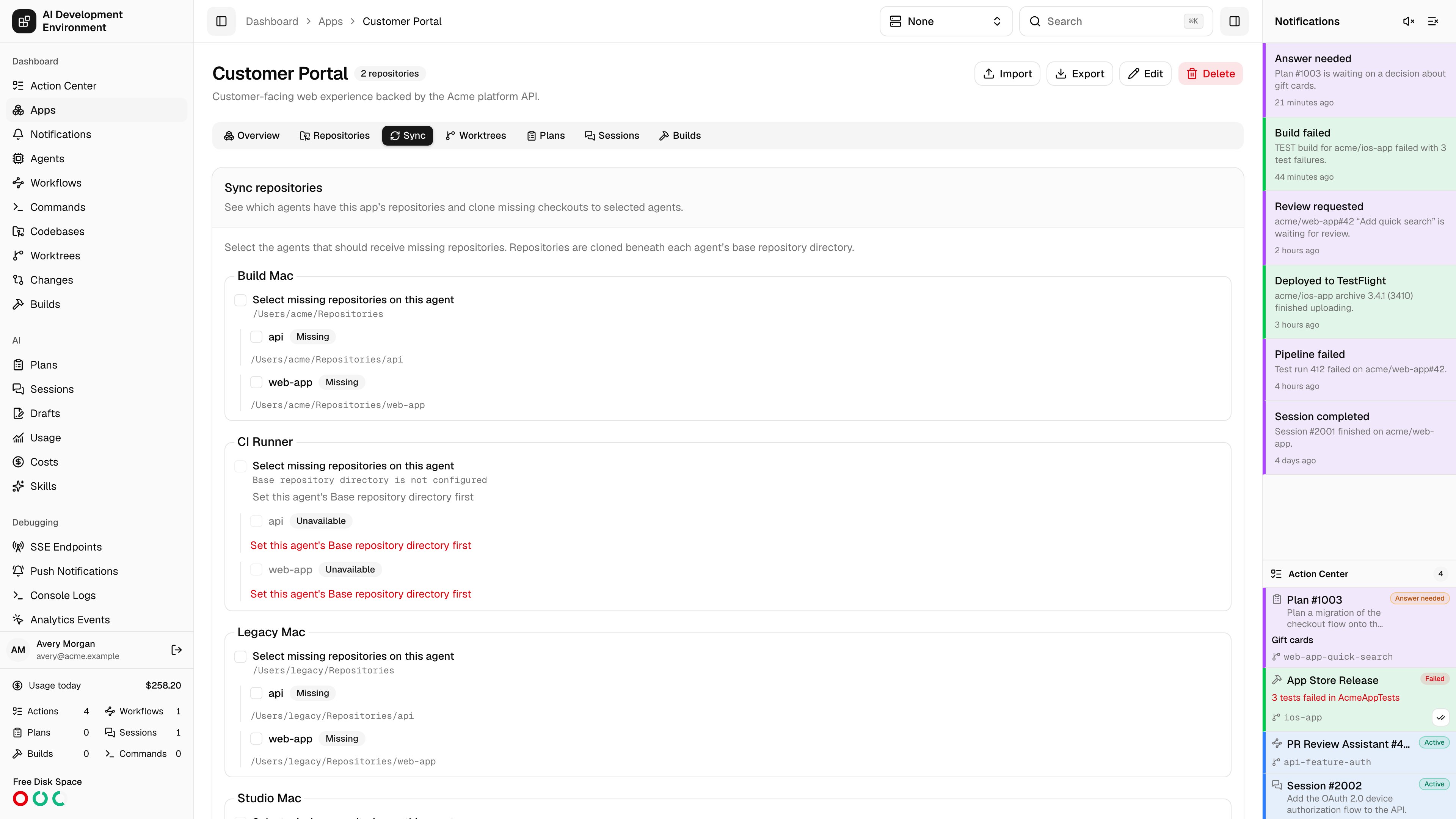
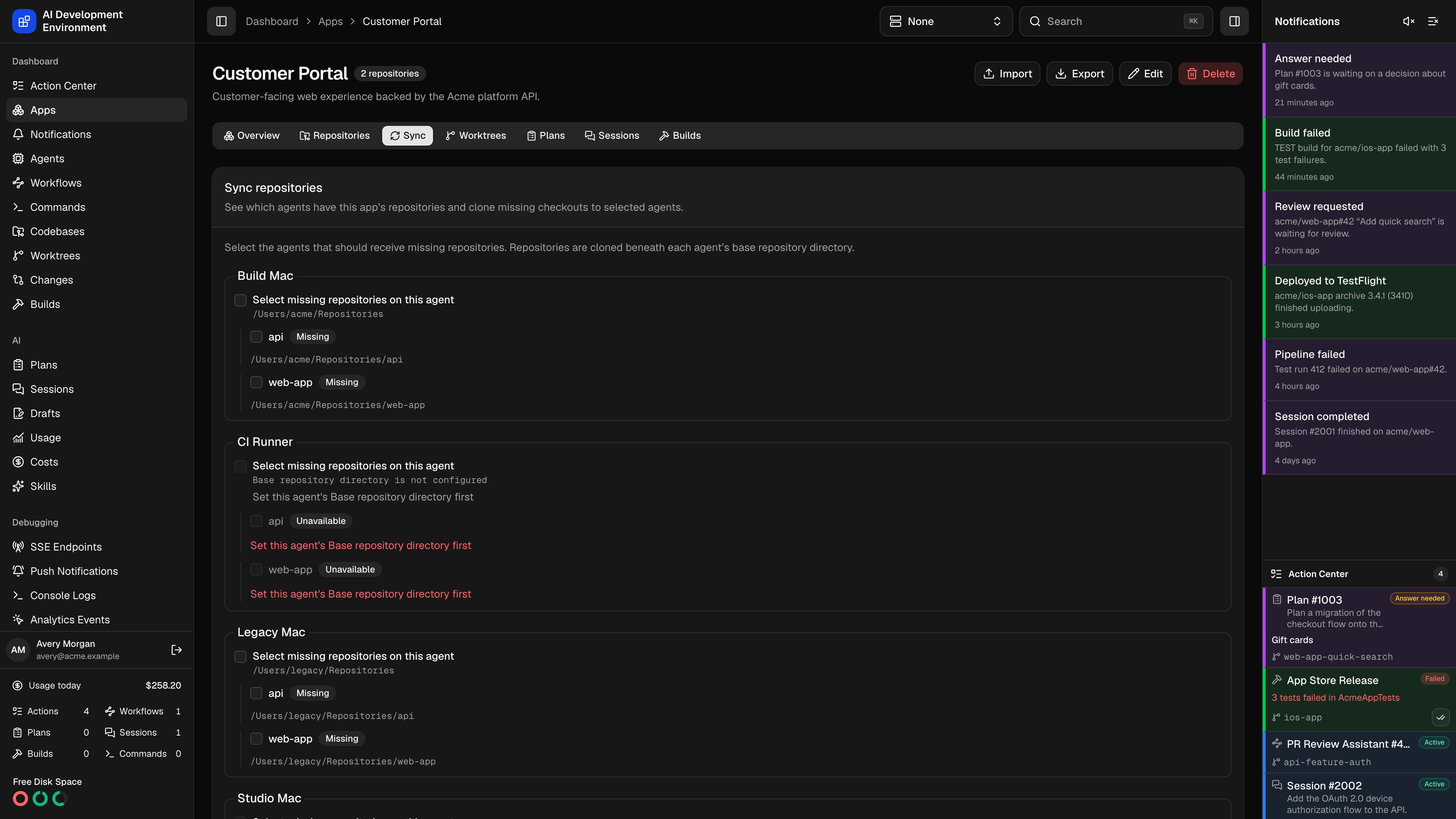
/dashboard/apps/[appId]?view=sync. Each agent shows its Base repository directory, the app’s repositories, and whether each checkout is Already present or Missing. Existing checkouts show their registered paths, even when those paths are outside the base directory. An agent must be online, support repository cloning, and have a base directory configured to receive a missing checkout. Unavailable and Needs attention identify destinations that cannot currently be cloned.
Select individual missing repositories, or Select missing repositories on this agent. Review Folder relative to base directory and Clone URL for each selection, then click Clone selected. The clone URL must identify the same repository and cannot contain embedded HTTP credentials. Configure SSH keys or Git credentials on the destination agent for private repositories.
The control plane checks selected destinations before queuing the clones. An unrelated folder, symbolic link, or conflicting repository blocks the destination. Existing matching checkouts are reused; cloning does not replace their files. If coverage changes while you are selecting destinations, refresh the view before trying again.
Transfer progress shows each destination and its result. Retry failed checkouts creates another attempt for failed clones without changing repository settings or repeating successful clones. If an agent’s base directory changes, review a new Sync request for that destination.
This view creates missing checkouts. It does not pull, rebase, or mirror local edits between existing checkouts. Use the checkout’s Git actions for those operations.
Import and export configuration
Use Export in the app header to select the app’s repositories, settings, commands, and workflows for a portable JSON package. Import opens the same interactive review used on the Apps page and in repository details. Review conflicts, dependency mappings, and destination agents before confirming. See Import and export.Build from the overview
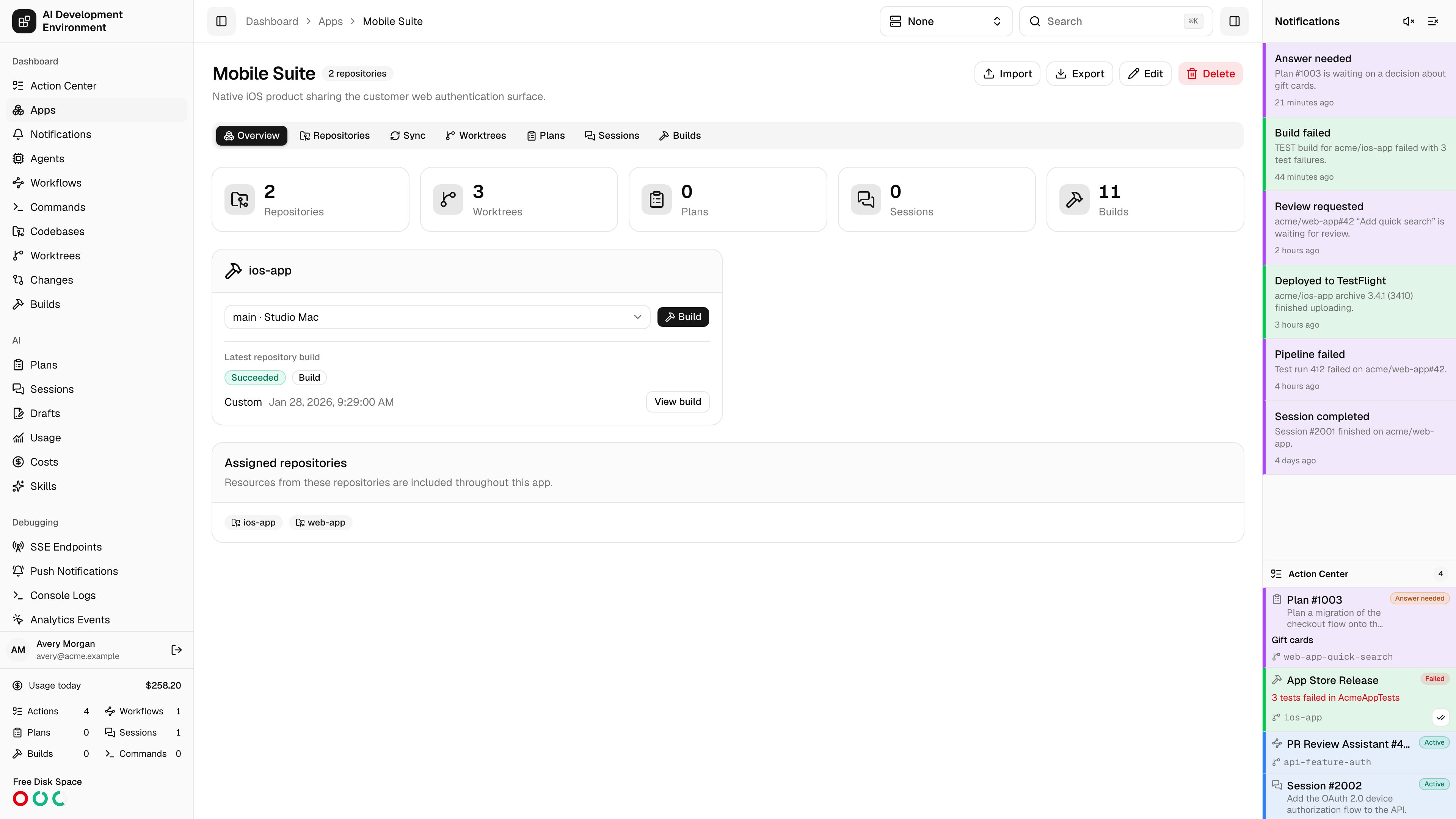
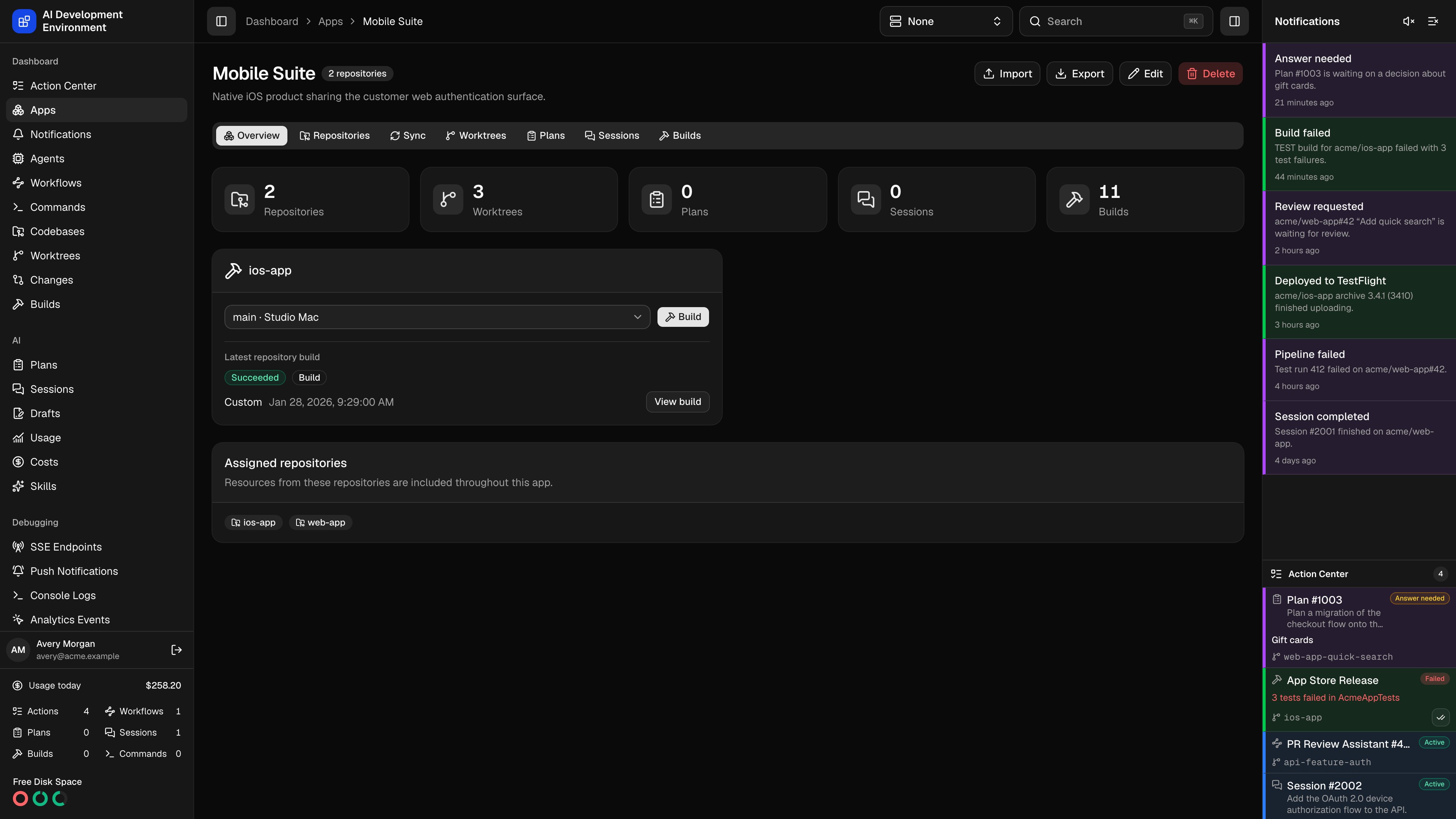
Edit repository assignments
Click Edit to change the name, description, or assigned repositories. You must keep at least one repository assigned. Check agents under Agents to narrow the repository list to the repositories checked out on them. The saved filter is restored when you reopen the editor and changes only what the list shows, never what is assigned. Removing an assignment only changes the grouping. It does not delete the repository, its checkouts, worktrees, Plans, Sessions, or builds. If you later add the repository again, its existing resources reappear in the app.Delete an app
Click Delete, then confirm the warning. Deleting an app removes the app and its repository assignments only. Every repository and development resource remains available from its global page and from any other app that includes it.Notes
- App scope follows repository ownership. A worktree, Plan, Session, or build appears when its underlying codebase belongs to an assigned repository.
- A resource backed by a shared repository can appear in more than one app.
- App deletion is non-destructive and cannot delete files on an agent.
Related pages
Apps
Create apps and review their current resource totals.
Repository details
Manage settings that apply to every checkout of a repository.
Worktrees
Open the global worktree inventory across all apps and repositories.
Builds
Open global build history and repository build scripts.