

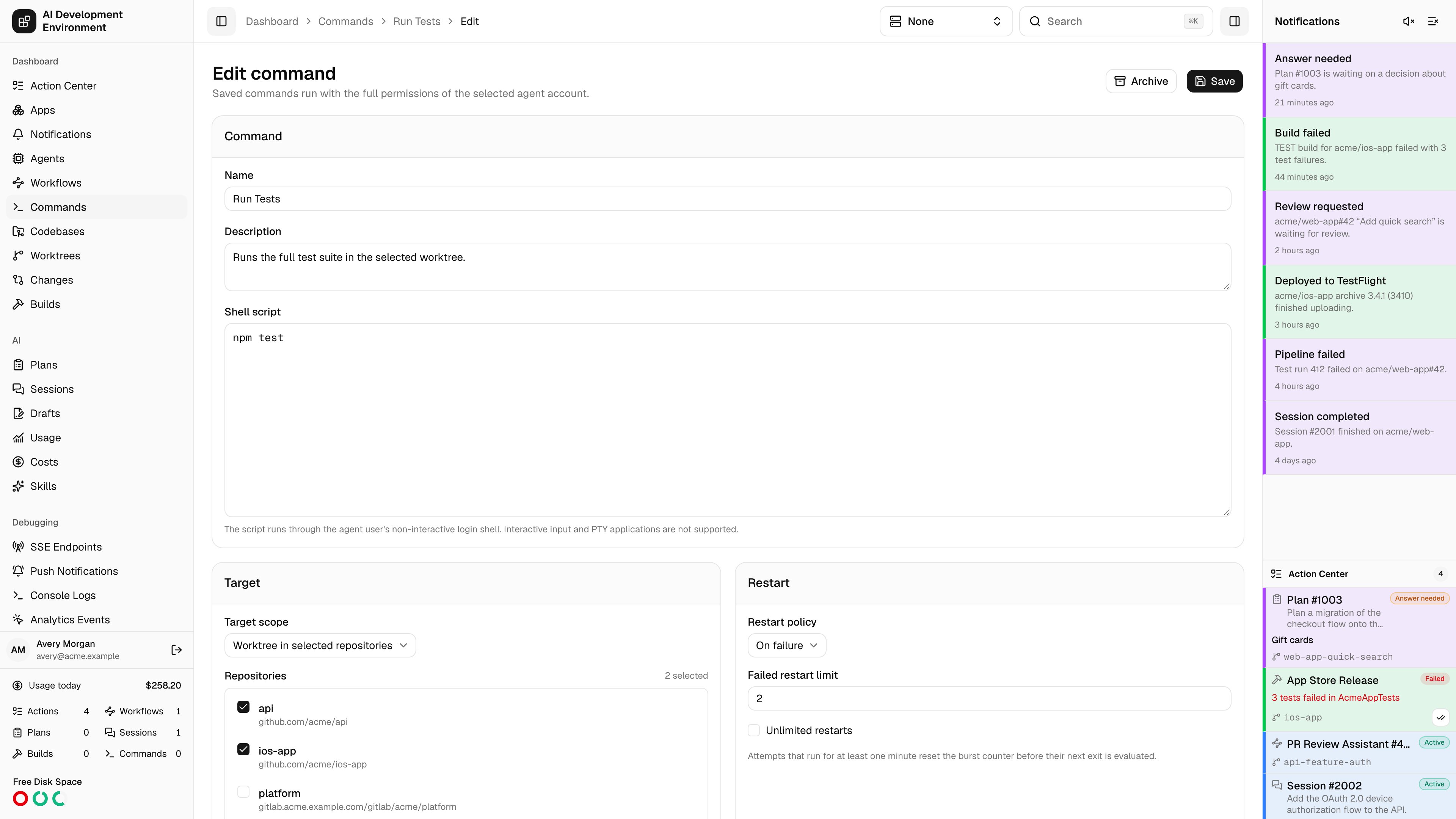
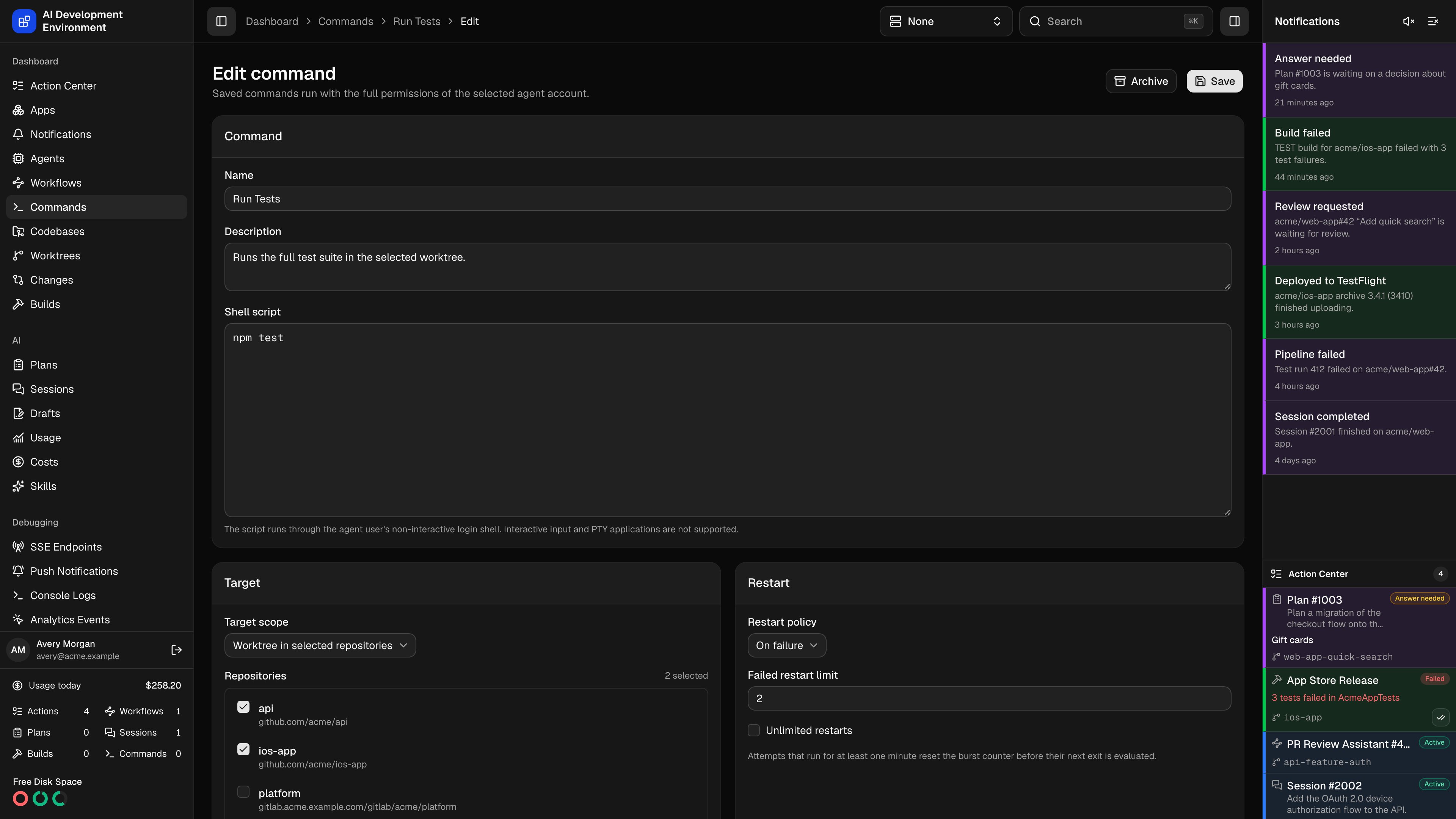
/dashboard/commands/{id}/edit updates an existing definition. It is the same editor as New command, pre-filled with the saved values.
What you can change
Command
Name, Description, and the Shell script.
Target scope
Any agent home, a specific agent home, any worktree, or a worktree in one or more selected repositories.
Concurrency
Requires exclusive, non-exclusive, or excluded from command concurrency, plus whether a worktree command blocks Git operations while it runs.
Restart policy
Never, on failure, or always, plus the failed restart limit.
Notifications and quick action
Completion notifications, and whether the command appears as a button with its icon and style.
How edits interact with history
Each run stores an immutable snapshot of the name, description, script, target kind, concurrency mode, Git-blocking setting, restart policy, restart limit, and notification setting that were in force when it started. Editing the definition never rewrites those snapshots.Because Rerun replays a run’s snapshot rather than the current definition, rerunning an old run executes the old script. Launch from the Definitions tab when you want the latest version.
Archiving instead of editing
If a command is obsolete, archive it from the Commands page rather than repurposing it. Archiving keeps its run history intact and readable, whereas rewriting the script leaves history pointing at a name that no longer describes what ran.Related pages
New command
Field-by-field reference for every setting in this editor.
Command run
Where the immutable snapshot for a given run is displayed.