

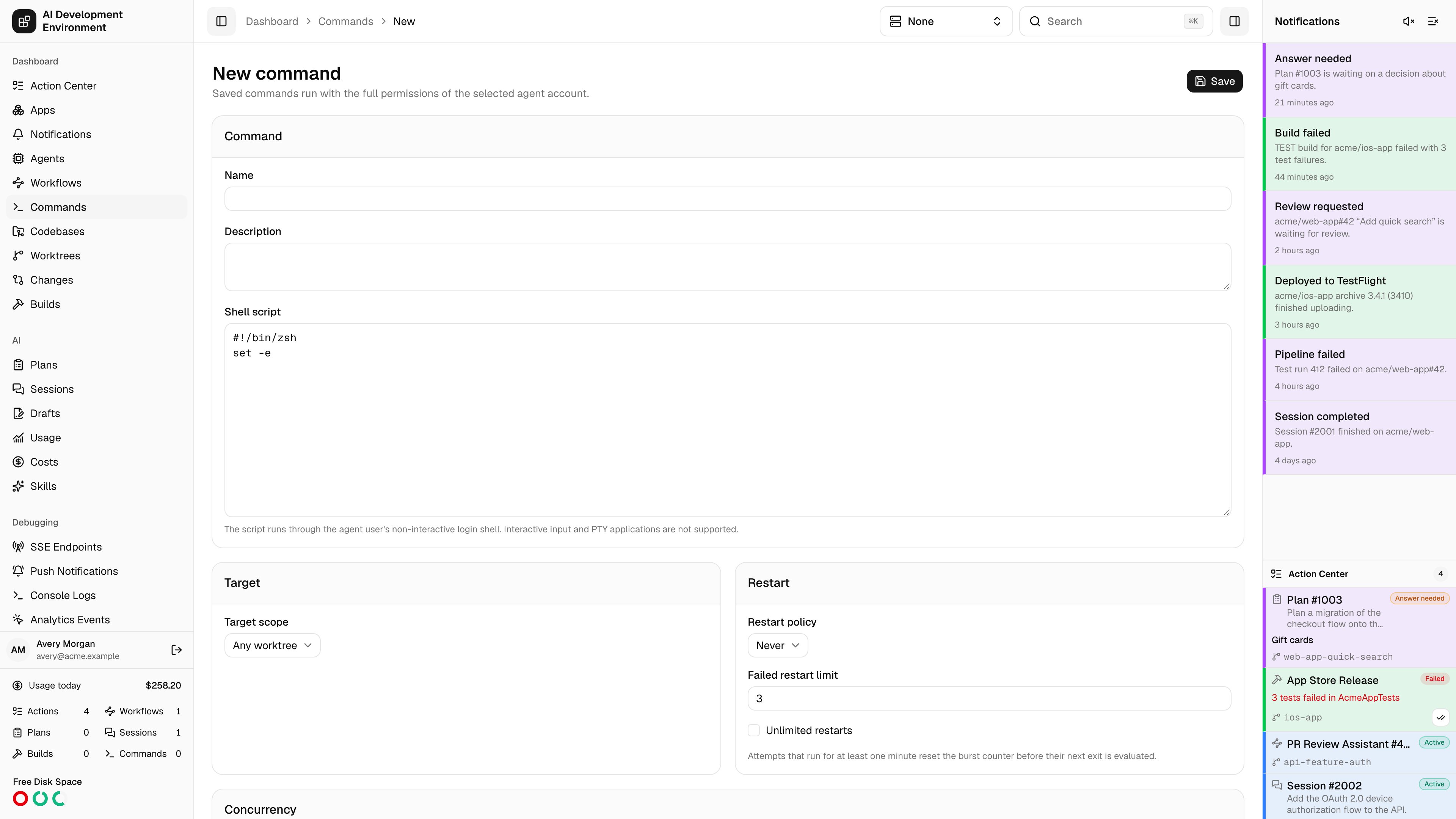
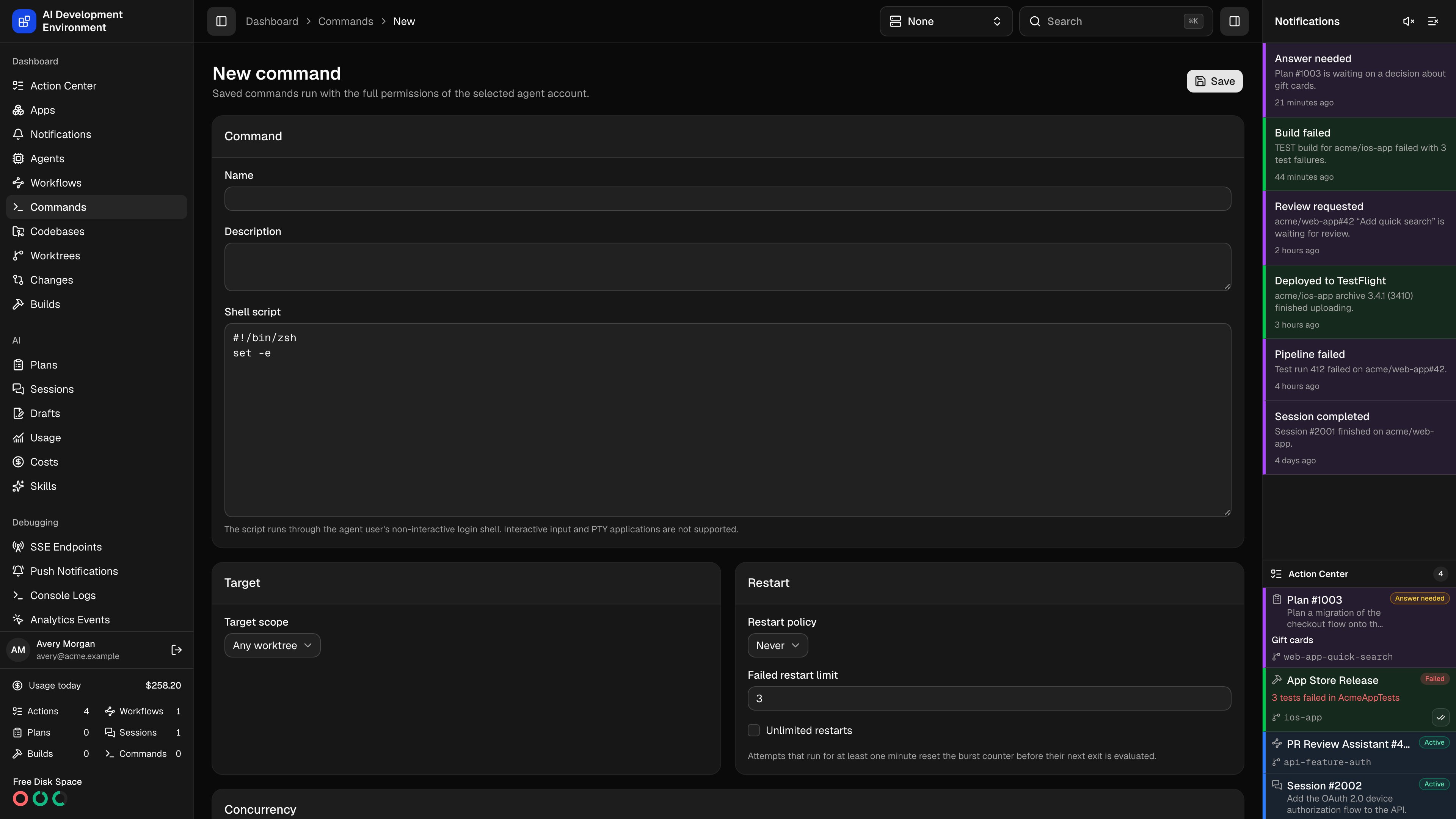
/dashboard/commands/new creates a reusable command definition — a named script, a rule for where it may run, and a policy for what happens when it exits.
Command
The script runs through the agent user’s non-interactive login shell.
Target scope
The target decides which agents and worktrees the command may run in, and whether you are asked to choose one at launch time.
When you choose Worktree in selected repositories, select at least one repository from the checklist. You can select any number of repositories, including repositories hosted by different agents. At launch, the eligible-target picker shows worktrees from the complete allow-list. The concrete worktree you choose determines which agent executes the command, and each launch creates one run.
Concurrency
Concurrency decides whether command runs may share the same target. A target is one worktree for worktree commands or one agent home for agent-home commands.
The default is Non-exclusive. Queue order prevents an exclusive run from being starved by a steady stream of new non-exclusive work.
A worktree command can still wait while Git or worktree work holds its codebase. It retries when the codebase becomes available instead of failing with a busy-codebase error.
Git and worktree operations
Enable Block Git operations while this command runs when the script can change repository or worktree state. While a worktree command with this setting is active, Git and worktree operations on the same codebase wait. Leave it off for scripts that only read files or run unrelated tools. Exclusive commands always block Git and worktree operations, so the setting is enabled and locked when Requires exclusive is selected. Agent-home commands have no worktree codebase to block.Restart policy
Failed restart limit caps consecutive restarts. Leave it unset for Unlimited restarts.
The limit counts a burst of quick failures, not restarts over all time. An attempt that stayed up for at least a minute resets the counter before its exit is evaluated, so a process that runs for hours and then dies still gets a full budget of retries.
Notifications
Notify when this command finishes is on by default. Turn it off for commands that run constantly or that you do not need to hear about. Which channels those notifications use — sidebar, browser, Web Push — is configured on the Notifications page.Quick action
Show this command as a quick action puts the command on the pages of the things it targets: agent-home commands on agent pages, worktree commands on worktree pages. For Worktree in selected repositories, the button appears on worktrees from every selected repository. Pick an Icon and a Button style — Default, Outline, Secondary, or Destructive. Use Destructive for anything that removes data, so it reads as dangerous at a glance.Related pages
Commands
All definitions and the durable run history.
Edit command
Change a saved definition without disturbing past runs.