

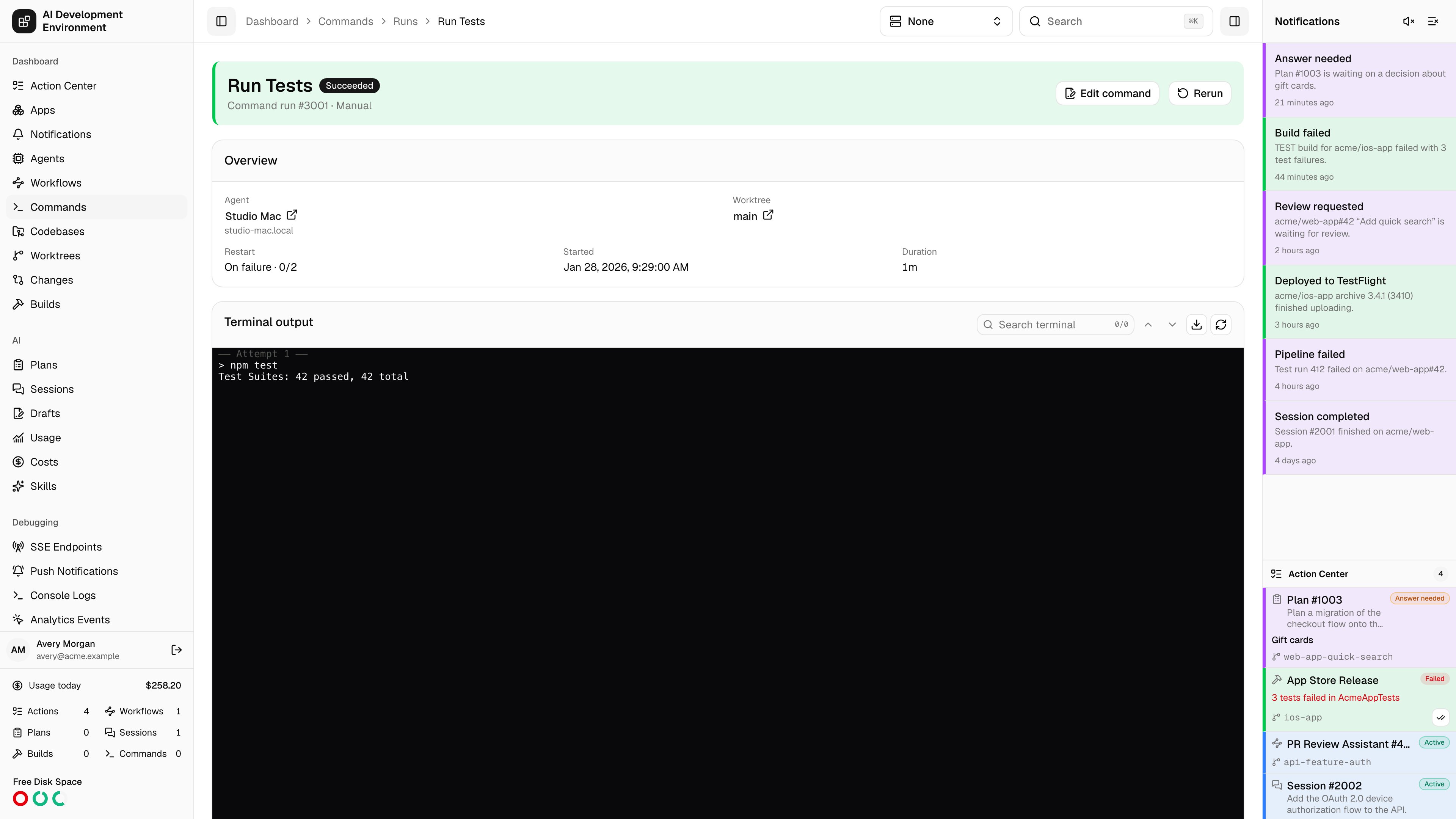
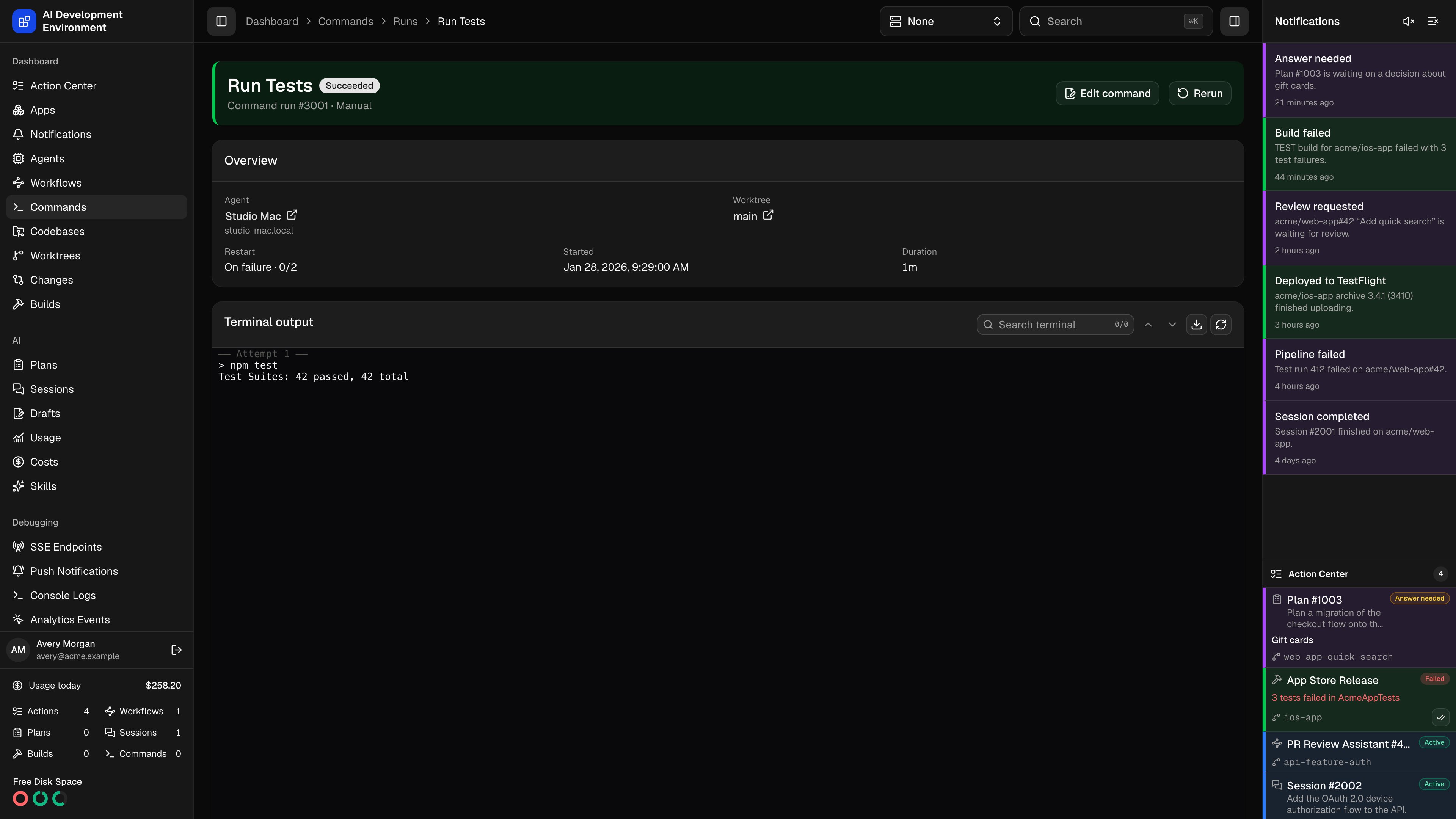
/dashboard/commands/runs/{id} shows one execution end to end: where it ran, what it printed, how many attempts it took, and exactly what script was executed.
Header
The run number and status badge, with Rerun and — while the run is active — Terminate. Rerun starts a new run from this run’s snapshot, and links the two together as predecessor and successor so you can walk a chain of retries.Overview
Terminal output
Output streams in live and is retained with the run.
When a run restarts, output is divided by Attempt markers so you can see where each attempt began and what exit code ended it.
Why a queued run has not started
While a run waits, the page shows Waiting to start with the current reason. It refreshes the explanation as the agent and competing runs change.
The Queue table shows every command run competing for the target. Target holders appear first, followed by waiting runs in queue order. Each row includes the run number, name, status, concurrency mode, and queued time. Badges identify This run, Holds the target, and the exact runs that are Blocking it. Select another run number to open it.
Excluded runs do not participate in this command queue. A queued worktree command may also be waiting for an active Git or worktree operation on its codebase.
Attempts
Every attempt with its number, status, exit code, signal, error, and start and finish times. A run with a restart policy accumulates one row per attempt; a run that never restarts has exactly one.Timing
Queued, started, and finished timestamps, plus total duration.Immutable command snapshot
The name, description, script, target kind, concurrency mode, Git-blocking setting, restart policy, restart limit, and notification setting captured when the run started, with Copy for the script.This snapshot is why history stays trustworthy. Editing or deleting the command definition later does not change what this page reports — it shows what actually ran.
Restart behavior
When a restart happens
When a restart happens
Under On failure, a restart follows any attempt that exited non-zero or was killed by a signal. Under Always, every exit restarts. A manual Terminate never restarts, whatever the policy says.Restarts are scheduled a second after the previous attempt exits, and the run sits in Restarting in the meantime.
How the limit is counted
How the limit is counted
The failed restart limit caps a burst of quick failures. An attempt that ran for at least one minute resets the counter to zero before its exit is evaluated, so a long-lived process that dies after hours starts again with a full budget. A script that fails instantly, repeatedly, exhausts the limit and the run is marked Failed.With no limit set, restarts are unlimited.
Related pages
Commands
All runs and definitions, with bulk archive and delete.
Job details
The underlying durable agent job each attempt executes as.