

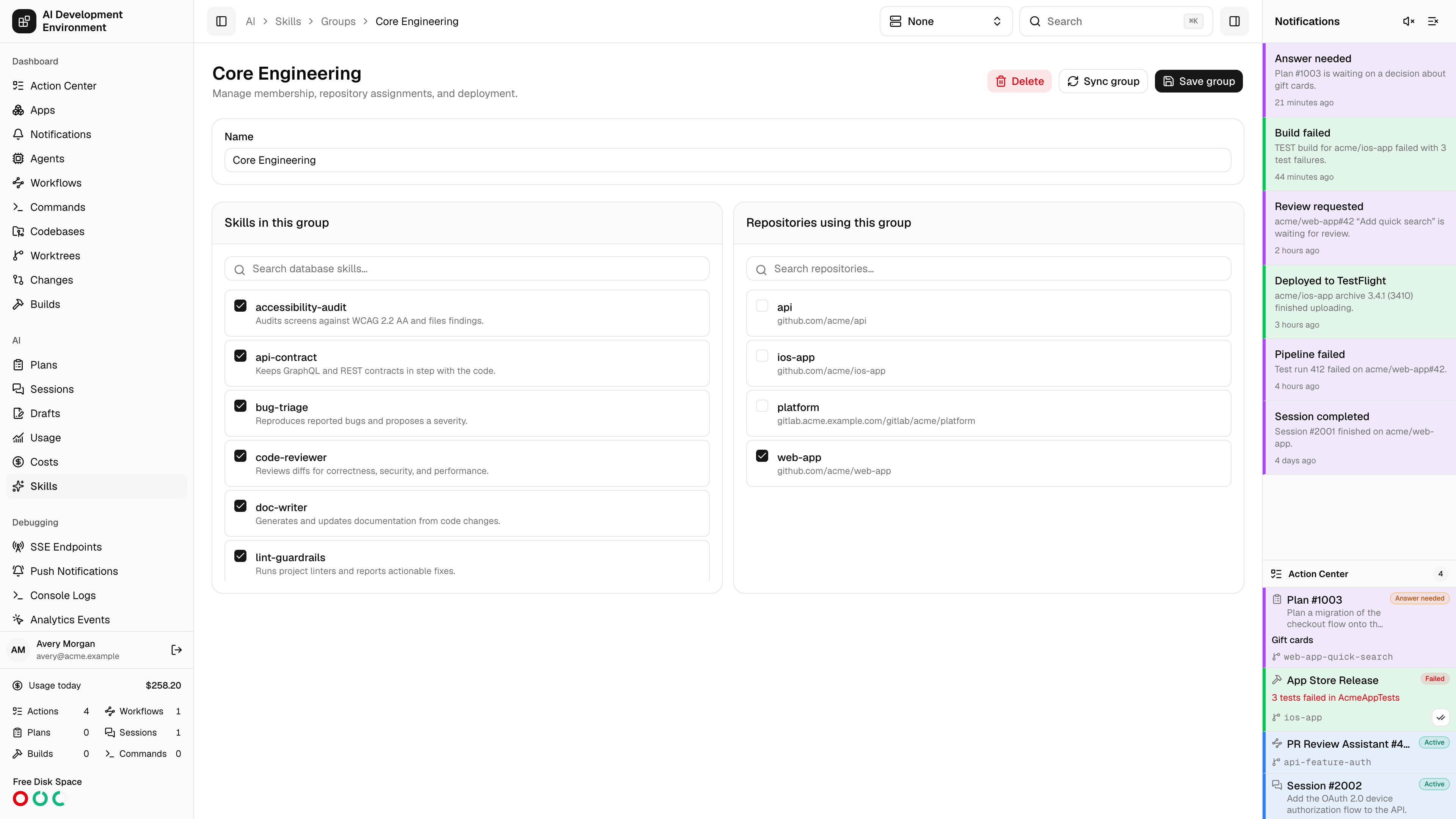
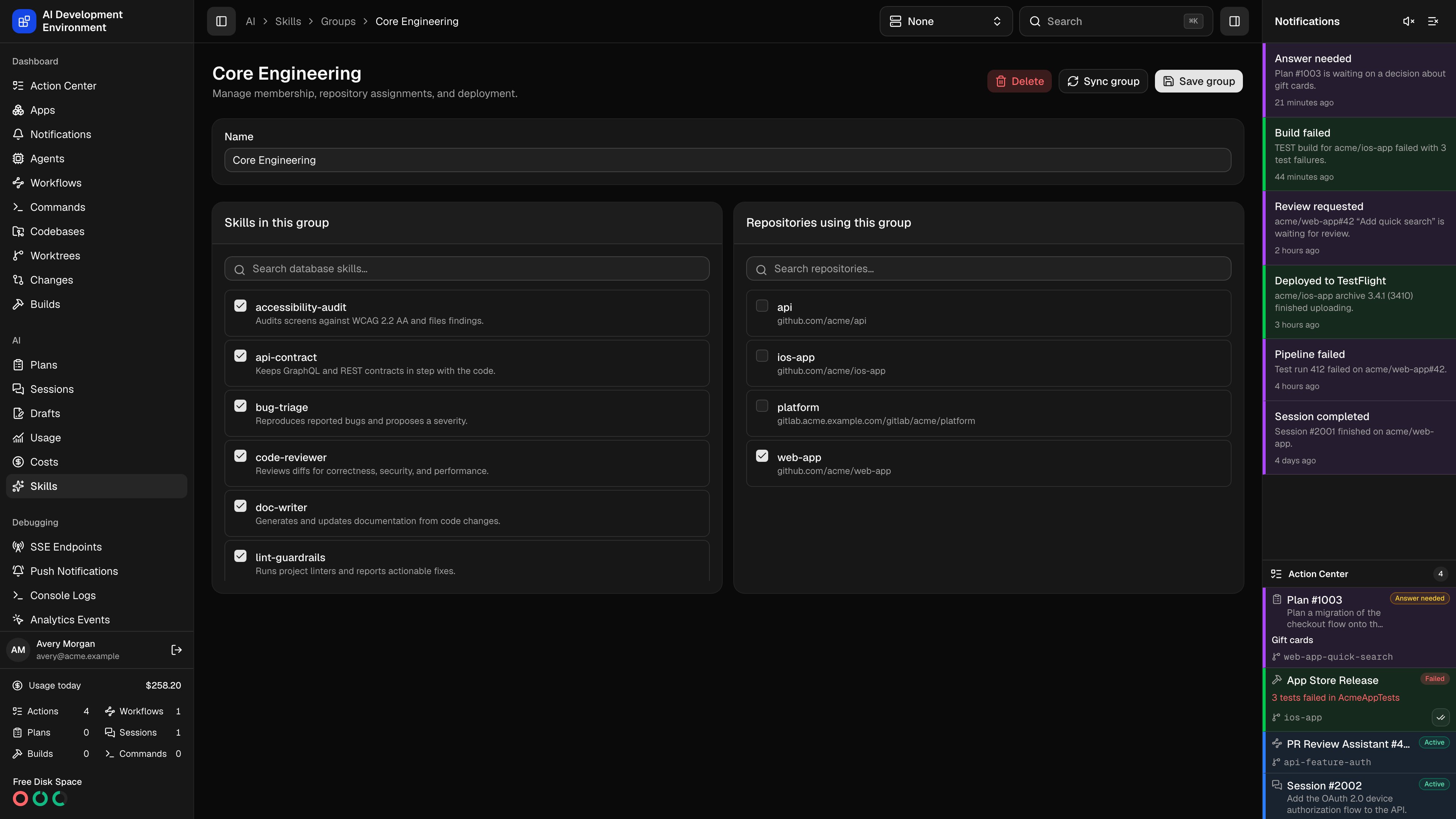
/ai/skills/groups/{id} sets the two halves of a group: which skills are in it, and which repositories use it. Saving the group is what changes the intended state; a sync is what makes disk match.
Editing a group
Name the group
Up to 80 characters. The name is how the group is identified everywhere else, including the inline group picker during a sync.
Choose skills
Skills in this group lists every database skill with a checkbox and a searchable filter over names and descriptions. Ticking a skill here is equivalent to ticking this group in the skill editor.
Choose repositories
Repositories using this group lists every registered repository with its display origin, again with a search filter. Every checkout and worktree of a selected repository becomes a deployment target.
Save
Save group persists membership and assignment together and reloads the page from the saved state.
Deploying
Sync group prepares a reconciliation scoped to this group and opens the resulting sync run, where you review the proposed changes before anything is written. A group sync touches only the repositories this group is assigned to, which makes it the safer choice while iterating on one project’s skills.With Auto-sync project skill groups enabled in Settings on the Skills page, assignments reconcile into registered checkouts and worktrees automatically and a manual sync is only needed when you want to see the plan first.
Deleting
Notes
- A skill can belong to several groups. Its copy survives in a repository as long as at least one assigned group still contains it.
- Removing a repository from the group has the same effect as deleting the group for that repository: the skills stop being justified there and are cleaned up on the next sync.
Related pages
Skill groups
The list this page opens from.
Skill editor
The other side of group membership.
Skill synchronization
Review and apply what a group sync proposes.
Repository details
The repositories a group targets.