

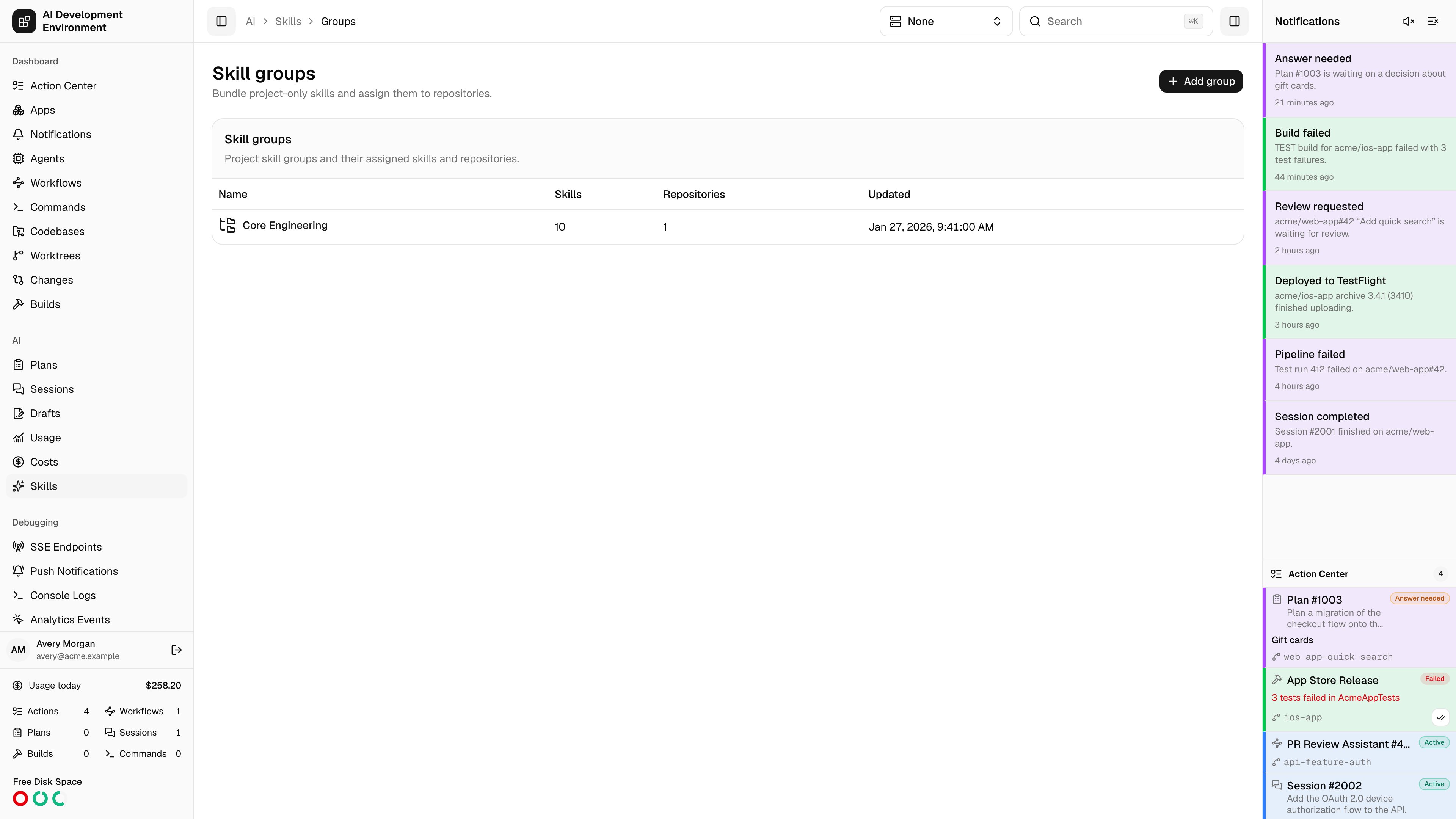
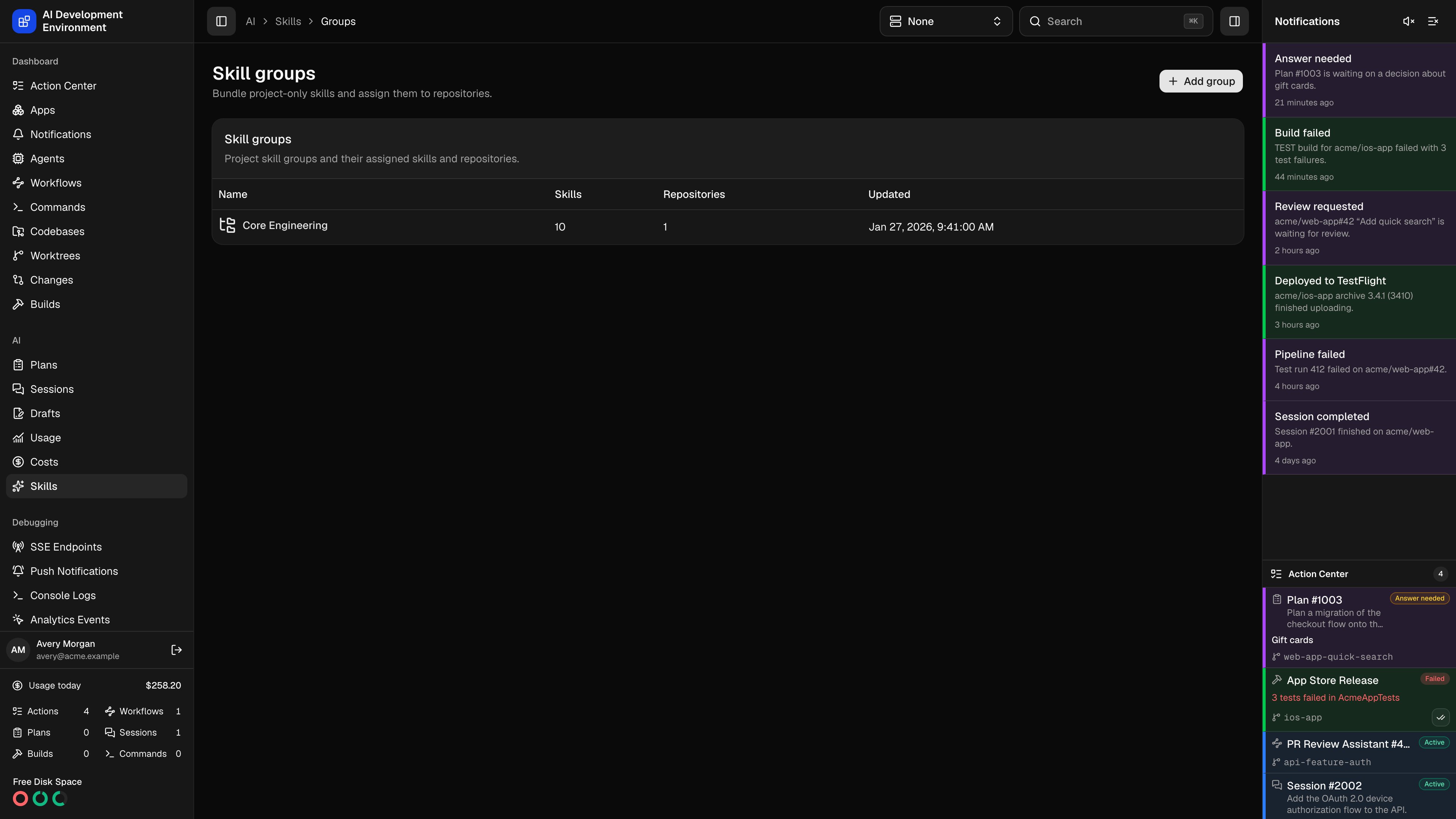
/ai/skills/groups is where project-scoped skills get their destinations. A skill marked Sync globally reaches every agent’s personal skill directory on its own; a skill that is not needs a group, and a group needs repositories. The group is the join between the two.
Why groups exist
Global skills
Deployed to each agent’s personal skill directory for every enabled AI client. No group needed.
Project skills
Deployed into the checkouts and worktrees of specific repositories. Reached only through a group assigned to those repositories.
The group list
Add group asks only for a name — you pick its skills and repositories on the group’s own page immediately afterwards.
Notes
- A group with skills but no repositories deploys nothing, and a group with repositories but no skills has nothing to deploy. Both are valid intermediate states while you set one up.
- With Auto-sync project skill groups enabled in Settings on the Skills page, assigned groups reconcile into every registered checkout and worktree on their own; otherwise use Sync group or Sync all.
- A project skill discovered on a client with no matching group cannot be imported until you tell the sync which group it belongs to. That choice is offered inline on the sync run page.
Related pages
Skill group details
Membership, repository assignment, and deployment for one group.
Skills
The catalog and client-by-client view.
Skill synchronization
Review and apply what a group sync proposes.
Codebases
The repositories a group is assigned to.