

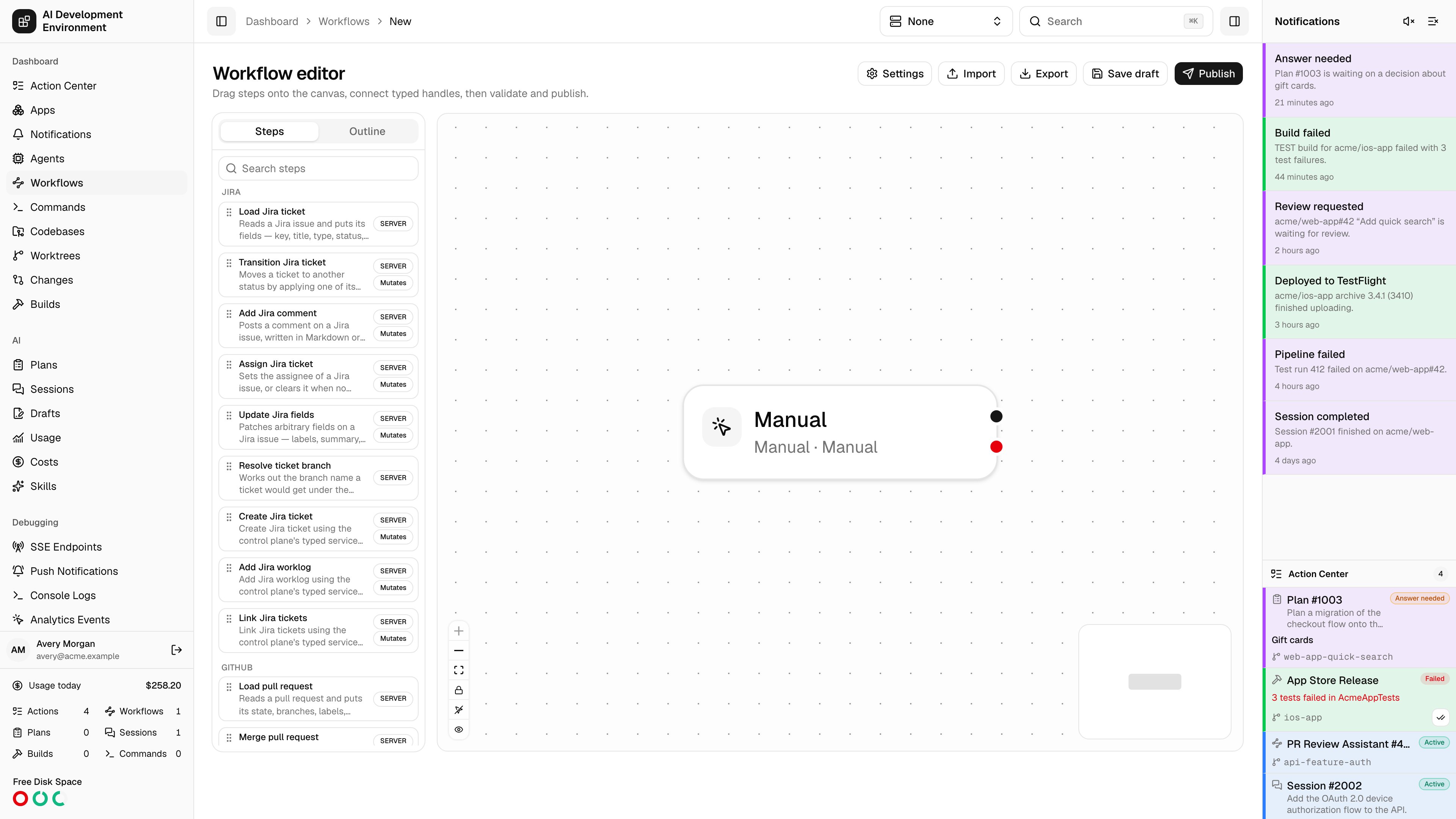
/dashboard/workflows/new opens the workflow editor on an empty canvas. It is the same editor you get when editing an existing workflow — this page just starts you from nothing.
Building your first workflow
Name it
Open Workflow settings and give the workflow a name and description. Both show up wherever the workflow is listed or offered as a button. Its Running section also controls overlap, the scope that overlap is measured in, worktree admission, and whether command-like steps block Git operations.
Add a trigger
Drag exactly one trigger onto the canvas. Start with Manual if you just want to run it by hand, or a Resource trigger if it should be launched from a worktree, pull request, or ticket page.
Add steps
Drag steps from the palette and connect each one’s handles. Most steps offer
success and failure; control-flow steps name their own branches.Configure each step
Fill in the typed configuration form. Bind values to session data where a step should read something an earlier step produced, rather than hard-coding it.
Validate
Validate checks the whole graph and reports diagnostics against the specific nodes and edges at fault.
Save, then publish
Save draft keeps your work. Publish creates the first immutable version — until then the workflow has nothing to run.
What a valid workflow needs
- Exactly one trigger, with no incoming connection.
- At least one step reachable from that trigger.
- An acyclic graph with no unreachable steps.
- Parallel branches reconverged through an explicit join.
- Every step’s required session paths provided by something upstream.
- No secrets typed as literals.
A new workflow is a draft until you publish it, and its triggers do not fire until it is also enabled.
Related pages
Workflow editor
The full reference for the canvas, step configuration, settings, and diagnostics.
Workflows
The index of definitions and runs, plus import and export.