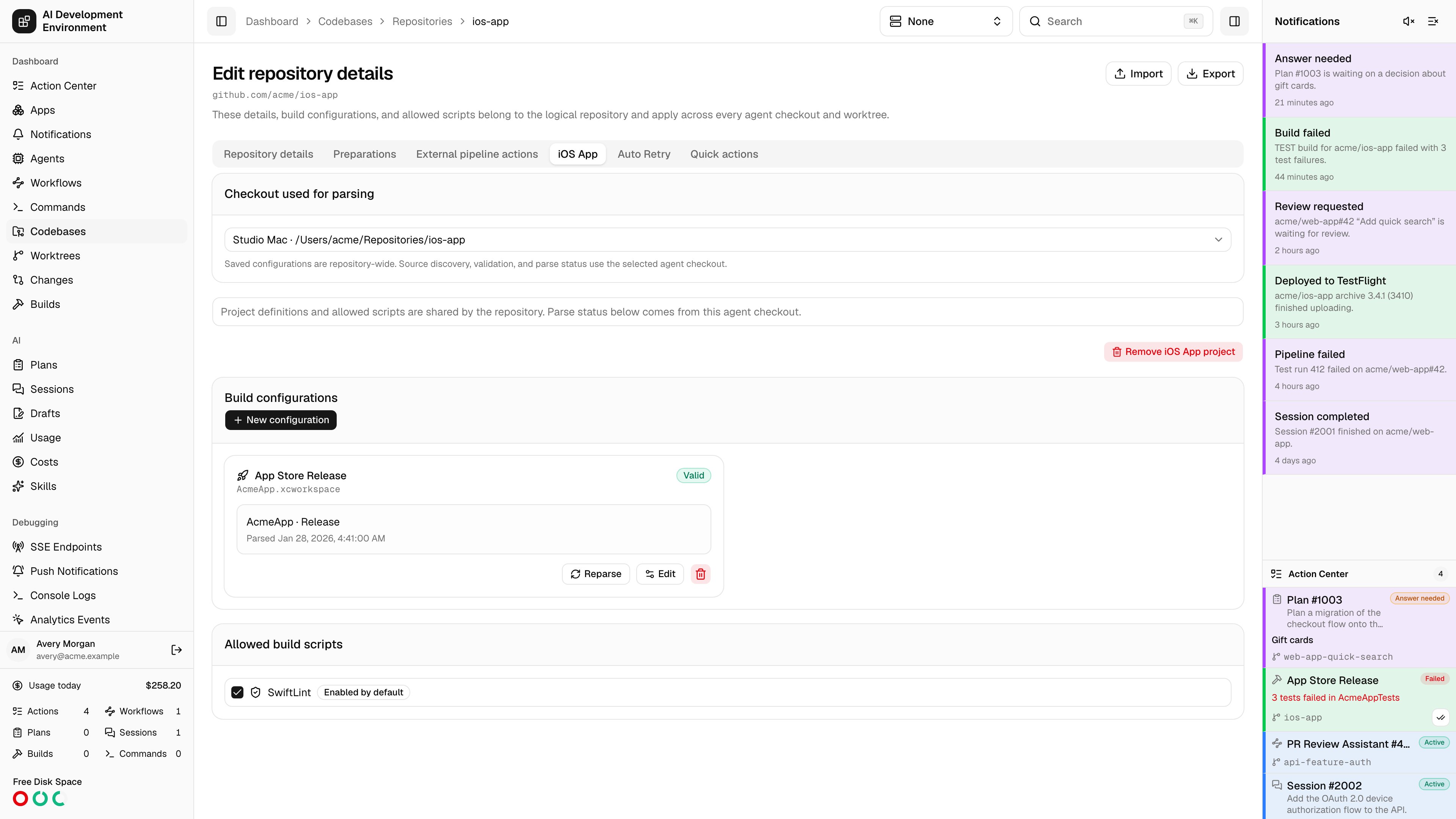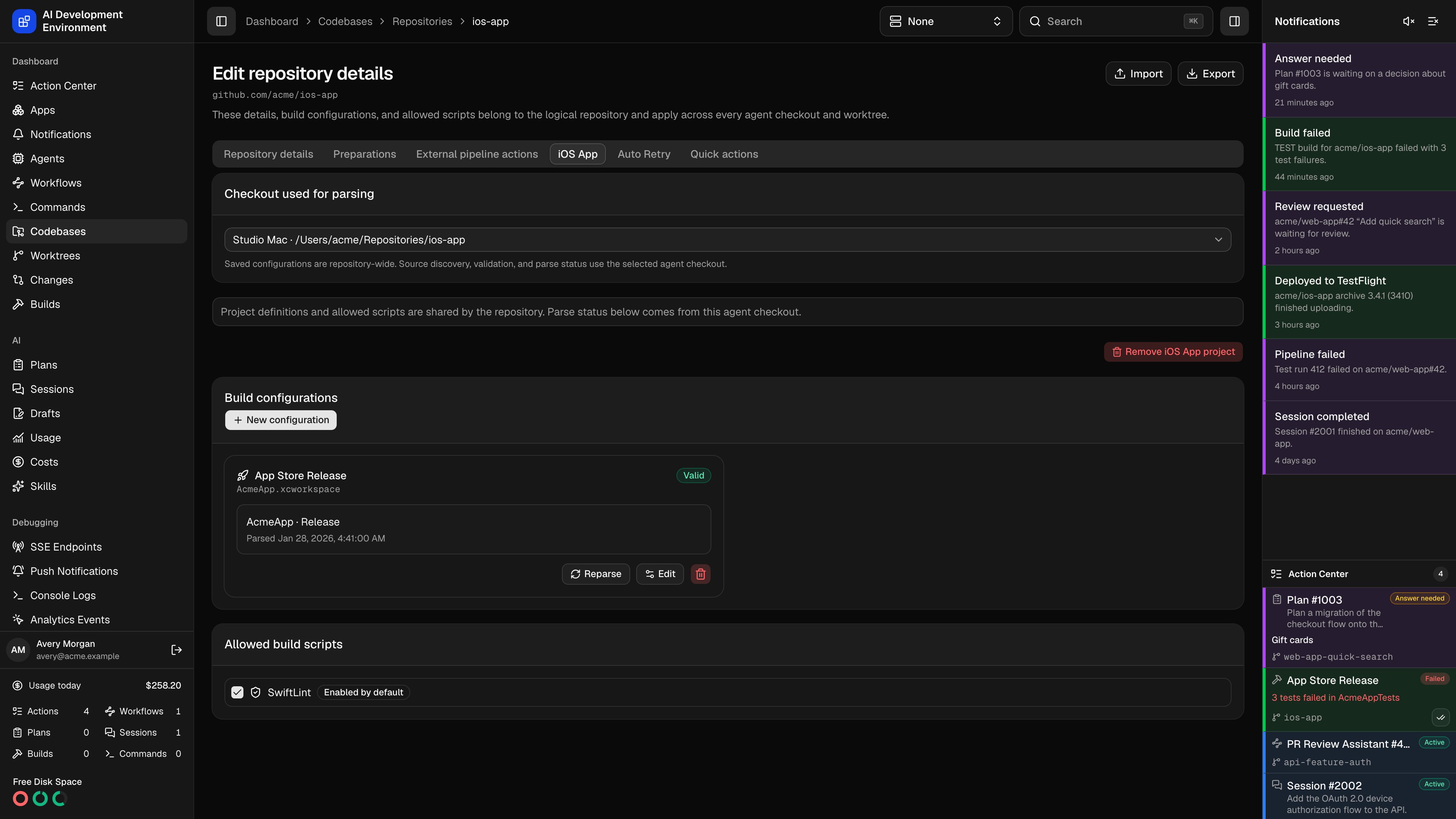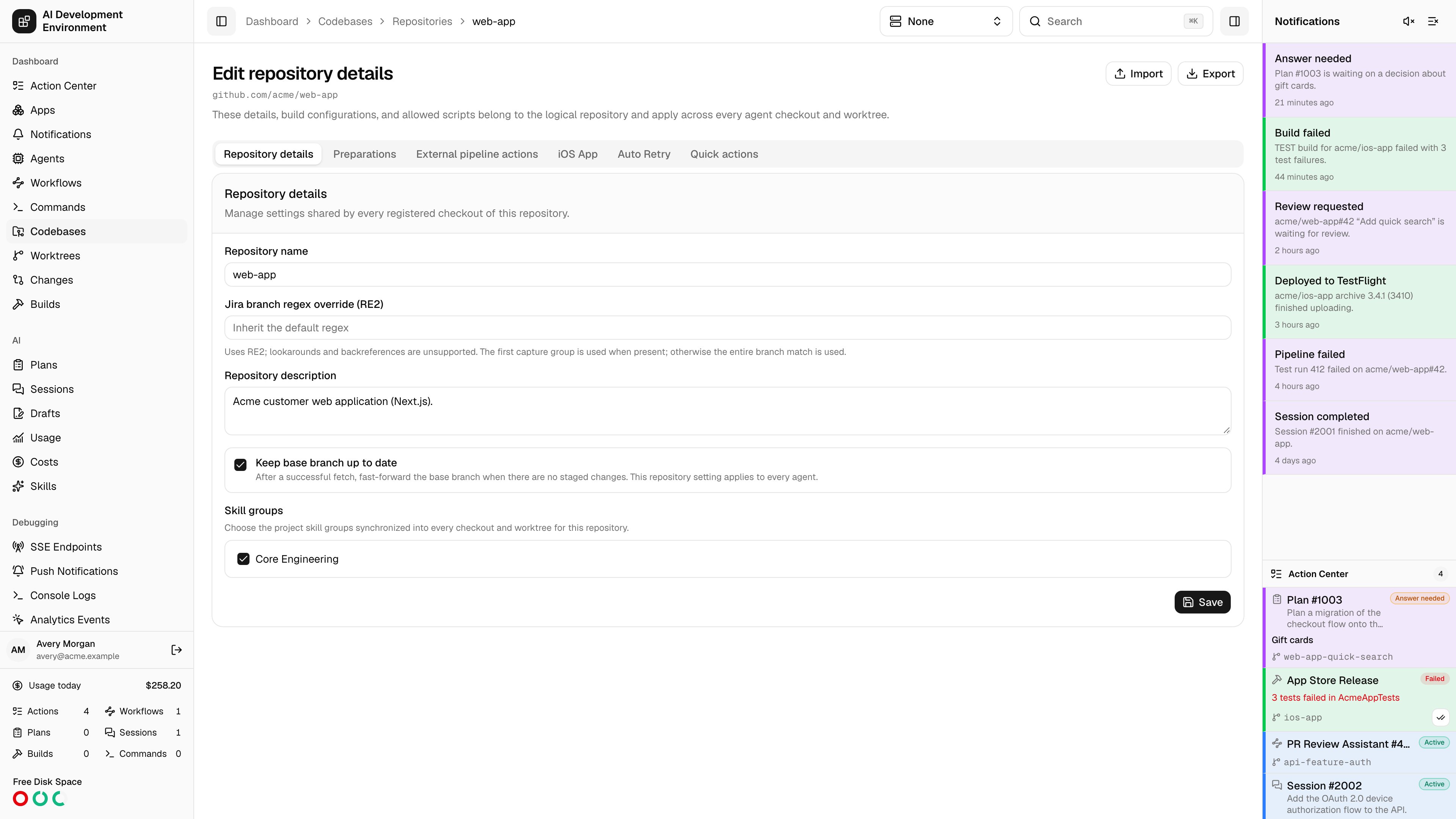
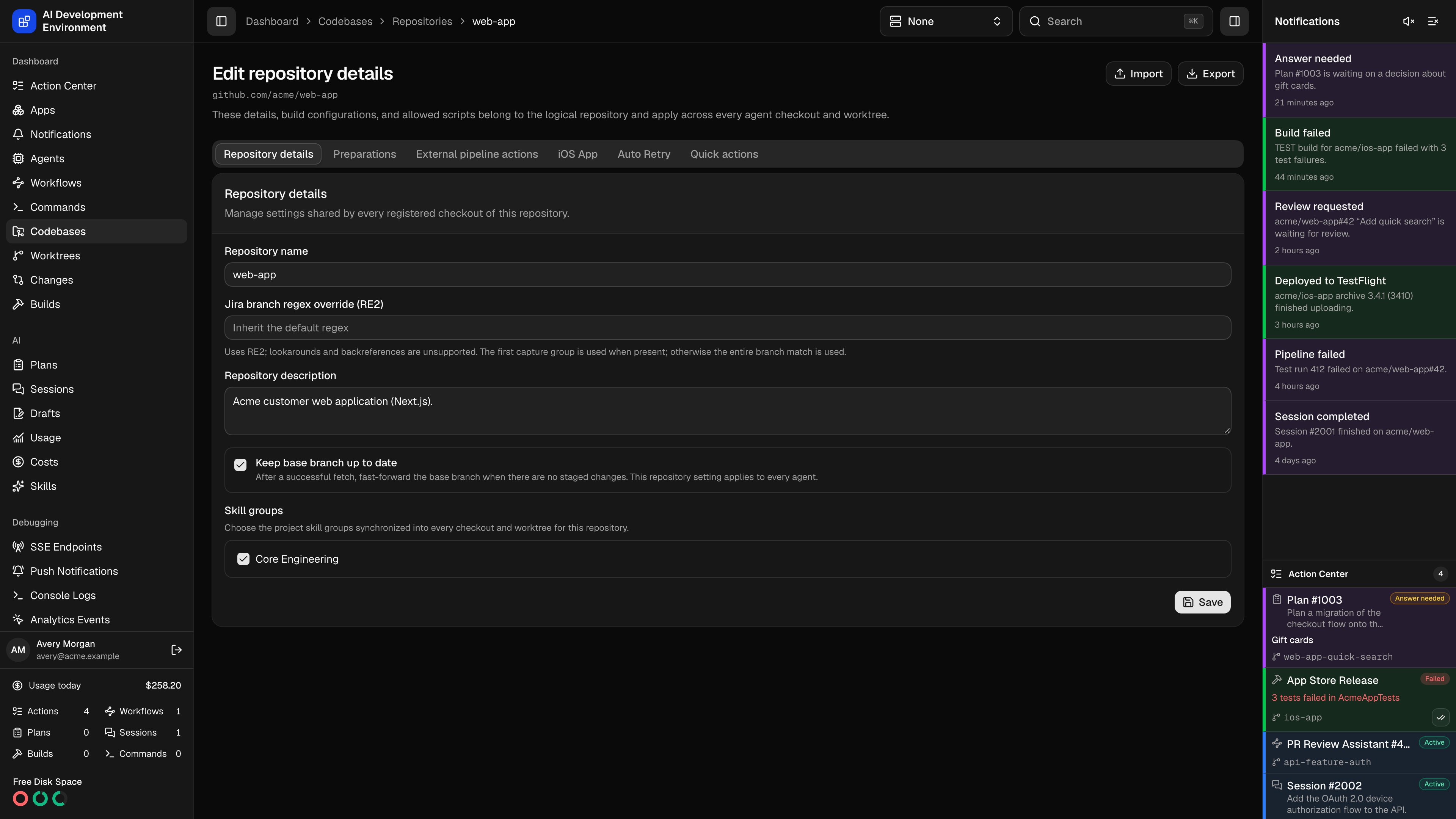
/dashboard/codebases/repositories/{id} manages settings that belong to the logical repository rather than to any one checkout. Everything here applies across every agent checkout and every worktree that shares the origin.
The page has six tabs.
- Repository details
- Preparations
- External pipeline actions
- iOS App
- Auto Retry
- Quick actions
Why these settings are repository-wide
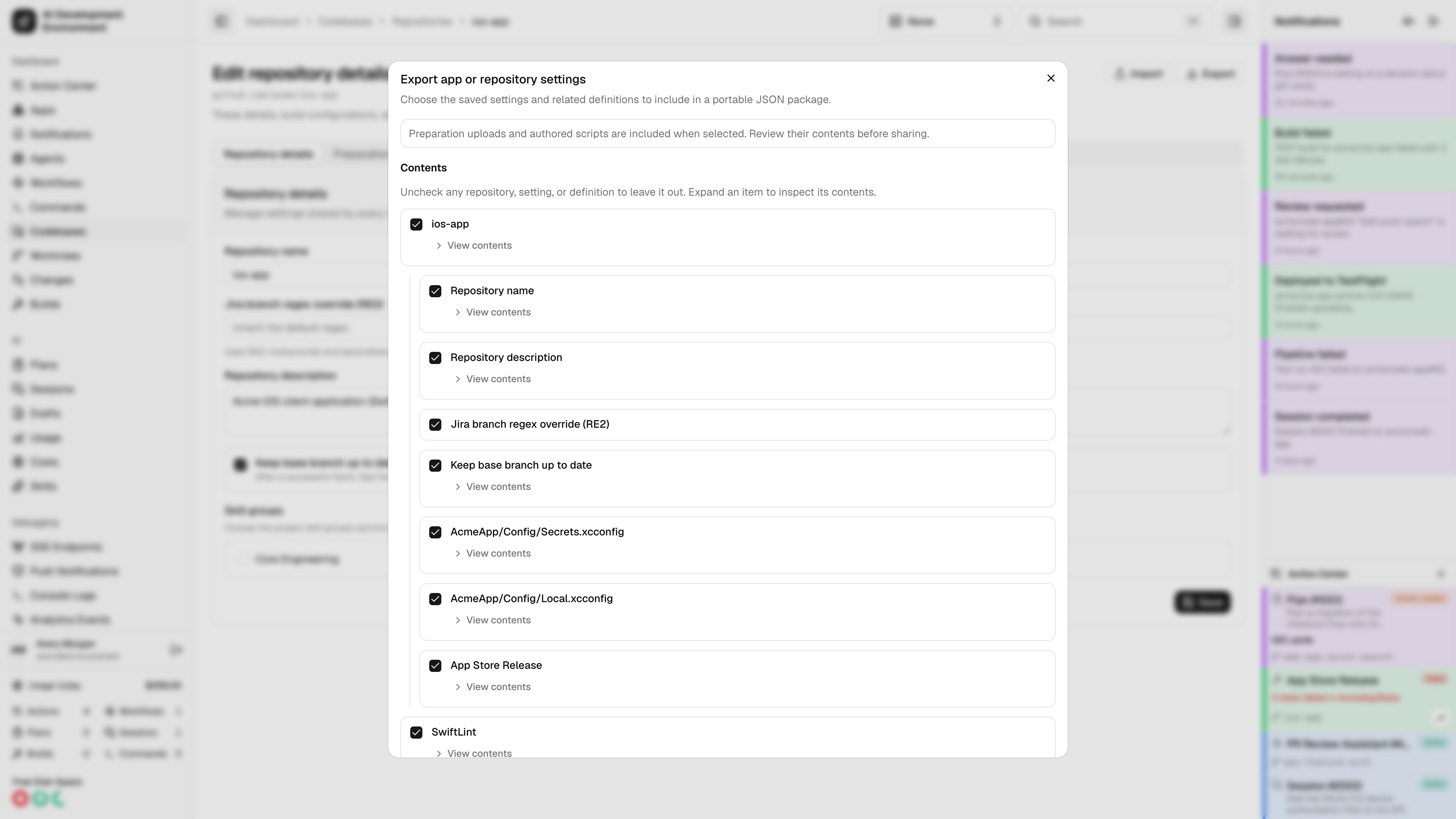
A repository is usually checked out on more than one Mac, and each checkout can carry several worktrees. Putting preparations, build configurations, skill groups, and retry rules on the repository means every checkout uses one definition instead of maintaining per-machine copies.Import and export settings
Related pages
Codebase details
Branch and stash management for a single checkout.
Builds
Build history and the reusable build scripts you allow here.
Repository preparations
Configure managed files for every worktree.
iOS project management